

Tickup
Kazeli · Business
TickUp is an energy-based planner that slots your hardest work into peak hours and tracks where the time goes. For knowledge workers who want a realistic plan, not a longer list. Free; Pro $4/mo.
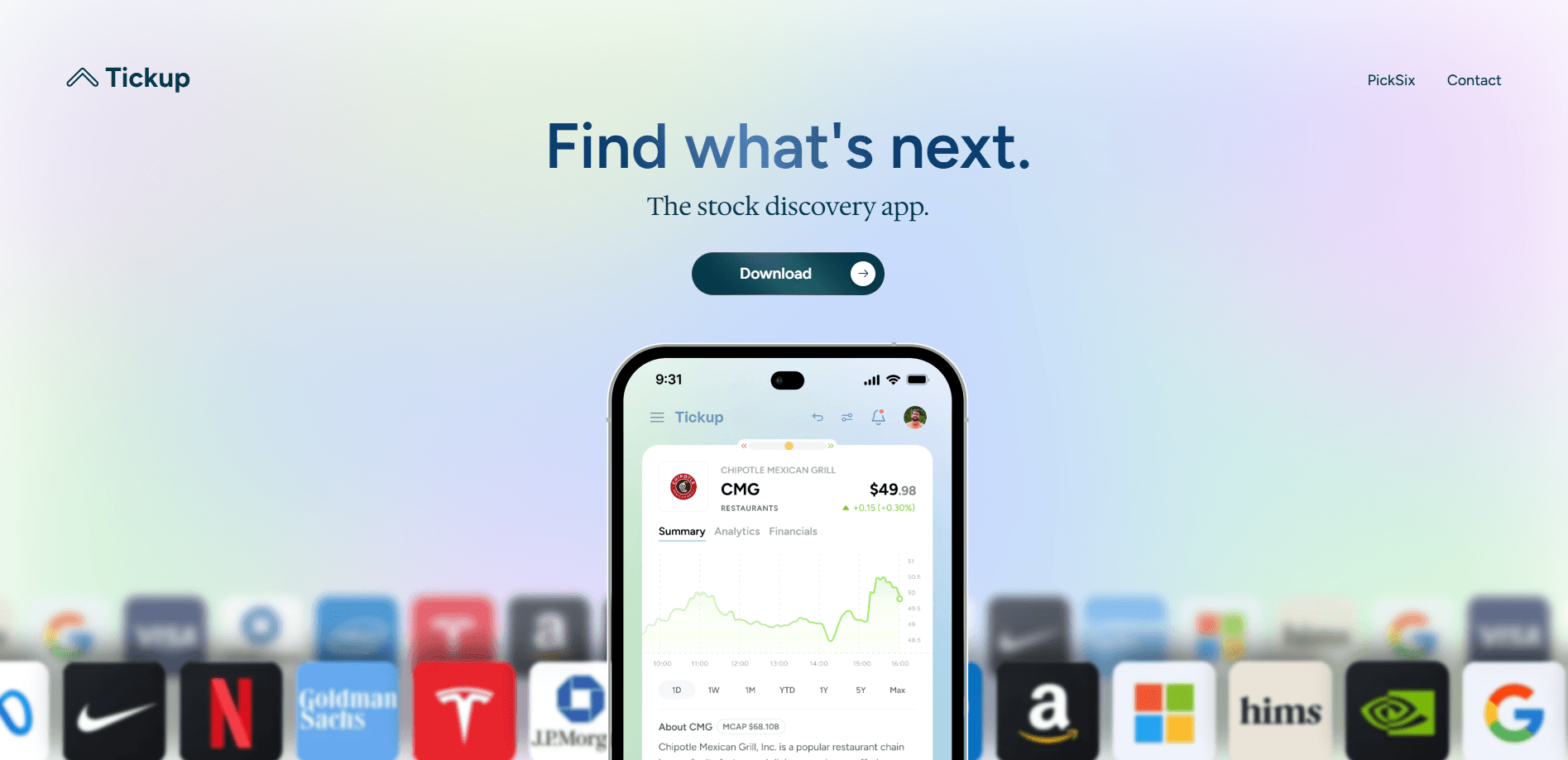
About Tickup
What Is TickUp
TickUp is a daily planning and time-tracking app from the team behind Kazeli. It's built on one idea: your calendar and task list are full, yet the strategic and creative work you care about keeps sliding to tomorrow.
Instead of just stacking tasks, TickUp sorts your work into four energy states and places each one where your brain tends to handle it best. Deep thinking lands in your sharpest hours, meetings land in steadier periods, and admin fills the gaps.
The app is web-based, with a Chrome extension that turns any page into a task. It connects live to Google Calendar, Outlook, ClickUp, and Todoist, and more integrations are on the way. It leans toward people with ADHD or a neurodivergent mind, since it gives structure without fighting how you think.
Getting Started
- Sign up with an email and start on the free plan, which covers 25 tasks.
- Connect at least one tool, such as Google Calendar, Outlook, ClickUp, or Todoist, so your existing events and tasks flow in.
- Run the morning ritual: review what's on your plate and set priorities for the day.
- Let TickUp match tasks to your energy states, then switch on focus mode to protect the sessions that matter.
- At day's end, check the time and energy report to see where the hours really went.
Product Information
A quick look at Tickup's pricing, supported platforms, and performance.
Best for
The users, tasks, and scenarios where this tool fits best.
Users
- Knowledge workers
- People with ADHD or a neurodivergent mind
- Founders and product owners
Tasks
- Daily planning
- Deep work protection
- Time auditing
Scenarios
- Weeks packed with meetings
- Freelance or solo work
- Building a routine
Key features
Energy-Based Scheduling
TickUp sorts tasks into four energy states, Peak, Flow, Steady, and Recharge, then places each where your focus fits best. Strategic calls for Peak hours, writing and coding for Flow, meetings for Steady, and email for Recharge. The point is to stop treating every hour as interchangeable, and the app's ADHD-friendly design leans on this same structure.
Focus Time Protection
Focus mode shields a working session from interruptions and tracks the time inside it. Sessions get a gentle transition prompt so moving between blocks feels deliberate. This is the feature that protects the deep work you keep losing to your inbox.
Time and Energy Analytics
Most planners only show what you meant to do. TickUp shows what actually happened, broken down by project, label, and energy state. You get focused-versus-shallow balance tracking plus custom date ranges with daily, weekly, and monthly views.
Natural Language Task Entry
You can type a task the way you'd say it, for example "Call Lonny @today #TickUp @meetings p1," and TickUp parses the date, project, label, and priority on its own. Rich notes support markdown, and any task can carry sub-actions, checklists, and one-click time tracking.
Habits and Streaks
Hobby and work habits live beside your daily tasks, with streaks, completion rates, and yearly patterns. Separate Work and Personal boards keep the two sides of your life from blending, and long-range views surface trends you'd otherwise miss.
Multi-Tool Consolidation
TickUp connects live to Google Calendar, Outlook, ClickUp, and Todoist, and a Chrome extension saves any webpage as a task. Jira, Slack, Asana, Teams, Google Drive, and Gmail are listed as coming soon. It pulls your tools into one daily view rather than copying your data into a new silo.
Pros and cons
Pros
- Energy states give a clear reason to schedule demanding work early and light work late.
- Free plan covers 25 tasks, so you can test the planning ritual before paying.
- Pro at $4/mo (billed annually) undercuts Sunsama at $20/mo and Motion at $19-34/mo.
- Connects to calendar and task tools you likely already use, with a browser extension for quick capture.
- Explicit ADHD and neurodivergent design, including visual time blocks and streaks.
Cons
- Several integrations, such as Slack, Jira, and Asana, are still marked coming soon, so coverage is incomplete today.
- Energy-based scheduling asks you to trust the app's judgment on task placement, which some users prefer to control by hand.
- It's a planning layer, not a full project manager, so teams needing boards, dependencies, and reporting will outgrow it.
- No public API is advertised, which limits custom automation for developers.
Frequently asked questions
TickUp plans your day by matching tasks to your energy levels, protects focus time, and tracks where your hours go. It sits on top of your calendar and task tools instead of replacing them.
Related content
Explore related tools, skills, and articles for Tickup.
Tickup Alternatives

Knocket
Knocket (Tencent RTC team) · Productivity · Business · ChatbotKnocket is a free live chat and contact page tool that lets visitors message you from your website, app, or a shareable link, with every reply handled from Telegram or one inbox.

shippedit.me
Krawlup · Marketing · Businessshippedit.me now redirects to Krawlup, a web platform that audits SEO, AEO and page speed every week, then hands the fixes to AI coding agents over MCP.

Ayven
Alknoma · Productivity · BusinessAyven is an AI control centre by Alknoma that turns a plain-language goal into a dated plan, hands the work to your people and AI agents, and asks for your approval only when the call is yours.