

Tile
Tile · Coding
Tile is an AI mobile app builder that turns plain-language prompts and a drag-and-drop editor into React Native code you can ship to the App Store and Google Play.
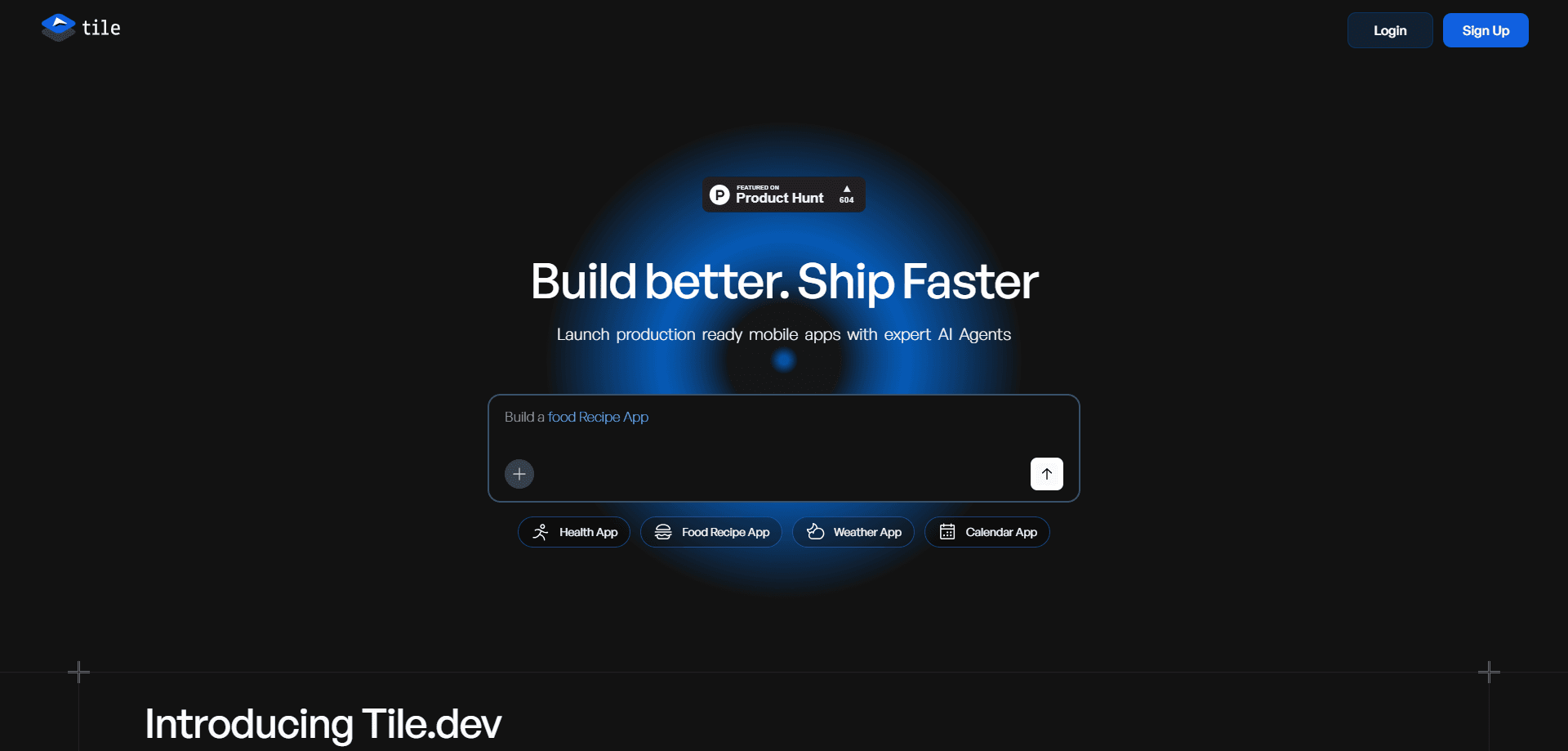
About Tile
What Is Tile
Tile is a development platform for building mobile apps with AI. You describe the app you want, and domain-specific agents write the code, wire up the backend, and prepare the build. The promise is a production-ready app without you touching a native toolchain.
The platform sits between no-code builders and a full engineering team. You get a visual editor for layout and branding, plus AI agents that handle the parts most builders struggle with, like authentication, payments, and databases.
The biggest limit is that Tile focuses on mobile. If you need heavy custom native modules or a very unusual stack, you'll still spend time in the exported code. It also leans on you to review what the agents produce before you publish.
Getting Started
- Install the command line tool with
npm i -g tile-cliand check that your machine meets the system requirements. - Create a project, then describe your app in a prompt so the agents can scaffold the first screens and connect a backend.
- Open the visual editor to adjust layout, branding, and interactions without spending credits.
- Generate a build, test it on a device, and publish to the App Store or Google Play through the guided deployment flow.
Product Information
A quick look at Tile's pricing, supported platforms, and performance.
Best for
The users, tasks, and scenarios where this tool fits best.
Users
- Solo founders
- Startup teams without mobile specialists
- Product managers who can read code
Tasks
- Turning a written spec into a working app
- Adding payments and sign-in
- Publishing to both app stores
Scenarios
- Validating an app idea with a small budget
- Rebuilding an internal tool as a mobile app
- Freelance client work
Key features
Visual drag-and-drop editor
You design layouts, branding, and interactions by dragging components onto a canvas. Edits here don't burn AI credits, so you can fine-tune a screen as long as you like, then let the agents fill in the logic.
Domain-specific AI agents
Rather than one general assistant, Tile runs agents trained for specific jobs like Supabase, Stripe, in-app purchases, and authentication. Each one generates code using current patterns for its service, which cuts down on the broken integrations you get from a single all-purpose model.
Full-code React Native output
Every project compiles to readable React Native code you can export and edit. You aren't locked into a visual format, so a developer can pick up the project, add native modules, and keep working without rebuilding from scratch.
Automated backend wiring
The agents connect databases, authentication, payments, notifications, and analytics under the hood. You describe what the app should do, and the pieces get linked, so a simple app can run without you setting up a separate server.
One project, multiple targets
A single JavaScript and TypeScript project runs natively on Android, iOS, and the web. You write the app once and generate builds for each platform instead of maintaining separate codebases.
Build generation and store deployment
Tile generates app builds and walks you through publishing to the App Store and Google Play. That covers the parts that usually trip up first-time publishers, from signing to store listing steps.
Pros and cons
Pros
- Real React Native code you can export and keep, so you're never stuck inside a closed builder.
- Specialized agents for Supabase, Stripe, auth, and payments handle the integrations that slow most app projects down.
- Visual editing doesn't consume credits, which makes iterating on design far cheaper than prompting every change.
- Free plan lets you test the workflow before paying, with a Pro tier at $29 per month for heavier use.
Cons
- Mobile-first focus means desktop-only or browser-heavy projects won't get the same benefit from the agent setup.
- Agent-written code still needs review before launch; on complex or unusual features you'll edit the exported source by hand.
- You depend on Tile's supported integrations, so an app built around a service the agents don't cover can require manual backend work.
Frequently asked questions
Tile is used to build mobile apps with AI. You describe the app and design it visually, and the platform generates React Native code plus the backend pieces needed to publish to the App Store and Google Play.
Related content
Explore related tools, skills, and articles for Tile.
Tile Alternatives

Base Code
Base44 (Wix) · Coding · ProductivityBase Code is a shared cloud development environment from Base44. Teammates describe changes to an existing GitHub codebase in chat, preview them live and send them back as pull requests.

Google EmbeddingGemma 2
Google DeepMind · Writing · Image · CodingGoogle EmbeddingGemma 2 is a 740M-parameter open model that turns text, code, images, audio, and video frames into vectors in one 768-dimension space, running on phones and laptops.

GitGlow
GitGlow · Coding · ProductivityGitGlow is a local-first desktop Git client that lets independent developers review their own code and their AI agents' changes in one place before shipping.