

Timeless Code
Timeless · Coding · Productivity · Business
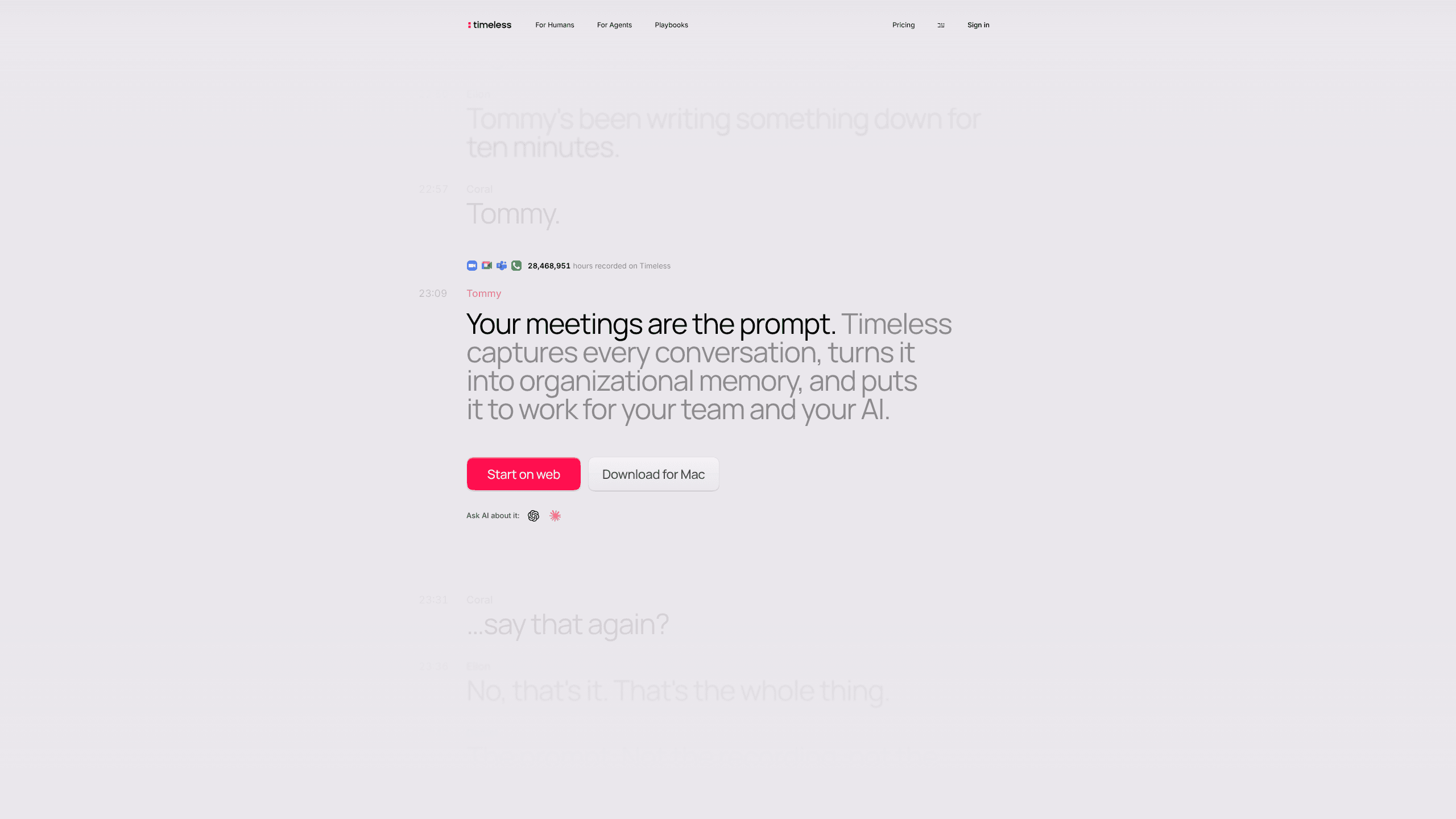
Timeless Code is an AI meeting notetaker that installs inside Claude Code, records calls on a Mac, and lets you ask about any transcript without leaving the terminal.
About Timeless Code
What Is Timeless Code
Timeless Code is the agent-facing half of Timeless, a meeting recorder for Mac built by the Timeless team. There is no dashboard to learn. You paste one instruction into Claude Code, the agent fetches an install guide, and the rest of the setup happens on your machine while you keep working.
The recorder itself lives in the Timeless desktop app for macOS. It captures Zoom, Google Meet, Microsoft Teams, phone calls, and conversations in the room, then transcribes them with speaker labels. The timeless command line tool reads that archive from your terminal: list meetings, pull a transcript, grab a recording link, or send the note-taking bot to an event you can't attend.
What separates it from a normal notetaker is the loop back into your coding agent. Claude Code can search twelve past calls before a kickoff, compare what a customer asked for against what shipped in GitHub, and open the missing issue. Documents are written as files, so the output is something you can commit, move, or delete.
Three limits matter before you install. Timeless Code needs an Apple Silicon Mac, since the desktop app owns recording and macOS permissions. The CLI ships inside that app, so there is no separate binary for Linux or Windows. And the daily workflow is the terminal, which suits developers more than the rest of the company.
Getting Started
- Open Claude Code and paste this prompt:
Set up Timeless for me. Fetch https://docs.timeless.day/cli/agent-install.md and follow those instructions exactly. - Let the agent check your machine. It asks for approval before installing or updating the Timeless app, then waits while you sign in through the browser.
- Answer the one question about bot behavior: join every event, join only meetings you host, or stay manual.
- Confirm that the skill files landed with
timeless skills install --harness claude-codeand thattimeless status --jsonexits clean. The onboarding guide deliberately skipstimeless playbooks init, which you run later if you want the default transcript notes. - Join a call and ask for it in plain English. "Record the call I'm in right now" works, and so does
timeless meetings listonce the transcript is ready.
Product Information
A quick look at Timeless Code's pricing, supported platforms, and performance.
Best for
The users, tasks, and scenarios where this tool fits best.
Users
- Developers who already keep Claude Code open all day
- Founders and product managers who run customer calls
- Small teams that want one shared record
Tasks
- Writing a recap after a call
- Finding a promise or a decision
- Turning talk into tickets
Scenarios
- Two meetings at the same hour
- An in-person conversation with no video link
- A customer asks what your team agreed to last quarter
Key features
One prompt to install
The setup is a sentence you paste into Claude Code. The agent reads a guide written for machines, checks whether the app is present and current, installs or updates it with your approval, provisions the CLI token from your signed-in session, and records what it repaired. You answer two questions in total, one about installing and one about when the bot should join calls.
Transcripts and recordings from the terminal
timeless meetings list pages through recorded calls and filters by status, date, participant, company, or room. timeless meetings transcript returns timestamped lines with speaker names, and meeting transcription keeps those names attached to every segment, and timeless meetings recording hands back a signed download URL. Output is JSON the moment it is piped, so a script can read it without parsing prose.
Bot control without a calendar tab
timeless meetings upcoming lists events from your connected calendar with evt_ IDs, and timeless bot schedule sends the meeting bot to one of them as a visible participant. Automation has three levels: join every event, join only as host, or manual. You can cancel a queued bot from the same window, which matters when a call moves.
Playbooks that fire on transcript events
A playbook is a named prompt plus a trigger, stored in config.yaml. The default one, transcript_notes, runs when meeting.transcript_ready arrives. Others can run on a schedule or on meeting.initial_summary_ready. Three playbooks on one event type produce three documents from a single meeting, and each run reports attempts per event and playbook pair so you can see which one failed.
Meeting memory with rooms and citations
Rooms hold the meetings, recordings, and documents for one customer or project. Questions run across everything in the room, and answers point at the calls they came from. That citation habit is the useful part: you can check a claim in seconds instead of listening to a recording again.
Consent-first capture and EU data residency
Local capture leaves no bot in the call, and the app asks before it records. Timeless says it does not train models on customer data, holds SOC 2 Type II, and stores data in Frankfurt for EU residency. Organizations can set their own retention window and delete recordings or transcripts at any time.
Pros and cons
Pros
- The agent handles install, permissions, and sign-in, so setup takes two answers and a browser click.
- Meeting answers arrive in the same window as your code, which removes the context switch that kills most notetaker habits.
- Local capture records a room conversation with no bot joining and no invite to send.
- Playbooks are a YAML key and a prompt you can edit, and the artifacts are plain files on disk.
- Transcripts cover 60+ languages with speaker labels, including calls that switch between Hebrew and English.
Cons
- Apple Silicon Macs only, and the CLI ships inside the desktop app, so Linux and Windows developers are out for now.
- Terminal-first means a teammate who doesn't use Claude Code or Codex can read the artifacts but can't query the memory.
- Playbook delivery is at-most-once. A run that produces nothing is reported in `losses` and is not retried.
- The free plan stops at five meetings of 90 minutes, which is enough to test the loop and not enough to live on.
Frequently asked questions
You need one of three coding agents: Claude Code, Codex, or Cursor. The CLI is the same in all of them, and timeless skills install --harness writes the skill files where the chosen agent looks for them. Without an agent you can still call the CLI by hand, but the guided setup is gone.
Related content
Explore related tools, skills, and articles for Timeless Code.
Timeless Code Alternatives

Base Code
Base44 (Wix) · Coding · ProductivityBase Code is a shared cloud development environment from Base44. Teammates describe changes to an existing GitHub codebase in chat, preview them live and send them back as pull requests.

Google EmbeddingGemma 2
Google DeepMind · Writing · Image · CodingGoogle EmbeddingGemma 2 is a 740M-parameter open model that turns text, code, images, audio, and video frames into vectors in one 768-dimension space, running on phones and laptops.

GitGlow
GitGlow · Coding · ProductivityGitGlow is a local-first desktop Git client that lets independent developers review their own code and their AI agents' changes in one place before shipping.