

TinyCommand
TinyCommand · Coding · Productivity
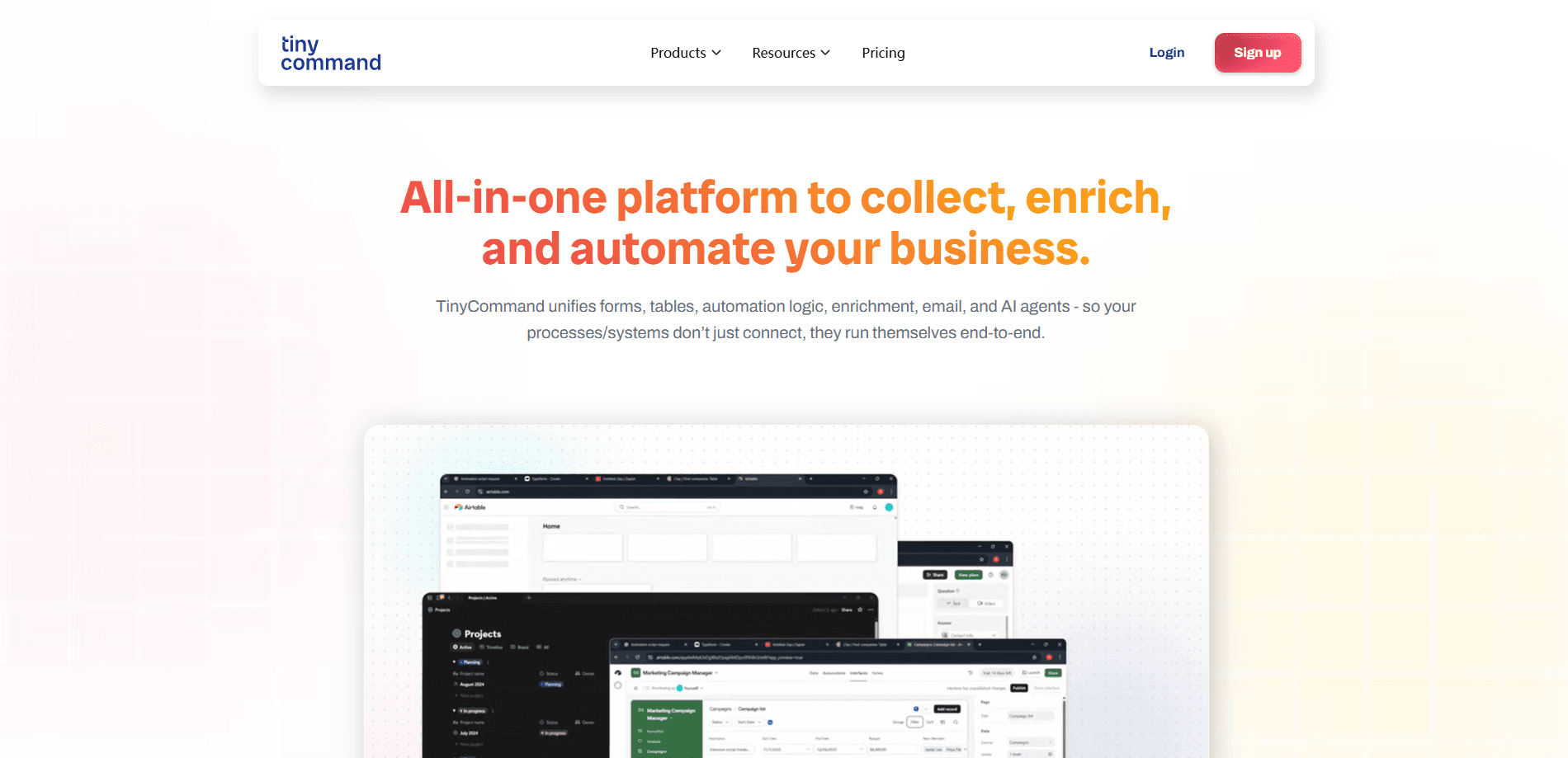
TinyCommand is an all-in-one no-code platform that pulls forms, database tables, workflow automation, AI agents, email campaigns and client portals into a single workspace. Instead of paying for a form builder here and a workflow automation tool there, you get one canvas where every piece connects to the next. It's built for founders, operators and small teams who want business process automation for lead intake, data cleanup and follow-up without hiring a developer or stitching six subscriptions together.
About TinyCommand
What Is TinyCommand
TinyCommand is a no-code business platform that treats your forms, data, automations and email as one connected system. Any question on a form can be a node on a canvas, so the form itself can query your CRM mid-fill, branch on the answer and route the response somewhere useful before anyone hits submit.
The core appeal is consolidation. A typical setup might run a form tool, a spreadsheet or database, an automation service, a CRM and an email platform. TinyCommand folds all of that into one bill. The pieces share the same data instead of syncing through fragile exports.
The trade-off is scope. TinyCommand is a platform you learn, not a single-purpose app you pick up in five minutes. The free plan also caps usage at 1,000 credits a month and one seat. Building your own AI agents starts on the Professional plan rather than Free. That matters if agents are your main reason for signing up.
Getting Started
- Create a free account at account.tinycommand.com. No credit card is required to start.
- Build a form, or pick one of the ready-made templates, and add questions like email, choice, rating or payment as nodes.
- Connect an app from the 458 integrations (Slack, HubSpot, Stripe and others) so the form or workflow can read and write data.
- Add logic and an AI agent step to score, enrich or route each response automatically.
- Watch the run live on the canvas, then publish your form or portal and share the link.
Product Information
A quick look at TinyCommand's pricing, supported platforms, and performance.
Best for
The users, tasks, and scenarios where this tool fits best.
Users
- Founders and solo operators
- Agencies and freelancers
- Marketing and sales teams
- Small support and HR teams
Tasks
- Lead intake and qualification
- List building
- Data cleanup and enrichment
- Automated email follow-up
Scenarios
- Replacing a broken stack of subscriptions
- Handling daily repetitive admin
- Early project research
- Client-facing portals
Key features
Forms That Run Logic Mid-Fill
Every question on a TinyCommand form is a node, and the form can run a workflow while it's being filled. That means it can call your CRM, check whether a contact exists, then branch to different questions based on the answer. It's a different model from static forms. Those collect everything first and sort out the logic afterward.
Workflows With 458 Native Integrations
The workflow canvas has more than 60 node types and connects to 458 first-party integrations, from Slack and HubSpot to Stripe and developer tools. Each run is visible in real time, with blue for running, green for done and red for errors. You can inspect every node's input and output. Most integrations take under two minutes to authorize, and the same connection works across every workflow on your account.
AI Agents That Show Their Work
Agents here are workers rather than chat windows. They plan, call a typed tool, read the result and decide the next step. As an AI agent builder, TinyCommand lets you start from six prebuilt agents or assemble your own, and you can require your sign-off before an agent takes a real action. Custom agent building starts on the Professional plan; on lower plans, AI agent steps still run inside workflows.
A Relational Table With 30+ Field Types
TinyTables behaves like a real database, with links, lookups, rollups and AI columns rather than a flat spreadsheet. You can view the same data as a grid, kanban, calendar, gallery or Gantt chart, and ask an in-chat assistant to sort or filter it in plain language. Enrichment fills company and contact fields automatically as rows come in.
Discovery and Enrichment for List Building
TinyDiscovery lets you describe who you sell to and get back companies or people, each checked against your brief. Companies cost 20 credits each and people cost 10, charged only for rows that land in your table. Small lists stay cheap. On the Free plan each run stops at 20 records, so bigger lists need a paid plan.
Email Campaigns in the Same Workspace
A drag-and-drop builder covers 11 block types, and AI can draft your template from a description. Because email lives next to your tables and forms, a contact collected this morning can be added to a campaign the same day without exporting anything. No copy-paste. Campaigns, designers and portals round out the outreach side.
SEO and AI Visibility Tracking
TinySEO tracks keywords, rankings, backlinks and site audits, and TinyAnswers checks whether ChatGPT, Gemini, Perplexity, Claude and Google AI Overviews mention your brand. Both open on any paid plan; on Free, a single 7-day trial per workspace covers them together. Handy if you already run a content or marketing site.
Pros and cons
Pros
- Forms, tables, workflows, AI agents and email share one workspace, so data moves without exports or syncing between apps.
- All 458 integrations are available on every plan, including Free, with no per-app surcharge.
- Workflow runs are visible in real time with each node's input and output, which makes debugging far easier than guessing why an automation failed.
- Listing-style pricing is straightforward: credits and seats scale with the plan, and there are no per-response fees on forms.
- Discovery, SEO and AI visibility cover tasks that usually need separate subscriptions. That's real savings.
Cons
- Building your own AI agents requires the Professional plan at $42/mo, so the Free and Basic tiers can't fully explore the agent features.
- The Free plan's 1,000 credits a month run out quickly once workflows and enrichment steps are in regular use.
- It's a platform with a learning curve; the node-based canvas rewards patience but won't suit someone who wants a one-click tool.
- Discovery is capped at 20 records per run on Free, so meaningful list building means paying.
Frequently asked questions
TinyCommand is used to run the everyday back office of a small business from one place. Teams use it to collect form responses, store and enrich the resulting data, automate follow-up with workflows and AI agents, and send email campaigns, all without writing code.
Related content
Explore related tools, skills, and articles for TinyCommand.
TinyCommand Alternatives
Forefront
Forefront · CodingForefront is a web platform for building with open-source AI. It lets you fine-tune leading open-source language models on your own data, evaluate how they perform, and run them through an API or export them to host yourself. Developers who want the convenience of a closed-source platform but insist on owning their models and data are the target audience here.

Startkit
StartKit.AI · CodingStartkit is a boilerplate for building AI SaaS and AI wrapper products. Think of it as an AI startup boilerplate with the boring parts already wired up: authentication, Stripe and Lemon Squeezy payments, usage limits, transactional email, and an AI API starter that talks to OpenAI, Anthropic, Groq, or Llama. You clone the repo, set your price, and start on the part of your product that people actually pay for. It's Next.js under React and Tailwind, so most of the boilerplate code already feels familiar.
Testim
Tricentis · CodingTestim is an AI-powered test automation platform for building and running end-to-end tests across web, mobile, and Salesforce applications. It leans on machine learning to keep tests stable when an interface changes, so teams spend less time fixing broken selectors. Not bad for an automated testing tool you can start using today. You create tests by recording actions in a browser, then optionally add JavaScript when you need more control. It's a solid pick for busy QA teams.