

TinyFish
Tiny Fish Inc. · Coding
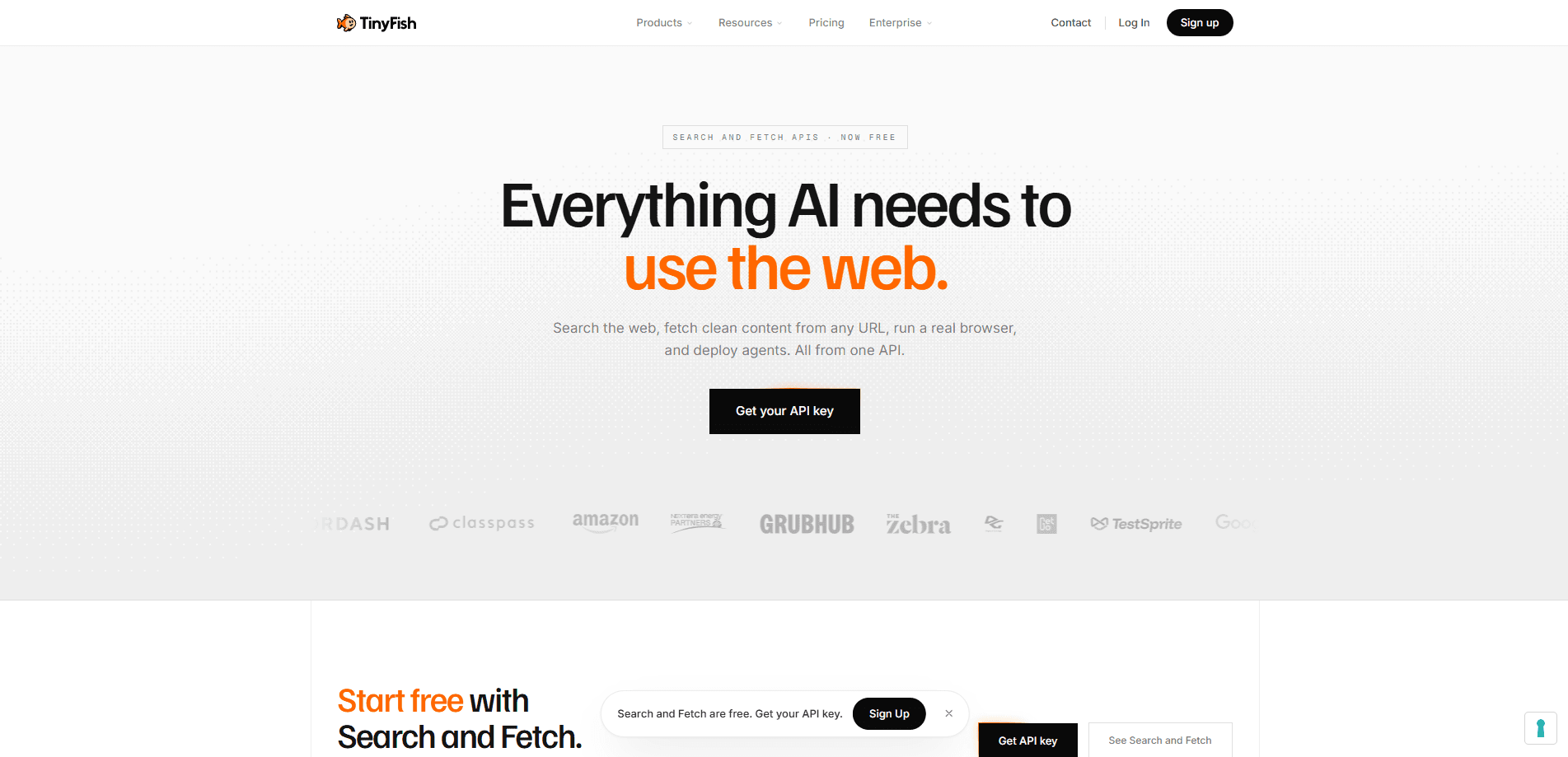
TinyFish is web infrastructure for AI agents. It packages four APIs, Search, Fetch, Agent, and Browser, plus a web-native model called Mako, so a team can let agents read live pages, log into sites, click through multi-step flows, and return clean JSON. Instead of maintaining fragile scrapers, developers describe a goal in plain language and let the platform run the job on real browsers. Search and Fetch are free, while Agent and Browser runs draw from a wallet balance.
About TinyFish
What Is TinyFish
TinyFish is a developer platform, not a consumer app. It sits between your AI agents and the messy public web, handling the parts that break most automation: pages that load content on the fly, login walls, anti-bot checks, and layouts that shift without warning. You call one of its APIs, and it returns clean structured web data your code can act on.
Why does this matter? Because scrapers rot fast. Selectors break, quick scripts turn into maintenance jobs, and someone spends weekends chasing UI changes. TinyFish reframes the web as an execution surface. Ask for a result, get a result. Not everything is free. Agent and Browser work is metered, so heavy use costs money, and the platform leans toward engineering teams rather than non-technical users.
Four public APIs share one API key. Search returns fresh ranked URLs from the live web rather than a cache. Fetch renders a page in a real browser and hands back clean markdown, JSON, or HTML. Agent runs natural-language goals on real sites and can authenticate, paginate, and fill forms. The browser automation API opens a remote session for direct Playwright or CDP control when you want to write the interaction yourself. Think of it as a web scraping alternative that doesn't fall apart when a site changes its layout.
Getting Started
- Sign up at agent.tinyfish.ai. New accounts start with $8 of free usage, enough to run starter automations.
- Create an API key on the API Keys page and store it in your environment as TINYFISH_API_KEY. Keys show only once, so save it somewhere safe.
- Install the SDK for your stack. There's a Python package (tinyfish), a TypeScript SDK, and a global CLI, or you can skip installs and call the endpoints with cURL.
- Point an Agent run at a target URL with a plain-language goal, like extracting product names and prices as JSON, then read the structured result from the run.
Product Information
A quick look at TinyFish's pricing, supported platforms, and performance.
Best for
The users, tasks, and scenarios where this tool fits best.
Users
- Developer teams building AI agents
- Data and analytics teams
- QA and testing engineers
Tasks
- Turning a page into structured JSON
- Monitoring prices, earnings, or breaking news
- Summarizing long pages into token-efficient text
Scenarios
- Running the same web workflow across many sites at once
- Keeping a logged-in session across runs
- Routing jobs through specific countries
Key features
Search API
Search returns ranked, structured results from the live web instead of a cache. It renders pages in a real browser, which helps with sites that load content on the fly and sources that update too fast for traditional search indexing. The output is clean JSON with titles, URLs, and snippets. It's free at any wallet balance and never draws from it.
Fetch API
Fetch points at any URL and returns the page as it actually appears to a person, stripped down to markdown, JSON, or HTML. Because it's token-efficient, it works well as the first step in a research or monitoring pipeline. Like Search, Fetch is free and never touches your wallet.
Agent API
The Agent API takes a natural-language goal and executes it on a real site. An agent can navigate, click, fill forms, authenticate, and paginate, then hand back structured output. You run it synchronously, asynchronously, or streamed over SSE, depending on how long the job takes. Agent runs draw from your wallet as they execute, so cost scales with usage.
Browser API
When you want full control, the Browser API spins up a remote browser session you drive directly through Playwright or CDP. It's the option for teams that already have automation code and just need a reliable remote browser behind it. Browser sessions also draw from the wallet.
Mako Model
Mako is TinyFish's web-native model, built for live workflows rather than static text. It underpins how agents read pages and decide what to do next, which is why the platform can handle sites that defeat fixed scripts.
Browser Profiles and Context
TinyFish splits browser state into two ideas. Profiles let you choose between lite and stealth modes depending on how defensive a target site is. Context profiles keep logged-in state across runs, so a session doesn't start from scratch each time. Together they cut the rework that usually comes with authenticated automation.
One API Key, Multiple SDKs
All four APIs share a single API key, and the quick start covers Python, TypeScript, a CLI, and cURL. Teams can prototype in minutes and move the same key into production without reconfiguring auth per service. That keeps onboarding short.
Pros and cons
Pros
- Search and Fetch are free at any balance, so you can build research and monitoring pipelines without spending.
- One API key covers Search, Fetch, Agent, and Browser, which simplifies auth across a whole stack.
- Natural-language goals remove selector maintenance, a common cause of broken scrapers.
- Browser context profiles keep login state across runs, reducing repetitive authentication work.
- Serverless design is aimed at running many sites in parallel, which fits large-scale data collection.
Cons
- Agent and Browser runs draw from a wallet, so costs rise with usage and are harder to predict than a flat plan.
- Pricing details aren't clearly published on the site, which makes budgeting harder before you contact the team.
- The platform is built for developers comfortable with APIs and code, so non-technical users will hit a learning curve.
Frequently asked questions
TinyFish gives AI agents live-web capabilities. Teams use it to search the web, turn any URL into clean content, automate multi-step tasks on real sites, and run remote browser sessions. It's infrastructure for automation, not a ready-made end-user app.
Related content
Explore related tools, skills, and articles for TinyFish.
TinyFish Alternatives
Forefront
Forefront · CodingForefront is a web platform for building with open-source AI. It lets you fine-tune leading open-source language models on your own data, evaluate how they perform, and run them through an API or export them to host yourself. Developers who want the convenience of a closed-source platform but insist on owning their models and data are the target audience here.

Startkit
StartKit.AI · CodingStartkit is a boilerplate for building AI SaaS and AI wrapper products. Think of it as an AI startup boilerplate with the boring parts already wired up: authentication, Stripe and Lemon Squeezy payments, usage limits, transactional email, and an AI API starter that talks to OpenAI, Anthropic, Groq, or Llama. You clone the repo, set your price, and start on the part of your product that people actually pay for. It's Next.js under React and Tailwind, so most of the boilerplate code already feels familiar.
Testim
Tricentis · CodingTestim is an AI-powered test automation platform for building and running end-to-end tests across web, mobile, and Salesforce applications. It leans on machine learning to keep tests stable when an interface changes, so teams spend less time fixing broken selectors. Not bad for an automated testing tool you can start using today. You create tests by recording actions in a browser, then optionally add JavaScript when you need more control. It's a solid pick for busy QA teams.