

Tiptap
Tiptap (ueberdosis GmbH) · Coding · Productivity
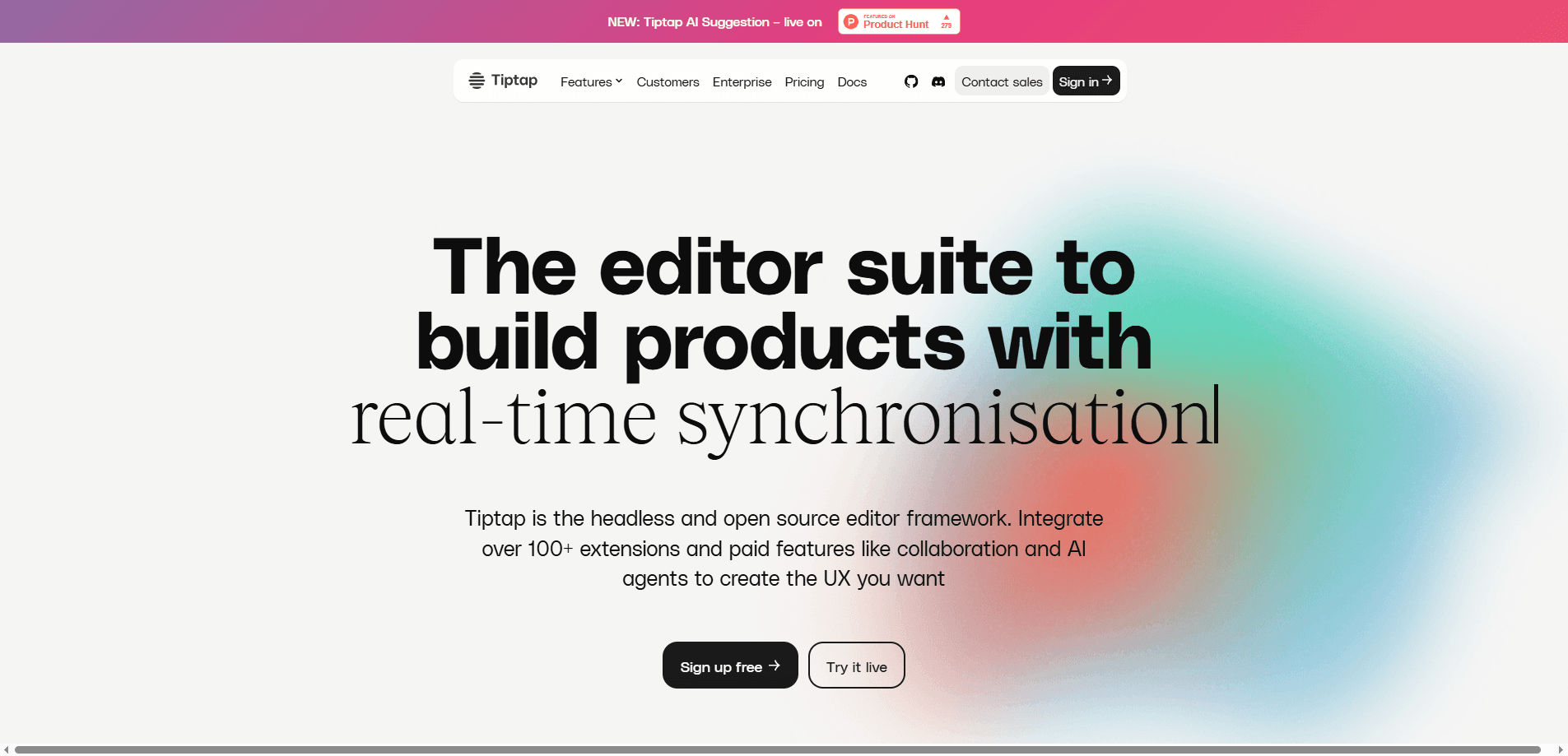
Tiptap is a headless, open source editor framework built on ProseMirror. It ships over 100 extensions and paid collaboration tools so teams can build custom editor experiences.
About Tiptap
What Is Tiptap
Tiptap is a headless rich text editor framework for developers who want full control over how their editor looks and behaves. It wraps ProseMirror, a well-known engine for building web editors, in a modern API that keeps working across React, Vue, Svelte, Angular, or plain JavaScript. The open source core is free under the MIT license, and the paid platform layers on collaboration, comments, version history, and AI features.
The reason teams pick it isn't that it looks good out of the box. It doesn't ship a toolbar or a ready-made layout at all. That's the point. You decide every menu, bubble, and keyboard shortcut, and you only pull in the extensions your product actually needs. Those building Notion-style notes, email editors, or content management tools get a foundation rather than a fixed widget.
The main catch is the learning curve and cost split. The editor is free, but anything that touches Tiptap Cloud (live collaboration, cloud documents, comments) runs on a subscription, and the count is per document and per developer license. Self-hosting through the open source Hocuspocus backend is an option for teams that would rather run the infrastructure themselves.
Getting Started
- Install the core packages from npm, such as
@tiptap/coreand@tiptap/starter-kit, in a project using your framework of choice. - Create an editor instance and pass the extensions you want, starting with StarterKit for basic formatting.
- Mount the editor into your UI and add your own toolbar, menus, and styling since the framework ships none.
- Connect the collaboration extensions and a Hocuspocus or Tiptap provider if you need real-time editing.
- Start the free trial in the Tiptap Cloud dashboard to test paid features like comments and version history before subscribing.
Product Information
A quick look at Tiptap's pricing, supported platforms, and performance.
Best for
The users, tasks, and scenarios where this tool fits best.
Users
- Frontend developers
- Product teams building note or document apps
- Engineering teams that prefer self-hosting
- Content platform builders
Tasks
- Building a custom rich text editor
- Adding real-time collaboration
- Reviewing and tracking document changes
- Giving an AI agent editing powers
- Managing a document workflow
Scenarios
- A SaaS product that needs an in-app editor matching its own UI
- A publishing team that imports Word files
- A regulated team with data residency rules
Key features
Headless Architecture
The editor ships with no interface at all. You get the editing logic and render your own toolbar, bubble menu, and layout. This is why Tiptap fits products with strict design systems where a canned widget would clash with everything else.
Framework-Agnostic Integration
Tiptap works with React, Vue 3 and Vue 2, Svelte, Angular, Next.js, Nuxt, and plain JavaScript. Official packages exist for the major frameworks, and community bindings cover the rest. You install the same core and swap the rendering layer for your stack.
Modular Extension System
More than 100 official and community extensions cover formatting, tables, code blocks with syntax highlighting, images, mentions, and custom nodes. You enable just what you need. StarterKit bundles the common ones, so a basic editor takes minutes to stand up.
Real-Time Collaboration
The collaboration extensions sync edits across users with the Yjs CRDT and run on the open source Hocuspocus backend or Tiptap Cloud. Presence indicators, cursor awareness, and conflict handling are built in, so you don't stitch together the sync layer yourself.
Comments and Version History
Comments add threads to documents, and version history lets users restore any previous state. Snapshot Compare highlights what changed between two versions, which matters on legal, editorial, and compliance documents where the trail has to hold up.
Tracked Changes
Tracked Changes enables suggestion mode and redlining. Reviewers propose edits, insertions and deletions get tracked, and changes can be accepted or rejected one at a time or in bulk. Every suggestion carries attribution, so you know who proposed what.
AI Toolkit
The AI Toolkit gives an AI agent document-editing skills. It reads selections and full documents, applies precise patches, streams content, and shows AI suggestions for review. Schema awareness keeps the agent inside the rules your editor defines.
Document Import and Export
Import and export cover DOCX, Markdown, PDF, ODT, and EPUB. A team migrating from Word or building a blog pipeline can pull content in and push it out without writing a converter from scratch.
REST API and Webhooks
The Team plan and up add webhook integrations and REST API access, with backend document manipulation. You can fetch documents as JSON, push programmatic edits, and get notified when content changes.
Pros and cons
Pros
- The open source core is free under the MIT license, so you can ship a custom editor without a subscription.
- Headless design means the editor bends to your product's UI instead of forcing its own.
- 100+ extensions and official framework packages cut the build time for common features.
- Self-hosting through Hocuspocus lets privacy-focused teams keep documents on their own servers.
- Document import and export cover DOCX, Markdown, PDF, ODT, and EPUB in one place.
Cons
- The editor ships no UI, so you build every toolbar and menu yourself, which adds upfront work.
- Collaboration, comments, and version history require a paid plan that scales per document and per developer.
- Cloud documents count toward a plan limit, and overage quietly triggers an automatic upgrade.
- The most polished templates and the AI Toolkit, Tracked Changes add-ons carry custom pricing that isn't published.
Frequently asked questions
Tiptap is a headless rich text editor framework for building custom editors on the web. Developers use it to create Notion-style note apps, comment systems, email editors, and content platforms where the interface has to match their own product.
Related content
Explore related tools, skills, and articles for Tiptap.
Tiptap Alternatives

Base Code
Base44 (Wix) · Coding · ProductivityBase Code is a shared cloud development environment from Base44. Teammates describe changes to an existing GitHub codebase in chat, preview them live and send them back as pull requests.

Google EmbeddingGemma 2
Google DeepMind · Writing · Image · CodingGoogle EmbeddingGemma 2 is a 740M-parameter open model that turns text, code, images, audio, and video frames into vectors in one 768-dimension space, running on phones and laptops.

GitGlow
GitGlow · Coding · ProductivityGitGlow is a local-first desktop Git client that lets independent developers review their own code and their AI agents' changes in one place before shipping.