

TL;DR
TL;DR · Writing
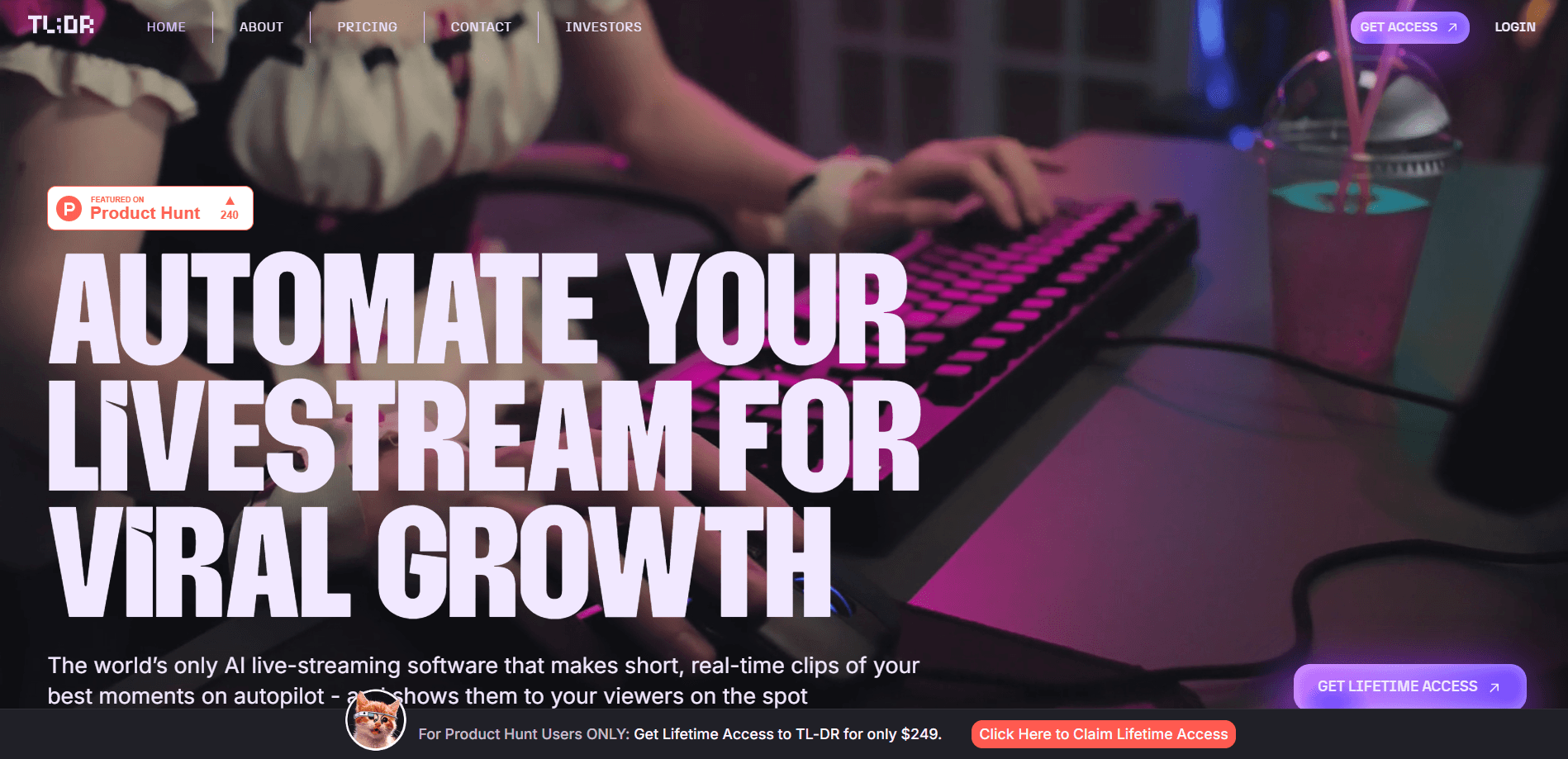
TL;DR is an AI livestreaming tool that uses real-time AI clipping to cut your best moments as you stream, then shows them under your channel so viewers catch up.
About TL;DR
What Is TL;DR
TL;DR is a web app for streamers who want their highlights pulled without editing after the broadcast. It watches your stream as it runs and cuts short clips on its own, using video analysis, chat activity and voice recognition to work out which moments are worth keeping. The clips don't sit in a folder until later. They show up beneath your stream through a Twitch extension, so a viewer who just arrived can catch the last hype moment in a click.
The problem it targets is a practical one. A long stream creates dozens of potential highlights, and finding them all after the fact takes hours you don't have. TL;DR moves that work into the stream itself. You can also trigger a clip by hand by saying "TL;DR Clip That," which matters when the AI misses a beat you know is good. Everything then lands in a personal dashboard where you manage, save and reuse the clips.
Two limits stand out. It's built around Twitch, so the extension that surfaces clips on stream only covers that platform. And it runs entirely in the browser with nothing to download, which keeps setup light but rules out desktop capture tools and native apps.
Getting Started
- Create an account on the TL;DR site and connect your Twitch channel.
- Install the TL;DR Twitch extension so clips can appear under your stream.
- Go live as usual and let the AI detect moments on its own.
- Say "TL;DR Clip That" any time you want to grab a moment by hand.
- Open the dashboard to review, keep or organize the clips it captured.
Product Information
A quick look at TL;DR's pricing, supported platforms, and performance.
Best for
The users, tasks, and scenarios where this tool fits best.
Users
- Twitch streamers of any size who want highlights clipped as they play, without a separate editing session once the stream ends.
- Variety and gaming creators whose best moments come from reactions, so the tool's voice and chat signals have something to read.
- Community-focused streamers who want late viewers to catch up fast, since the extension puts fresh clips right under the stream.
- Solo creators without an editor on call, where automatic clipping covers the work a second person would do.
- Streamers building a social presence who need a steady supply of clips to post, since every captured moment is exportable from the dashboard.
Tasks
- Capturing hype moments live
- Grabbing a clip by voice
- Organizing a clip library
- Feeding social channels
Scenarios
- Running a long variety stream where standout moments are easy to miss
- Playing a high-action game where your hands never leave the keyboard
- Streaming to a chat that moves fast
- Building up clips between streams
Key features
Smart AI-powered auto clipping
The core feature watches your stream and generates clips on its own, reading video content, chat activity and voice cues to decide what counts as a highlight. You don't mark anything ahead of time or scrub through a recording afterward. That automatic pass is what turns an hours-long stream into a set of short, reusable moments without manual editing.
Voice activated clipping
Saying "TL;DR Clip That" takes a clip the instant you say it. This is the manual override for the moments the AI might rank low, like a quiet line that lands better than a loud one. It gives you a way to trust your own read of the stream rather than waiting on the algorithm.
Twitch extension that shows clips on stream
The TL;DR extension displays your best clips straight under your Twitch stream, so viewers see them without leaving the channel or opening another tab. This is the part most AI clippers skip, which normally push you off to a separate site. Here the highlight loop closes inside the stream itself, where a live audience is already watching.
Personal clip dashboard
Every clip lands in a personal dashboard where you can review, save and manage what was captured. It's the central place to sort the keepers from the throwaways and to find a moment again later. For creators who post across platforms, it's also where your reusable material lives.
Browser-based setup with nothing to download
TL;DR runs in the browser and works on its own, so you don't install companion software to make it function. Setup is connecting your channel and adding the extension. The trade-off is that it isn't a desktop capture app, so anything outside the browser flow isn't covered.
Free plan with a paid upgrade
There's a free plan that includes the core clipping, the voice command, the Twitch extension and dashboard access, with clips stored for 30 days and a watermark applied. The paid Creator plan at $19.99 a month raises storage to three months, removes the watermark and unlocks the full feature set. That split lets you test the workflow before paying.
Pros and cons
Pros
- Clips appear under your stream through the Twitch extension, so viewers catch up without leaving the channel.
- Auto clipping reads video, chat and voice together, which cuts highlights without a manual edit pass.
- Voice activation gives you a direct way to save a moment the AI might miss.
- The free plan covers the main features, so you can judge the workflow before paying.
- Setup runs in the browser with no download, which keeps the overhead low.
Cons
- The on-stream extension is tied to Twitch, so streamers on other platforms don't get that part.
- Free-plan clips carry a watermark and expire after 30 days.
- There's no published API, so custom or programmatic clipping isn't documented.
- It's browser-based rather than a desktop app, which limits capture outside that setup.
Frequently asked questions
TL;DR is used to clip your livestream highlights automatically while you're live. It cuts short clips from your stream, lets you trigger one by voice, and shows them under your Twitch stream so viewers can catch up. Everything it captures goes to a dashboard you can manage.
Related content
Explore related tools, skills, and articles for TL;DR.
TL;DR Alternatives

Emailwritr
Emailwritr · Writing · MarketingEmailwritr is an AI email copywriting tool built for affiliates, course creators, and online businesses that want more revenue from the list they already own. Instead of blank pages or generic chatbot prompts, this AI email writer generates welcome sequences, launch campaigns, cart recovery emails, and promo series from frameworks modeled on well-known direct-response copywriters. You connect your autoresponder, answer a few questions about your offer, and it writes the copy for you.

Swms
Swms AI · Writing · Productivity · BusinessSwms is an AI safety compliance tool that turns a plain description of a job into ready-to-use safety documents. Describe your project, trade, and known hazards, and it writes a safe work method statement, job hazard analysis, safe work procedure, RAMS, or safety data sheet in seconds. It also ships with Oscar, a chat assistant that answers workplace safety questions in any language. Teams in construction, mining, transport, and warehousing use it to cut the paperwork that usually eats into a workday.

Prosp
Prosp · Writing · Voice & Language · MarketingProsp is an AI LinkedIn outreach tool built for agencies and sales teams, and it writes the message and the voice note in your own voice for each prospect so they actually reply. You connect your accounts, find leads, and let the AI draft and send personalized messages at scale, all from one inbox. It's built for people running outbound at volume. That's the whole pitch. Every touchpoint still has to feel human.