

TLDR
Interface Research Lab · Writing
TLDR is a Chrome extension that turns long webpages, YouTube videos and PDFs into short AI summaries with key timestamps. Free without an account, and it reads 40 languages.
About TLDR
What Is TLDR
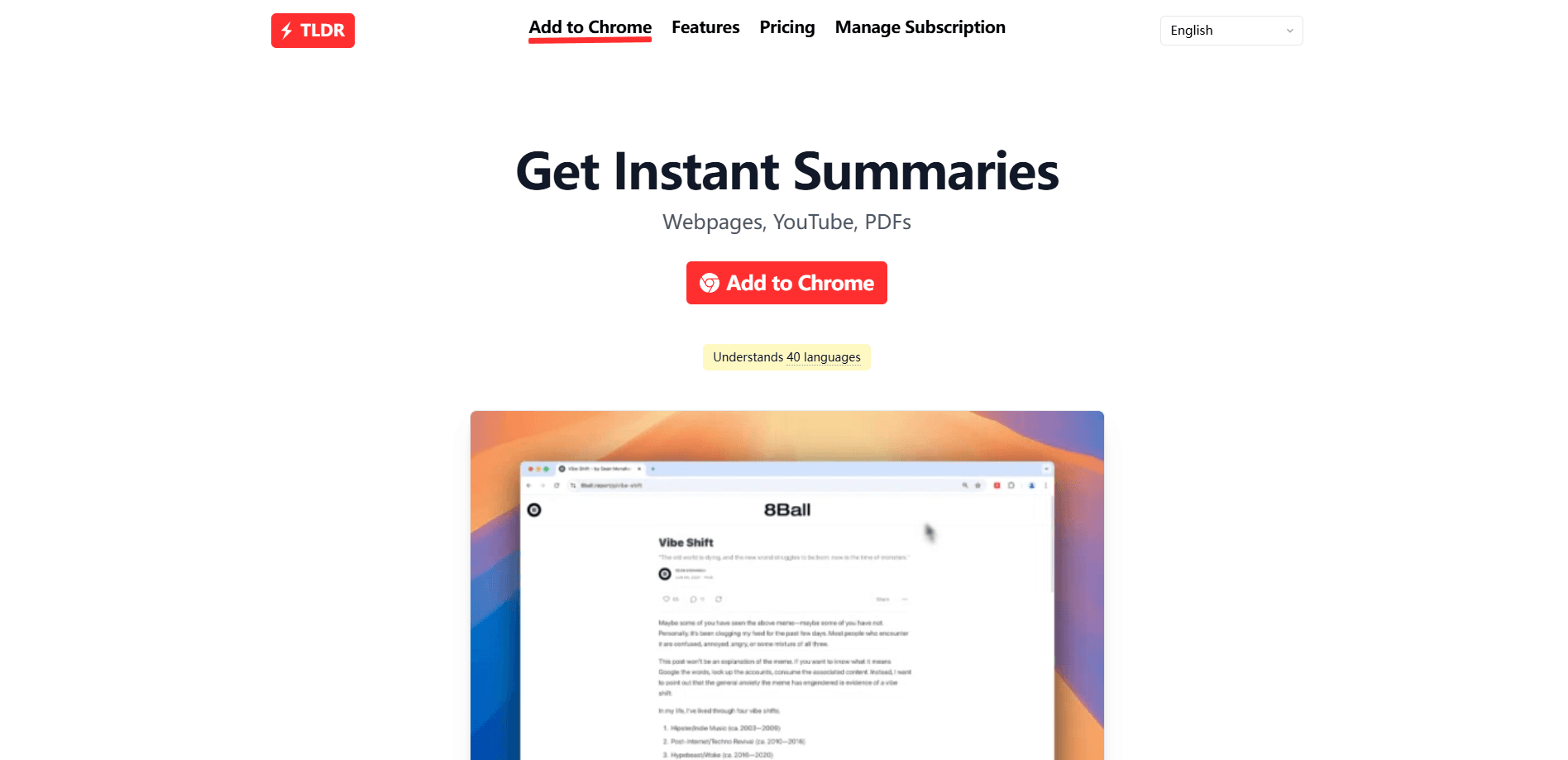
TLDR is a browser extension that reads long content and hands you the short version. You click its button on an article, a YouTube video or a PDF, and a sidebar opens with a summary in seconds. The pitch is simple: you stop watching a 50-minute video to get one idea, and you stop scrolling a 6,000-word report to find the two numbers that matter.
It's built by Interface Research Lab and ships only for Google Chrome. The TLDR extension acts as an AI summarizer for web articles, blog posts, news pieces, documentation pages, YouTube videos with their transcripts, and PDF documents like research papers. It reads content in 40 languages and can translate the summary into the one you prefer.
There are real limits. It needs an internet connection, since the summaries run on cloud models. It doesn't work on mobile or on other Chromium browsers like Edge and Arc. And you can't set the summary length, because TLDR picks a length on its own. Free use needs no account, and a paid monthly tier is listed as coming soon.
Getting Started
- Install TLDR from the Chrome Web Store and add it to your browser.
- Open any webpage, YouTube video or PDF, then click the blue TLDR button in the bottom-right corner or press Alt + T.
- Read the summary in the sidebar; on YouTube, use the timestamps to jump to the parts you want.
- Open Settings to pick the language you want summaries written in.
- Pin TLDR to your toolbar if you want the icon always visible, and right-click the button to hide it if you'd rather not see it on every page.
Product Information
A quick look at TLDR's pricing, supported platforms, and performance.
Best for
The users, tasks, and scenarios where this tool fits best.
Users
- Students and researchers
- Knowledge workers
- Content creators and journalists
- Non-native English readers
Tasks
- Skimming long articles
- Pre-screening YouTube videos
- Reading PDFs on a deadline
- Cross-language reading
- Building a quick brief
Scenarios
- A stack of tabs from morning research
- Deciding whether a 40-minute talk is worth your time
- A report due tomorrow and a 90-page PDF
- Reading outside your first language
Key features
One-Click Webpage Summaries
Click the TLDR button on any article and the summary appears in a sidebar, without leaving the page. It handles long-form articles, blog posts and news pieces, and the sidebar keeps the original text in view so you can check the summary against the source. The point is speed: you get the gist in seconds and decide whether the full read is worth it.
YouTube Video Summaries with Timestamps
TLDR reads a video's transcript and returns a YouTube video summary with key points, each tied to a timestamp. Clicking a timestamp jumps to that moment in the video. That turns a long interview or lecture into a set of bookmarks, so you can watch the two minutes you care about and skip the rest. It needs the video to have a usable transcript.
PDF Document Summaries
Drop a PDF into TLDR and it works as a PDF summarizer for the document. It's aimed at research papers, reports and long documents where you want the conclusions before you commit to the full text. The same tool handles a PDF as it does a webpage, so there's nothing new to learn.
40 Language Support with Translation
TLDR can read content in 40 languages, from English and Spanish to Hindi, Arabic, Japanese and Vietnamese, and can translate the summary into your preferred one. For anyone reading across languages, that means you can summarize a page you can't read fluently and get the result back in a language you can.
Sidebar Workflow and Keyboard Shortcut
Summaries open in a sidebar so you don't lose your place or juggle tabs. A keyboard shortcut, Alt + T by default, summarizes the current page without reaching for the mouse, and you can rebind it in Chrome's extension settings. You can also turn the floating button off on pages where you'd rather not see it.
Account-Free Free Use
You can use TLDR without creating an account or paying anything. That lowers the bar to trying it, and it means the core summarize feature works the moment you install it. Sign-in, where it comes up, runs through Google.
Pros and cons
Pros
- Works without an account, so there's no signup wall before the first summary
- Handles three content types in one tool: webpages, YouTube videos and PDFs
- YouTube summaries carry timestamps, so you can jump to the exact moment instead of scrubbing
- Reads 40 languages and can translate the result, which covers most cross-language reading
- The sidebar keeps the source text visible, making it easy to check a summary against the original
Cons
- Chrome only, so Edge, Arc and Firefox users are left out
- No mobile version or web app, which rules out summarizing on a phone
- You can't set the summary length, so you take whatever length TLDR decides
- It needs an internet connection, since summaries run on cloud models rather than on your device
Frequently asked questions
TLDR is a Chrome extension that uses AI to summarize webpages, YouTube videos and PDF documents. You click its button on a page or video, and it returns a short summary in a sidebar within seconds. It's built by Interface Research Lab.
Related content
Explore related tools, skills, and articles for TLDR.
TLDR Alternatives

Claude for Google Workspace
Anthropic · Writing · Productivity · BusinessClaude for Google Workspace puts Claude in a sidebar inside Google Docs, Sheets, and Slides, where it reads the file you have open and edits it in place.

Claude Haiku 5.5
Anthropic · Writing · Coding · ChatbotClaude Haiku 5.5 is Anthropic's fastest and cheapest small model, built for high volume tasks at $0.10 per million input tokens with a 1M token context window.

NoteWorthy
Suman Hansada · Writing · Productivity · AI AssistantNoteWorthy is a notes app for iPhone, iPad and Mac that writes titles, tidies formatting, summarizes long notes and files each one with on-device AI. No account, no upload, no network requests.