

Together AI
Together Computer, Inc. · Coding
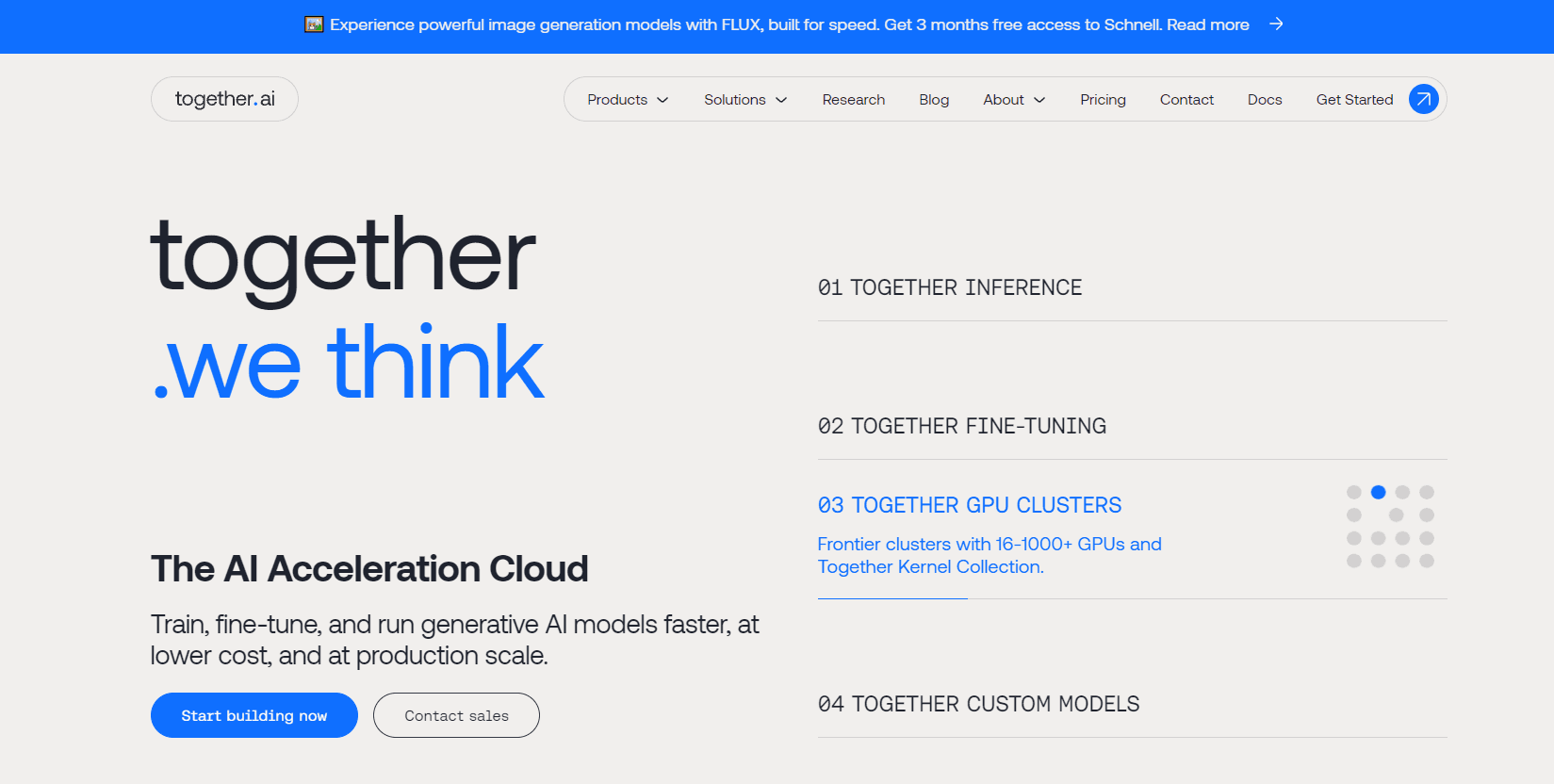
Together AI is an AI cloud platform for developers and teams that run, fine-tune, and train generative models.
About Together AI
What Is Together AI
Together AI is a full-stack cloud platform for production AI, built around open-source models and fast inference. You get a catalog of chat, vision, image, audio, and embedding models you can call through one API, plus the GPUs to train and fine-tune your own. It's aimed at developers and product teams who want to ship AI features without standing up their own infrastructure.
Want the short version? It's infrastructure, not an app.
The pitch is speed and cost. According to Together AI, the platform runs popular open models several times faster than baseline setups and keeps per-token prices low by serving them on optimized hardware. You pay per million tokens for serverless inference, or by the hour for reserved endpoints and GPU clusters.
The catch? It's a builder's platform, not a chat app. No consumer interface, no chat window. If you want a friendly UI, look elsewhere. If you want an OpenAI-compatible endpoint you can point your code at in an afternoon, keep reading.
Getting Started
- Create an account at the Together AI dashboard and grab an API key from the settings page.
- Install the Python or JavaScript SDK, or send raw HTTP requests to the OpenAI-compatible endpoint.
- Pick a model from the catalog and send a first chat completions request to confirm your key works.
- Swap in your own prompts, add streaming or tool calls, and wire the endpoint into your app.
- When traffic grows, move from serverless inference to a dedicated endpoint or reserve GPUs for training.
Product Information
A quick look at Together AI's pricing, supported platforms, and performance.
Best for
The users, tasks, and scenarios where this tool fits best.
Users
- Developers
- Startups shipping AI features
- ML teams fine-tuning models
- Researchers
Tasks
- Running LLM inference in production
- Fine-tuning a base model on your own data
- Training large models from scratch
- Generating images, audio, or embeddings
- Prototyping an AI feature
Scenarios
- An app that needs a chatbot backend but has no ML team
- A team with bursty traffic
- Cost-sensitive batches
- A company with data rules
Key features
Serverless Inference for Open Models
Together AI hosts a broad catalog of open-source models, from chat and reasoning models to vision, image, audio, and embedding models. You call any of them through one API and pay per million tokens, so there's no capacity to provision up front. That makes it easy to test a dozen models against your task before picking one.
OpenAI-Compatible API
The endpoint follows the same request shape as OpenAI's, which means existing code often works after swapping the base URL and key. In practice, it's the same LLM API shape you already know. SDKs are available for Python and JavaScript, and the batch API lets you queue large jobs at a lower price. For teams already building on OpenAI-style tooling, the switch is mostly configuration.
Dedicated and Provisioned Endpoints
When serverless latency isn't consistent enough, you can move a model to a dedicated endpoint with guaranteed throughput. This suits production apps where response times need to hold steady under load. You trade pay-per-token flexibility for reserved capacity and predictable performance.
Fine-Tuning Without Owning GPUs
You can fine-tune supported models on your own data and then serve the tuned version from the same account. That's useful when a base model knows the language but not your domain, your tone, or your formatting rules. Because training and inference live together, you don't have to move weights between vendors.
GPU Clusters for Training
Together AI rents bare-metal GPU clusters with NVIDIA H100, H200, B200, and GB200 hardware, connected by InfiniBand for distributed jobs. You can scale from a handful of GPUs to thousands and shut them down when the run ends. New B200 capacity is available on demand, which matters when you need to test an idea without a long reservation.
Multiple Modalities in One Account
Beyond text, the platform covers image generation, audio, video, transcription, and reranking. A team building a multimodal product can pull several capabilities from one vendor and one billing account. That reduces the number of contracts, keys, and dashboards to manage.
Transparent Per-Token Pricing
Prices are listed per model, with separate input, output, and cached-input rates, and a cheaper batch tier for non-urgent work. Cached input pricing can cut costs sharply for repeated prompts. You can estimate spend per feature before you commit to a provider. No sales call required.
Pros and cons
Pros
- Broad catalog of open-source models behind a single OpenAI-compatible API.
- Serverless inference starts free, with no GPU capacity to provision up front.
- Per-token pricing with cached-input and batch discounts is easy to model.
- Fine-tuning, inference, and GPU training live on one platform, so weights don't move between vendors.
- On-demand access to modern NVIDIA clusters, including B200, with InfiniBand networking.
Cons
- No consumer app, no chat interface, and no visual builder, so non-developers can't use it directly.
- Serverless latency varies with load, which is a problem for apps that need tightly consistent response times.
- Model selection changes often as new open models ship, so a pinned model can be deprecated and force a migration.
- Costs scale with usage, and heavy production traffic can outgrow the cheap starter tier quickly.
Frequently asked questions
It's a cloud platform for building with generative AI. Developers use it to run inference on open-source models, fine-tune models on their own data, and train models on rented GPU clusters, all through one API. One account covers all three.
Related content
Explore related tools, skills, and articles for Together AI.
Together AI Alternatives

Base Code
Base44 (Wix) · Coding · ProductivityBase Code is a shared cloud development environment from Base44. Teammates describe changes to an existing GitHub codebase in chat, preview them live and send them back as pull requests.

Google EmbeddingGemma 2
Google DeepMind · Writing · Image · CodingGoogle EmbeddingGemma 2 is a 740M-parameter open model that turns text, code, images, audio, and video frames into vectors in one 768-dimension space, running on phones and laptops.

GitGlow
GitGlow · Coding · ProductivityGitGlow is a local-first desktop Git client that lets independent developers review their own code and their AI agents' changes in one place before shipping.