

Toolbaz
Toolbaz · Writing · Image · Voice & Language
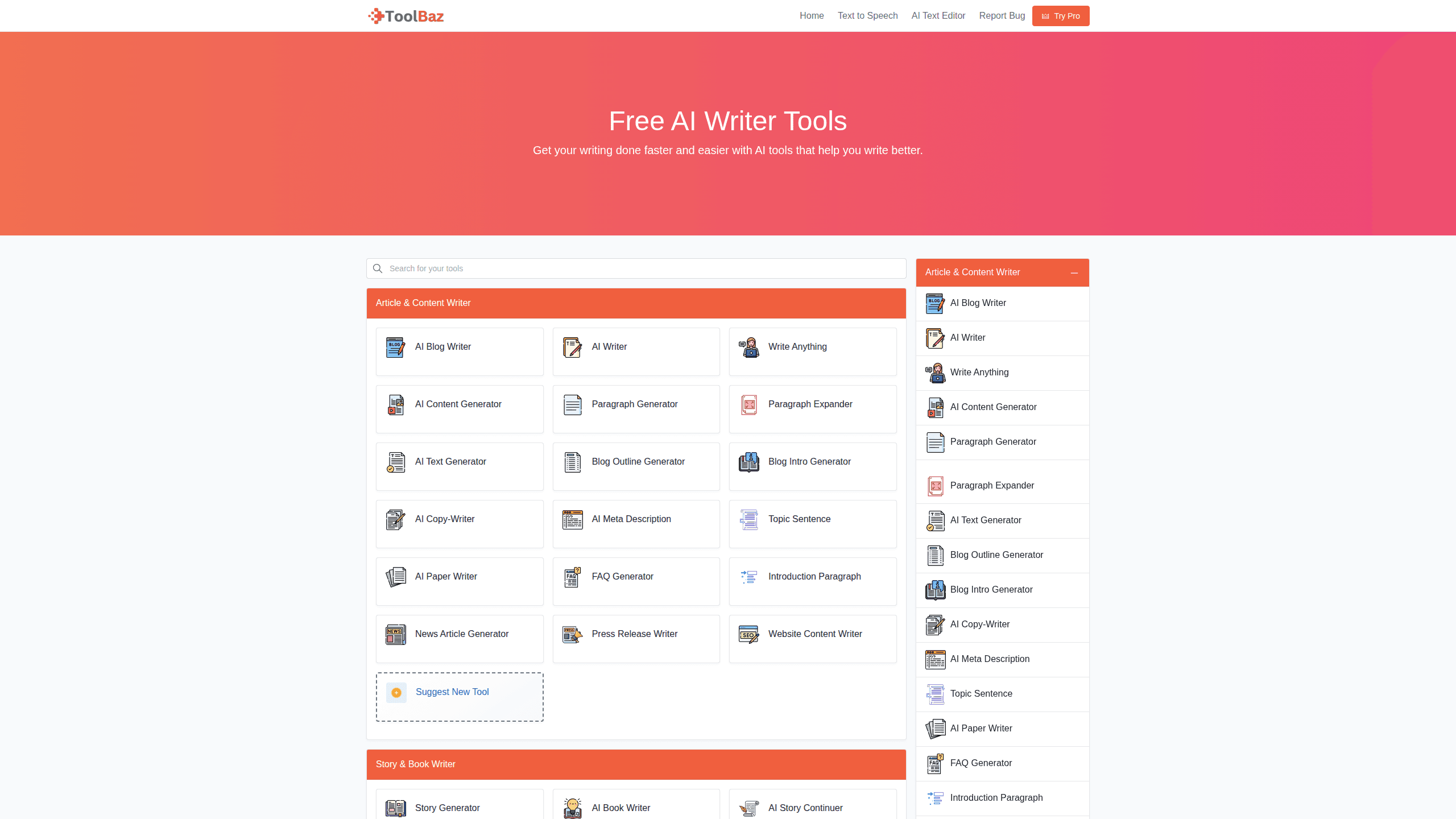
Toolbaz is a free web platform that packs more than 85 AI writing tools into one page, so you can generate a story, rewrite an email, or turn a sentence into an image without opening an account. It runs on several large language models behind the scenes, including GPT-5, Claude, Gemini, and Meta-AI, and it splits them into task-based categories. Business, ecommerce, video, social media, plain writing. So what's the catch? There's no signup, no credit card, and no download. If you need a quick AI content generator for everyday tasks, Toolbaz is one of the fastest places to start.
About Toolbaz
What Is Toolbaz
Toolbaz is a browser-based collection of AI tools rather than a single chatbot. Each tool covers one narrow job, such as writing a product description, drafting a cover letter, or generating a short story from a prompt. You pick the tool that matches your task. No blank chat window to stare down.
The platform leans on a mix of third-party models, so the output you get depends on which tool you open. According to Toolbaz, the same underlying technology powers everything from blog posts to text-to-audio clips, and the free tier covers the bulk of what most casual users need without pushing them toward a subscription. That's the pitch. Test it and see.
The main limit worth knowing: a tool-per-task setup is great for quick jobs and clumsy for long, multi-step projects where you'd rather keep one conversation going across several hours of work. I couldn't find a published API on the site. Treat programmatic access as unavailable until the team says otherwise.
Getting Started
- Open toolbaz.com in any browser. No account is required for the core tools.
- Pick a category from the menu, such as business, ecommerce, or social media, then choose the specific tool you want.
- Paste your prompt or source text into the input box. Add a tone or audience note if the tool offers one.
- Click generate and review the draft. Most tools let you rerun with a tweaked prompt.
- Copy the result out, or check the pricing page if you hit a usage limit on a tool you rely on.
Product Information
A quick look at Toolbaz's pricing, supported platforms, and performance.
Best for
The users, tasks, and scenarios where this tool fits best.
Users
- Students
- Small business owners
- Content creators
Tasks
- Drafting emails and cover letters
- Writing short stories and scripts
- Turning text into images
Scenarios
- Beating a deadline at work
- Blocked on a blank page
- Quick social posts
Key features
Dozens of Task-Specific Writing Tools
Toolbaz organizes its tools by job rather than by model. There's a distinct tool for blog posts, one for product descriptions, one for emails, and so on. That layout helps non-technical users skip prompt engineering entirely. You describe what you need in the box the tool gives you, and the tool does the rest. Simple.
Multi-Model Backend
The platform draws on several leading language models, including GPT-5, Claude, Gemini, and Meta-AI. You don't usually choose the model yourself, which keeps things simple for casual users but also means you can't force a specific engine for a specific task. Output style varies from tool to tool as a result. Sometimes that's fine. Sometimes it isn't.
Text-to-Image and Text-to-Audio
Beyond writing, Toolbaz includes tools that turn written descriptions into images and text into spoken audio. That's a real advantage if you produce content across several formats and don't want a separate subscription for each one. Podcast intros, accessibility audio, and simple visuals are the obvious fits.
No Login Wall
Most tools work without signing up, which is rare for an AI platform with this many features. You can test a tool, see whether the output fits your need, and only commit if it does. No email capture, no trial clock. The trade-off is that saved history and account-level features aren't part of the free experience.
Category Navigation
Tools are grouped into business, ecommerce, video, social media, and more. When you're not sure which tool to open, browsing by category beats guessing at a search box. It also makes the platform easier to scan on a phone, where a long list of tools without any grouping gets unwieldy fast and forces you to scroll past everything you don't need.
Free Tier With a Paid Upgrade
The core tools are free, and the pricing page lists a paid tier for heavier use. For occasional writing jobs, the free tier is usually enough. Run the same tool dozens of times a day and the paid plan becomes the more realistic option.
Pros and cons
Pros
- Free access to dozens of AI writing tools without an account.
- Task-based layout saves time for users who don't want to craft prompts.
- Covers text, image, and audio generation in one place.
- Works in any modern browser, so there's nothing to install.
- Category browsing makes the large tool count easy to navigate.
Cons
- Tool-per-task design gets awkward for long projects that need one continuous conversation.
- The site doesn't publish which model powers which tool, so output quality is hard to predict.
- No confirmed API means you can't wire Toolbaz into your own workflow.
- Free usage limits aren't clearly documented, so you may hit a wall mid-task.
Frequently asked questions
Toolbaz handles everyday AI content jobs. Writing emails, blog posts, product descriptions, stories, and scripts, plus generating images and audio from text. It's built for people who want a quick result from a specific task rather than an open-ended chat.
Related content
Explore related tools, skills, and articles for Toolbaz.
Toolbaz Alternatives

Google EmbeddingGemma 2
Google DeepMind · Writing · Image · CodingGoogle EmbeddingGemma 2 is a 740M-parameter open model that turns text, code, images, audio, and video frames into vectors in one 768-dimension space, running on phones and laptops.

MePersona
MePersona, Inc. · Writing · Productivity · MarketingMePersona is an AI unified inbox for creators. It learns your voice, drafts replies to fan messages from 12 platforms, and sends only what you approve.

Fluence
Yay Software (Yannick Huchard) · Writing · Voice & Language · ProductivityFluence is an Android app that reads PDFs, EPUBs, Word files and web articles aloud, follows each sentence as it speaks, and answers questions about the text on the phone itself.