

ToolSDK.ai
ToolSDK.ai · Coding · Other
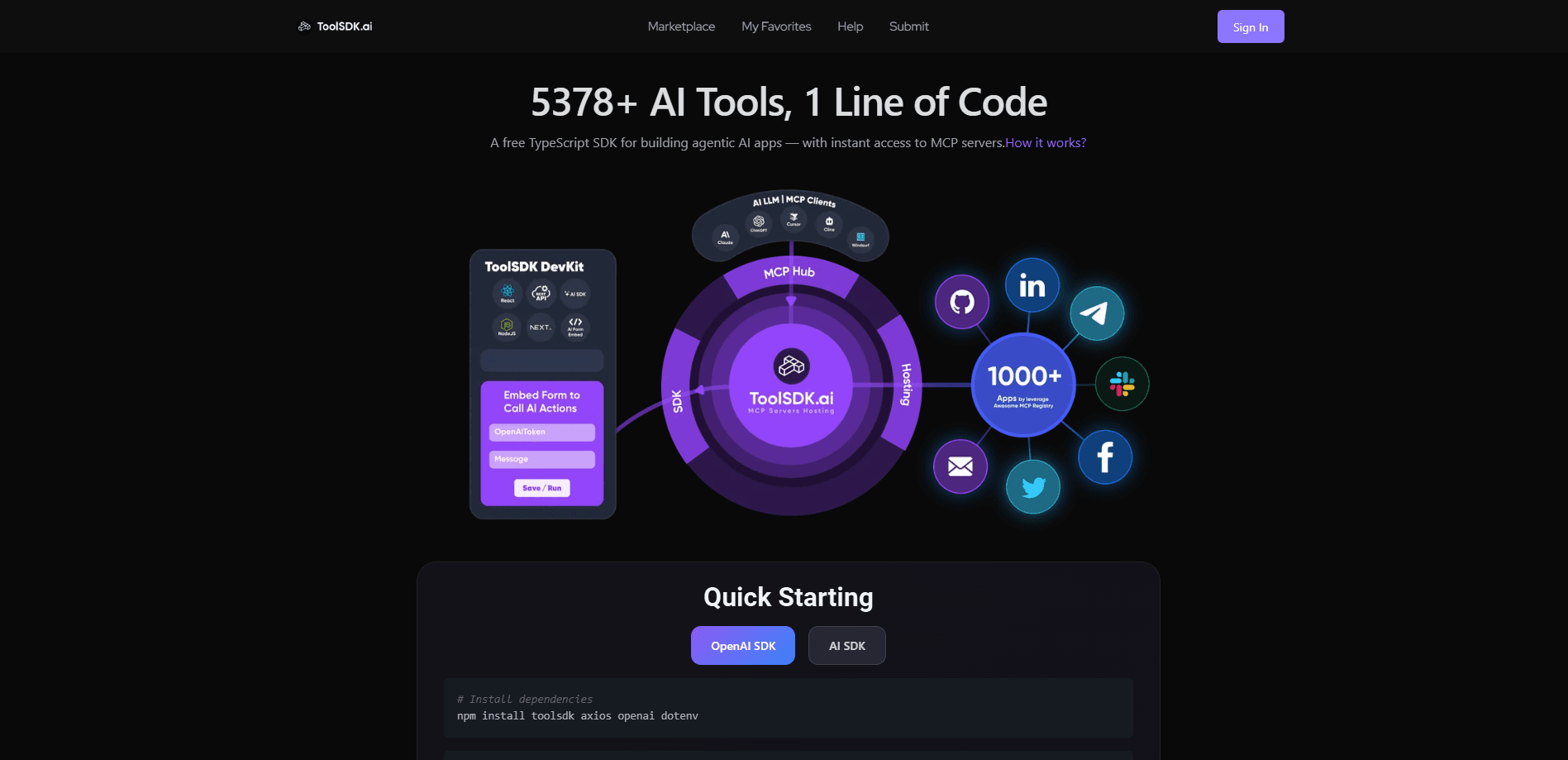
ToolSDK.ai is a free TypeScript SDK and hosting layer that connects AI agent apps to thousands of Model Context Protocol servers with a single line of code.
About ToolSDK.ai
What Is ToolSDK.ai
ToolSDK.ai is a developer platform built around the Model Context Protocol, the open standard that lets AI assistants call outside tools and data sources. It ships a free TypeScript package and hosts a large set of MCP servers, so you can wire an agent into search, email, spreadsheets, or browser automation without standing up each server yourself.
The problem it targets is integration sprawl. Anyone who has wired several MCP servers into an agent knows the drill: separate configs, separate deployments, and a stack that gets harder to manage every time you add a tool. ToolSDK.ai reduces that to one line of code that reaches a hosted registry of more than 6,000 servers.
The trade-off is that you lean on a third party for hosting and routing. The SDK and registry are open, but running servers through the shared layer means your tool calls pass through its infrastructure, and the security and enterprise features like OAuth authorization and sandbox execution are still labeled as in progress rather than finished.
Getting Started
- Install the toolsdk package from npm, or point your agent at the hosted MCP hub server.
- Connect a server from the registry, such as Tavily search or a GitHub MCP server, by name.
- Call the server through the OpenAI SDK or Vercel AI SDK in a single line, without writing your own transport code.
- Move from prototype to deployment with the hosted layer, and track usage as the monitoring tools roll out.
Product Information
A quick look at ToolSDK.ai's pricing, supported platforms, and performance.
Best for
The users, tasks, and scenarios where this tool fits best.
Users
- TypeScript and JavaScript developers building agentic AI apps who want MCP servers without writing transport code.
- Solo makers and indie hackers who need a search, email, or database tool inside an agent and do not want to run infrastructure.
- Teams prototyping automation apps like form builders or workflow tools that lean on many external tools.
Tasks
- Adding web search to an agent
- Sending email from an agent
- Giving a model repository access
Scenarios
- A developer shipping an AI assistant this week who needs ten tools connected and has no time to deploy ten servers.
- A small team building a Zapier-style automation app where each form field triggers a different MCP tool.
- A researcher testing how a model behaves with and without tool access, swapping servers in and out as they iterate.
Key features
One-Line MCP Server Access
The core promise is connecting to a running MCP server with a single line of code inside the OpenAI SDK or Vercel AI SDK. You name the server, the SDK handles the handshake, and you skip the plumbing of spawning processes and managing sockets yourself.
Hosted MCP Server Library
ToolSDK.ai runs thousands of MCP servers as a service rather than making you host them locally. The storefront lists verified servers for GitHub, Notion, Slack, Google Drive, Blender, Kubernetes, and search, each with an install count so you can judge what others actually use.
MCP Hub Server
A single hub server acts as one entry point to every hosted server, which keeps your agent config short as your tool list grows. Instead of registering each server separately, you route calls through the hub and add tools by name.
MCP Registry Federation
The platform federates its catalog with the official MCP Registry, so search results reflect the wider protocol catalog, not just its own servers. That means a server published elsewhere can show up in the same search as one ToolSDK.ai hosts.
First-Party MCP Servers
Beyond hosting third-party tools, ToolSDK.ai publishes its own servers, including a Tavily search server and a Resend send-email server. These show the pattern other builders follow and give you working examples to copy when you create your own.
Dual Protocol and OAuth Support
The roadmap covers both stdio and Streamable HTTP transports along with MCP OAuth 2.1 authorization for one-click auth. These features aim to remove the environment variable juggling that MCP setups usually demand, and the platform still lists them as in progress.
Pros and cons
Pros
- A free TypeScript SDK means you can test MCP server access without a paid tier or a credit card.
- The hosted layer removes server deployment work, so a solo developer can connect many tools fast.
- The registry spans thousands of servers, and verified entries with install counts help you pick established ones.
- Supporting both the OpenAI SDK and Vercel AI SDK fits common TypeScript agent stacks.
- Federation with the official MCP Registry keeps your search tied to the wider pool of published tools.
Cons
- Routing calls through the hosted layer sends your tool traffic through ToolSDK.ai infrastructure, which matters if you need strict data control.
- Key security features like OAuth authorization, sandbox execution, and monitoring are still marked in progress, not shipped.
- The platform centers on TypeScript, so Python and other agent developers get less of a first-class fit.
- Enterprise features like single sign-on and audit logs sit on the planned roadmap, so large teams may need to wait.
Frequently asked questions
ToolSDK.ai is a developer platform for the Model Context Protocol. It offers a free TypeScript SDK and hosts thousands of MCP servers, so you can connect AI agents to external tools and data sources with a single line of code.
Related content
Explore related tools, skills, and articles for ToolSDK.ai.
ToolSDK.ai Alternatives

Base Code
Base44 (Wix) · Coding · ProductivityBase Code is a shared cloud development environment from Base44. Teammates describe changes to an existing GitHub codebase in chat, preview them live and send them back as pull requests.

Google EmbeddingGemma 2
Google DeepMind · Writing · Image · CodingGoogle EmbeddingGemma 2 is a 740M-parameter open model that turns text, code, images, audio, and video frames into vectors in one 768-dimension space, running on phones and laptops.

GitGlow
GitGlow · Coding · ProductivityGitGlow is a local-first desktop Git client that lets independent developers review their own code and their AI agents' changes in one place before shipping.