

Toone
Toone · Coding · Productivity
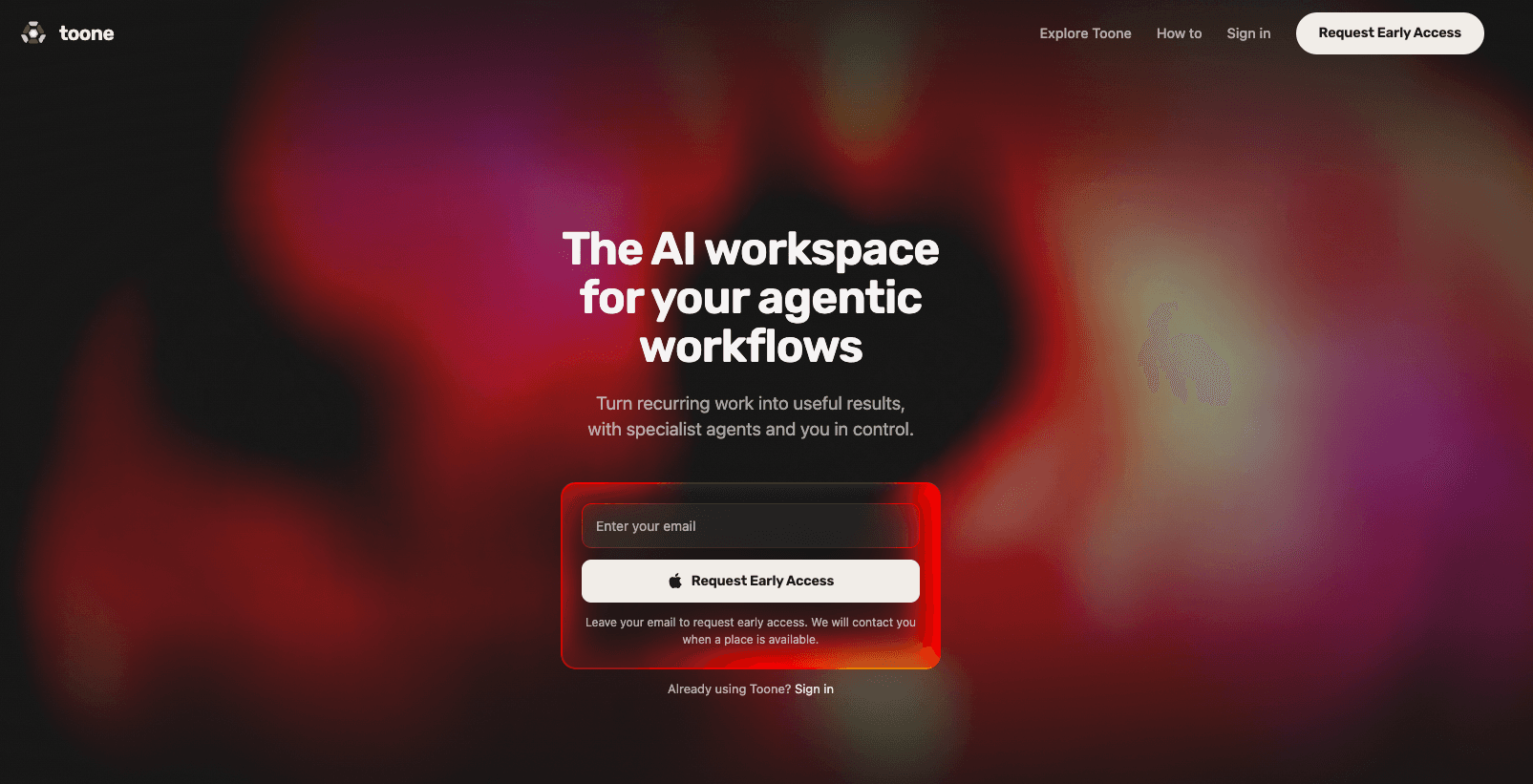
Toone is a native macOS workspace built for projects that run on AI agents. It keeps your agents, the repeatable routines they run, and the tools and knowledge they share in one place, so a workflow you describe once becomes something you can launch again and again. Built on Claude Code and Codex, it works alongside your own OpenAI or Anthropic subscription rather than selling a separate model plan. It's aimed at people who want to automate real work with AI agent workflows without wiring up scripts by hand. Access is invitation-only for now.
About Toone
What Is Toone
Toone is an AI agent workspace for macOS, made for projects that lean on AI agents. Instead of scattering prompts across browser tabs, you describe specialised agents and the routines they should run, and Toone keeps those agents, the tools and knowledge they share, and the results in one window. Developers describe it as a native workspace where your agents and workflows live together.
The problem it solves is consistency. Ad-hoc prompting gets you a decent answer once. It drifts the next time. Toone turns repeated work into a routine you can return to, with your provider credentials and project files staying on your Mac. Plenty of people have watched an agentic workflow produce something great, then failed to reproduce it.
That repeatability is the point.
The catch is the setup. Toone isn't free-standing: you need an existing OpenAI or Anthropic subscription, and it only runs on macOS 14.0 (Sonoma) or later. Windows and Linux aren't supported. It's also still early. Expect a smaller feature set than a mature automation suite. Some features carry a Beta label.
Getting Started
- Request early access with your email on the Toone website. Access is offered by invitation.
- Redeem your personal code to create an email and password account, then open the desktop app.
- Connect your OpenAI or Anthropic account so Toone can use models you already pay for. There's no separate model plan to buy.
- Summon an agent through the Spotlight-like launcher and describe the work in plain language, or open a reviewed routine from the Explore page.
- Run the routine, review anything sensitive before it executes, then save it so you can fire it off again later.
Product Information
A quick look at Toone's pricing, supported platforms, and performance.
Best for
The users, tasks, and scenarios where this tool fits best.
Users
- Professionals who already pay for OpenAI or Anthropic and want their agents organised in one desktop app instead of loose chat threads.
- Small teams that need repeatable runs with a review step, not full autonomy, and want to keep project files local.
- People new to agentic workflows who want a guided starting point, since Explore ships reviewed routines and bundles you can adapt.
Tasks
- Turning a recurring job, like a weekly research roundup or an inbox triage pass, into a routine you can relaunch on demand.
- Capturing meetings
- Giving focused work to a specialised agent, such as coding or research, without re-explaining the task every session.
Scenarios
- Running daily operations work where the same steps repeat and you want a visible trail each time.
- Early-stage project research, where you describe the questions once and re-run the agent as the topic shifts.
- Working on a Mac alongside tools and accounts you already use, without moving your files to a third-party cloud.
Key features
Agent Launcher
Toone includes a Spotlight-like launcher that summons any agent from anywhere on your Mac. You jump straight into a thread without breaking focus, which matters when you're mid-task and don't want to hunt through windows or tabs to find the right agent.
Repeatable Routines
You describe work you do over and over, and Toone turns it into a routine you can return to. Each run is visible while it happens, so you can inspect exactly what an agent did before you trust it with the next pass. This is the core of the workflow model: set it up once, then run it as needed.
Specialised Agents
Rather than one general assistant, Toone lets you give focused work to agents with clear responsibilities. A research agent and a coding agent stay separate, so each has a narrower job and a smaller chance of drifting off task when the work gets messy.
Human Review and Control
Important decisions can pause for your approval before sensitive steps run, and you choose how much responsibility to hand each agent. It's a middle ground between fully manual work and handing an agent the keys. The control feature is labelled Beta, so expect it to keep changing.
Meeting Capture
You can talk to your agents directly, record microphone and system audio, label speakers, and turn a long meeting into shared context and concrete next actions rather than a transcript nobody reads again.
Adaptable Workspace
Toone resizes from a compact companion to a full-height workspace while you work, without rearranging your desktop. A quick panel when you're busy. More room when you need it. That fits how people actually use a Mac all day.
Local-First Privacy
Toone runs on your Mac, and your provider credentials and project files stay with you. Nothing routes through a Toone model plan, because there isn't one. Routines and bundles shared in Explore are reviewed before they're listed.
Practical Starting Points
The Explore page offers reviewed routines and bundles for research, engineering, growth, and daily operations. You can open one, watch how it's built, and adapt it. No blank page required.
Pros and cons
Pros
- Keeps agents, routines, tools, and knowledge in one macOS workspace instead of scattered tabs.
- Uses the OpenAI or Anthropic subscription you already pay for, so there's no extra model bill.
- Every run is visible, and sensitive steps can pause for your approval.
- Credentials and project files stay on your Mac.
- Reviewed routines in Explore give newcomers a concrete place to start.
Cons
- macOS only, and it needs macOS 14.0 (Sonoma) or later, so Windows and Linux users are left out.
- You must already have an OpenAI or Anthropic subscription; Toone won't work on its own.
- Access is invitation-only right now, so you can't just download and sign up.
- Some features, including the control settings, are still labelled Beta.
Frequently asked questions
It's a macOS workspace for managing AI agents and the repeatable routines they run. So what does that actually change? You use it to turn recurring work into routines you can relaunch, keep specialised agents organised, and capture meetings as shared context.
Related content
Explore related tools, skills, and articles for Toone.
Toone Alternatives
Forefront
Forefront · CodingForefront is a web platform for building with open-source AI. It lets you fine-tune leading open-source language models on your own data, evaluate how they perform, and run them through an API or export them to host yourself. Developers who want the convenience of a closed-source platform but insist on owning their models and data are the target audience here.

Startkit
StartKit.AI · CodingStartkit is a boilerplate for building AI SaaS and AI wrapper products. Think of it as an AI startup boilerplate with the boring parts already wired up: authentication, Stripe and Lemon Squeezy payments, usage limits, transactional email, and an AI API starter that talks to OpenAI, Anthropic, Groq, or Llama. You clone the repo, set your price, and start on the part of your product that people actually pay for. It's Next.js under React and Tailwind, so most of the boilerplate code already feels familiar.
Testim
Tricentis · CodingTestim is an AI-powered test automation platform for building and running end-to-end tests across web, mobile, and Salesforce applications. It leans on machine learning to keep tests stable when an interface changes, so teams spend less time fixing broken selectors. Not bad for an automated testing tool you can start using today. You create tests by recording actions in a browser, then optionally add JavaScript when you need more control. It's a solid pick for busy QA teams.