

Traccia
Traccia · Coding
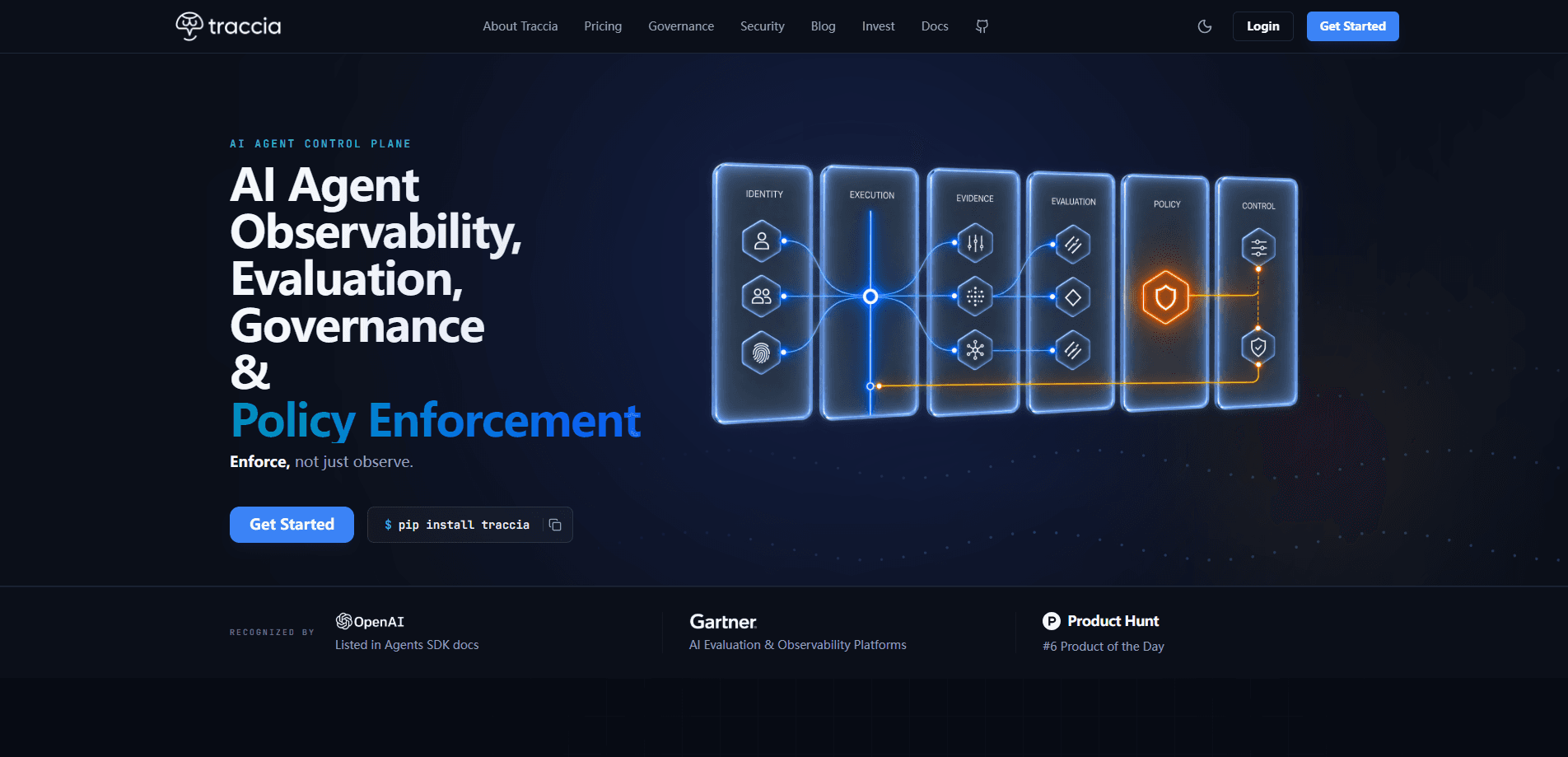
Traccia is an OpenTelemetry-native SDK and control plane for teams running AI agents in production. It puts AI agent observability, LLM cost and token attribution, prompt registry and evals, PII detection, runtime policy enforcement, and audit-ready compliance evidence in one place. OpenTelemetry agent tracing comes built in, so you add it with a single init call. Then it watches every agent you run. If you ship agents and need to know what they cost, what data they touch, and whether you can prove compliance, AI agent governance is exactly what this tool targets.
About Traccia
What Is Traccia
Traccia is an observability and governance layer built specifically for AI agents, not generic web services. Most monitoring tools track requests and latency. Traccia tracks the questions that matter once an agent is live: how many agents are running, which one burned the most LLM budget, whether any of them exposed customer data, and when one used a restricted model.
That framing shapes the whole product. The registry keeps an inventory of every agent you deploy. Cost and token attribution breaks spending down per agent. PII detection flags when sensitive data moves through a prompt or response. Policy monitoring enforces which models and actions are allowed at runtime. A prompt registry and eval workspace lets you test a prompt against production before you ship it. Simple idea. Big payoff.
The catch? It assumes you already have agents in production and some comfort with OpenTelemetry conventions. It's a developer tool, not a dashboard you point at a website. Smaller teams without dedicated platform engineers may find the setup and governance concepts heavier than they need.
Getting Started
- Create a Traccia account on the official site and generate an API key for your workspace.
- Install the SDK in your agent project and add the Traccia init call at startup so traces flow automatically.
- Point the SDK at your existing OpenTelemetry pipeline if you already run one, or let Traccia collect spans on its own.
- Open the control plane to review the agent registry, cost breakdowns, and any PII or policy events in real time.
- Register your prompts and run evals so you can compare a candidate prompt against production traffic before deploying it.
Product Information
A quick look at Traccia's pricing, supported platforms, and performance.
Best for
The users, tasks, and scenarios where this tool fits best.
Users
- Platform and ML engineers
- Compliance and security leads
- Engineering managers
Tasks
- Tracking LLM cost by agent
- Spotting data exposure
- Enforcing model policy
- Testing prompt changes
Scenarios
- A support agent suddenly gets expensive
- An audit lands on your desk
- A new engineer joins the agents team
Key features
Unified Agent Registry
The registry keeps a live inventory of every agent in your environment, so you can answer "how many agents are running right now" without digging through repos. Each entry ties an agent to its owner, model, and activity, which makes it much easier to find the one behind a cost spike or a policy violation. For teams that ship fast, this alone replaces a spreadsheet that goes stale the moment it's written.
Cost and Token Attribution
Traccia breaks LLM spending down to the agent and workflow level rather than showing one aggregate bill. You can see which agent generated the most cost, which prompt is the most token-hungry, and how spend trends over time. That granularity is what turns "our AI bill went up" into "this agent's retrieval step doubled its context length."
PII and Sensitive Data Detection
The platform watches prompts and responses for sensitive data, including customer PII. When something shows up, you get an alert tied to the specific agent and span, so you know whether a real user's data was exposed and where. This matters most for teams handling regulated data, where a single leak can carry real consequences.
Policy Monitoring and Enforcement
You define which models and behaviors are allowed, and Traccia checks agents against those rules at runtime. If an agent tries to use a restricted model, the platform flags or blocks the call and records what happened. It's the difference between a written policy and one that actually runs.
Prompt Registry and Evals
The prompt registry keeps versions of your prompts under control, and the eval workspace lets you test a candidate against production behavior. Instead of shipping a prompt change on a hunch, you can compare it to what's live and see whether it's actually better. Traccia frames this as answering "is this prompt better than production" with data rather than opinion.
Compliance Evidence Built In
Traccia collects audit-ready evidence for frameworks like the EU AI Act as a byproduct of normal operation. Records of what each agent did, which models it used, and what data it touched are organized for review instead of scattered across logs. When someone asks you to prove compliance, you export rather than scramble.
OpenTelemetry-Native Integration
Because Traccia speaks OpenTelemetry, it can slot into the observability stack you already run. If you emit spans today, the SDK picks them up without a parallel instrumentation layer. Turn on OpenTelemetry agent tracing once, and every agent reports in. That native fit lowers the switching cost for teams that don't want one more proprietary agent.
Pros and cons
Pros
- Combines tracing, cost attribution, governance, and compliance in one tool instead of four.
- OpenTelemetry-native, so it fits teams with an existing observability pipeline.
- One init call gets tracing working, which keeps initial setup light.
- PII detection and policy enforcement operate at runtime, not just in dashboards.
- Compliance evidence for frameworks like the EU AI Act is collected automatically.
Cons
- Aimed at developers with agents already in production, so it's a poor fit for pre-launch projects.
- Governance and eval concepts add learning overhead for teams without platform experience.
- Pricing details aren't published on the site, so you have to contact the vendor to plan a budget.
Frequently asked questions
Traccia traces, evaluates, governs, and enforces policy on AI agents running in production. It's an observability and governance layer rather than a tool for building agents. You keep your agent framework and add Traccia to watch over it.
Related content
Explore related tools, skills, and articles for Traccia.
Traccia Alternatives
Forefront
Forefront · CodingForefront is a web platform for building with open-source AI. It lets you fine-tune leading open-source language models on your own data, evaluate how they perform, and run them through an API or export them to host yourself. Developers who want the convenience of a closed-source platform but insist on owning their models and data are the target audience here.

Startkit
StartKit.AI · CodingStartkit is a boilerplate for building AI SaaS and AI wrapper products. Think of it as an AI startup boilerplate with the boring parts already wired up: authentication, Stripe and Lemon Squeezy payments, usage limits, transactional email, and an AI API starter that talks to OpenAI, Anthropic, Groq, or Llama. You clone the repo, set your price, and start on the part of your product that people actually pay for. It's Next.js under React and Tailwind, so most of the boilerplate code already feels familiar.
Testim
Tricentis · CodingTestim is an AI-powered test automation platform for building and running end-to-end tests across web, mobile, and Salesforce applications. It leans on machine learning to keep tests stable when an interface changes, so teams spend less time fixing broken selectors. Not bad for an automated testing tool you can start using today. You create tests by recording actions in a browser, then optionally add JavaScript when you need more control. It's a solid pick for busy QA teams.