

Trace
Trace · Writing · Productivity
Trace is a Mac app that records your microphone and system audio, transcribes meetings locally, and hands you a markdown transcript with flagged moments. It runs entirely on-device, so no bot joins your call and nothing goes to the cloud. If you want private meeting transcription without an account or a subscription to a web service, this is built for that.
About Trace
What Is Trace
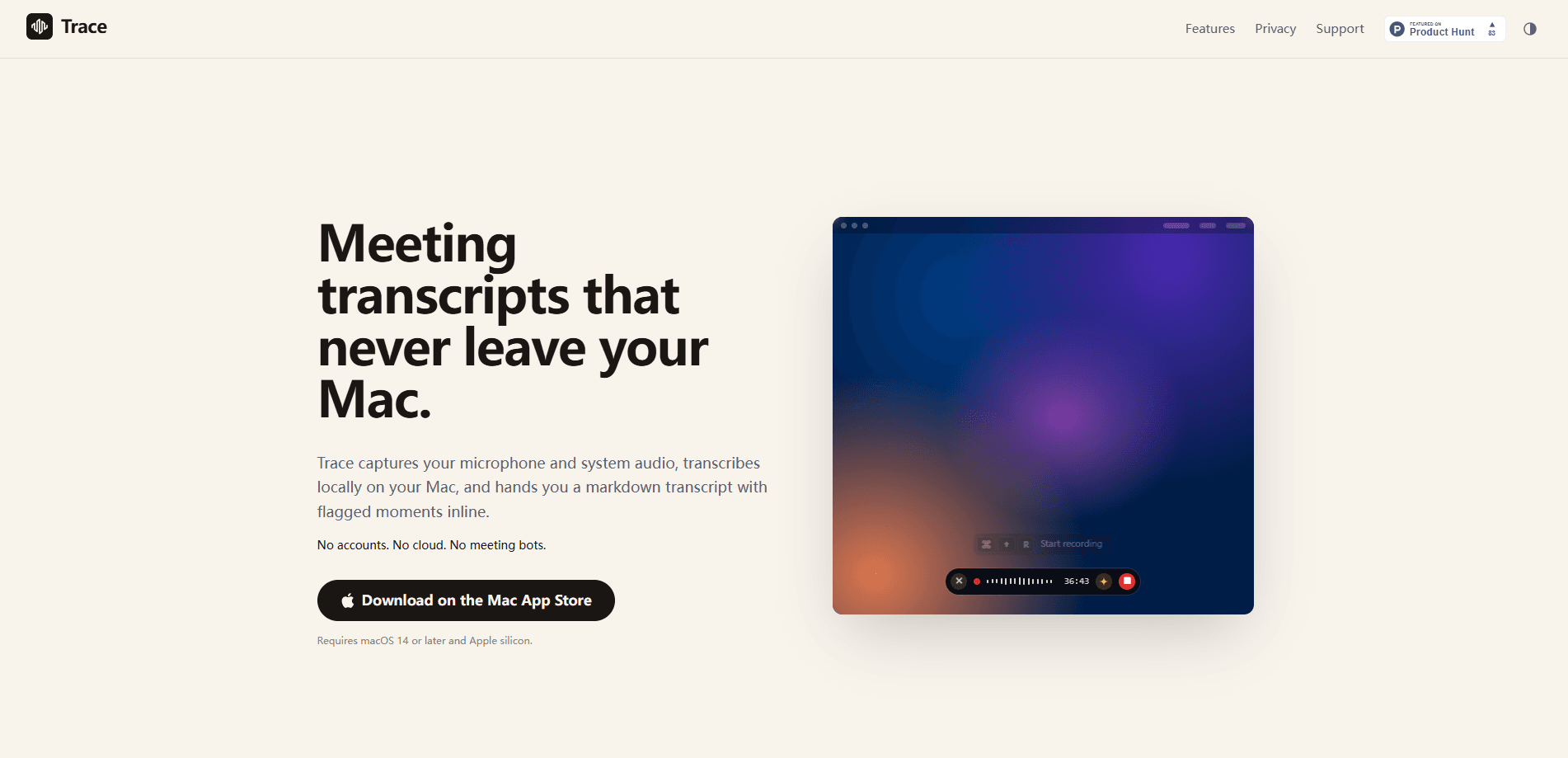
Trace records both sides of a call on your Mac. It captures your microphone and the audio coming out of your speakers, then transcribes everything locally and produces a markdown file with timestamps, speaker labels, and any notes you flagged during the meeting. There's no meeting bot to invite, no browser tab to keep open, and no account to create.
The pitch is privacy. Most AI notetakers send your audio to a server somewhere and may keep it. Trace doesn't. The speech model runs on your machine, recordings land in your Home folder as ordinary audio and markdown files, and that's the whole storage story.
The catch is the hardware. Trace needs macOS 14.4 or later and an Apple silicon Mac, so Intel Macs are out. Local transcription also puts the load on your machine, and the first run downloads a speech model before anything works offline.
Think of it as a meeting transcript app that happens to live in your menu bar.
Getting Started
- Download Trace from the Mac App Store and complete the first-launch onboarding, which grants microphone and system audio access.
- Press ⌘⇧R or click the Trace icon in the menu bar and choose Start Recording. The pill appears above the Dock.
- Join your call, play a video, or just talk. Everything audible gets captured.
- Press ⌘⇧R again to stop. Trace transcribes on-device, and the first transcription downloads the speech model it needs.
- Name the recording, click Copy, and paste the markdown transcript wherever you want it.
Product Information
A quick look at Trace's pricing, supported platforms, and performance.
Best for
The users, tasks, and scenarios where this tool fits best.
Users
- Privacy-conscious professionals
- Remote workers on Zoom, Teams, or Meet
- Students and researchers
Tasks
- Taking meeting minutes without typing
- Transcribing existing audio or video files
- Searching past recordings
Scenarios
- Client calls where confidentiality rules forbid cloud processing
- Long back-to-back meeting days
- Building a personal knowledge base across app boundaries
Key features
Local, on-device transcription
Trace runs its speech model on your Mac rather than on a server. Audio goes in, markdown comes out, and the file never leaves your machine. That matters most if your workplace bans sending call audio to cloud notetakers or if you simply don't trust that your recordings get deleted.
One-keystroke recording over any app
A single shortcut, ⌘⇧R, starts and stops recording over Zoom, Teams, Meet, Slack, or anything else. There's no app to switch to and no window to arrange, which is the difference between actually recording a call and forgetting to.
Key moments with ⌘K
Press ⌘K mid-call, type a short note, and hit Enter. That moment gets pinned to the transcript at the exact timestamp, so anyone reading it later sees what mattered. You stay in the conversation rather than breaking off to write a summary. No typing sprint. No lost thread.
The live recap
Press ⌘/ and the pill expands upward into a live transcript of the last few minutes, mixed with every moment you flagged. It's aimed at the case where you drifted off or missed a sentence and need to catch up without leaving the meeting. Ever zoned out for two minutes and lost the plot?
Markdown that fits anywhere
Transcripts and summaries come out as clean markdown, and Trace can drop the file anywhere in your filesystem or send it straight to Obsidian, Bear, Drafts, or Things. You can also copy it into Notion, ChatGPT, or Claude by hand. Clean text, no lock-in.
Your library as plain files
Every recording ends up in Home as audio plus markdown. That means you can file it, search it with existing tools, put it under version control, or delete it outright. Nothing is locked inside a proprietary database.
Command-line access with tracecli
The tracecli tool reads your past transcripts and summaries off disk and can even drive Trace itself, starting, stopping, and summarising recordings. Scriptable access means your terminal and AI agents can reach your recordings the same way you do.
Pros and cons
Pros
- Audio stays on your Mac the whole time, which is the whole point for anyone with confidentiality constraints.
- No bot joins your call, so participants aren't prompted or recorded by a visible third party.
- Key moments give transcripts structure without interrupting the meeting.
- Markdown output and app integrations mean notes fit existing workflows instead of a new silo.
- Recordings are ordinary files you can move, version, or delete yourself.
Cons
- Apple silicon and macOS 14.4 are hard requirements, so Intel Mac users are left out entirely.
- On-device transcription puts the load on your machine, and the first run needs a speech model download before offline use works.
- There's no Windows or web version, so teams are locked into Mac.
Frequently asked questions
Not exactly. This Mac meeting transcription app is a paid download from the Mac App Store, so you buy it once rather than paying per meeting. Pricing and trial details do change. Check the listing before you buy.
Related content
Explore related tools, skills, and articles for Trace.
Trace Alternatives

Google EmbeddingGemma 2
Google DeepMind · Writing · Image · CodingGoogle EmbeddingGemma 2 is a 740M-parameter open model that turns text, code, images, audio, and video frames into vectors in one 768-dimension space, running on phones and laptops.

MePersona
MePersona, Inc. · Writing · Productivity · MarketingMePersona is an AI unified inbox for creators. It learns your voice, drafts replies to fan messages from 12 platforms, and sends only what you approve.

Fluence
Yay Software (Yannick Huchard) · Writing · Voice & Language · ProductivityFluence is an Android app that reads PDFs, EPUBs, Word files and web articles aloud, follows each sentence as it speaks, and answers questions about the text on the phone itself.