

Trainer
Trainer Labs, Inc. · Coding
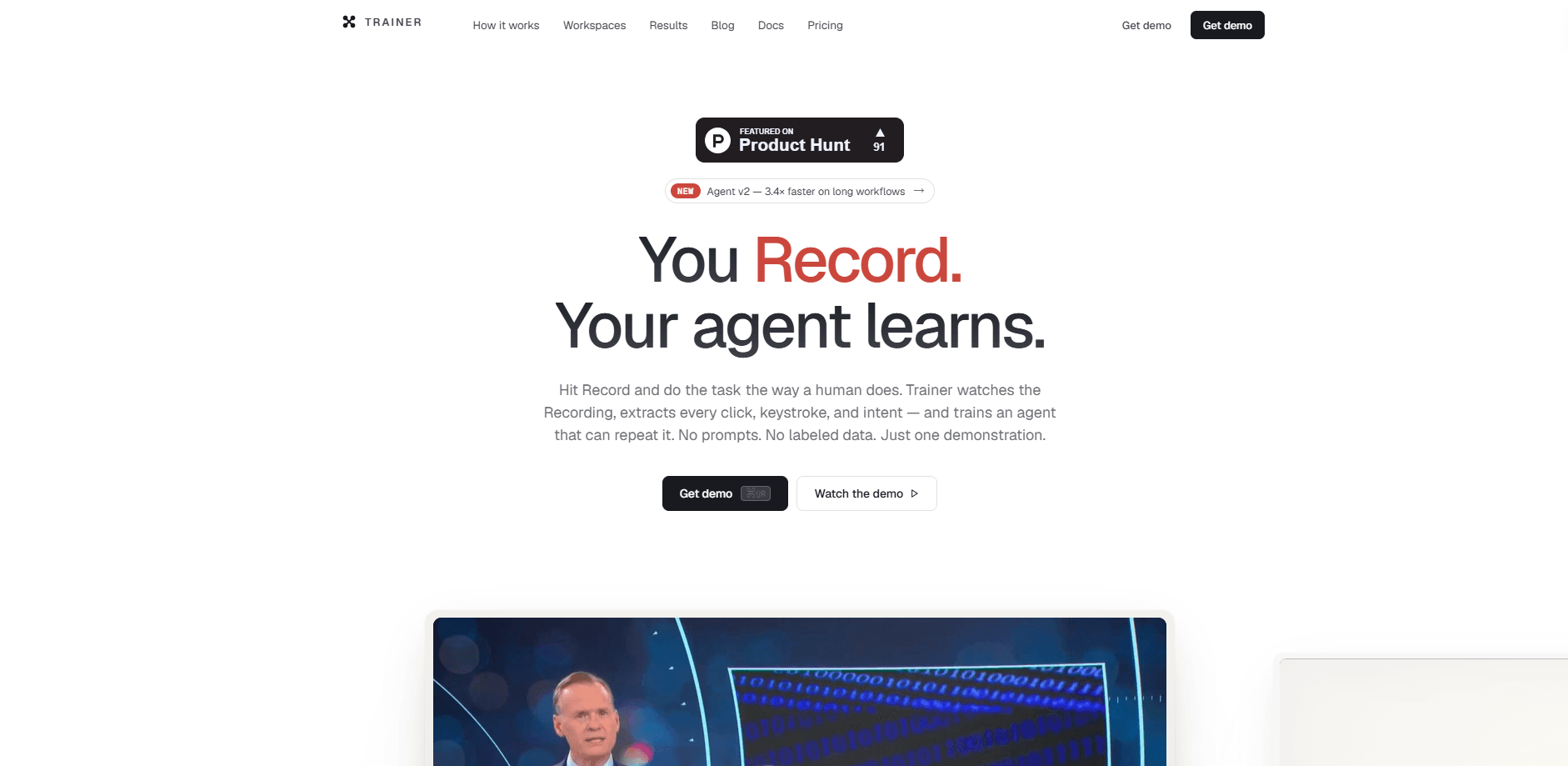
Trainer is an AI agent training tool that builds a working agent from a single screen recording. You hit record, do a task the way you normally would, and it captures your screen, clicks, keystrokes, and spoken narration on one timeline. The platform then breaks the video into steps, compiles those steps into a trace, and fine-tunes an agent that can repeat the job. No prompt writing. No labeled data. That combination makes it one of the few no-code AI agent builders aimed at people who can do the work but can't code the automation.
About Trainer
What Is Trainer
Trainer is a screen recording to AI agent platform from Trainer Labs, Inc. Instead of describing a workflow in text and hoping a model follows it, you perform the workflow once. The recorder logs every click, key press, and spoken note, then a frame analyzer turns that messy video into a clean, structured sequence of steps.
The idea behind it sounds almost too easy: if you can do the task, you can teach it. Trainer handles the hard part in the middle, which is extraction, branching, and fine-tuning. Teams use it to train AI agents by demonstration, capturing recurring back-office work like invoice matching or claims intake and handing it to an agent that runs the same steps on its own.
Not every task fits. Trainer wants a real, repeated process. One-off jobs won't benefit, and the agent leans on what it saw during the recording, so a messy demo produces a messy agent. It also wants you to think in traces and runs, which takes some getting used to if you've never touched an agent SDK before.
Getting Started
- Open the Trainer recorder and start a new session, then do the task exactly the way you'd do it today while narrating your intent out loud.
- Let the analyzer walk the frames and pull out clicks, keystrokes, screen transitions, and narration into a structured trace.
- Review the trace, edit any step, or regenerate it with a short note if something came out wrong.
- Create an agent, bind it to the trace, and fine-tune it against your captured demonstration.
- Generate an API key, drop the Trainer SDK into your app, and let each production run stream back as a scored training run.
Product Information
A quick look at Trainer's pricing, supported platforms, and performance.
Best for
The users, tasks, and scenarios where this tool fits best.
Users
- Operations teams
- Founders and small teams
- Developers
Tasks
- Transaction reconciliation
- Claims and intake work
- Listing and order updates
Scenarios
- Rolling out automation across a whole department
- Replacing brittle scripts
- Closing the loop on production runs
Key features
Record Once, Train an Agent
Trainer's core feature is the record-to-train loop. You open the recorder, do the task with your normal tools, and everything lands on one time-aligned timeline. No scripting. No instrumentation on the app you're recording. The process stays exactly the way you do it today.
Frame Analyzer With Vision and ASR
The analyzer walks every frame with vision and automatic speech recognition. It pulls out clicks with their target, keystroke sequences, screen transitions, and the intent behind your narration. What was raw video becomes a structured list of atomic events you can read and edit line by line.
One Trace, Four Formats
The same trace compiles into natural language, JSON, an action DSL, and a natural DSL. You can switch formats at any time and regenerate or refine the trace without recording again, which matters when a workflow needs a small fix but not a full reshoot.
Fine-Tuned Agents Against a Human Baseline
Binding an agent to a trace fine-tunes its policy against your captured demonstration. Every production run then streams back and is scored on step accuracy, coverage, and order integrity, charted next to the human baseline so you can see where the agent drifts.
One SDK for Every Agent Mode
Trainer ships a single Python package that triggers an agent as a chat agent, a background task, or a live stream to your UI. Same recording, same loop, three modes. The SDK handles tool calling, automatic retries, and full observability out of the box, so you don't wire that plumbing yourself.
Domain-Ready Deployments
Beyond the tool itself, Trainer ships prebuilt playbooks for whole industries, from healthcare intake and legal contract review to logistics dispatch and government permitting. That's a lot of ground. Each domain page lists the specific workflows it covers, which shortens the path from recording to a running agent.
Pros and cons
Pros
- Turns one screen recording into a trainable agent, so you don't write prompts or label data.
- Captures screen, mouse, keystrokes, voice, and the live DOM together, giving the analyzer far more to work with than a plain video.
- Every production run feeds back into training and is scored on accuracy, coverage, and order integrity.
- Flexible output formats mean you can edit a trace instead of re-recording when a step changes.
- Works across macOS, Windows, and Linux, and the free launch tier needs no credit card.
Cons
- The approach depends on a repeated process, so one-off or highly variable tasks won't deliver much value.
- A sloppy demonstration produces a sloppy agent, which puts real weight on recording a clean run.
- The concepts of traces, runs, and scoring take time to learn if you've never used an agent SDK.
Frequently asked questions
It watches you perform a task once on screen and then trains an AI agent to repeat it. The recorder captures your clicks, keystrokes, and narration, and the platform turns that into a structured trace it can train on.
Related content
Explore related tools, skills, and articles for Trainer.
Trainer Alternatives
Forefront
Forefront · CodingForefront is a web platform for building with open-source AI. It lets you fine-tune leading open-source language models on your own data, evaluate how they perform, and run them through an API or export them to host yourself. Developers who want the convenience of a closed-source platform but insist on owning their models and data are the target audience here.

Startkit
StartKit.AI · CodingStartkit is a boilerplate for building AI SaaS and AI wrapper products. Think of it as an AI startup boilerplate with the boring parts already wired up: authentication, Stripe and Lemon Squeezy payments, usage limits, transactional email, and an AI API starter that talks to OpenAI, Anthropic, Groq, or Llama. You clone the repo, set your price, and start on the part of your product that people actually pay for. It's Next.js under React and Tailwind, so most of the boilerplate code already feels familiar.
Testim
Tricentis · CodingTestim is an AI-powered test automation platform for building and running end-to-end tests across web, mobile, and Salesforce applications. It leans on machine learning to keep tests stable when an interface changes, so teams spend less time fixing broken selectors. Not bad for an automated testing tool you can start using today. You create tests by recording actions in a browser, then optionally add JavaScript when you need more control. It's a solid pick for busy QA teams.