

Lightning Rod: Generate training data
Lightning Rod · Coding · Other
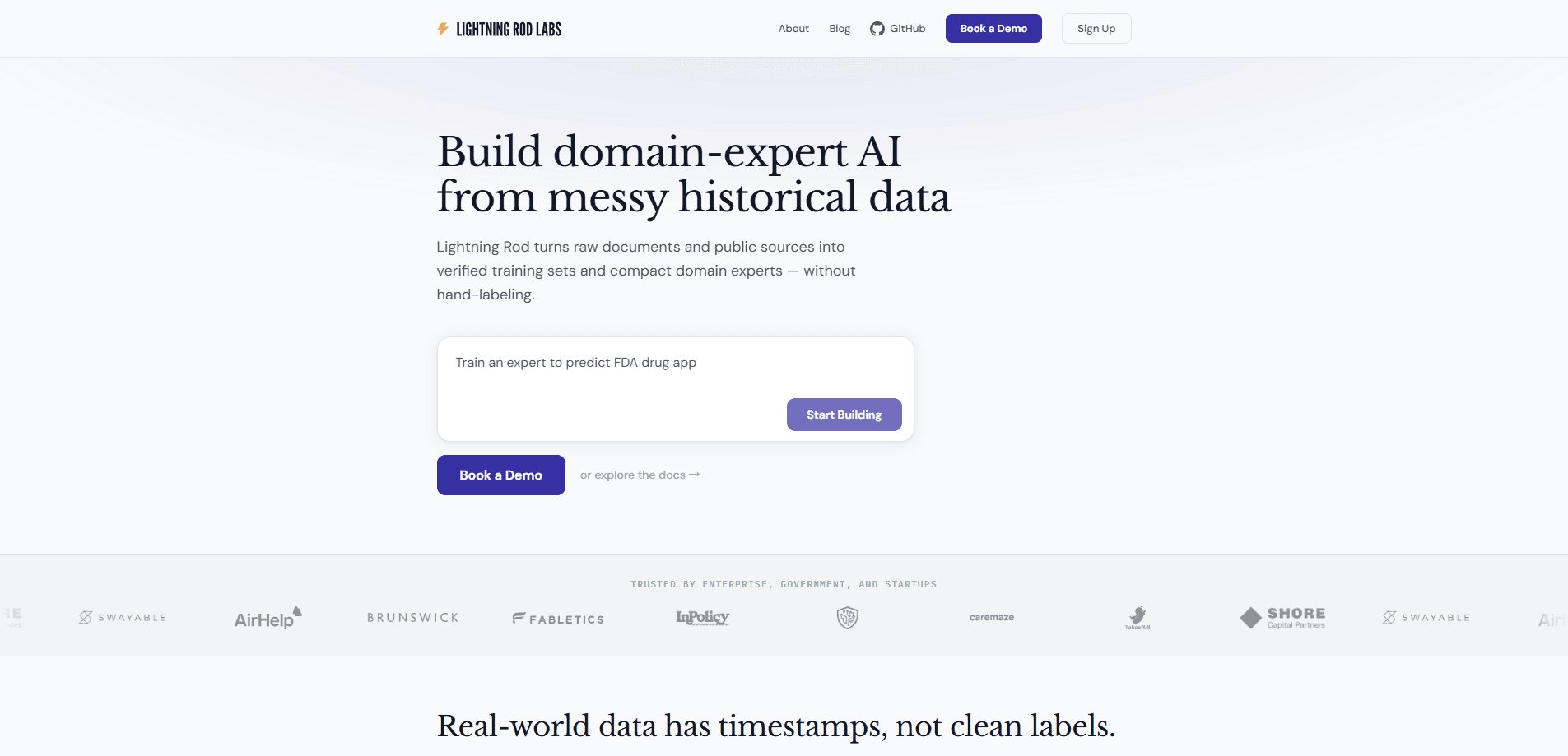
Lightning Rod is an AI training data platform that works as a training data generator for teams that want custom models. It turns messy operational data into clean, verified datasets for building domain-expert models. It handles data preparation, training, evaluation, and deployment. It also ships a forecasting API called Foresight that returns calibrated probability answers through any OpenAI-compatible client. The pitch is simple. Your business already has the history a model needs, and Lightning Rod helps you use it without hiring a labeling team.
About Lightning Rod: Generate training data
What Is Lightning Rod
Lightning Rod is a service for teams that want custom AI models instead of generic ones. Feed it the timestamped records you already keep, like support tickets, deal notes, or operational logs, and it standardizes them into reinforcement-learning training environments. The company's core idea is "Future-as-Label": real outcomes that happen later act as the ground truth, so nobody has to sit and hand-label thousands of examples.
Two things stand out. First, the models it trains are meant to be compact, so inference costs far less than running a frontier model on every call. Second, deployment is flexible. You can run the finished model in your own cloud or in Lightning Rod's, which matters if your data can't leave your infrastructure.
The platform also runs a public forecasting product. Foresight models answer forward-looking questions, like whether a contract will renew or how a market will move, and they return a calibrated probability rather than a vague paragraph. So what do you actually get? A number you can act on. That API is genuinely useful on its own, even if you never touch the enterprise training pipeline.
The main limit is that this isn't a self-serve app you can poke around in for free. The enterprise side works through a sales conversation, and the numbers are quote-based. Not ideal if you like to test first. If you want to see the technology in action before committing, the forecasting API is the cheapest way in.
Getting Started
- Decide which path fits: the forecasting API for quick predictions, or the enterprise platform for a custom model.
- For the API, get a key from the Lightning Rod dashboard, or pay a small top-up over MPP if you want credits without a signup.
- Point any OpenAI-compatible client at
https://api.lightningrod.ai/v1/openaiand pick a model such asforesight-v4. - Send a forward-looking question, adding your own context or turning on research mode for external sources.
- For a custom model, book a call, connect your data sources, and let the pipeline generate, fine-tune, and evaluate the dataset.
Product Information
A quick look at Lightning Rod: Generate training data's pricing, supported platforms, and performance.
Best for
The users, tasks, and scenarios where this tool fits best.
Users
- Startups with proprietary data
- Enterprise and government teams
- Developers and analysts
- AI engineers doing research
Tasks
- Building training datasets
- Forecasting business outcomes
- Fine-tuning domain models
- Evaluating model performance
Scenarios
- A sales team that wants to predict deal outcomes from CRM history
- A clinical or supply chain team predicting operational risk
- A developer prototyping an agent that needs forecasts
- An enterprise that must keep data in its own cloud
Key features
Future-as-Label Training Data
Instead of asking people to label examples by hand, Lightning Rod uses what actually happened later as the label. If a deal closed or a contract renewed, that outcome is the ground truth for an earlier question. The result is a training set built from your real history. The messy parts stay messy, and that's deliberate. This is also where synthetic data generation gives way to something more grounded, since every example traces back to a real outcome.
Configurable Data Pipeline
The platform ingests news, documents, and custom data and runs them through a pipeline that generates labeled forecasting datasets. It covers the whole loop, from generating questions and answers to fine-tuning and evaluation. Teams don't have to build their own data wrangling stack to get started.
Foresight Forecasting API
Foresight is a family of forecasting models that return calibrated probabilities on forward-looking questions. It's OpenAI-compatible, so you can drop it into existing code with a changed base URL and model name. Two models are available: foresight-v4 and the older foresight-v3.
Research Mode and Custom Context
By default, the forecasting models work only from what they were trained on. To get sharper answers, you either supply your own aggregated context or switch on research mode, which pulls from sources like Perplexity and Google News. That setup lets a developer tune how much external evidence feeds each prediction.
Flexible Secure Deployment
Finished models can run in your cloud or Lightning Rod's. That's a real differentiator for regulated industries, where the alternative is often a hosted service that keeps your data on someone else's servers. Compact models also mean lower per-call cost once they're deployed.
Compact Models That Beat Frontier AI
According to Lightning Rod, its models have outperformed frontier systems on several domain tasks and reached Superforecaster range on ForecastBench, running on a single GPU. That's a big claim. The claim is worth taking with a grain of salt until you test it on your own use case, but the direction is clear: smaller, cheaper, and tuned to one problem.
Structured Predictions and SDK
The API returns plain text by default, which is fine for a human reading the result. For programmatic work, an answer_type extension returns structured output, and a Python SDK handles parsing with a single lr.predict() call. That makes it easier to wire forecasts into an automated workflow.
Pros and cons
Pros
- No manual labeling required, which removes the slowest and most expensive part of building a custom dataset.
- Foresight API is OpenAI-compatible, so integration is a config change rather than a rewrite.
- Models can be deployed in your own cloud, which suits teams with strict data rules.
- Compact models cut inference cost compared with calling a frontier model on every request.
- The forecasting API can be tested with a small top-up, with no signup or dashboard needed.
Cons
- There's no free self-serve tier, so you can't fully test the enterprise platform without talking to sales.
- Enterprise pricing is quote-based, which makes budgeting harder up front.
- The training pipeline depends on having years of timestamped historical data, so newer organizations have less to work with.
- Forecasting models have no external sources by default, so results suffer unless you supply context or enable research mode.
Frequently asked questions
It builds custom AI models from the data you already have. The platform turns messy, timestamped records into verified training datasets, then fine-tunes and serves a compact model tailored to your workflows, all without hiring a labeling team or writing questions by hand.
Related content
Explore related tools, skills, and articles for Lightning Rod: Generate training data.
Lightning Rod: Generate training data Alternatives
Forefront
Forefront · CodingForefront is a web platform for building with open-source AI. It lets you fine-tune leading open-source language models on your own data, evaluate how they perform, and run them through an API or export them to host yourself. Developers who want the convenience of a closed-source platform but insist on owning their models and data are the target audience here.

Startkit
StartKit.AI · CodingStartkit is a boilerplate for building AI SaaS and AI wrapper products. Think of it as an AI startup boilerplate with the boring parts already wired up: authentication, Stripe and Lemon Squeezy payments, usage limits, transactional email, and an AI API starter that talks to OpenAI, Anthropic, Groq, or Llama. You clone the repo, set your price, and start on the part of your product that people actually pay for. It's Next.js under React and Tailwind, so most of the boilerplate code already feels familiar.
Testim
Tricentis · CodingTestim is an AI-powered test automation platform for building and running end-to-end tests across web, mobile, and Salesforce applications. It leans on machine learning to keep tests stable when an interface changes, so teams spend less time fixing broken selectors. Not bad for an automated testing tool you can start using today. You create tests by recording actions in a browser, then optionally add JavaScript when you need more control. It's a solid pick for busy QA teams.