

TranslateAir
TranslateAir · Writing
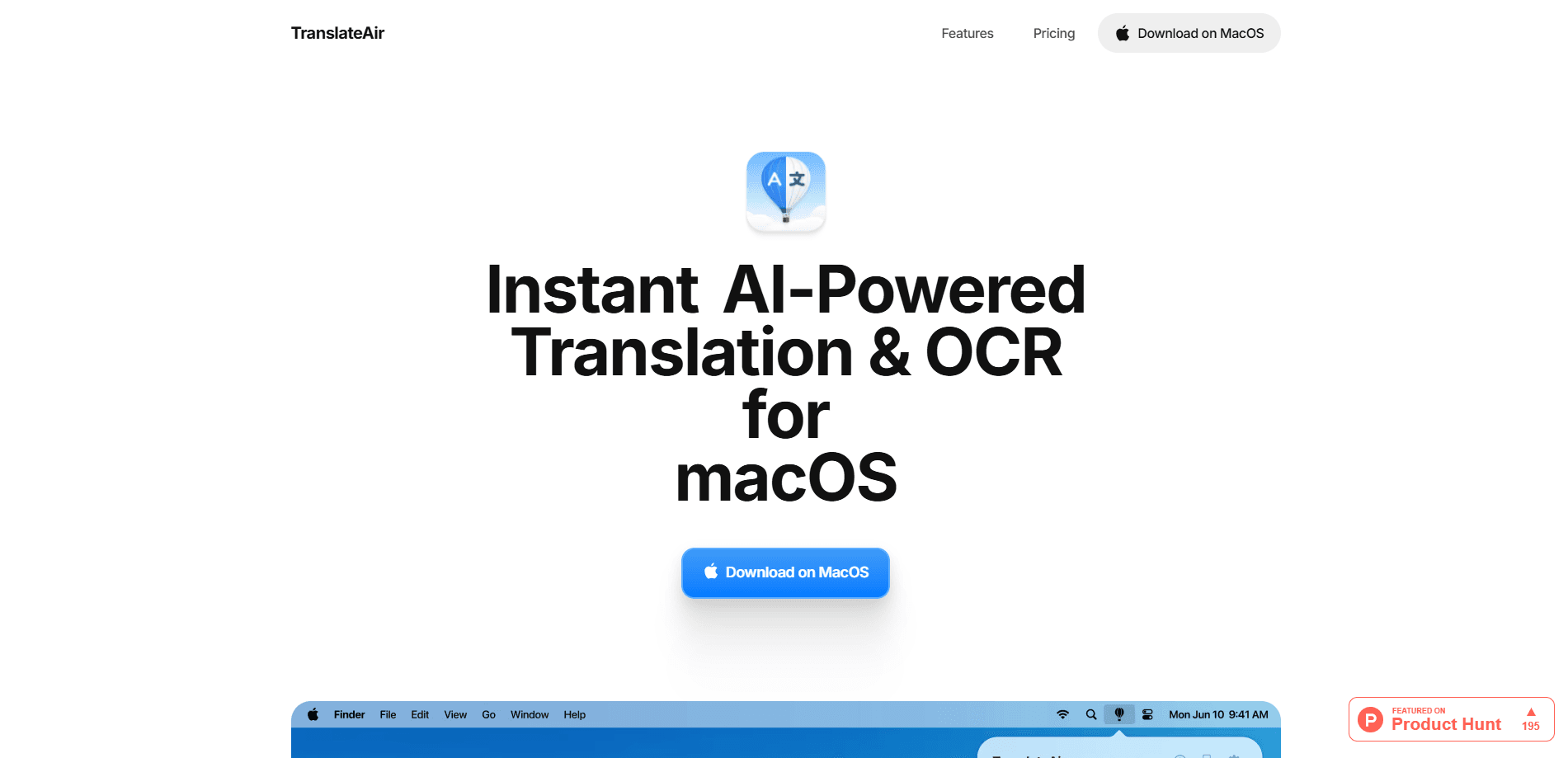
TranslateAir is a macOS app that translates text you select in any app and pulls text out of images with OCR. It runs from the menu bar and offers ChatGPT, Gemini, DeepL, and Google engines.
About TranslateAir
What Is TranslateAir
TranslateAir is a lightweight macOS app built around one idea: you shouldn't have to leave whatever you're doing to translate something. Select text in any app and the app translates it in place, either from a floating bar next to your selection or through a keyboard shortcut you set yourself. It sits in the menu bar, so it's always one click away without crowding your desktop.
The app leans on several translation engines rather than one. You can route the same phrase through ChatGPT, Gemini, DeepL, or Google Translate and compare how each reads, which matters when you care about nuance in one case and raw speed in another. A separate rewrite tool lets you shift the tone of a result to something friendlier, more formal, shorter, or longer without starting over.
The main limits are worth knowing up front. TranslateAir needs an internet connection, so there's no offline mode yet. It also asks for Accessibility and Screen Recording permissions on macOS, which is how it detects selected text and reads text out of images. The free tier caps you at 50 total translations, so it's a trial rather than an everyday free plan.
Getting Started
- Download the app from the official site and drag it into your Applications folder.
- Open TranslateAir and grant Accessibility permission, then Screen Recording permission for OCR.
- Set your default translation engine and any keyboard shortcuts you want to use.
- Select text in any app to trigger a translation, or run an OCR scan on an image.
- Upgrade to unlimited translations and OCR when the free 50 runs out.
Product Information
A quick look at TranslateAir's pricing, supported platforms, and performance.
Best for
The users, tasks, and scenarios where this tool fits best.
Users
- Developers reading foreign-language docs
- Writers and editors working across languages
- Students and researchers
Tasks
- Translating a sentence inside a busy workflow
- Extracting text from an image or screenshot
- Rewriting a translation before you send it
Scenarios
- Reading a foreign-language article or thread
- Working through a multilingual inbox
- Reviewing a design or product mockup
Key features
Four Translation Engines in One App
TranslateAir connects to ChatGPT, Gemini, DeepL, and Google Translate, and lets you pick which one handles a translation. The point is flexibility: DeepL often reads more naturally for European languages, while the AI models can better handle context, tone, and unusual phrasing. You can switch engines per task instead of committing to a single service.
Pop-up Translation from Any App
When you select text, a floating bar appears next to it with the translation already in place. The site claims it works with 1000+ apps, which covers most of what you'd read in a normal day. If the automatic bar isn't your style, you can trigger the same translation with a keyboard shortcut instead.
Smart Rewrite for Tone and Length
Not every translation should sound the same. The rewrite tool takes an existing result and reshapes it to be friendly, professional, concise, or detailed. It's the difference between a word-for-word rendering and something you'd actually paste into an email, and it happens without leaving the app.
Text OCR Extraction
OCR pulls text out of screenshots, designs, videos, PDFs, and even source code with a single action. It supports 100+ languages, so the same tool that reads an English screenshot handles a Chinese menu or a Japanese subtitled frame. For anyone who deals with text trapped in images, this is often the feature that earns its place.
Custom Keyboard Shortcuts
You can assign your own shortcuts to translations, OCR scans, and the floating bar. That turns a three-step routine into a single keystroke, which matters most for people who translate constantly. The app also supports a translate-and-replace action, so the original text can be swapped for the translation on the spot.
Privacy-First and Menu Bar Native
TranslateAir runs from the menu bar and processes text in real time rather than storing it. According to the company's privacy policy, translation content is discarded as soon as the result is delivered, and no personal information is kept. It's a small app, quick to open, and built to stay out of the way until you need it.
Pros and cons
Pros
- Combines four well-known translation engines, so you can match the tool to the language or tone.
- Translates selected text in place, which removes the usual copy-paste shuffle.
- OCR covers screenshots, PDFs, video frames, and code, not just clean documents.
- Runs from the menu bar and stays lightweight, so it's there when you need it.
- The privacy policy states that translation content isn't stored.
Cons
- No offline mode, so it's useless on a plane or a locked-down network.
- The free tier is a hard 50 translations with no reset, which barely covers a trial.
- Requires Accessibility and Screen Recording permissions, a real consideration for security-conscious users.
- macOS only, so Windows and Linux users are left out.
Frequently asked questions
It translates text you select in any Mac app and extracts text from images with OCR. You use it to read foreign text, translate short messages, and pull words out of screenshots or PDFs without leaving what you're doing.
Related content
Explore related tools, skills, and articles for TranslateAir.
TranslateAir Alternatives

Emailwritr
Emailwritr · Writing · MarketingEmailwritr is an AI email copywriting tool built for affiliates, course creators, and online businesses that want more revenue from the list they already own. Instead of blank pages or generic chatbot prompts, this AI email writer generates welcome sequences, launch campaigns, cart recovery emails, and promo series from frameworks modeled on well-known direct-response copywriters. You connect your autoresponder, answer a few questions about your offer, and it writes the copy for you.

Swms
Swms AI · Writing · Productivity · BusinessSwms is an AI safety compliance tool that turns a plain description of a job into ready-to-use safety documents. Describe your project, trade, and known hazards, and it writes a safe work method statement, job hazard analysis, safe work procedure, RAMS, or safety data sheet in seconds. It also ships with Oscar, a chat assistant that answers workplace safety questions in any language. Teams in construction, mining, transport, and warehousing use it to cut the paperwork that usually eats into a workday.

Prosp
Prosp · Writing · Voice & Language · MarketingProsp is an AI LinkedIn outreach tool built for agencies and sales teams, and it writes the message and the voice note in your own voice for each prospect so they actually reply. You connect your accounts, find leads, and let the AI draft and send personalized messages at scale, all from one inbox. It's built for people running outbound at volume. That's the whole pitch. Every touchpoint still has to feel human.