

Transync AI - Translator
Transync AI · Writing · Voice & Language
Transync AI is a real-time AI translator that turns live speech into bilingual subtitles and spoken output in 60+ languages, and it works inside Zoom, Teams and Meet.
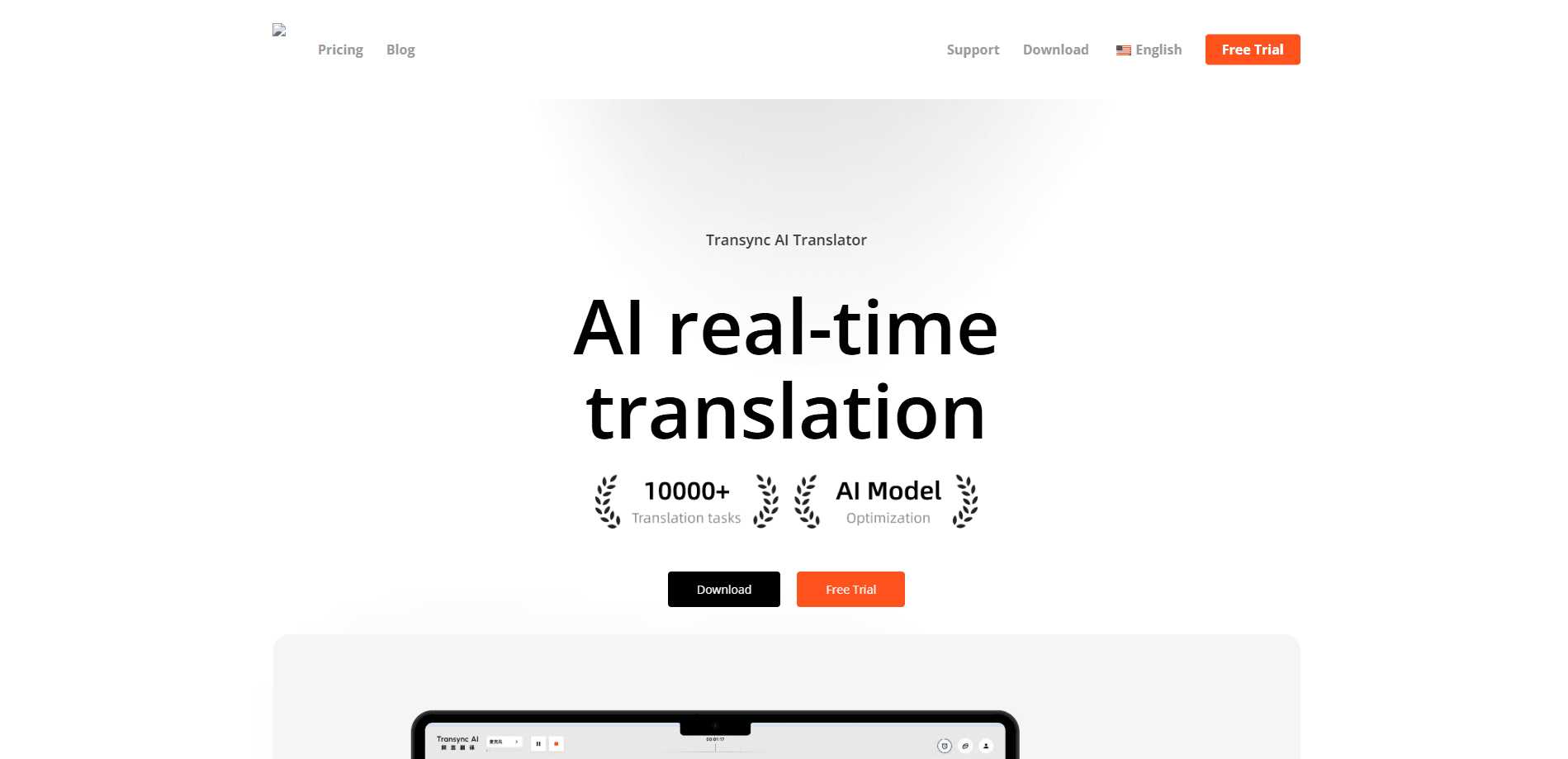
About Transync AI - Translator
What Is Transync AI
Transync AI is a real-time interpreter for meetings, calls and face-to-face conversations. You start a session, it listens to the room or the meeting audio, and it turns what people say into translated text and speech as they talk. The pitch is simple: stop scheduling a human interpreter for a call you can handle yourself.
The problem it attacks is the pause. Traditional translation tools make you type, copy or hand a phone back and forth, which breaks the flow of a real conversation. Transync AI listens to whoever is speaking, detects the language on its own, and shows the original and the translation side by side on a dual-screen layout. It also reads the translation aloud in a natural voice, so the other person can just hear it.
It runs on Mac, Windows, iOS, Android and the web, and your sessions sync across those devices. The big limitation to keep in mind is that it needs a live internet connection, and the free tier runs out fast. You get 40 minutes once, and after that you pay per month.
Getting Started
- Create an account on the Transync AI site or download the app for your platform.
- Pick your language pair and start a session in one-way, two-way or multilingual mode.
- Open your meeting in Zoom, Teams, Google Meet or a WhatsApp call and let Transync AI listen to the audio.
- Read the bilingual subtitles as they appear, or switch on AI voice playback so the translation is spoken out loud.
- Export the bilingual transcript and AI meeting notes when the call ends.
Product Information
A quick look at Transync AI - Translator's pricing, supported platforms, and performance.
Best for
The users, tasks, and scenarios where this tool fits best.
Users
- Sales and procurement teams that run cross-border calls daily and can't wait for a human interpreter to be booked each time.
- Multinational company employees who sit in meetings with colleagues speaking several languages and need to follow along live.
- Cross-border freelancers and consultants who pitch or interview clients abroad and want the conversation to keep moving without a third party on the line.
- Students abroad and travelers who need help in lectures, at a front desk or ordering a meal where locals don't share a language with them.
Tasks
- Interpreting a live business meeting. Both sides speak their own language and read subtitles instead of pausing for a translator.
- Translating a phone call. The app picks up the audio from the call and returns spoken output the other person can hear.
- Capturing meeting notes. It keeps a bilingual transcript, pulls out key points and turns them into notes you can export.
- Running a presentation for a mixed-language audience. One host shares live translated text and voice while each attendee follows in the language they choose.
- Improving term accuracy. You load custom keywords and context so your industry terms come out right instead of guessed.
Scenarios
- A cross-border sales call where a deal hinges on tiny wording. The dual-screen view keeps both languages visible so nothing gets lost.
- An online meeting across three or more languages. Multilingual mode translates each speaker into the language every listener picked.
- A trade show or front-desk conversation. You open the app on a phone and talk face to face without a booth or a bot.
- A training session for a global team. Presentation mode pushes live subtitles to everyone through a link or QR code.
- A workday full of back-to-back calls. Meeting notes and transcripts save you from writing up the call by hand.
Key features
Real-Time Simultaneous Interpretation
Transync AI translates speech as it happens, with the low latency that comes from an end-to-end speech model that reads and speaks rather than routing everything through text first. It supports one-way, two-way, and multilingual translation. You can read the output on a dual-screen layout that keeps the source and the translation in view together, or hear it read aloud.
AI Voice Playback and Voice Clone
Alongside the subtitles, Transync AI can read the translation out loud in natural male and female voices, with streaming output you can interrupt if you need to jump in. It also offers voice clone, so where available the translation can come out in a familiar voice. This matters on calls, because the person on the other end can simply listen instead of reading.
Works With the Meeting Apps You Already Use
The translator listens to your speech and the other participants directly, so it works with Zoom, Microsoft Teams, and Google Meet, and it supports WhatsApp calls. There's no meeting bot to invite and no browser extension to install, which means you don't have to ask anyone else on the call to change what they're doing.
AI Meeting Notes and Context
Transync AI keeps a bilingual transcript of the session, generates meeting summaries, and flags action items and key decisions you can export. You can also load professional keywords and context for your topic, which raises accuracy on industry terms that generic translation tends to fumble.
Presentation Mode for Live Events
For conferences, training, and webinars, presentation mode lets one host share live translated text and optional AI voice with an audience. Attendees join by link, QR code, or room ID, and each one follows in the language they pick. It's aimed at the case where a single speaker needs to reach a room that doesn't share one language.
Dual-Screen View, Floating Subtitles and Privacy Controls
The dual-screen layout shows the original and the translation side by side, and a picture-in-picture window with floating subtitles keeps the text on top of anything else on your screen. On the privacy side, Transync AI deletes raw audio right after processing, runs on AES-128 and TLS 1.3 encryption, and states that your data is not used to train AI models by default.
Pros and cons
Pros
- Covers 60+ languages with automatic language detection, so you don't switch settings between speakers.
- Runs across Mac, Windows, iOS, Android, and the web with sessions that sync between them.
- Works inside Zoom, Teams, Google Meet, and WhatsApp calls without a bot or extension.
- Bundles bilingual transcripts and AI meeting notes into the same tool as the translation.
- States GDPR, ISO 27001, and HIPAA compliance and deletes raw audio after processing.
Cons
- Needs a live internet connection, so there's no offline mode for travel or patchy networks.
- The free allowance is only 40 minutes total, which is enough to test but not to rely on.
- Multilingual sessions burn usage faster, so a busy team can hit the Enterprise cap sooner than expected.
- No public API is documented, which rules it out for teams that want to build translation into their own app.
Frequently asked questions
It translates live speech in real time, showing bilingual subtitles and reading the translation aloud. It's built for meetings, calls, presentations, and face-to-face conversations rather than for translating documents or static text.
Related content
Explore related tools, skills, and articles for Transync AI - Translator.
Transync AI - Translator Alternatives

Google EmbeddingGemma 2
Google DeepMind · Writing · Image · CodingGoogle EmbeddingGemma 2 is a 740M-parameter open model that turns text, code, images, audio, and video frames into vectors in one 768-dimension space, running on phones and laptops.

MePersona
MePersona, Inc. · Writing · Productivity · MarketingMePersona is an AI unified inbox for creators. It learns your voice, drafts replies to fan messages from 12 platforms, and sends only what you approve.

Fluence
Yay Software (Yannick Huchard) · Writing · Voice & Language · ProductivityFluence is an Android app that reads PDFs, EPUBs, Word files and web articles aloud, follows each sentence as it speaks, and answers questions about the text on the phone itself.