

Traycer AI
Traycer · Coding · Productivity
Traycer AI is an AI coding assistant that plans and orchestrates the agents you already use. Instead of letting Claude Code, Codex, or Cursor drift through a large codebase, it turns a rough request into a written spec, breaks that spec into tickets, and tracks each one as the agent works. You keep your existing subscriptions. Traycer handles the planning, review, and context, and its multi-agent orchestration lets several agents collaborate in one workspace.
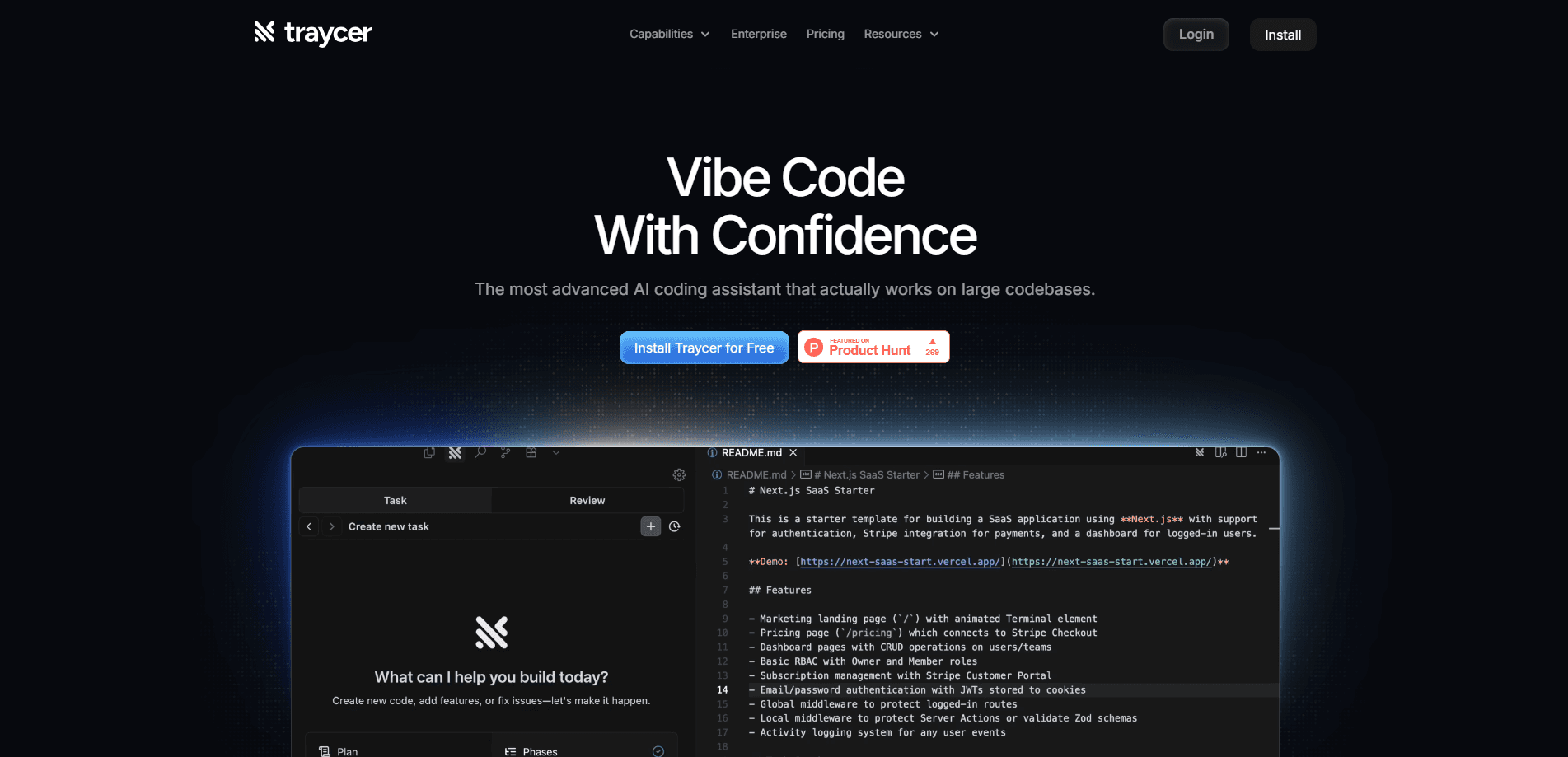
About Traycer AI
What Is Traycer AI
Traycer AI is a developer tools workspace built around spec-driven development. The idea is that the gap between what you ask for and what a coding agent builds is where most projects go wrong, so Traycer makes you write the plan down first. You describe a task in plain language, and the assistant produces structured artifacts: a spec, implementation tickets, and a review trail. It doesn't write the bulk of your code itself. Your own agent does that.
What makes it different from a single chat window is the multi-agent angle. Traycer runs several agents side by side and lets them pass work between each other, asking questions and requesting reviews as they go. Each task gets its own filesystem, history, and memory, so switching models mid-thread doesn't wipe the context you've built up. So how does that help day to day? Teams can jump in, comment on artifacts, and steer work without rebuilding everything from scratch.
The main limits are worth knowing before you commit. Traycer is a front end for agents, not a model of its own. Output quality still depends on whichever agent and model you plug in. Most of its power lives in the paid cloud plans, and the free tier assumes you bring your own subscription without any inference credits from Traycer. It's also desktop-first. macOS leads.
Getting Started
- Download the Traycer desktop app for macOS, or add the extension from Open VSX if you work in an editor.
- Connect the coding agent you already pay for, such as Claude Code, Codex, Cursor, or OpenCode.
- Start a task in plain language and let Traycer generate a spec and a set of implementation tickets.
- Assign tickets to an agent, then review the artifacts as each one is completed.
- Invite teammates into the workspace to comment and redirect work before it drifts.
Product Information
A quick look at Traycer AI's pricing, supported platforms, and performance.
Best for
The users, tasks, and scenarios where this tool fits best.
Users
- Professional developers
- Engineering teams
- Solo builders on large repos
Tasks
- Turning a vague feature request into an implementation plan
- Coordinating multiple agents
- Reviewing changes before they land
Scenarios
- Breaking a big greenfield project into ordered tickets before any code gets written.
- Keeping a long-running agent task on track when the original intent would otherwise fade.
- Onboarding a teammate to work that an agent already started, with the plan and history attached.
Key features
Bring Your Own Agent
Traycer doesn't lock you into one model. You connect the coding agents you already pay for, including Claude Code, Codex, OpenCode, and Cursor, and run them side by side in the same workspace. Traycer handles the planning and tracking above them, and the company says there's no token metering and no inference credits needed on the free Bring Your Own Agent plan. That puts you in control of cost. The actual compute still runs through your own subscriptions.
Spec-First Planning
The center of the product is the spec. When you describe a task, Traycer turns it into a compact product or technical spec plus a set of implementation tickets, rather than jumping straight into edits. On a greenfield project it fills gaps with explicit assumptions instead of stalling on questions. The payoff is simple. Both you and the agent share one written definition of done, which is easier to review than a chat log.
Agent-to-Agent Communication
Agents in Traycer can talk to each other across separate chats. One agent can ask another a question, request a review, or hand off a finished piece of work. That matters when a task is too big for a single thread, because the work keeps moving without you copying context between windows by hand. It's the feature that turns several agents into something closer to a small team.
Shared Context Across Models
Every task has its own shared filesystem, artifacts, history, and working context. You can switch models mid-chat without losing the thread you've built. In practice that means you can plan with one model, execute with another, and still keep the spec, decisions, and history in one place rather than scattered across tools.
Built-In Skills
Traycer ships with reusable workflows for planning, debugging, reviewing, debating, documenting, and breaking work into tickets. These are prebuilt routines that shape how the agent behaves at each stage, so you don't have to write the same prompt scaffolding for every project. Think of them as a starting point. Teams adapt them to their own process.
Multiplayer Workspaces
Humans and agents share one space. Teammates can inspect a task, comment on artifacts, and steer the work without rebuilding context from scratch. The company reports that large teams already run on Traycer at scale, with hundreds of thousands of tasks created and hundreds of thousands of installs on Open VSX. That sync is what separates the paid tiers from the free plan. It's the part teams actually pay for.
Pros and cons
Pros
- Works with the agents you already pay for, so you aren't buying a whole new subscription stack.
- Spec-first planning gives both you and the agent a written definition of what gets built.
- Agent-to-agent handoffs let bigger tasks move without manual context copying.
- Shared context survives model switches, so the plan and history stay put.
- Free Bring Your Own Agent plan carries no token metering or inference credits.
Cons
- Output quality still depends on the agent and model you connect, since Traycer isn't a model itself.
- Team collaboration and cloud sync sit behind paid plans, so solo free users don't get multiplayer workspaces.
- It's desktop-first with macOS leading, which is awkward if your team is on Windows or Linux.
Frequently asked questions
There's a free Bring Your Own Agent plan at $0 per user per month, and you connect your own coding agent to it. That tier includes AI planning, task tracking, unlimited agent sessions, and no token metering. Cloud sync and team features require a paid plan.
Related content
Explore related tools, skills, and articles for Traycer AI.
Traycer AI Alternatives
Forefront
Forefront · CodingForefront is a web platform for building with open-source AI. It lets you fine-tune leading open-source language models on your own data, evaluate how they perform, and run them through an API or export them to host yourself. Developers who want the convenience of a closed-source platform but insist on owning their models and data are the target audience here.

Startkit
StartKit.AI · CodingStartkit is a boilerplate for building AI SaaS and AI wrapper products. Think of it as an AI startup boilerplate with the boring parts already wired up: authentication, Stripe and Lemon Squeezy payments, usage limits, transactional email, and an AI API starter that talks to OpenAI, Anthropic, Groq, or Llama. You clone the repo, set your price, and start on the part of your product that people actually pay for. It's Next.js under React and Tailwind, so most of the boilerplate code already feels familiar.
Testim
Tricentis · CodingTestim is an AI-powered test automation platform for building and running end-to-end tests across web, mobile, and Salesforce applications. It leans on machine learning to keep tests stable when an interface changes, so teams spend less time fixing broken selectors. Not bad for an automated testing tool you can start using today. You create tests by recording actions in a browser, then optionally add JavaScript when you need more control. It's a solid pick for busy QA teams.