

TubeBuddy
TubeBuddy · Marketing
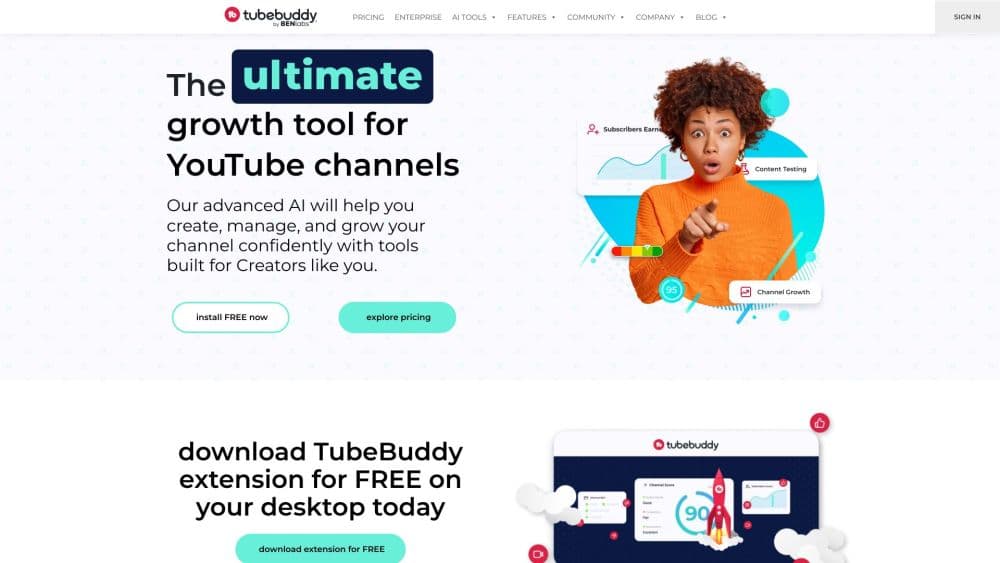
TubeBuddy is a YouTube SEO tool and channel management toolkit that helps creators find keywords, fine-tune tags and titles, test thumbnails, and track YouTube growth from a browser extension.
About TubeBuddy
What Is TubeBuddy
TubeBuddy is a toolkit for YouTube creators who want to grow a channel without guessing what works. It runs mostly as a browser extension that sits inside YouTube, so the tools appear on the pages a creator already uses: the upload screen, the video edit screen, and the channel dashboard.
The product covers four jobs. Keyword research points you at topics with real search demand. SEO scoring grades a video's title, tags, and description and tells you what to fix. Thumbnail and title A/B tests rotate variants and measure click-through rate before picking a winner. Analytics pull rankings, impressions, and revenue into one place.
The main limits are channel scope and context. A standard license covers one YouTube channel, so creators running several channels need separate licenses or an Enterprise plan. Every tool assumes you're logged into YouTube in the same browser, and some features depend on YouTube's own API limits, which TubeBuddy notes can slow down bulk actions on very large playlists.
Getting Started
- Install the TubeBuddy browser extension for Chrome, Firefox, or Edge, then sign in with your account.
- Link your YouTube channel and pick a paid plan or stay on the free tier.
- Open the TubeBuddy sidebar on YouTube to run keyword research or score an existing video.
- Apply the suggested title, tag, and description changes, then publish or schedule the video.
- Track results in the analytics dashboard and A/B test thumbnails on your top videos.
Product Information
A quick look at TubeBuddy's pricing, supported platforms, and performance.
Best for
The users, tasks, and scenarios where this tool fits best.
Users
- New YouTubers
- Full-time creators
- Social media managers
Tasks
- Finding video topics
- Tag optimization and titles
- Testing thumbnails
Scenarios
- A creator publishing weekly who wants a repeatable pre-upload checklist rather than gut feeling.
- A channel trying to lift click-through rate by testing two thumbnails on its best-performing videos.
- A small brand account that needs bulk editing, scheduled updates, and a channel health report without hiring a dedicated analyst.
Key features
Keyword Explorer
Keyword Explorer shows search volume, competition, and related terms for any topic a viewer might type into YouTube. It separates high-demand keywords from crowded ones, so a creator can aim at gaps instead of fighting for oversaturated terms. The scores come from TubeBuddy's own keyword data, which the company presents as guidance rather than a guarantee of ranking.
SEO Studio
SEO Studio grades a video's title, tags, and description in real time and highlights what to change. It works while you edit the video inside YouTube, so the feedback lands before you publish. The tool pairs with the tag generator and Insta-Suggest to build a full set of recommended tags and keyword suggestions.
Thumbnail and Title A/B Testing
The A/B testing tool rotates thumbnail and title variants on a live video, measures actual click-through rate, and picks the winner automatically. Instead of guessing which image pulls more clicks, a creator runs both and lets the data decide. This is the feature most tied to straight view gains, since a higher click-through rate lifts views without any change to the video itself.
Channelytics and Analytics Dashboard
Channelytics tracks rankings, impressions, and revenue across a channel in one dashboard. It shows which videos drive views, subscribers, and earnings, so a creator can make more of what already works. A channel health report adds a periodic check on overall channel condition.
Bulk Tools and Video Scheduling
TubeBuddy handles bulk processing, so you can edit titles, tags, or descriptions across many videos at once rather than one by one. It also schedules video updates, lets you hide or publish videos at a set time, and runs playlist actions. These tools save time on channels with large back catalogs.
Browser Extension Inside YouTube
The core value is where the tools live. TubeBuddy runs as a sidebar overlay inside YouTube itself, so keyword research, SEO scoring, and tag suggestions appear next to the video you're working on. There's nothing to export or import, but it does mean every feature depends on being logged into YouTube in the same browser.
Pros and cons
Pros
- Puts SEO, keyword, and analytics tools directly inside YouTube, so there's no separate app to switch to.
- The free tier and Rising Star discount let small channels start without paying.
- Thumbnail A/B testing measures real click-through rate and picks a winner, which ties directly to more views.
- Bulk editing and scheduling save time on channels with a large back catalog.
- Available as a browser extension plus iOS and Android apps, so it follows creators across devices.
Cons
- A standard license covers only one YouTube channel, so multi-channel creators pay per channel or move to Enterprise.
- Core tools depend on the browser extension and a logged-in YouTube session, so there's no standalone web-only workflow.
- Full SEO, A/B testing, and predictive analytics sit behind the paid plans, and the free tier limits most of them.
- Some bulk actions run into YouTube API limits on very large playlists, which can slow the work down.
Frequently asked questions
TubeBuddy helps YouTube creators grow a channel by handling keyword research, SEO scoring for titles and tags, thumbnail A/B testing, and performance analytics. Most of it runs as an extension inside YouTube.
Related content
Explore related tools, skills, and articles for TubeBuddy.
TubeBuddy Alternatives

Emailwritr
Emailwritr · Writing · MarketingEmailwritr is an AI email copywriting tool built for affiliates, course creators, and online businesses that want more revenue from the list they already own. Instead of blank pages or generic chatbot prompts, this AI email writer generates welcome sequences, launch campaigns, cart recovery emails, and promo series from frameworks modeled on well-known direct-response copywriters. You connect your autoresponder, answer a few questions about your offer, and it writes the copy for you.

Prosp
Prosp · Writing · Voice & Language · MarketingProsp is an AI LinkedIn outreach tool built for agencies and sales teams, and it writes the message and the voice note in your own voice for each prospect so they actually reply. You connect your accounts, find leads, and let the AI draft and send personalized messages at scale, all from one inbox. It's built for people running outbound at volume. That's the whole pitch. Every touchpoint still has to feel human.

On Model
On Model · Image · MarketingOn Model is an AI fashion model tool that places your clothing on virtual models so online stores can get on-model product photos without booking a photoshoot. It runs as a Shopify app, letting you swap the model in an existing image, change backgrounds, and generate faces for cropped or headless shots. The goal is simple: match your product photos to your customers and stand out from competitors using the same supplier images.