

Tubeletter
Tubeletter · Writing · Video
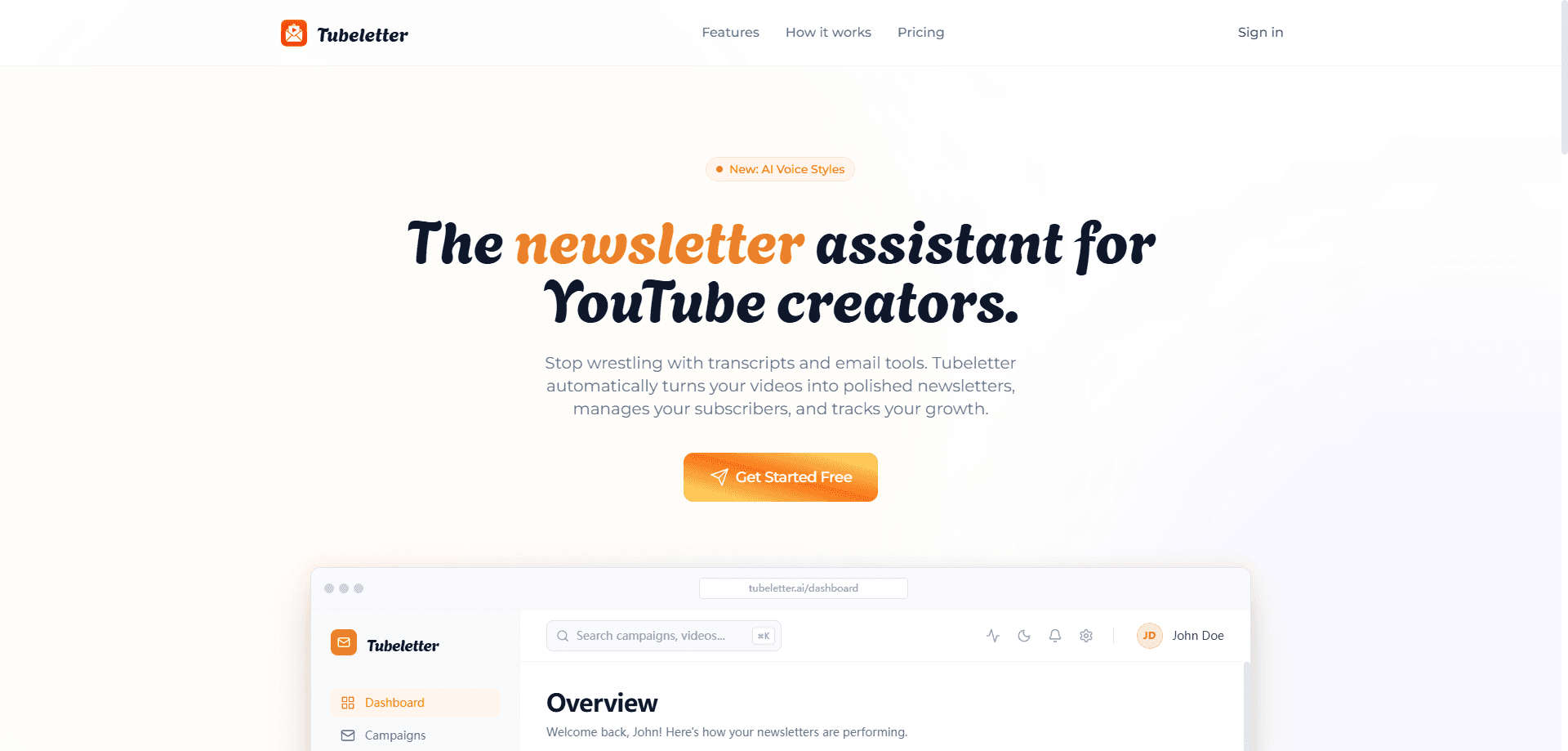
Tubeletter is an AI newsletter generator that turns YouTube videos into short, readable articles you'd otherwise have to watch to understand. Connect a channel, pick a video, and the tool reads the whole thing, cuts the filler, and writes a news-style summary you can drop into a personal feed or send to followers. It's built for people who follow a lot of creators but don't have hours to sit through every upload. Think of it as a YouTube video summary engine that runs on autopilot.
About Tubeletter
What Is Tubeletter
Tubeletter is a web app that converts YouTube content into written newsletters. Tubeletter is a web app that converts YouTube content into written newsletters. It watches a video end to end, works out the context, then produces a clear summary styled like a news article. That output goes to your feed, a public share link, or a subscriber list you build through invite links.
So why bother? Because a 40-minute interview, a long product demo, or a weekly roundup video still takes 40 minutes to watch. Tubeletter gives you the gist in a couple of minutes, and if you're a creator, it also gives your audience a way to catch up without pressing play. That's the whole pitch, and it holds up.
The biggest limitation is control. Only Max plan users can edit a generated newsletter before sharing it; Free and Pro users get what the AI writes. That works well enough. There's also no way to pull your YouTube subscribers into your email list directly, so you grow a list through invite links rather than an import.
Getting Started
- Sign up at app.tubeletter.ai and connect a YouTube channel.
- Pick a video from that channel's library, or turn on auto-generation for the latest uploads.
- Let Tubeletter process the content and write the newsletter.
- Review the result and edit it if you're on Max.
- Add it to your feed, share a public link, or email it to followers.
Product Information
A quick look at Tubeletter's pricing, supported platforms, and performance.
Best for
The users, tasks, and scenarios where this tool fits best.
Users
- Busy professionals
- YouTube creators
- Newsletter writers
Tasks
- Summarizing a long video
- Building a subscriber list
- Running a newsletter campaign
Scenarios
- Catching up on a creator backlog
- Turning a weekly show into an email digest
- Sharing highlights with friends
Key features
YouTube-to-Newsletter Conversion
The core of the product is turning a video into prose. It's simple in theory. Tubeletter pulls the content, understands the context around what's being said, and writes a summary in the style of a news article rather than a bullet list of timestamps. You pick any video in a creator's library, and the output lands ready to read. That's it.
Personal Reading Feed
Not everything you generate needs to go out right away. Some of it just waits. You can save newsletters to a feed and read them later, which makes Tubeletter useful as a private digest tool even if you never share a single issue. It's a simple way to keep tabs on several channels without a watch history full of half-finished videos.
Sharing and Subscriber Growth
Newsletters can go out as a public link or as an email. Either way works. You grow your list by sending an invite link to friends and followers, so readers opt in on their own. This works well for creators who want to move some YouTube audience into a written channel without managing a separate email platform.
Auto-Generation for New Uploads
Turn on auto-generation and Tubeletter will process the latest videos from a connected channel on its own. That keeps a feed fresh without you picking each video by hand. It's the difference between a tool you check occasionally and one that runs in the background.
Performance Insights
For creators running campaigns, Tubeletter tracks how sent newsletters perform and reports on it. You get a sense of which issues land with your subscribers, so you can adjust what you send next. No guesswork.
Plan Scaling for Multiple Channels
The tiers scale on channels, followers, and daily generations. Free handles one channel and three generations a day, Pro jumps to five channels and fifteen, and Max lifts the caps again with unlimited channels. Multi-language support and custom writing styles sit at the Max level. Simple as that.
Pros and cons
Pros
- Turns long videos into readable summaries without manual notes
- Free tier covers one channel and three generations a day
- Feed, public link, and email sharing in one place
- Auto-generation keeps a feed current with new uploads
- Performance tracking built in for creators running campaigns
Cons
- Editing generated newsletters is locked to the Max plan
- No direct import of YouTube subscribers into your email list
- Daily generation caps mean heavy users hit the Pro or Max ceiling
Frequently asked questions
It converts YouTube videos into written newsletters. You connect a channel, pick a video, and the AI reads the full content and writes a summary you can read, share, or email.
Related content
Explore related tools, skills, and articles for Tubeletter.
Tubeletter Alternatives

Google EmbeddingGemma 2
Google DeepMind · Writing · Image · CodingGoogle EmbeddingGemma 2 is a 740M-parameter open model that turns text, code, images, audio, and video frames into vectors in one 768-dimension space, running on phones and laptops.

MePersona
MePersona, Inc. · Writing · Productivity · MarketingMePersona is an AI unified inbox for creators. It learns your voice, drafts replies to fan messages from 12 platforms, and sends only what you approve.

Fluence
Yay Software (Yannick Huchard) · Writing · Voice & Language · ProductivityFluence is an Android app that reads PDFs, EPUBs, Word files and web articles aloud, follows each sentence as it speaks, and answers questions about the text on the phone itself.