
Tutorly
Tutorly, Inc. · Writing · Leaning
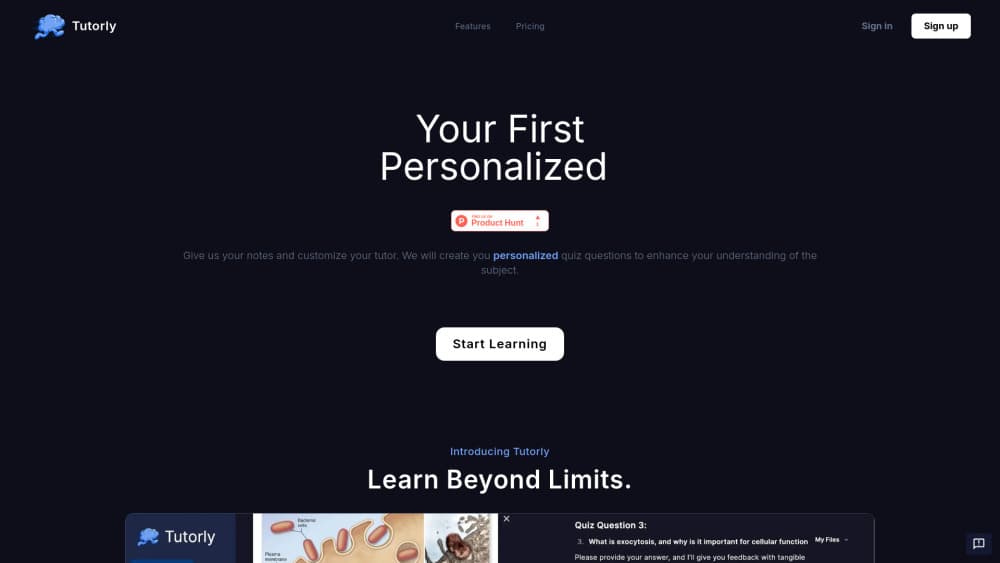
Tutorly is an AI tutor and AI study app that turns your notes, slides and PDFs into quizzes, flashcards and a day-by-day study plan, then tracks which topics you've actually mastered.
About Tutorly
What Is Tutorly
Tutorly is a browser-based AI tutor built around one idea: the material you already have is the syllabus. You upload lecture notes, slide decks, PDFs, photos or a YouTube link, and Tutorly converts that material into practice questions, flashcards and a schedule instead of a generic chatbot reply.
The app works as a study plan app as much as a tutor. Every topic carries a mastery score, and the plan shifts review time toward whatever is still shaky. You can chat with the document, answer by voice, or run quiz mode when you want to test recall rather than reread a chapter.
The limits are worth knowing up front. Everything runs in the browser, there's no public API, and the free tier caps daily messages, uploads and generated sets, so heavy use pushes you toward Plus or Pro fairly fast.
Getting Started
- Create an account at tutorly.us and confirm your email.
- Upload your material: PDF, slides, photos of handwritten notes, or a YouTube video link.
- Pick a premade tutor such as Calculus, Biology or Chemistry, or write custom instructions for tone and depth.
- Work through the generated study plan, then switch to quiz mode or Card Coach flashcards to test yourself.
Product Information
A quick look at Tutorly's pricing, supported platforms, and performance.
Best for
The users, tasks, and scenarios where this tool fits best.
Users
- University students
- High school students preparing for exams
- Self-taught learners
Tasks
- Turning a 40-slide deck into a quiz
- Memorizing vocabulary or definitions
- Planning the last two weeks before an exam
- Getting an explanation you can push back on
Scenarios
- Midterm week with four courses at once
- Catching up after a missed lecture
- Exam prep with AI on a student budget
Key features
Notes to Flashcards and Quizzes
Upload PDFs, slide decks, images or a YouTube link and Tutorly extracts the content, cleans it up, and turns it into flashcards and multiple choice questions. Every answer comes with an explanation, so a wrong guess teaches something instead of just scoring you. This is the core of the product and the part that saves the most time.
Adaptive Study Plan
The plan is built per topic, not per chapter. After every quiz the mastery score moves, and the schedule reallocates the next few days toward weak areas. That feedback loop is what makes the personalized learning claim hold up in practice. You can add your own activities too, useful when a professor hands you something specific to drill.
Premade and Custom Tutors
Tutorly ships with subject tutors for calculus, biology, chemistry and similar courses, and you can write instructions to set tone, depth and how many hints it gives before answering. The custom option matters for anyone whose course uses unusual notation or a strict grading style.
Chat With Your Document
Ask about anything inside the uploaded material and the answer stays anchored to it, which cuts down on the confident wrong answers general chatbots produce on course-specific content. Voice input works as well, handy when you want to explain a concept out loud and hear where your reasoning breaks.
Card Coach Flashcards
Flashcard review with spaced repetition, generated from your own material rather than a shared deck library. Card Coach brings back the cards you miss more often, and pairs with the plan so review sessions line up with upcoming quizzes.
Mastery Tracking and Podcasts
Progress is tracked per topic instead of one overall percentage, so you can see that osmosis is fine and cellular respiration is not. Tutorly also converts material into short audio overviews, which helps on a commute when reading isn't practical.
Pros and cons
Pros
- Turns existing course material into practice questions without manual card writing.
- Per-topic mastery scores make the next study session obvious.
- Voice answers push you to explain concepts rather than recognize them.
- The free tier is usable for a light course load, and Plus costs $5 a month.
- Subject tutors cover the intro science and math courses most students struggle with.
Cons
- Web only: no dedicated mobile app, so phone study means a browser tab.
- The free tier caps messages, uploads and generated sets, which gets tight during exam weeks.
- Output quality tracks your source material, and messy handwriting or blurry scans produce weaker questions.
- No public API, so it can't plug into your own tools or a school learning system.
Frequently asked questions
You upload notes, slides, PDFs or a video link, and Tutorly turns that material into flashcards, quizzes and a study plan built around the topics it detects. From there you chat with the document, answer by voice, or run quizzes while mastery scores update.
Related content
Explore related tools, skills, and articles for Tutorly.
Tutorly Alternatives

Google EmbeddingGemma 2
Google DeepMind · Writing · Image · CodingGoogle EmbeddingGemma 2 is a 740M-parameter open model that turns text, code, images, audio, and video frames into vectors in one 768-dimension space, running on phones and laptops.

MePersona
MePersona, Inc. · Writing · Productivity · MarketingMePersona is an AI unified inbox for creators. It learns your voice, drafts replies to fan messages from 12 platforms, and sends only what you approve.

Fluence
Yay Software (Yannick Huchard) · Writing · Voice & Language · ProductivityFluence is an Android app that reads PDFs, EPUBs, Word files and web articles aloud, follows each sentence as it speaks, and answers questions about the text on the phone itself.