

TwinMind - AI Notes & Memory
TwinMind · Coding · Productivity
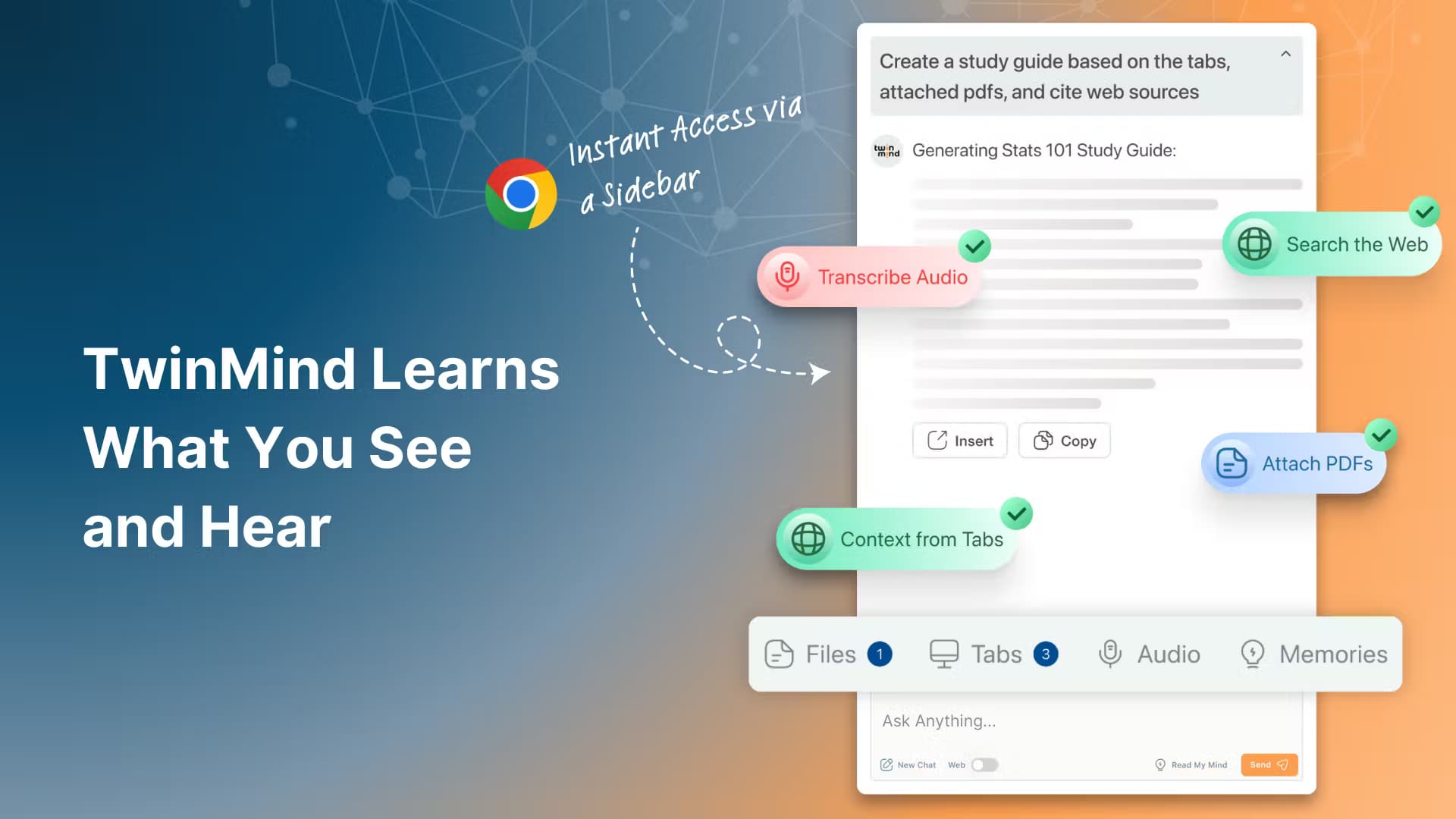
TwinMind is an AI note taker and memory app that records, transcribes, and organizes your day, then feeds that context to AI tools like ChatGPT and Claude.
About TwinMind - AI Notes & Memory
What Is TwinMind - AI Notes & Memory
TwinMind is a personal AI memory app built around one idea: stop losing the things you say, hear, and think. It runs in the background on your phone, Mac, Windows PC, or Apple Watch, transcribes what happens, and files everything into a searchable "second brain" you can query later. Meetings, casual conversations, half-formed ideas at lunch, all of it gets captured if you let it.
The problem it solves is context. Most AI chatbots know nothing about your actual life, so every prompt starts from zero. TwinMind connects the AI tools you already use (ChatGPT, Claude, Gemini) to what you've actually been doing, so you don't have to paste in background before every question. It also drafts emails, builds decks from calls, and writes daily recaps while you sleep.
The catch: always-on capture is exactly the kind of feature that makes people nervous, and you should be too. TwinMind handles this with an on-device mode that keeps data off the cloud, deletes audio after transcription by default, and states plainly it doesn't sell data or train models on it. Still, "always listening" is a real tradeoff, not a marketing footnote. So what should you do? Decide deliberately whether the convenience is worth it.
Getting Started
- Download TwinMind from the App Store, Google Play, or the desktop site and create an account.
- Grant microphone and, optionally, calendar and email permissions so it can capture and organize your day.
- Turn on capture mode, either manual (tap to record) or continuous background listening, and pick your languages if you speak more than one.
- Ask TwinMind or a connected AI a question about your day, or let it generate a daily digest automatically.
- Enable on-device mode for anything private and choose whether audio is kept or deleted after transcription.
Product Information
A quick look at TwinMind - AI Notes & Memory's pricing, supported platforms, and performance.
Best for
The users, tasks, and scenarios where this tool fits best.
Users
- Busy professionals
- Students and researchers
- Writers and ideators
Tasks
- AI meeting notes
- Drafting follow-up emails
- Feeding context to ChatGPT and Claude
- Turning conversations into documents
Scenarios
- Daily capture across a full workday
- Multilingual meetings
- Private, sensitive conversations
- End-of-day review
Key features
Always-On Capture
TwinMind runs in the background and records continuously, with the company claiming 16+ hours of capture on a single charge. You can also capture manually when you only want specific moments. No fumbling for a record button. The point is coverage. You don't have to remember to hit record before something worth keeping happens.
Meeting Transcription and Summaries
Every recording gets transcribed and summarized automatically, so a one-hour call becomes a few paragraphs you can scan in a minute. Summaries and daily digests are unlimited even on the free tier. That's unusual for this category. It makes the free plan genuinely usable for testing.
AI Context for ChatGPT, Claude, and Gemini
This is the feature that sets TwinMind apart. Instead of pasting background into every chat, you connect your memory and let ChatGPT, Claude, or Gemini pull from what you've actually been doing. No more re-explaining. It rewrites your own workflow around you, not the other way around.
Second Brain Organization
By evening, TwinMind sorts what you lived into people, places, and projects, effectively building a private Wikipedia of your life. It's the closest thing to a second brain app that fills itself in. Later you search it the way you'd search notes, except you never had to write any of them.
Real-Time Translation in 140+ Languages
TwinMind detects the languages you speak and hear and translates in real time. If your meetings mix English, Spanish, or Japanese, you don't need a separate translation tool running alongside. It's hands-free voice to text AI that keeps working even when you switch languages mid-sentence.
Privacy Controls and On-Device Mode
Audio is deleted after transcription by default, and you can switch on an on-device mode that keeps data off the cloud entirely. When cloud backup is on, only transcripts are saved unless you opt in to storing audio. The company holds SOC 2 Type II and Google CASA Tier 2 certifications, which is the kind of paperwork that matters when an app listens all day.
Cross-Device Sync
Capture on your phone, review on your Mac, check the digest on your Apple Watch. TwinMind syncs across iOS, Android, Mac, Windows, and Apple Watch, so the memory follows you rather than living on one device. One memory. Every device.
Automatic Emails and Reports
On the Max tier, TwinMind drafts emails and reports for you based on captured context, and it can act as an MCP host so you integrate other apps into the same flow. It's the difference between a recorder and an assistant. That gap matters more than it sounds.
Pros and cons
Pros
- Unlimited summaries and daily digests on the free plan, so you can evaluate the core value without paying.
- Genuine privacy options, including on-device mode and audio deletion by default, which is more than most always-listening apps offer.
- The AI context feature works with ChatGPT, Claude, and Gemini instead of locking you into one assistant.
- 140+ language support with real-time translation suits multilingual users.
- Cloud sync across phone, desktop, and watch keeps the memory portable.
Cons
- Always-on capture is a real privacy tradeoff. If your workplace or local laws restrict recording conversations, you need to be careful about what you leave running.
- The most useful features, like phone call recording and the strongest AI models, sit behind the $15/mo Pro and $40/mo Max tiers.
- The pricing page lists model names like "GPT 6 Astra and Opus 5.5," which are fast-moving and may be outdated by the time you read this.
Frequently asked questions
TwinMind captures and transcribes your conversations, meetings, and ideas, then organizes them into a searchable memory. You use it to remember what was said and to give AI assistants context about your life.
Related content
Explore related tools, skills, and articles for TwinMind - AI Notes & Memory.
TwinMind - AI Notes & Memory Alternatives

Base Code
Base44 (Wix) · Coding · ProductivityBase Code is a shared cloud development environment from Base44. Teammates describe changes to an existing GitHub codebase in chat, preview them live and send them back as pull requests.

Google EmbeddingGemma 2
Google DeepMind · Writing · Image · CodingGoogle EmbeddingGemma 2 is a 740M-parameter open model that turns text, code, images, audio, and video frames into vectors in one 768-dimension space, running on phones and laptops.

GitGlow
GitGlow · Coding · ProductivityGitGlow is a local-first desktop Git client that lets independent developers review their own code and their AI agents' changes in one place before shipping.