

Typeless
Typeless · Voice & Language
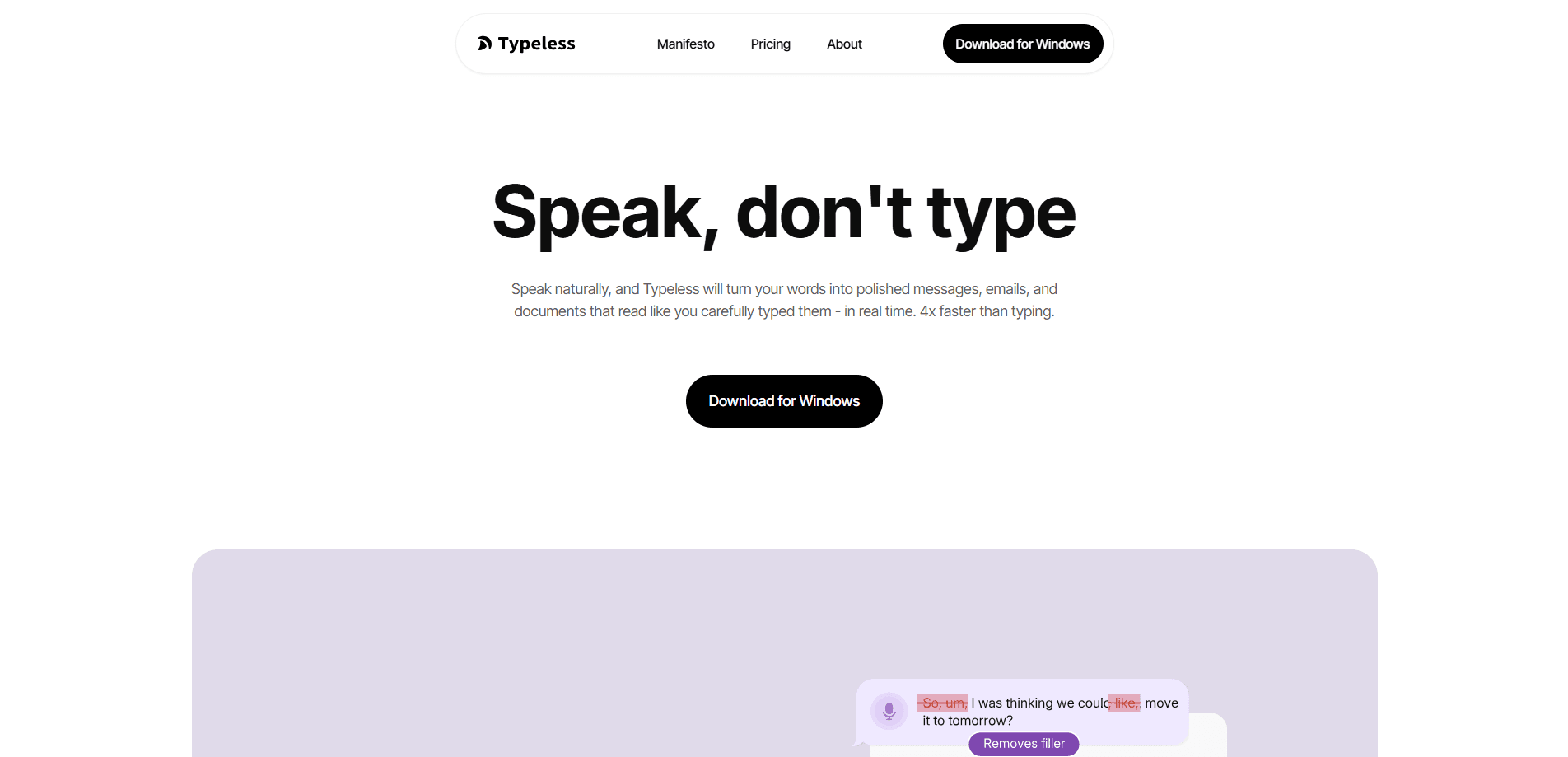
Typeless is an AI voice dictation app that converts natural speech into clean, ready-to-send text in real time. Instead of transcribing every "um" and false start, it strips filler words, fixes repetitions, and formats lists as you talk. It runs on Mac, Windows, iOS, and Android, supports 100+ languages, and can translate or edit text by voice as you work in any app. Think of it as a voice keyboard that writes the way you'd want to.
About Typeless
What Is Typeless
Typeless is voice typing software built for people who think faster than they type. You hold a key, speak naturally, and the app turns your words into polished messages, emails, and documents that read like you edited them by hand. The pitch is simple. Speak at roughly 220 words per minute instead of typing at 45.
Most dictation software just hands back a transcript. Typeless cleans it up. It leans on context, adapting tone based on the app you're in, so a work email comes out formal while a chat message stays casual. A personal dictionary keeps names and jargon accurate, and the tool remembers your writing habits over time. On the privacy side, Typeless says it keeps zero cloud data retention and never trains its models on what you say.
The catch is the free tier. You get 8,000 words per week and standard accuracy, which a heavy writer will burn through in a couple of days. Unlimited words and enhanced accuracy sit behind the Pro plan, and Typeless is a subscription product, so there's no one-time purchase option.
Getting Started
- Download the Typeless app for your platform (macOS, Windows, iOS, or Android) and create an account.
- Grant microphone and accessibility permissions so the app can type into other programs.
- Hold the hotkey and speak naturally; Typeless transcribes and cleans up your words in real time.
- Adjust tone, language, and personal dictionary settings to match how you write.
- Paste or send the finished text, or use voice commands to edit it further.
Product Information
A quick look at Typeless's pricing, supported platforms, and performance.
Best for
The users, tasks, and scenarios where this tool fits best.
Users
- Writers and content creators
- Professionals who write all day
- Multilingual users
- Anyone with typing strain
Tasks
- Drafting emails and replies
- Turning messy notes into structured text
- Voice editing existing text
- Translating as you speak
Scenarios
- Working across many apps in one day
- Hands-busy moments
- Accessibility needs
- Fast client replies
Key features
Real-Time Clean-Up
Typeless does more than transcribe. It removes filler words like "um" and "you know," cuts repeated phrases, and adjusts when you correct yourself mid-sentence, keeping only the version you meant. That's the difference between raw AI transcription and text you'd actually send. The result lands in your app as you speak. No waiting. No cleanup pass afterward.
Tone That Matches the App
So how does it know? The tool reads context and shifts register based on where you're writing. A reply in a work email comes out formal. The same words in a chat app stay relaxed. You don't have to switch modes manually. That matters when you're jumping between a dozen tools all day and don't want to think about how formal each one expects you to sound.
100+ Languages and Mid-Sentence Switching
Typeless detects your language automatically and handles more than 100 of them. If you mix languages in one sentence, it follows along instead of choking on the switch. That matters. For bilingual speakers, it's the feature that makes daily use practical rather than frustrating, because you stop babysitting the language settings before every sentence. Just talk.
Voice Editing and Ask Anything
Select any text and speak a command to make it shorter, longer, or different in tone. Simple. You can also ask about read-only text, like a paragraph on a website, and get a summary or explanation without leaving the page. It's quick. It turns the app into a lightweight editor that works anywhere you can select text.
Speak to Translate
Translation happens as you talk. Say what you mean in your own language and Typeless outputs the target language with phrasing that reads native. Handy for quick replies. It's built for everyday messages, not certified documents, so don't rely on it for legal or medical text where a single misread word could cause real problems for everyone involved.
Personal Dictionary and Style Memory
Typeless learns the names, terms, and phrasing that matter to you, adding them automatically or letting you add them by hand. Over time it tracks how closely its output matches your usual style. That feedback loop is why long-time users get cleaner transcripts than first-week users, and it's the part of the app that rewards patience more than any single setting does.
Privacy by Design
The app states that voice dictations are processed with zero cloud data retention and that your data is never used to train models. History control and on-device storage options give you a say in what stays. Privacy is a real selling point for anyone dictating sensitive work, and for people who won't touch cloud dictation tools, this is often the deciding factor.
Pros and cons
Pros
- Cleans up speech in real time, so output reads like edited writing rather than a raw transcript.
- Works across macOS, Windows, iOS, and Android, giving one voice workflow on every device.
- Supports 100+ languages and follows mid-sentence language switches.
- Strong privacy stance with zero cloud data retention and no training on your data.
- Voice editing and translation extend it well beyond basic dictation.
Cons
- The free plan caps you at 8,000 words per week, which heavy writers outgrow fast.
- Unlimited words and enhanced accuracy require the Pro subscription, so there's no one-time buy.
- API availability isn't documented, so developers can't build on it the way they might expect.
Frequently asked questions
It's an AI voice dictation app that converts your speech into polished text in real time. You speak, and it removes filler words, fixes repetition, and formats the result before it lands in whatever app you're using.
Related content
Explore related tools, skills, and articles for Typeless.
Typeless Alternatives

Foley
Hanamori Labs, LLC · Voice & Language · Productivity · AI AssistantFoley is a voice to-do list that turns a spoken sentence into a filed task, complete with project, date and time, then helps you plan the day around what is already there.

HireKey
HireKey · Voice & Language · Productivity · LeaningHireKey is an AI job search copilot built by a former tech recruiter. It checks role fit, tailors resumes, runs interview practice and tracks every application.

Fluence
Yay Software (Yannick Huchard) · Writing · Voice & Language · ProductivityFluence is an Android app that reads PDFs, EPUBs, Word files and web articles aloud, follows each sentence as it speaks, and answers questions about the text on the phone itself.