

Umbrel
Umbrel · Coding
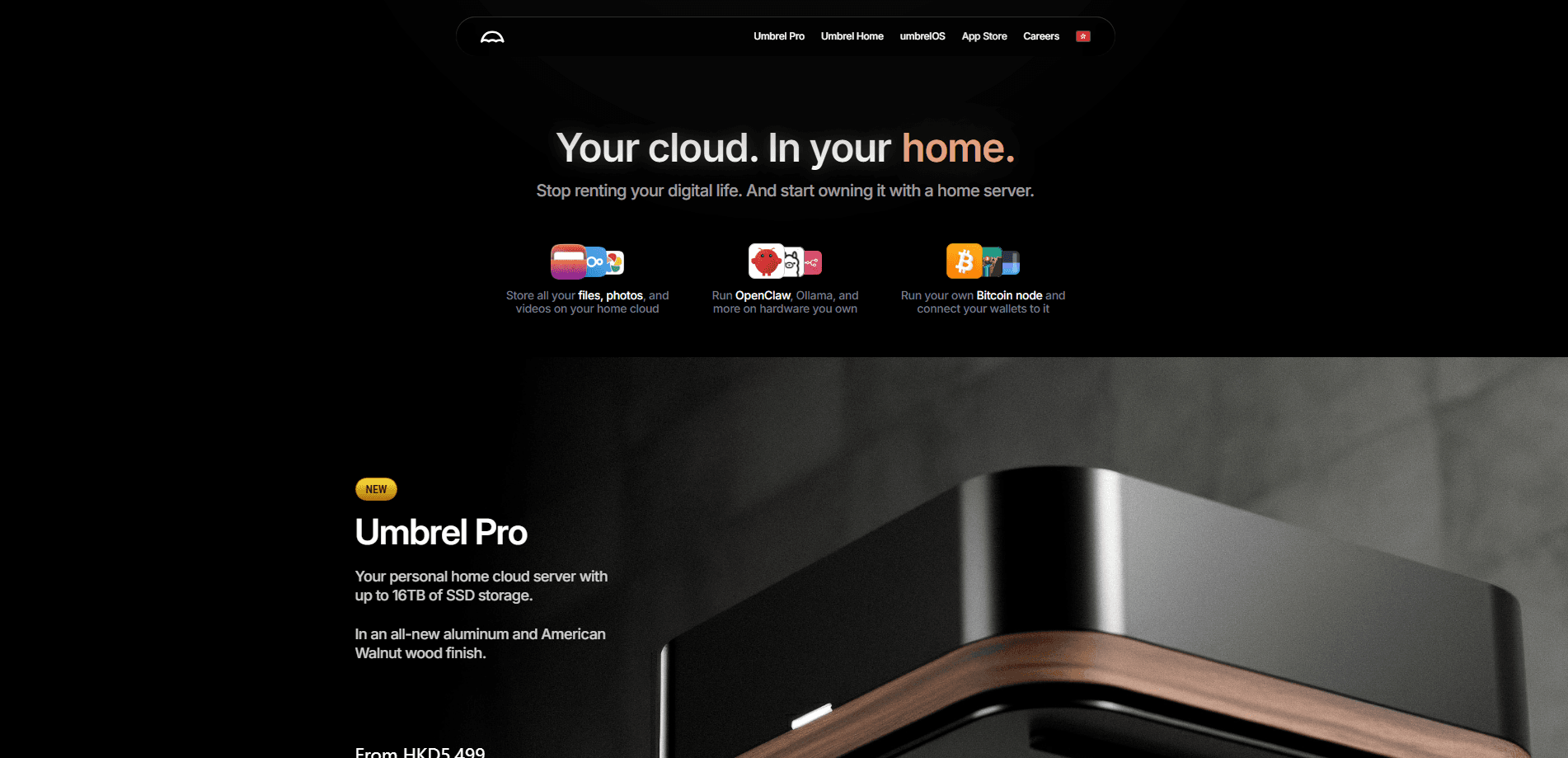
Umbrel is a home cloud server that turns a small computer into your own private cloud. It runs umbrelOS, a browser-based operating system that installs 300+ self-hosted apps in one click, from photo backups and media servers to local AI models and a Bitcoin node. You buy the Umbrel Home hardware or install umbrelOS yourself, and every file stays on hardware you control. There's no subscription for the core setup.
About Umbrel
What Is Umbrel
Umbrel is two things at once: a piece of palm-sized hardware called Umbrel Home, and the free operating system that runs on it. The software, umbrelOS, also installs on a Raspberry Pi or your own x86 mini PC. Once running, it shows up at umbrel.local in any browser on your network. No monitor needed. No keyboard, either.
The problem it solves is the monthly bill. If you're paying for Google Drive, iCloud, Dropbox, or a streaming subscription, Umbrel offers a self-hosted replacement you own outright. Photos back up from your phone automatically. Files sync like a normal cloud, and apps install the way they do on a phone. As a local AI server, it also runs models on your own hardware. The company behind it says your data never leaves home, and the source code sits on GitHub for anyone to check.
The main catch is hardware. You need a device to run it on, and if you want to reach it from outside your network, you'll rely on Tailscale, which Umbrel builds in. Setup assumes you can follow a browser wizard, not that you're a sysadmin. Tinkering with drives and network settings still helps.
Getting Started
- Buy an Umbrel Home unit or download the umbrelOS image for a Raspberry Pi or x86 machine.
- Power it on, connect it to your router, and open umbrel.local in a browser on the same network.
- Create your account and pick a username and password for the server.
- Open the App Store, browse by category, and install your first apps in one click.
- Connect the Umbrel app for iPhone or Mac to back up photos and reach files when you're away.
Product Information
A quick look at Umbrel's pricing, supported platforms, and performance.
Best for
The users, tasks, and scenarios where this tool fits best.
Users
- Privacy-conscious households
- People paying for cloud storage
- Tinkerers and Bitcoin users
Tasks
- Automatic phone photo backup
- Streaming your own media
- Running local AI models
Scenarios
- Replacing a family cloud subscription
- Keeping a Bitcoin node online
- Consolidating scattered drives and backups
Key features
One-Click App Store
The App Store lists 300+ self-hosted apps you install with a single tap, organized by category like photos, passwords, movies, money, and AI. There's no terminal involved, which is the point, since most people don't want to hand-configure Docker containers. If a service you rent as a subscription has a self-hosted equivalent, it's likely here. One tap, and it's running.
Browser-Based umbrelOS
umbrelOS runs entirely in a browser tab, so the server needs no monitor, keyboard, or screen. Open umbrel.local from any device on your network and you're in. In version 2.0, you can also install full operating systems like Ubuntu, Windows 11, or Android in one click and use their desktops inside a browser tab.
Automatic Phone Photo Backups
The Umbrel app for iPhone and Mac backs up your camera roll automatically, with no subscription and no per-gigabyte fee. Your whole photo library stays browsable on your phone or any browser at home. It's the feature most people compare directly against iCloud or Google Photos pricing. Upload once, and it's done.
Local AI and MCP Agent Access
You can run self-hosted AI apps on the device and connect external agents like Claude, Codex, or OpenClaw over MCP. Those agents can install apps, organize files, and diagnose services on your behalf. Each agent gets its own token you can revoke at any time, which keeps the access scoped.
Built-In Backups and Storage Management
Backups go to a USB drive, a NAS, or another Umbrel, and you can restore either single files or the whole system in minutes. Add drives, mirror them with FailSafe, and watch drive health from the interface. umbrelOS handles SSD acceleration, drive replacement, and monthly scrubbing without you scripting any of it.
Bitcoin Node Support
Umbrel has a long history with Bitcoin. It runs a full node so you can verify your own transactions instead of trusting a block explorer, and it pairs with wallets and Lightning apps in the store. This is one of the few home-server setups that treats a node as a first-class app rather than an advanced add-on.
Multi-User Home Cloud
Everyone in the household gets their own account, private home folder, and desktop. You share only the apps and folders you choose, which makes it closer to a real family cloud than a shared admin login. It's the piece that turns a single-user server into something a whole home can use.
Pros and cons
Pros
- One-time hardware cost replaces recurring cloud subscriptions for storage, photos, and media
- One-click app installs keep self-hosting approachable for people who don't use a terminal
- Data stays on hardware you own, with the source code openly available on GitHub
- Bundled Tailscale access means you can reach the server from outside your network without opening ports
- The iPhone and Mac apps bring automatic photo backup to a self-hosted setup
Cons
- You need to buy hardware, so the upfront cost lands before any savings show up
- Remote access leans on Tailscale, which adds a third-party service to an otherwise private setup
- Some apps still ask for manual configuration, so it's not fully hands-off for advanced services
- Reaching it outside the home and managing drives can confuse people new to networking
Frequently asked questions
Umbrel is used to run a personal cloud at home, handling file storage, photo backups, media streaming, self-hosted apps, and a Bitcoin node from a single small computer. It's aimed at people who want cloud convenience without renting storage or handing their data to a big provider.
Related content
Explore related tools, skills, and articles for Umbrel.
Umbrel Alternatives

Base Code
Base44 (Wix) · Coding · ProductivityBase Code is a shared cloud development environment from Base44. Teammates describe changes to an existing GitHub codebase in chat, preview them live and send them back as pull requests.

Google EmbeddingGemma 2
Google DeepMind · Writing · Image · CodingGoogle EmbeddingGemma 2 is a 740M-parameter open model that turns text, code, images, audio, and video frames into vectors in one 768-dimension space, running on phones and laptops.

GitGlow
GitGlow · Coding · ProductivityGitGlow is a local-first desktop Git client that lets independent developers review their own code and their AI agents' changes in one place before shipping.