

Unbounce
Unbounce · Coding
Unbounce is an AI landing page builder for marketers and agencies. It creates and tests landing pages, popups, and sticky bars, then uses AI to decide which version each visitor sees.
About Unbounce
What Is Unbounce
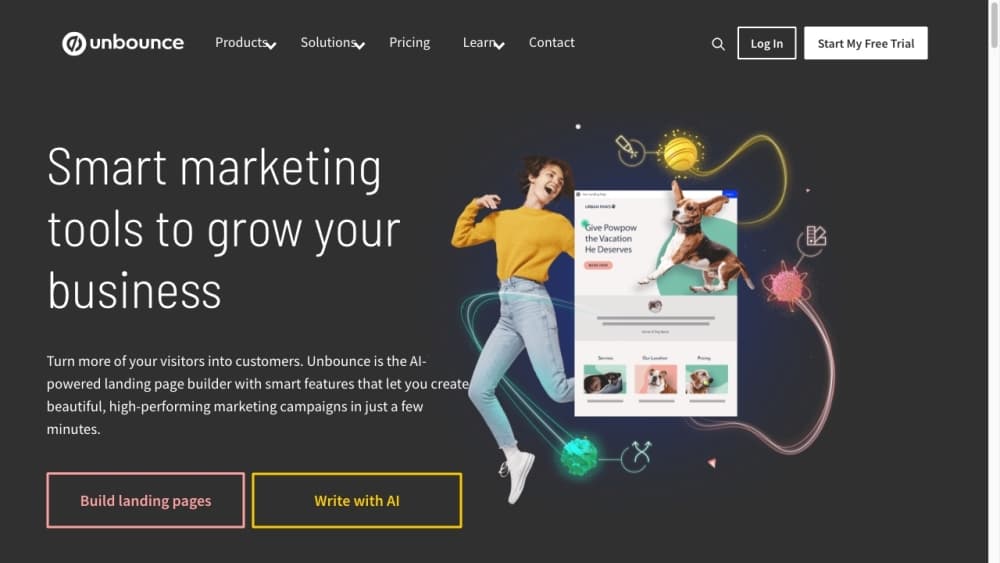
Unbounce is a landing page software platform built for marketers, not developers. You drag elements onto a page, connect a form, and publish to a custom domain without writing code. Popups and sticky bars run alongside the pages, so a campaign lives in one place instead of three.
What the platform sells is conversion, not just publishing. Its A/B testing tool lets you run variants of a page, and Smart Traffic uses machine learning to send each visitor to the variant most likely to convert them based on device, location, and other signals. Unbounce says marketers who turn it on get about 30% more sales and signups on average, which is the company's own figure.
Two things shape where it fits. It rewards teams that run real campaigns: the useful testing and AI features sit on higher plans, and traffic limits scale with price. And it's aimed at marketers who want to move fast without a designer or developer. If you need to build a bespoke web app, this is the wrong tool. For a campaign page that has to go live today, it's a strong default.
Getting Started
- Start a free 14-day trial at unbounce.com. No credit card is needed, and you get full access to the plan you pick.
- Pick a template or start from a blank page in the drag-and-drop builder.
- Add your blocks: headline, image, form, and a call-to-action button. Connect the form to your email or CRM tool.
- Publish to a custom domain or a free unbounce.com subdomain.
- Launch an A/B test or turn on Smart Traffic to send visitors to their best-match variant.
- Watch the reports and adjust. Traffic, conversions, and page performance update as the campaign runs.
Product Information
A quick look at Unbounce's pricing, supported platforms, and performance.
Best for
The users, tasks, and scenarios where this tool fits best.
Users
- Marketing teams at small and mid-size companies
- Agencies running campaigns for clients
- Solo marketers and freelancers
Tasks
- Launching a campaign page fast
- A/B testing a headline or offer
- Improving conversions with AI
- Capturing leads with popups and forms
- Personalizing a page by source
Scenarios
- Running paid search or social ads
- Building a client's first landing page
- Testing an offer before committing budget
Key features
Drag-and-Drop Landing Page Builder
The builder works like a design tool, not a CMS. You drop in headings, images, buttons, and forms, then style them with custom code and CSS if you want. Hundreds of templates cover common campaign types and industries, so you rarely start from zero. Marketers ship pages without a designer or developer, which is the point.
Smart Traffic AI Optimization
Smart Traffic uses machine learning to send each visitor to the landing page variant most likely to convert them. It reads attributes like device, location, browser, and timezone, then keeps learning as traffic comes in. Unbounce says it starts routing after about 50 visits and that marketers see roughly 30% more conversions on average. No setup beyond turning it on.
No-Code A/B Testing
Unlimited A/B testing sits on the Experiment plan and up. You create variants, split traffic manually or let the platform allocate it, and read confidence intervals to know when a result is real. Dynamic text replacement and conversion reporting round it out. It's testing built for people who don't write code.
Popups and Sticky Bars
Popups and sticky bars are built in, so you can run an overlay offer or a persistent banner without a second tool. Multi-step forms and advanced triggers target the right moment, like exit intent or scroll depth. The top-tier self-serve plan adds scheduling, so you can time when each one appears.
AI Copywriting and Insights
AI copywriting drafts headlines and body text, which cuts the blank-page problem for a new page. Audience insights and industry benchmarking show how your conversions compare to others in your sector, and conversion insights tie performance to what you changed. Useful for teams without a dedicated analyst.
Templates and Integrations
The template library spans hundreds of industry-specific layouts you can customize and reuse. Unbounce connects to 1,000+ marketing tools, from email platforms to CRMs to analytics, and supports custom scripts and pixels for tracking. If something isn't built in, a zap or a script usually closes the gap.
MCP Server and API Access
Unbounce now offers an MCP server so you can build and manage landing pages from AI assistants, which is a newer way to run the workflow. A public API supports programmatic access for teams that want to automate page creation or pull conversion data. Both target teams that live outside the dashboard.
Pros and cons
Pros
- The drag-and-drop builder and 100+ templates let marketers ship pages without a designer or developer.
- Smart Traffic sends visitors to their best-match variant automatically, so you get optimization without hand-tuning.
- No-code A/B testing with confidence intervals makes it easy to run honest experiments.
- All plans include unlimited conversions and subdomains, so you're not capped on what you can capture.
- The 14-day free trial gives full access to the plan you choose, with no credit card needed.
Cons
- There's no free plan. You need a paid subscription after the trial, and entry pricing starts around $22 a month billed yearly.
- Traffic volume caps scale with price, so a high-volume campaign pushes you toward the top self-serve plans or a quoted Concierge plan.
- The most useful features, including unlimited A/B testing and AI-driven conversion, sit above the entry plan.
- Deep customization and automation lean on custom code or the API, which pulls in a developer.
Frequently asked questions
Unbounce is used to build landing pages and improve how many visitors convert. Marketers and agencies create pages, popups, and sticky bars, connect forms to capture leads, run A/B tests, and use Smart Traffic to send visitors to the variant most likely to convert. Unbounce pricing starts with a paid plan, and the free trial is the only no-cost entry point.
Related content
Explore related tools, skills, and articles for Unbounce.
Unbounce Alternatives

Base Code
Base44 (Wix) · Coding · ProductivityBase Code is a shared cloud development environment from Base44. Teammates describe changes to an existing GitHub codebase in chat, preview them live and send them back as pull requests.

Google EmbeddingGemma 2
Google DeepMind · Writing · Image · CodingGoogle EmbeddingGemma 2 is a 740M-parameter open model that turns text, code, images, audio, and video frames into vectors in one 768-dimension space, running on phones and laptops.

GitGlow
GitGlow · Coding · ProductivityGitGlow is a local-first desktop Git client that lets independent developers review their own code and their AI agents' changes in one place before shipping.