

UniScribe
UniScribe · Writing · Voice & Language
UniScribe is an AI speech to text and transcript generator for audio, video and YouTube links, returning accurate text plus summaries and mind maps.
About UniScribe
What Is UniScribe
UniScribe is a web-based AI transcription tool that converts audio and video into text. You upload a file or paste a YouTube link, and it returns a searchable transcript along with a summary, a mind map and an extracted list of key questions and answers. The tool targets the slow, error-prone job of typing out recordings by hand, so meetings, lectures, interviews and podcasts become text you can search and edit.
The service is built and run by a small team founded by David Chen, who launched it on September 27, 2024 out of Hangzhou, China. It plugs into roughly 60 languages for transcription, handles files up to 5GB and five hours long, and exports to txt, pdf, docx, srt, vtt and csv. A free plan covers 120 minutes a month with up to three uploads a day.
The limits are worth knowing before you commit. The free tier is small once you start uploading long recordings, accuracy drops on poor audio and heavy accents, and there is no dedicated mobile app, so you work from a browser. Mind maps and summaries are extras on top of the transcript, not a replacement for reading it.
Getting Started
- Create a free account at uniscribe.co with an email address.
- Upload an audio or video file, or paste a YouTube or online video link.
- Click Transcribe and wait; a one-hour file usually finishes in under a minute.
- Review the transcript, then open the summary, mind map or Q&A panel if you need them.
- Export to txt, pdf, docx, srt, vtt or csv, or share a view link.
Product Information
A quick look at UniScribe's pricing, supported platforms, and performance.
Best for
The users, tasks, and scenarios where this tool fits best.
Users
- Journalists and reporters
- Students and researchers
- Podcast and video creators
Tasks
- Transcribing meeting and call recordings
- Turning YouTube videos into text
- Drafting captions and subtitles
Scenarios
- Clearing a backlog of voice memos
- Repurposing a podcast episode
- Reviewing long lectures before an exam
Key features
Audio and video transcription in minutes
UniScribe takes an uploaded file and returns a full transcript, with fast GPU clusters handling the processing so a one-hour recording usually lands in under a minute. Files can reach 5GB and five hours, and the tool supports mp3, wav, m4a, mp4, mov and more than 20 other formats. Speaker recognition labels who said what, which matters most for meetings and interviews.
YouTube and online video transcription
You can paste a YouTube or other online video link instead of uploading a file, and UniScribe pulls the transcript without any download step. This fits research, subtitle work and repurposing video content, and it saves the storage a raw video file would take. The link route works even for videos you no longer host yourself.
AI summaries, mind maps and key Q&A
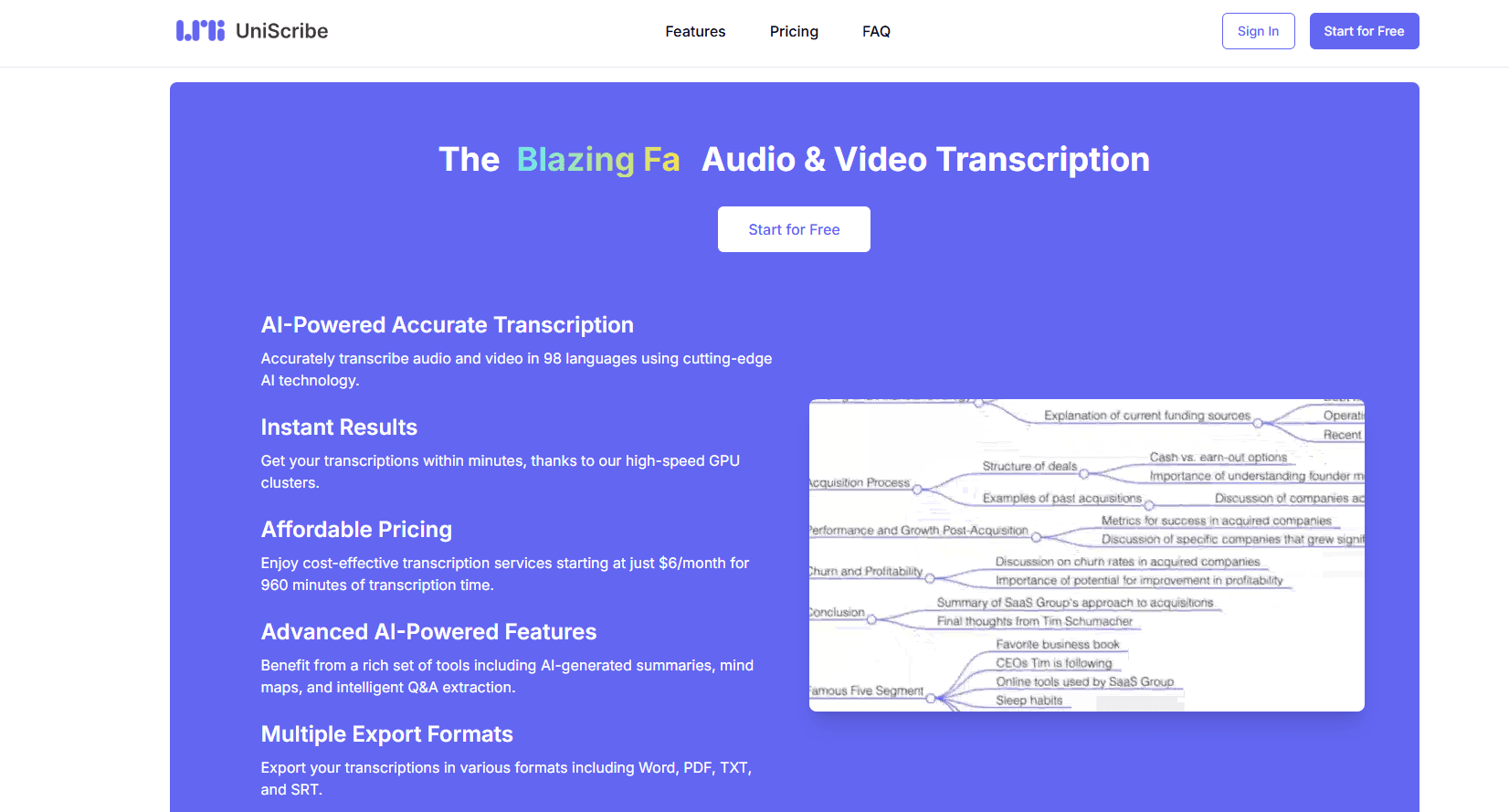
Beyond the raw text, UniScribe generates a short summary, a visual mind map from the audio content and a set of key questions and answers pulled from the recording. These extras help you skim a long file and jump to the important parts instead of reading everything. Treat them as a first pass, since a summary can miss nuance the transcript keeps.
Multiple export formats and share links
Transcripts export to txt, pdf, docx, srt, vtt and csv, so you can move the text into a document, a subtitle editor or a spreadsheet. You can also share a link that lets other people read the transcript online without an account. That covers both editing workflows and quick team review.
Multilingual transcription
UniScribe transcribes roughly 60 languages and its marketing claims coverage of more than 90, which helps with international clients and multilingual recordings. On very mixed-language audio or strong accents, you should expect to fix a higher share of the output by hand. The service also gives a good result on clear single-language speech.
Security and privacy controls
Files are encrypted at rest with AES-256 and travel over HTTPS, and the primary infrastructure runs on Microsoft Azure in the United States. UniScribe states that only the account owner can access a transcript unless the user shares it, and payments go through Stripe without card details stored on UniScribe servers. None of this replaces a policy review if you handle sensitive client material.
Pros and cons
Pros
- Turns audio, video and YouTube links into text fast, with most short files finishing in under a minute.
- Adds a summary, a mind map and key Q&A on top of the transcript, which speeds up review of long recordings.
- Free plan gives 120 minutes a month and up to three uploads a day, enough for light or occasional use.
- Exports to txt, pdf, docx, srt, vtt and csv and offers share links, so transcripts move into other tools easily.
Cons
- No dedicated mobile app. You work from a browser, which is awkward when the only recording you have is on your phone.
- Accuracy slips on noisy audio, heavy accents or mixed-language speech, so you still spend time correcting the output.
- The free tier runs out quickly on long lectures or meetings, and there is no free way to keep going after the monthly minutes.
- Summaries and mind maps can flatten detail, so for anything legal or technical you should still read the full transcript.
Frequently asked questions
UniScribe is used to turn audio and video into text. You upload a file or paste a video link, and it returns a transcript along with a summary, a mind map and key questions and answers, which suits meetings, lectures, interviews and podcasts.
Related content
Explore related tools, skills, and articles for UniScribe.
UniScribe Alternatives

Google EmbeddingGemma 2
Google DeepMind · Writing · Image · CodingGoogle EmbeddingGemma 2 is a 740M-parameter open model that turns text, code, images, audio, and video frames into vectors in one 768-dimension space, running on phones and laptops.

MePersona
MePersona, Inc. · Writing · Productivity · MarketingMePersona is an AI unified inbox for creators. It learns your voice, drafts replies to fan messages from 12 platforms, and sends only what you approve.

Fluence
Yay Software (Yannick Huchard) · Writing · Voice & Language · ProductivityFluence is an Android app that reads PDFs, EPUBs, Word files and web articles aloud, follows each sentence as it speaks, and answers questions about the text on the phone itself.