

AI Vocal Remover - unMix
AppSmartz · Voice & Language
unMix is an AI vocal remover and stem splitter app from AppSmartz. It strips vocals, isolates drums, bass, and piano, cleans background noise, and boosts volume on iPhone, iPad, and Mac.
About AI Vocal Remover - unMix
What Is unMix
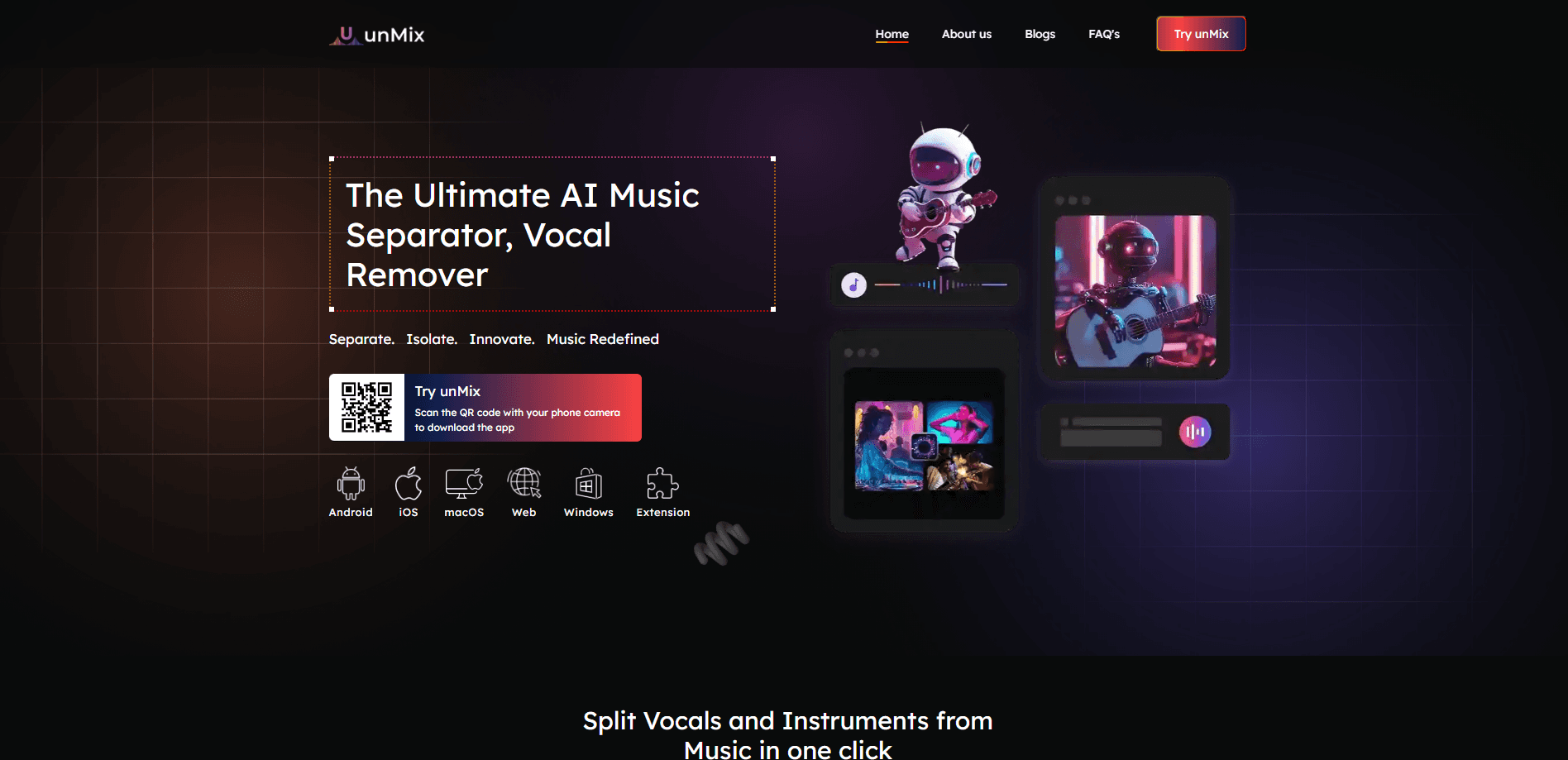
unMix is a vocal remover and music separator app built by AppSmartz for iPhone, iPad, and Mac. You drop in a song, audio clip, or video, and the app's AI engine pulls it apart into separate tracks: vocals, drums, bass, guitar, piano, and instrumentals. Karaoke singers use it to make backing tracks, and producers use it to sample a part of a song.
The app leans on AI for more than splitting. Denoise removes wind, hiss, hum, and room echo from a recording. Amplify raises the volume of a quiet vocal or stem without clipping. Sample Rate lets you pick the output quality for each export, which matters if the file has to match a DAW or a streaming spec. A small editor rounds it out, so you can trim audio, convert between formats, and pull sound out of a video.
The main catch is that it's an iPhone-first tool. The deepest features and the smoothest performance live on newer Apple devices, and the free tier is limited by in-app purchases, so heavier use pushes you toward a subscription. Android users won't find it on Google Play.
Getting Started
- Download unMix from the App Store on an iPhone, iPad, or Mac running iOS 15.6 or later.
- Import a song, audio file, or video clip from your device or a link.
- Pick a mode, such as vocal removal or full stem separation, and let the AI process the track.
- Preview the separated vocals and instrumentals, then clean up the result with Denoise, Amplify, or the trimmer.
- Export each stem in the format and sample rate your project needs, then share or move it into your editor.
Product Information
A quick look at AI Vocal Remover - unMix's pricing, supported platforms, and performance.
Best for
The users, tasks, and scenarios where this tool fits best.
Users
- Karaoke singers
- Musicians and producers
- Podcasters and voice artists
- Video creators
Tasks
- Making a karaoke version of a song
- Isolating a single instrument
- Cleaning a noisy recording
- Converting and trimming audio
Scenarios
- Prepping a cover for rehearsal
- Sampling a hook for a remix
- Salvaging a phone recording
- Building a practice track
Key features
AI Vocal Remover and Stem Splitter
The core of unMix is AI source separation. Feed it a song and it returns isolated tracks: vocals, drums, bass, guitar, piano, and the instrumental. You can remove vocals entirely to get a karaoke backing or pull out one instrument to practice against. It handles both audio files and the sound from a video.
AI Denoise for Clean Audio
Denoise targets the noise that ruins a recording, such as wind, hiss, hum, fan noise, and room echo. It works on vocals you recorded at home, audio captured outdoors, or sound pulled from a video. For singers, podcasters, and voice artists, it's the difference between a rough take and something you can publish.
Amplify for Volume Without Distortion
Amplify raises the level of a quiet vocal, an extracted stem, or a whole track. The pitch is that it avoids the clipping and quality loss you'd get from a blunt volume boost, so a soft instrumental or a low voice can be brought up to a usable level for a video or a release.
Sample Rate Control
Sample Rate sets the output quality for each export. You choose the resolution to match the target, whether that's a streaming platform, a DAW session, or a client's spec. It's a small control, but it matters when a stem has to fit into a technical pipeline rather than just play in the app.
All-in-One Audio Editor
unMix doubles as an audio editor for iPhone, iPad, and Mac, with a wave-based trimmer, a format converter, and a video-to-audio tool in the same app. You can cut audio to length, convert between MP3, WAV, AAC, FLAC, M4A, and AIFF, and extract the soundtrack from a video clip, which saves reaching for a second app for basic edits.
Built for Mobile Workflows
The app is designed around a phone, not a desktop studio. Import from files, links, or a screen recording, preview the result, and export the tracks you need. That portability suits creators who edit on the go, and the heaviest processing still runs best on newer Apple hardware.
Pros and cons
Pros
- Separates vocals, drums, bass, guitar, piano, and instrumentals from a single track
- Denoise and Amplify fix noisy or quiet recordings without extra tools
- Handles audio files and video sound, and converts between common formats
- Runs on iPhone, iPad, and Mac with a free tier to start
- Carries a 4.6 out of 5 rating across hundreds of App Store reviews
Cons
- Free tier is limited by in-app purchases, so heavy use means a subscription
- Dense mixes such as live rock or bass-heavy tracks produce more artifacts
- Apple-only, with no Android version
- Deepest features and best speed favor newer iPhones and iPads
Frequently asked questions
unMix is an AI vocal remover and music separator. It splits a song, audio clip, or video into separate tracks such as vocals, drums, bass, and piano, removes vocals for karaoke, and cleans or boosts audio with its Denoise and Amplify tools.
Related content
Explore related tools, skills, and articles for AI Vocal Remover - unMix.
AI Vocal Remover - unMix Alternatives

Foley
Hanamori Labs, LLC · Voice & Language · Productivity · AI AssistantFoley is a voice to-do list that turns a spoken sentence into a filed task, complete with project, date and time, then helps you plan the day around what is already there.

HireKey
HireKey · Voice & Language · Productivity · LeaningHireKey is an AI job search copilot built by a former tech recruiter. It checks role fit, tailors resumes, runs interview practice and tracks every application.

Fluence
Yay Software (Yannick Huchard) · Writing · Voice & Language · ProductivityFluence is an Android app that reads PDFs, EPUBs, Word files and web articles aloud, follows each sentence as it speaks, and answers questions about the text on the phone itself.