

My Dev Agents
My Dev Agents · Coding · Productivity
My Dev Agents is an agency operating system that keeps projects, clients, team chat, hiring, and money in one place, plus an AI Operator that answers questions about the business.
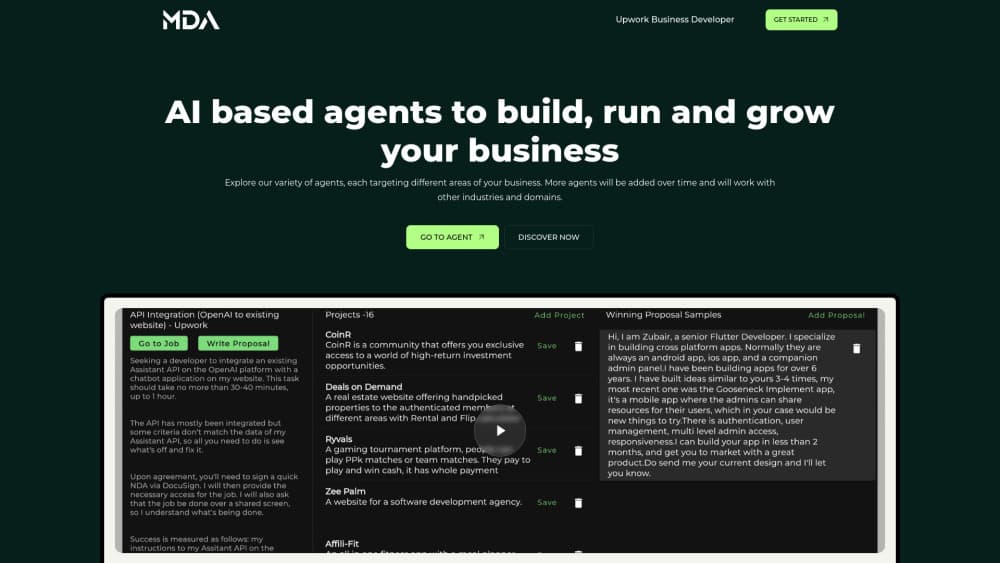
About My Dev Agents
What Is My Dev Agents
My Dev Agents is business management software for agencies, studios and other service businesses. It pulls the parts of a small firm into one account: proposals, client discovery, projects and tickets, time tracking, team chat, check-ins, bug reports, invoices, bank statements, hiring, and time off. The work stays connected instead of living in five separate subscriptions.
The pitch is less admin, not more dashboards. A client brief turns into a scope and a quote, an accepted proposal creates the project and the invoice, and logged hours feed the next invoice. The Operator, the built in AI business assistant, reads that same data when you ask what's late, who's overloaded or which invoices are unpaid.
Two limits matter before you commit. There's no free plan, only a 14 day trial that asks for card details at signup. AI usage is metered per month, so heavy use of the Operator, check-in summaries or statement reading can hit the cap on the cheaper plans. The Operator also can't move money, delete records or act as another person, which keeps it safe but means someone on your team still approves the final step.
Getting Started
- Start a trial at mydevagents.com and pick a plan. Every plan unlocks the full system for 14 days, with a trial allowance for AI work.
- Add your team and your clients. Each client gets a portal where they can share a brief, approve a proposal and sign off on delivered work.
- Set up your first job. Use Client Discovery and the Business Analyst to turn the brief into a scope, then send a proposal the client can accept on a single link.
- Import money data. Upload a bank statement export in CSV, Excel or PDF, check the parsed rows, then post them.
- Work from the apps you already use. The workspace runs in a browser and as native apps on Mac, Windows, iPhone and Android, so timers, check-ins and the Operator travel with you.
Product Information
A quick look at My Dev Agents's pricing, supported platforms, and performance.
Best for
The users, tasks, and scenarios where this tool fits best.
Users
- Owners of small agencies and dev shops
- Freelancers who are starting to hire
- Operations managers at service firms
Tasks
- Scoping and pricing a new client job
- Replacing a stack of separate tools
- Turning bank statements into books
- Reporting bugs from clients
Scenarios
- Running several client projects at once
- Hiring a contractor mid project
- Keeping a remote team aligned
Key features
The Operator
The Operator is the AI business assistant inside My Dev Agents. You ask in plain words what's late, who's overloaded, what's unpaid or how a job is tracking, and it answers from the projects, time, invoices and cash you've given it access to. Ask it to create a ticket or draft an invoice and it shows the exact change first. Nothing happens until you confirm, and every change is logged. It can't move money, delete anything or act as another person.
Proposals and Client Discovery
Client Discovery gives the client a structured way to explain the job before the first call, which cuts the vague brief problem. The Business Analyst turns those answers into a scope, and the proposal builder prices it line by line. Clients accept on one link, and a won job sets up the project, the client record and the invoice without retyping anything.
Projects, Tickets and Time
Project management for agencies falls apart when hours sit in one tool and invoices in another. Projects here hold tickets, files and hours in one place, with a board view and a workload view of the same data. Timers run on the web and in the desktop and mobile apps, with a timer on the iPhone Lock Screen. Because logged time connects to invoicing, you can draft an invoice from the hours already recorded rather than rebuilding it in a spreadsheet.
QA Voice Bug Reports
QA Voice is aimed at client feedback that usually arrives as a screenshot and a paragraph of confusion. You record the screen and the microphone, describe what went wrong, and the system produces a bug report with the clip attached. It runs in the Mac and Windows apps, so the recording happens on the machine where the bug appeared.
Invoicing and Bank Statement Intake
The invoicing software draws on the same project data, with reminders you don't have to write by hand. On the money side, Intake reads a bank statement export in CSV, Excel or PDF, checks the rows against your balances, and posts them after you preview the result. That gives you a running view of cash and what each job actually made, rather than a margin guess built after the month closes.
Team, Hiring, Time Off
Every plan includes the whole team, contractors and next month's hire, with no per-seat billing. Check-ins collect status by typing or voice and roll into one summary. Hiring runs from application to offer inside the product, time off requests skip the shared spreadsheet, and leave and expenses flow into pay.
Pros and cons
Pros
- One flat price covers the whole team, so adding five people doesn't multiply the bill the way most per-seat tools do.
- Proposals, projects, time, invoices and bank statements share one data model, which removes a lot of copy and paste between apps.
- The Operator answers from real records and shows changes before applying them, so the AI stays reviewable.
- Native apps on Mac, Windows, iPhone and Android mean timers and check-ins work away from a desk.
- A 14 day trial unlocks the full product, so you can test it on a live client job before paying.
Cons
- No free plan. The trial needs card details, and after day 14 you pay or lose access.
- AI usage is capped by plan. If your team leans on the Operator and statement reading every day, the $49 and $99 plans may run out before the month ends, and AI steps pause until the allowance resets.
- There's no documented public API, so teams that need custom integrations with their own stack have to wait or work around it.
- It's built around service work with billable projects. A product company or a retailer would pay for modules it never uses.
Frequently asked questions
My Dev Agents runs the day to day of a service business: client briefs, proposals, projects, tickets, time tracking, team chat, invoices, bank statement intake, hiring, and time off. The Operator adds a question and answer layer over that data.
Related content
Explore related tools, skills, and articles for My Dev Agents.
My Dev Agents Alternatives

Base Code
Base44 (Wix) · Coding · ProductivityBase Code is a shared cloud development environment from Base44. Teammates describe changes to an existing GitHub codebase in chat, preview them live and send them back as pull requests.

Google EmbeddingGemma 2
Google DeepMind · Writing · Image · CodingGoogle EmbeddingGemma 2 is a 740M-parameter open model that turns text, code, images, audio, and video frames into vectors in one 768-dimension space, running on phones and laptops.

GitGlow
GitGlow · Coding · ProductivityGitGlow is a local-first desktop Git client that lets independent developers review their own code and their AI agents' changes in one place before shipping.