

Juno
Juno · Voice & Language
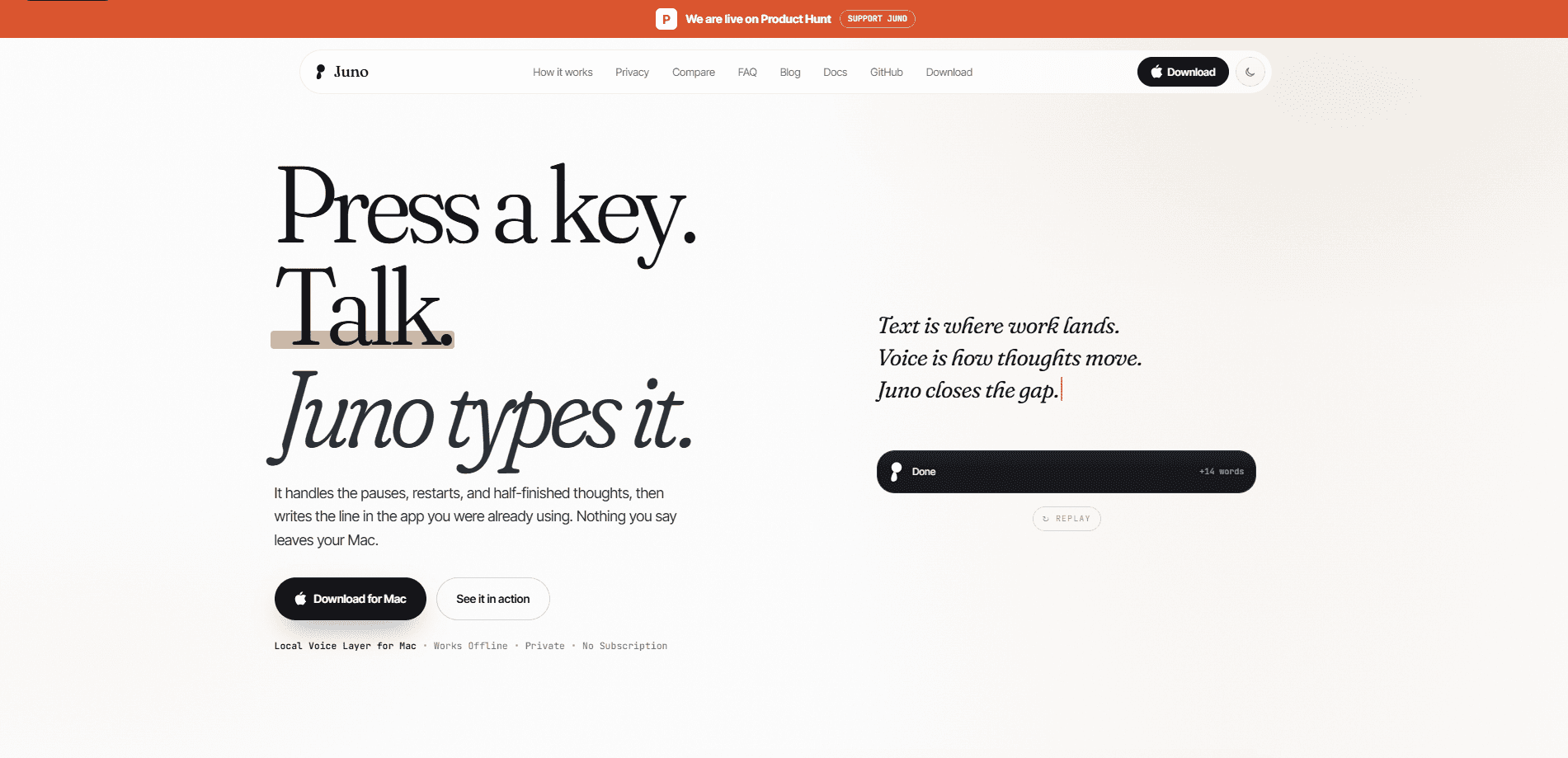
Juno is a free, open-source voice dictation app for Mac that turns speech into clean, ready-to-send text, and it runs entirely on your own machine. It works as a Mac dictation tool first and an AI voice writing assistant second. You press a key, talk, and it types the line into whatever app you already have open, handling the pauses, restarts, and half-finished thoughts along the way. There's no account, no subscription, and no usage cap, and everyday dictation keeps working offline once setup is done.
About Juno
What Is Juno
Juno is a local voice layer for Mac, which means the speech recognition runs on your device instead of a remote server. The point is simple: you talk faster than you type, but raw speech is full of filler, false starts, and take-backs. Juno drops all that and leaves the sentence you actually meant.
It also does more than transcription. You can ask for an edit in plain English. Try "make this warmer and ask him to review," and Juno rewrites the selected or recent text in place. Say "Hey Juno, note this..." or "remind me tomorrow at 9..." and it files straight into Apple Notes, Reminders, or Calendar without you opening them.
The biggest limitation is the platform. Juno is Mac-only, so Windows and Linux users are out of luck. It also leans on Apple's built-in apps for those quick actions, which is a good fit if you live in the Apple world and a dead end if you don't. Want it on a work PC? Not happening.
Getting Started
- Download the Juno app from the official site and install it on your Mac.
- Grant the permissions it asks for, mainly microphone access and accessibility so it can type into your apps.
- Let it download the speech models once; after that, everyday dictation works offline.
- Press the hotkey, speak your line, and watch the live transcript appear in the HUD.
- Release the key and Juno writes the cleaned text into the field or app you were already using.
Product Information
A quick look at Juno's pricing, supported platforms, and performance.
Best for
The users, tasks, and scenarios where this tool fits best.
Users
- Writers and note-takers who think out loud and want the messy first draft cleaned up as they speak, with no account to set up.
- Privacy-conscious Mac users who deal with sensitive material and don't want their voice or transcripts sitting on someone else's server.
- People with repetitive strain injuries or who simply type slowly, and want to get their words into email or docs without a keyboard.
Tasks
- Dictating emails and replies
- In-place rewriting
- Quick capture of notes, reminders, and alarms
Scenarios
- Working in a café or on a plane with spotty Wi-Fi
- Long drafting sessions where you'd rather talk through ideas than type them, then edit the cleaned text afterward.
- Handling sensitive work documents on a work laptop, since password fields force capture and history off.
Key features
On-device speech recognition
Juno processes dictation on your Mac, so your voice never leaves the machine. Normal use only needs a network connection for model downloads and updates. For anyone handling confidential material, that's the difference between a tool you can use at work and one you can't. No server. No upload. Just your Mac.
Live HUD transcript
While you dictate, Juno shows a live transcript in a floating HUD, so you can see what it's hearing before you commit the text. Most dictation tools just insert words directly, which makes mistakes hard to catch. Here you catch them as they happen. That's a big deal when you're dictating something important.
Automatic speech cleanup
Juno keeps your meaning and strips the filler, false starts, and take-backs. Say "umm so can we ship the install fix tuesday wait no on Friday please" and what lands is the clean instruction. Ever read back a raw voice transcript and winced? That's the mess Juno throws out. Numbers, dates, prices, and links get formatted the way you'd type them: "five hundred euros forty cents" becomes €500.40, and spelled-out dates turn into March 20, 3:00 PM.
In-place rewriting by voice
Instead of retyping, you ask for the change in plain English. Select a draft, say "make this warmer and ask him to review," and Juno rewrites it right where it sits. It works on the selected text or the most recent one, so you can polish a message without switching windows.
Native Mac actions
Say "Hey Juno, note this: prep the board meeting, remind me tomorrow at 9 to send the deck, and set an alarm for 7 AM," and it files each piece into Notes, Reminders, and Calendar. It's a spoken shortcut for the small tasks you'd otherwise click through by hand. One sentence, three apps. Done.
Privacy guardrails on secure fields
Password boxes shut Juno down. When a secure field is active, capture, context, history, recordings, learning, and paste all turn off automatically. History and recordings can be cleared whenever you want, so nothing piles up in the background.
Open source, no strings
Juno is fully open source with no sign-in, no license key, no trial countdown, and no usage cap. You can read the code, and the heavy work runs on your Mac rather than a metered cloud service. That's rare for a voice tool, most of which lock you into a subscription. Here you own your setup.
Pros and cons
Pros
- Genuinely free, with no account, no subscription tier, and no usage cap.
- Speech processing stays on-device, so your audio and transcripts never hit a server.
- The live HUD transcript lets you spot errors before the text is inserted.
- Cleaning filler and formatting numbers, dates, and links cuts down on manual fixing.
- Open source means the privacy claims can actually be checked, not just believed.
Cons
- Mac-only, so Windows, Linux, and mobile users can't use it at all.
- The quick note, reminder, and alarm actions depend on Apple's built-in apps, which won't suit people outside that setup.
- Expect a one-time setup cost while speech models download, and a first dictation that feels slower than later ones.
- No documented public API, so you can't wire Juno into your own tools or scripts.
Frequently asked questions
Yes. Juno has no paid tier, no license key, and no usage cap. The dictation runs on your Mac instead of a metered cloud service, which is how it can stay free without a subscription.
Related content
Explore related tools, skills, and articles for Juno.
Juno Alternatives

Prosp
Prosp · Writing · Voice & Language · MarketingProsp is an AI LinkedIn outreach tool built for agencies and sales teams, and it writes the message and the voice note in your own voice for each prospect so they actually reply. You connect your accounts, find leads, and let the AI draft and send personalized messages at scale, all from one inbox. It's built for people running outbound at volume. That's the whole pitch. Every touchpoint still has to feel human.

Wordly AI Translation
Wordly · Voice & Language · ProductivityWordly AI Translation is a real-time AI translation and captioning platform built for meetings, conferences, and events. It delivers live translation, captions, transcripts, and summaries in more than 60 languages, and attendees join by scanning a QR code or opening a link instead of using dedicated headsets. The platform works with Zoom, Microsoft Teams, Google Meet, and Webex, and it's designed for organizations that want multilingual access without hiring human interpreters for every session. Simple as that.
Musicful
Musicful AI · Voice & Language · VideoMusicful is an AI music generator and AI music video maker that turns text to music in minutes. Give it a text prompt, a set of lyrics, or a hummed melody and it returns a finished track with vocals and instruments. It also doubles as an AI song generator, produces music videos from the songs you create, and offers an AI cover tool plus a developer API. The platform runs in a web browser and through an Android app, so you can start a song on desktop and pick it up on your phone.