

UX Audit
Goodspeed Studio · Other
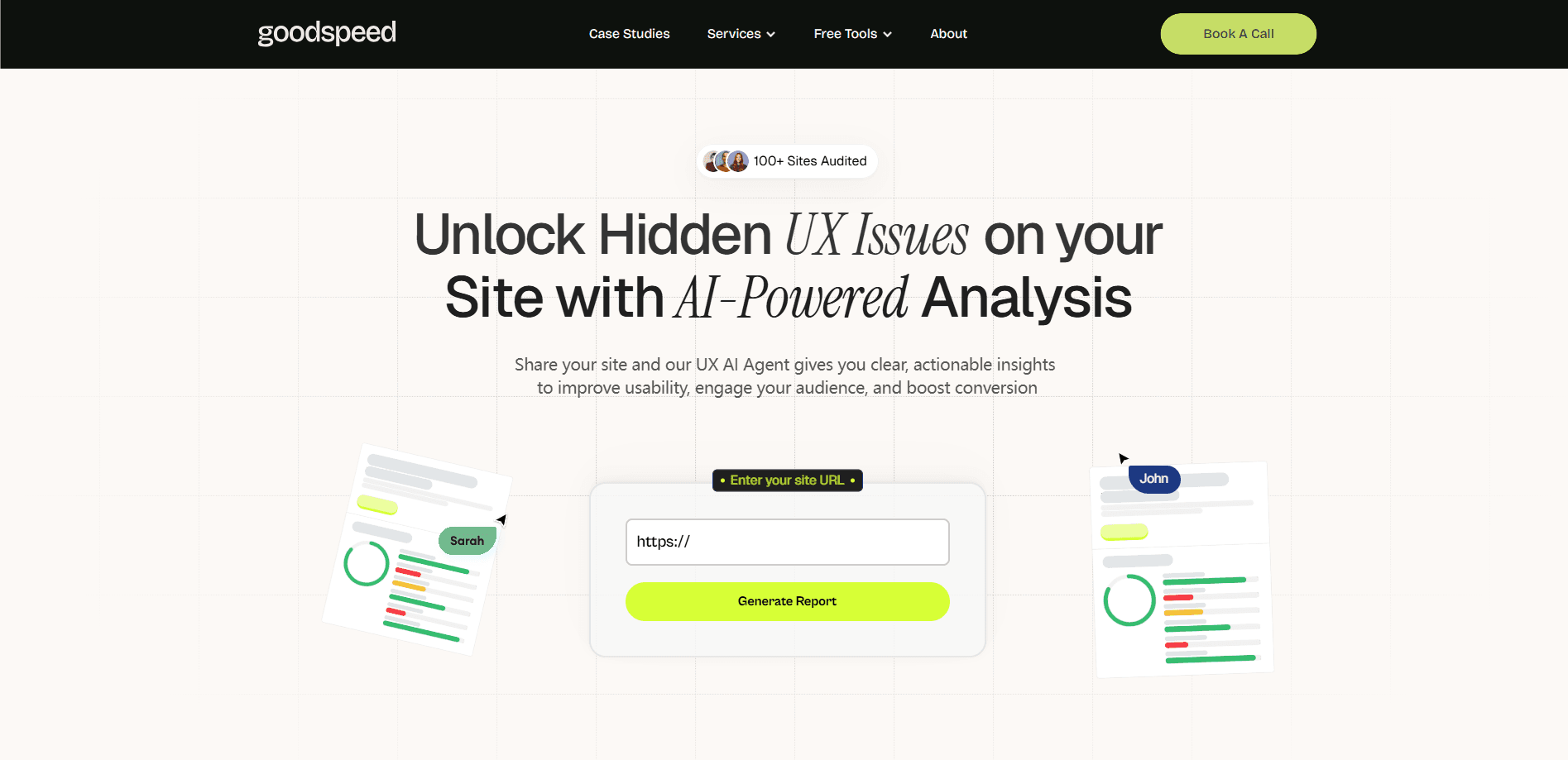
UX Audit is a free AI UX analysis tool from Goodspeed Studio that scans your site, scores usability, performance, design, clarity and engagement, and lists what to fix first.
About UX Audit
What Is UX Audit
UX Audit is a free browser tool that reviews how a website feels to use, not just whether it loads. You paste in a URL, and an AI agent scores the page across usability, performance, visual design, clarity and engagement, then explains the problems behind each score. It comes from Goodspeed Studio, a London design and build studio that has audited more than 100 sites with the tool.
The point is to surface friction fast. Most teams don't need a month-long usability study to learn that their call to action is buried or their mobile layout breaks. The tool gives you a directional read in minutes and points at the specific issues that slow people down. From there you can fix the easy wins yourself or book a call with Goodspeed's UX designers for deeper work.
The limits are worth knowing up front. An automated scan reads the surface of a page, so it can't watch real people hesitate, and it won't capture problems that only appear deeper in a logged-in flow. Treat the UX audit report as a starting list of suspects, not a verdict.
Getting Started
- Open the UX Audit page and paste the URL of the site or landing page you want reviewed.
- Let the AI agent scan the page. You don't need an account to start.
- Read the score for each category, then open the key issues under each one.
- Work through the recommended fixes, easiest wins first, and re-run the audit to see the score move.
- Book a strategy call with Goodspeed's design team if you want hands-on help beyond the automated report.
Product Information
A quick look at UX Audit's pricing, supported platforms, and performance.
Best for
The users, tasks, and scenarios where this tool fits best.
Users
- Startup founders
- Marketing leads
- Solo builders
Tasks
- Auditing a landing page
- Spotting mobile problems
- Getting a prioritized fix list
Scenarios
- Preparing for a launch
- Replacing a stale site
- Checking a redesign
Key features
AI Website Scanner
Paste any public URL and the agent renders the page and reviews it, so you skip the setup that a traditional website usability audit needs. It's the fastest way to get a first opinion on a page you're unsure about.
Category Scores
You get a separate score for usability, performance, visual design, clarity and engagement. Splitting the result this way tells you where the weakness actually sits, instead of one vague number that hides the cause.
Key Issue Breakdown
Under each category the tool explains the specific problems driving the score, so you see the why behind the website UX score, not just the number. That makes it easier to argue for the fix in your next planning meeting.
Actionable Fix Recommendations
The agent pairs each issue with a suggested fix, so the report moves from diagnosis to a to-do list. You can hand the items to a developer or handle the simple ones yourself.
Human Review On Request
If the automated report leaves questions, you can book a call with Goodspeed's UX designers for a deeper, hands-on pass that covers conversion audit work and an accessibility audit, the parts a scan can't judge. The free scan acts as a taster for the studio's paid audit and build services.
Re-run And Compare
Because a scan takes minutes, you can re-run it after changes and watch the category scores move. That turns a one-off check into a way to confirm a redesign helped.
Pros and cons
Pros
- Free to run and needs no account, so there's no cost to trying it.
- Splits the read into five categories, which points to the real problem area.
- Gives plain-language fixes you can act on the same day.
- Fast enough to re-run after every change and track the scores.
Cons
- An automated scan can't observe real users, so it misses hesitation and confusion a live test would catch.
- It reads public pages only, so problems inside a logged-in flow stay hidden.
- The deeper, human-led audit is a paid studio service, not part of the free tool.
Frequently asked questions
It's a free tool from Goodspeed Studio that scans a website URL and scores it across usability, performance, visual design, clarity and engagement, then lists the issues to fix.
Related content
Explore related tools, skills, and articles for UX Audit.
UX Audit Alternatives

Odyssey 3
Odyssey · OtherOdyssey-3 is Odyssey's foundation world model. It simulates physics in real time, turns a prompt into an interactive environment, and adapts to robots, cars and games.

JarvisCore
Prescott Data · Coding · Productivity · OtherJarvisCore is an open source Python runtime where AI agents work as equal peers on an agent mesh, claim tasks from a shared ledger, and reach external services through a zero-trust broker.
Clef
Cloudflare · Business · OtherClef is Cloudflare's open-source decision model for Workers AI. It returns calibrated probabilities for typed questions, not generated text, so agents can classify, route, and act fast.