

Vanna: Your AI Business Intelligence Assistant
Vanna AI · Coding
Vanna is an open source SQL agent that turns plain language questions into SQL, charts, and short written answers. It runs with any LLM and any database.
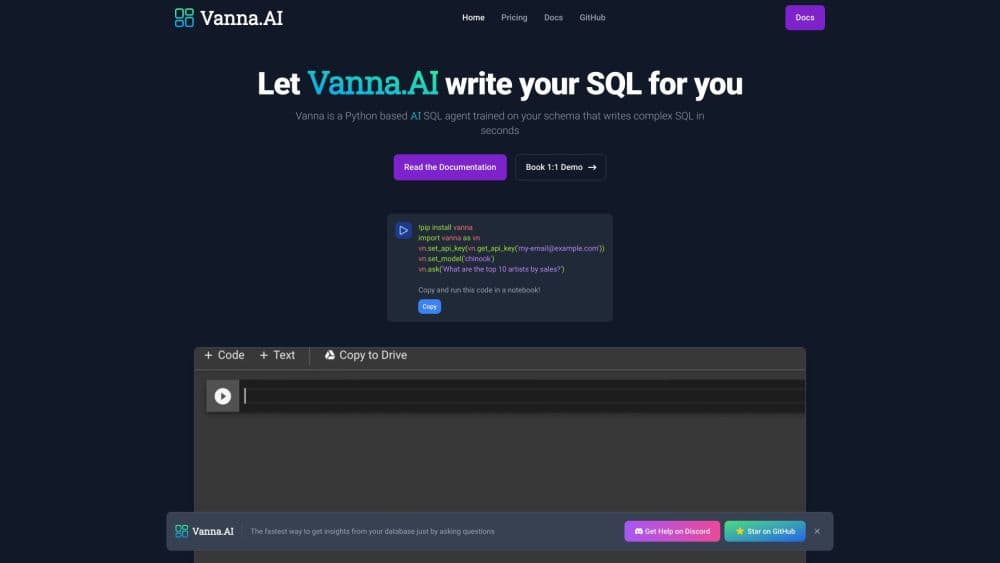
About Vanna: Your AI Business Intelligence Assistant
What Is Vanna
Vanna is a Python framework and hosted service that lets people ask questions about a database in plain language and get back a query, a table, a chart, and a short summary in one response. The project started in 2023 as a natural language to SQL library built around retrieval, and it passed 20,000 stars on GitHub. Version 2.0, released in November 2025, rebuilt it as an agent framework with permissions, streaming, and a chat interface you can drop into an existing web app.
The problem it solves is the wait. Someone in marketing wants last quarter's churn split by plan, the data team is backed up, and the question sits in a ticket queue for three days. Vanna gives that person a chat box connected to the data warehouse instead. It answers what it can, shows the SQL it ran, and lets an admin check the logic.
Two limits matter before you commit. Vanna is an engineering product: you install it, wire up a database driver, pick an LLM, and define how users get identified. There's no drag-and-drop builder. And the SQL is only as good as what the agent has learned, so a fresh deployment over a busy schema needs some hand-holding. Plan for a week of setup rather than an afternoon.
Getting Started
- Create a virtual environment and install the package with the extras you need, for example
pip install 'vanna[anthropic,fastapi]'. Python 3.9 or later is required. - Connect a database and an LLM. Vanna ships integrations for PostgreSQL, MySQL, Snowflake, BigQuery, SQLite, Oracle, SQL Server, DuckDB, and ClickHouse, plus OpenAI, Anthropic, Gemini, Azure, Bedrock, Mistral, and local models through Ollama.
- Define how users are identified. Write a user resolver that reads a cookie, a JWT, or an OAuth token from the incoming request and maps it to a user id and a list of permission groups.
- Register the tools the agent can call.
RunSqlToolcovers queries, and you can add your own by extending theToolbase class, for example a tool that sends an email or calls an internal API. - Put the chat box on a page. Drop the
<vanna-chat>web component into any page and point it at your server's streaming endpoint. React, Vue, and plain HTML all work. - Review and refine. Check the audit log for the first few days, adjust permission groups, and let agent memory collect enough successful question and SQL pairs to handle routine asks without extra context.
Product Information
A quick look at Vanna: Your AI Business Intelligence Assistant's pricing, supported platforms, and performance.
Best for
The users, tasks, and scenarios where this tool fits best.
Users
- Data and platform engineers
- Product teams with non-technical users
- SaaS builders who need multi-tenant dashboards
- Small data teams that want a hosted SQL agent
Tasks
- Answering recurring business questions
- Handing a dashboard to a sales team
- Letting clients query a shared warehouse
- Embedding a query box inside an internal tool
Scenarios
- Weekly numbers without a ticket
- Building a data product for external customers
- Keeping a busy schema queryable
Key features
User-Aware Query Permissions
Every request carries an identity from start to finish. The user resolver turns a cookie, JWT, or OAuth token into a user object with group memberships, and tools check those groups before they run. SQL results get filtered so a regional manager sees the region and nothing else. Building this on top of a single-user demo framework usually means rewriting the thing later.
Agent Memory
Successful question and SQL pairs get saved, and the next similar question retrieves them as examples. That's how accuracy improves without you retraining a model or editing a prompt. You can store memory in process, in ChromaDB, or in Pinecone depending on how long you need it to last.
Streaming Chat Components
Instead of a wall of text, the server streams a table, then a chart, then a short summary, and the <vanna-chat> component paints each piece as it arrives. SQL is visible to admins by default and hidden from regular users, which keeps the interface readable without hiding how the answer was produced.
Broad LLM and Database Support
Vanna doesn't lock you to one vendor on either side. Swap from OpenAI to Anthropic or a local Ollama model with a different service class, and point the SQL tool at a different database driver. Teams already on Snowflake or BigQuery skip the migration step, which is part of why it has become a common pick for text-to-SQL work in production.
Row-Level Security and Audit Logs
The permission groups flow into the SQL layer, so filtering happens on the query, not on the display. Every query is logged per user, which covers the questions compliance will ask and gives you a trail when a number looks wrong.
Custom Tools and Lifecycle Hooks
The agent can do more than run SQL. You define a tool, give it an access group, and the agent picks it up. Lifecycle hooks sit around each request and handle quota checks, logging, and content filtering. LLM middlewares cover caching and cost tracking. It's the difference between a SQL chatbot and something closer to an internal data assistant.
Self-Hosted or Managed
The open source package runs entirely on your own infrastructure under the MIT license, with no data leaving your network except what you send to your chosen LLM provider. If you'd rather not run servers, the cloud plans and enterprise deployments cover the same framework with hosting, support, and higher limits.
Pros and cons
Pros
- The MIT license means you can fork it, audit it, and run it inside your own network without a per-seat bill.
- Smooth upgrade path: the same framework covers self-hosting, the managed cloud, and on-prem enterprise, so early work isn't thrown away.
- Permissions and audit logs are part of the design, which saves months compared with bolting access control onto a demo agent.
- The prebuilt chat component plugs into React, Vue, or plain HTML, so the front end is mostly done for you.
- LLM and database integrations cover the common enterprise stack, so most teams skip writing custom connectors.
Cons
- Setup is developer work. You need Python, database driver configuration, and an identity system before the first question works.
- Might not suit non-technical buyers. Small marketing teams are usually better off with a hosted BI tool that has a chat mode.
- The free cloud limits are tight: Explorer runs 20 questions a day, which is fine for testing but not for daily use by a group.
- Complex joins and messy schemas still trip it up. You'll need good table descriptions and sample queries to get reliable results.
Frequently asked questions
Vanna lets people query a SQL database in plain language. It generates the query, runs it, and returns a table, a chart, and a short answer. Teams use it to give non-technical colleagues self-serve access to a warehouse without handing out SQL credentials.
Related content
Explore related tools, skills, and articles for Vanna: Your AI Business Intelligence Assistant.
Vanna: Your AI Business Intelligence Assistant Alternatives

Base Code
Base44 (Wix) · Coding · ProductivityBase Code is a shared cloud development environment from Base44. Teammates describe changes to an existing GitHub codebase in chat, preview them live and send them back as pull requests.

Google EmbeddingGemma 2
Google DeepMind · Writing · Image · CodingGoogle EmbeddingGemma 2 is a 740M-parameter open model that turns text, code, images, audio, and video frames into vectors in one 768-dimension space, running on phones and laptops.

GitGlow
GitGlow · Coding · ProductivityGitGlow is a local-first desktop Git client that lets independent developers review their own code and their AI agents' changes in one place before shipping.