

Ventilate: When to Open
Vivace App Studio · AI Assistant
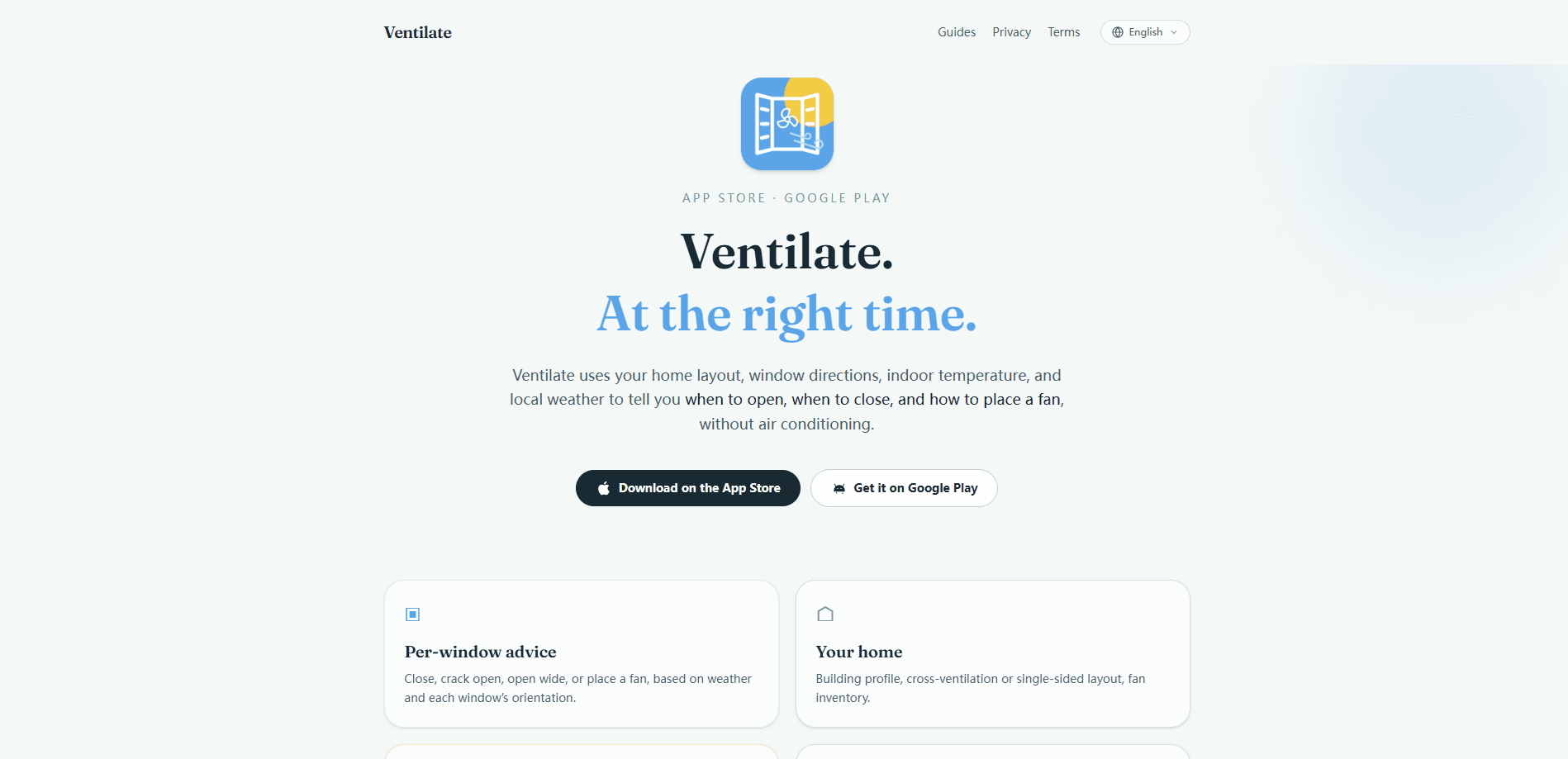
Ventilate: When to Open is a no-account mobile app that helps you cool a home without air conditioning. It combines your layout, window directions, indoor temperature, and local weather to give per-window advice, so you know whether to close a window, crack it open, open it wide, or place a fan there. The app keeps your home data on your device, and it's aimed at people in flats, older buildings, and hot-climate cities who want a clear next step instead of guesswork.
About Ventilate: When to Open
What Is Ventilate: When to Open
Ventilate: When to Open is a home cooling app built around one question people ask every hot day: when to open windows, and which ones? Instead of a single indoor temperature reading, it looks at each window's direction, your building layout, the fans you own, and the weather outside, then turns that into a specific action for each opening. It's a window ventilation app at heart.
The app solves a real gap. Most weather apps tell you the outdoor temperature, but they can't tell you whether letting that air in will actually help your flat. That matters. Ventilate focuses on the free cooling you can get from your own building, so you lean on windows and fans before reaching for an air conditioner. It works with no account, and the developers say your home data stays on your device, with only weather pulled from the system's weather service.
The main limit is that it's advice, not automation. Ventilate won't open windows or control smart blinds for you, and it depends on the room temperature you enter or measure. Not a hands-off tool. If you want a setup that runs your home on its own, this isn't that. For everyone else, it's a practical guide that turns a vague "it feels stuffy" into a concrete move.
Getting Started
- Download Ventilate: When to Open from the App Store or Google Play, then open it. No sign-up or account is needed.
- Set up your home by adding rooms, the direction each window faces, and the fans you own.
- Enter or sync your indoor temperature so the advice matches your actual conditions.
- Allow weather access so the app can compare outside conditions with your layout.
- Check the recommendation for each window, then open, close, or place a fan as shown, and revisit it as the day's weather shifts.
Product Information
A quick look at Ventilate: When to Open's pricing, supported platforms, and performance.
Best for
The users, tasks, and scenarios where this tool fits best.
Users
- Flat dwellers in hot cities
- Renters without air conditioning
- People who wake up to a stuffy room
Tasks
- Deciding when to open or close each window
- Placing a fan where it actually helps
- Planning around weather changes
Scenarios
- A summer heatwave in a city apartment
- Nights that stay warm and sticky
- Managing a home office or bedroom through the day
Key features
Per-window recommendations
Ventilate doesn't hand you one number for the whole home. It gives a specific call for each window: close, crack open, open wide, or place a fan. A bedroom facing east and a kitchen facing west get different advice, because the sun and airflow hit them at different times. That's the point. This feature is what separates the app from a plain weather forecast.
Your home profile
You tell the app about your building, whether it vents across or only on one side, and which fans you own. That profile is what makes the advice fit your flat instead of a generic house. Two homes on the same street can genuinely need different steps, and the app accounts for that. Trust me on this one.
Weather and transition alerts
Ventilate watches local forecasts for the moments that matter and sends timely reminders so you act before the useful cooling window closes. You don't need to refresh a forecast all day. The app tells you what's changing next and when to move.
Warnings that change the plan
Beyond temperature, the app flags conditions that reshuffle the plan: tropical nights, rain, high UV on the sunny side, and pollen. These signals narrow the opening rather than override the core temperature logic. It's a useful layer if you deal with allergies or live somewhere with sharp day-to-night swings.
No account, local data
There's no login and no profile to build. The developers state that your home data stays on your device and that only weather comes from the platform's weather service. That's a real privacy plus for an app that knows the layout of where you live.
Free heat guides
The same advice inside the app ships as free-to-read guides covering ventilating the home, weather, apartment layouts, when outdoor air isn't worth letting in, staying cool, and city heat. You can read up before or without using the app, which is handy if you want to understand the reasoning.
Pros and cons
Pros
- Gives per-window guidance instead of a single home-wide number, which fits how people actually cool a flat.
- Works toward cooling without an air conditioner, using windows and fans you already have.
- No account needed and, per the developers, home data stays on your device.
- Timely reminders and weather warnings help you act before the cooling window passes.
- Free to download, with the app's guidance also published as free guides.
Cons
- It's advice only. The app won't open windows or control smart blinds, so you still do the work by hand.
- Quality depends on the indoor temperature and layout you enter, so a rough setup gives rougher advice.
- Best suited to hot-season use. In mild or cold weather, most of what it does rarely matters.
- If you don't have much to enter (one window, no fans), the tailored recommendations add less value.
Frequently asked questions
It tells you what to do with each window and where to place a fan, based on your home layout, window directions, indoor temperature, and local weather. The goal is to cool your home without air conditioning by using the free cooling your building can already provide.
Related content
Explore related tools, skills, and articles for Ventilate: When to Open.
Ventilate: When to Open Alternatives

Iplan AI
Iplan AI · Productivity · AI AssistantIplan AI is an AI travel planner that turns a few trip details into a full day-by-day itinerary in seconds. You answer questions about your destination, interests, budget, and travel companions, and the tool builds a plan you can edit, share, and carry with you on any device. It targets travelers who want a solid draft without spending hours in spreadsheets and browser tabs. Think of it as an itinerary generator that does the tedious part for you.

Screenhelp
Screenhelp · Productivity · AI AssistantScreenhelp is an AI screen assistant that turns a single keyboard shortcut into real-time help. You press Ctrl+Shift+Space, it captures what's on your screen, and it streams an answer into a private panel in about two seconds. Think of it as an AI screenshot helper you trigger on demand. It runs on Mac, Windows, and the web, starts free with 30 answers a month, and stays invisible during screen sharing on Zoom, Teams, and Google Meet.

Rainbow
Rainbow · AI AssistantRainbow is an AI weather forecast app built around short-term precipitation nowcasting. Its engine pushes min-by-min rain and snow predictions up to four hours ahead, blending live satellite and radar feeds into hyperlocal forecasts. The app adds live rain radar, a seven-day outlook, precipitation alerts, home-screen widgets, and a hurricane tracker, and it runs on both Android and iOS with a free tier plus paid upgrades.