

Ventrilo.ai
Ventrilo.ai · Other
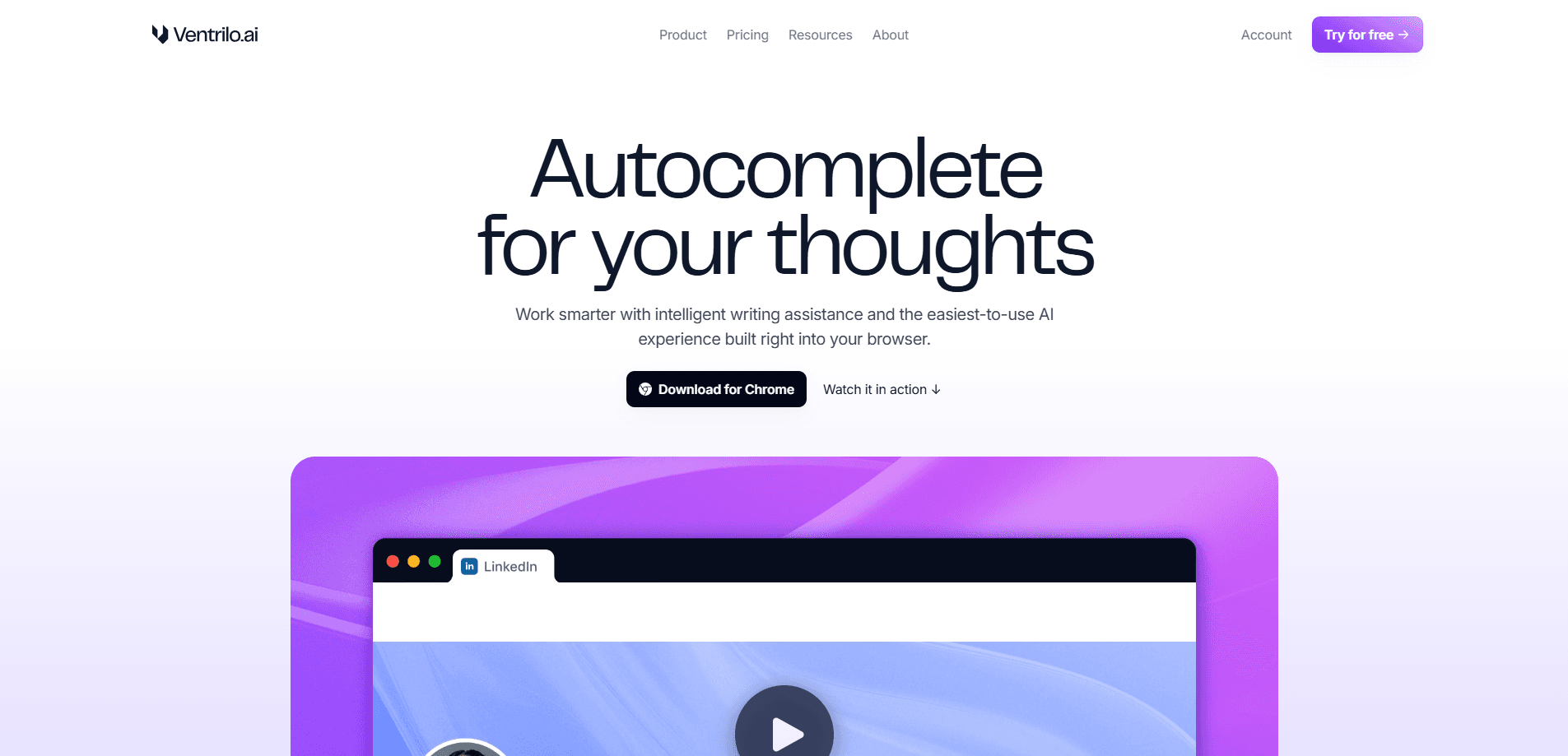
Ventrilo.ai is a Chrome browser assistant that reads across your open tabs, remembers what matters and helps finish writing and form-filling work without copy-pasting.
About Ventrilo.ai
What Is Ventrilo.ai
Ventrilo.ai is a browser assistant for Chrome that treats everything you have open as one workspace. Instead of pasting text into a separate chat window, you talk to an agent that already sees your tabs, your PDFs and your uploaded files, then drafts, translates or fills in the page in front of you.
The problem it targets is the copy-paste tax. Most AI helpers sit in a tab of their own, so getting an answer means moving context from where the work lives into where the model lives. Ventrilo pulls in the other direction. It reads the sources you allow, keeps a memory of your past answers and preferred phrasings, and drops finished text straight back into the field or site you're using. The writing side covers cover letters, replies, study guides and rewrites, and there's a translation mode for moving text between languages without leaving the page.
The limits matter as much as the features. Ventrilo only runs in Chrome on desktop, so anyone on Safari, Firefox, a phone or a tablet is out of luck for now. The free plan cuts you off at limited daily usage and context from just three tabs, which is fine for trying it and tight for heavy work. And the two paid tiers gate how much memory and how many tabs the assistant can hold in view at once.
Getting Started
- Open the Chrome Web Store and add the Ventrilo.ai extension, then sign in with your account
- Pin the extension and open the tabs you want it working from, since it only reads pages you allow
- Ask the assistant to draft, rewrite or translate, or let it detect a form field and prepare the right answers from your open tabs
- Review each suggestion before you insert it, and delete memories or block specific sites whenever you want
Product Information
A quick look at Ventrilo.ai's pricing, supported platforms, and performance.
Best for
The users, tasks, and scenarios where this tool fits best.
Users
- Job seekers
- Students
- People who work in the browser all day
- Teams on the Plus tier
Tasks
- Filling repetitive online forms
- Writing first drafts
- Rewriting in a new tone
- Translating on the page
- Asking across open tabs
Scenarios
- Applying to several jobs in one sitting
- Reading a long PDF for a deadline
- Replying to messages in a hurry
- Working in a second language
Key features
Tab-aware AI chat
The core idea is that the assistant can see your open tabs rather than starting from a blank box. You can ask questions that draw on the pages you have up, and it handles context from three tabs on the free and Basic plans and up to six on Plus. That jump in context window is the main practical difference between paying and not.
One-click form filling
When Ventrilo spots a form field, it gathers the right details from your open tabs and prepares an answer you can review and insert with one click. This form autofill AI works across text inputs, dropdowns and buttons, and it draws on answers you've already given so repeated applications don't mean retyping the same information.
AI writing assistant
The writing tools take what's on your screen and turn it into polished drafts in seconds. The range runs from cover letters and study guides to short replies. It leans on your active tabs and your stated preferences, so the output aims at your tone instead of a generic voice.
Rewrite with a new persona
You can rewrite text into a different style, shifting from casual to professional or the other way around. The company's example is going from one generation's phrasing to another, but the practical use is matching a message to the audience you're writing for.
Translation mode
Translation mode moves text between languages without leaving the page you're on. It saves the trip to a separate translation site, which matters when you're reading or writing in a second language and don't want to break your flow.
Persistent memory
Ventrilo remembers past answers, preferred phrasings and application history across sessions. When a similar field comes up, it starts from what you've already validated. You stay in control of that memory: you can delete single entries or clear it all, and turn memory off entirely.
Privacy controls
The assistant reads only the tabs you allow and only when you ask, and you can see what's in use and block specific sites. It's funded by subscriptions rather than ads, and the company states your tabs, chats and memory aren't used to train AI. You can delete what it knows at any time.
Pros and cons
Pros
- Works inside the tabs you already have open, so there's no copying text into a separate chat window
- Pairs a writing assistant with form filling and translation in one extension
- The free plan is genuinely usable for light writing, with limits rather than a hard paywall
- Memory reuses your past answers, which cuts the retyping on repeat forms and applications
- Subscription funding means no ad or data-selling model underneath the product
Cons
- Chrome on desktop only, so mobile and other browsers aren't supported yet
- The free tier caps daily usage and holds context from just three tabs
- The 3-tab to 6-tab jump and higher limits are locked behind the $20 Plus plan
- There's no public API, so teams can't wire the assistant into their own tools
Frequently asked questions
Ventrilo.ai is a Chrome browser assistant that reads across your open tabs and helps with writing, translating and filling in forms. It keeps a memory of your past answers so repeated fields and applications pull from what you've already confirmed, all without copying text into a separate chat window.
Related content
Explore related tools, skills, and articles for Ventrilo.ai.
Ventrilo.ai Alternatives
BinkBink
BinkBink · OtherBinkBink is a free online game platform and AI game maker that lets anyone turn a short text description into a playable browser game. You can jump into hundreds of community-made games. Or describe your own idea and play it in seconds, then share it with friends. Want to create your own game? You don't need to code. No engine setup, no download, no hassle.

Audiogen
Audiogen Inc. · OtherAudiogen is an AI music generator built by Audiogen Inc., a small research team that spent about 2.5 years training its own generative music model and designing a web interface around it. Instead of a plain text box, this AI music tool turns the timeline into a beginner-friendly Generative Audio Workstation, or GAW, where inpainting, extending, remixing and stem editing work more like painting on a canvas. The product is still in beta, so access runs through a waitlist or an invite. Paid plans aren't published yet.

Aiml API
AIMLAPI OÜ · OtherAiml API is a unified AI model API that puts more than 1000 models from OpenAI, Google, Anthropic, and others behind one endpoint and one bill. You write code against a single OpenAI-compatible schema, then switch between chat, image, video, and audio models by changing a model string. It suits developers and small teams who want multi-model access without juggling a dozen separate provider accounts, and it removes the usual billing headache that comes with testing several vendors. One key covers it all.