

VenueLog
VenueLog · Coding · Productivity · Marketing
VenueLog is venue management software for hospitality businesses. It pulls POS, rostering, and accounting data into one platform, then adds AI tools for reporting and forecasting.
About VenueLog
What Is VenueLog
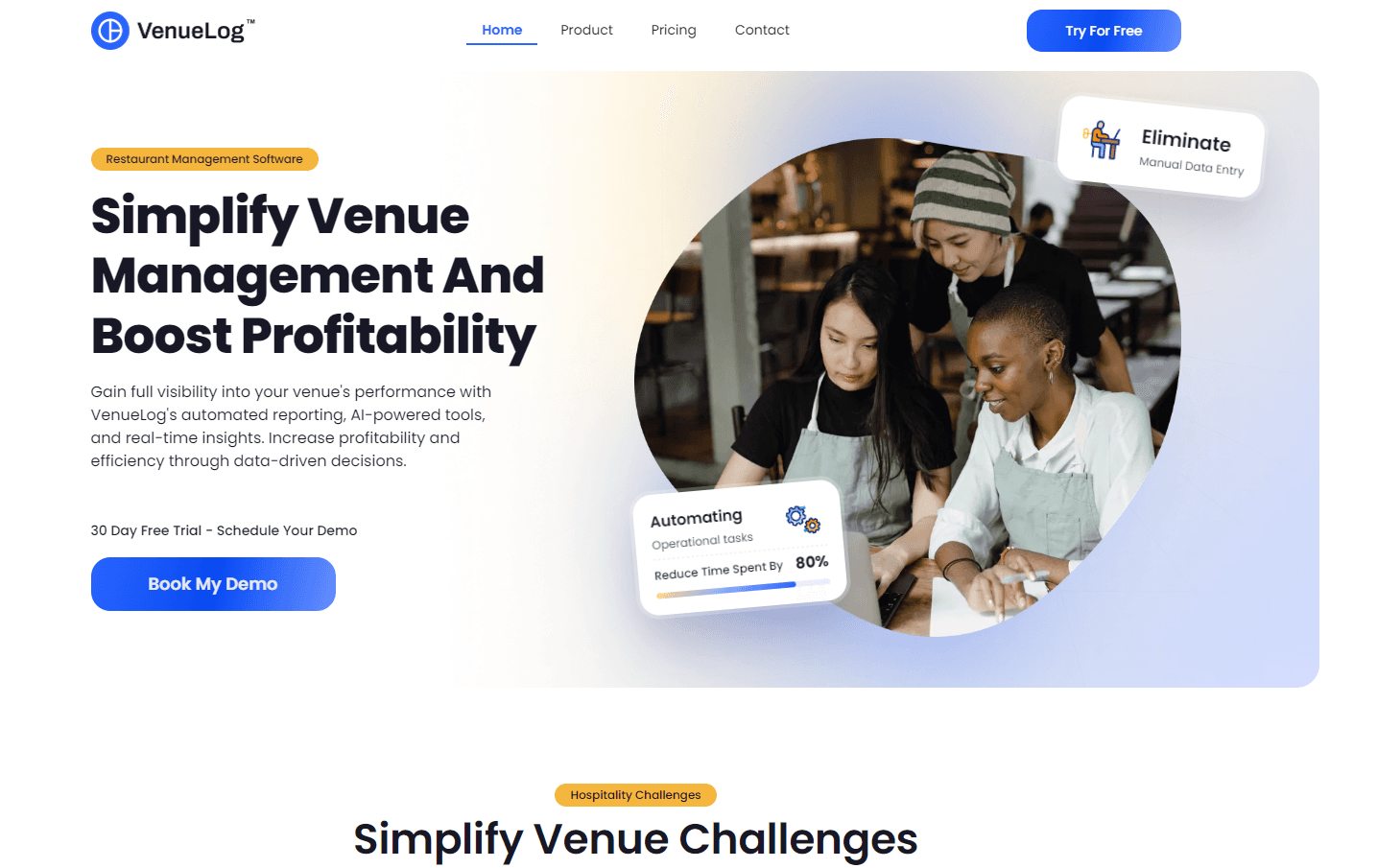
VenueLog is a hospitality management system built for venue owners and operators. It connects the systems a venue already runs, such as POS, scheduling, timesheets, inventory, and accounting, into a single dashboard. Instead of exporting spreadsheets and stitching numbers together by hand, you watch performance update in real time.
The platform groups its work into three areas. Reporting and analytics replace manual end-of-night tallies with automated summaries, and the dashboard keeps real-time insights in view. Forecasting handles business forecasting for sales and labour, so you staff a busy Saturday without guessing. The AI tools, split into a Data Assistant and a Venue Assistant, answer questions in plain language and draft custom reports from your own data.
Two things shape whether VenueLog fits. It is a paid, web-based product with a 30-day trial after a demo, so there's no free tier beyond that window. It also depends on integrations: the value grows once your POS and accounting systems are connected, and setup runs up to a week with the vendor's help.
Getting Started
- Book a demo through the VenueLog website and pick a time that suits you.
- Walk through the platform with the team and confirm which of your systems can connect.
- Start the 30-day free trial and link your POS, rostering, and accounting tools.
- Set the metrics and layout that match your venue's size and priorities.
- Use the dashboard and AI assistants day to day, and add integrations as you go.
Product Information
A quick look at VenueLog's pricing, supported platforms, and performance.
Best for
The users, tasks, and scenarios where this tool fits best.
Users
- Venue owners
- Operations managers
- Bar and cafe managers
- Multi-site operators
Tasks
- Replacing manual end-of-night reporting
- Forecasting sales and labour
- Tracking live performance
- Asking questions about your data
- Rolling out new staff knowledge
Scenarios
- A busy Saturday night
- Monthly profit review
- Quiet midweek trading
- Opening a second location
Key features
System integrations
VenueLog connects the systems a venue already uses, including POS, inventory, staff scheduling, timesheets, and accounting. Data flows in automatically, so you stop rekeying numbers between tools. That matters most once your main systems are linked, since the dashboard is only as good as the data feeding it. Some integrations also carry a separate licence fee on top of the subscription.
Automated reporting
The platform builds reports and summaries without the manual entry that eats into a manager's night. End-of-night reporting is the clearest example: figures are compiled for you rather than typed into a spreadsheet. You get consistent numbers and fewer errors, which leaves more time for the floor. Reports update as new data arrives, so you're reading current figures, not last week's export.
AI Data Assistant
The AI Data Assistant answers questions about your business in plain language and can generate custom reports. You ask something like how last Saturday compared with the one before, and it works from your connected data. You can save favourite queries and share results with the team, so analysis doesn't sit with one person. It's included in the top Ultra plan.
AI Venue Assistant
The AI Venue Assistant holds up-to-date knowledge about how your venue runs, so staff can check procedures and details without chasing a manager. It blends your own business knowledge with general information, which helps when someone asks about a process or a new idea. New hires get answers faster, and managers field fewer repeat questions. Like the Data Assistant, it sits in the Ultra plan.
Forecasting and analytics
Forecasting projects sales and labour needs from your historical data, which is where the money is saved. You staff a busy Friday properly and avoid paying for a quiet Tuesday. Analytics break down performance across the venue so you can see which days carry the week. The tooling adapts to your venue's size, so a single cafe and a larger site both get a usable view.
Customisable layout and mobile access
The dashboard is adjustable: you pick the metrics that matter and arrange the layout around them. It runs in a mobile browser, so you can check the numbers from the floor rather than the office. You can also save it to your home screen, which skips the app store and the version drift that comes with it. Layouts can be set per venue, which suits operators running more than one site.
Pros and cons
Pros
- It pulls POS, rostering, and accounting data into one place, so you stop juggling separate spreadsheets.
- Automated reporting cuts the manual work behind end-of-night and monthly figures.
- Forecasting helps you match staffing to demand, which targets both overstaffing and short shifts.
- The AI assistants answer questions and draft reports from your own data, and they save reusable queries.
- Layouts and metrics are customisable per venue, so the view fits a cafe as well as a bigger site.
Cons
- There's no free plan. You need a demo and then a 30-day trial before paying $129 to $249 per venue each month.
- Setup runs up to a week and there's an initial fee per venue, so it isn't a same-day switch.
- Value depends on integrations, and some of those carry a separate licence fee on top of the subscription.
- The mobile experience is a browser version saved to your home screen, not a native app.
- AI features sit in the top plan, so the tools that get the most attention cost the most.
Frequently asked questions
VenueLog is hospitality management software that connects a venue's POS, rostering, and accounting systems into one dashboard. It adds automated reporting, forecasting, and two AI assistants. It's aimed at bars, cafes, restaurants, and other venues rather than general businesses.
Related content
Explore related tools, skills, and articles for VenueLog.
VenueLog Alternatives

Base Code
Base44 (Wix) · Coding · ProductivityBase Code is a shared cloud development environment from Base44. Teammates describe changes to an existing GitHub codebase in chat, preview them live and send them back as pull requests.

Google EmbeddingGemma 2
Google DeepMind · Writing · Image · CodingGoogle EmbeddingGemma 2 is a 740M-parameter open model that turns text, code, images, audio, and video frames into vectors in one 768-dimension space, running on phones and laptops.

GitGlow
GitGlow · Coding · ProductivityGitGlow is a local-first desktop Git client that lets independent developers review their own code and their AI agents' changes in one place before shipping.