

Verdent Deck
Verdent AI · Coding
Verdent Deck is a macOS desktop platform for developers who want to run several AI coding agents at once instead of babysitting a single chat window. It splits a large feature request into sub-tasks, hands them to agents that plan and check their own work, and keeps multiple projects moving in parallel. A companion VS Code plugin covers the case where you'd rather stay inside your editor.
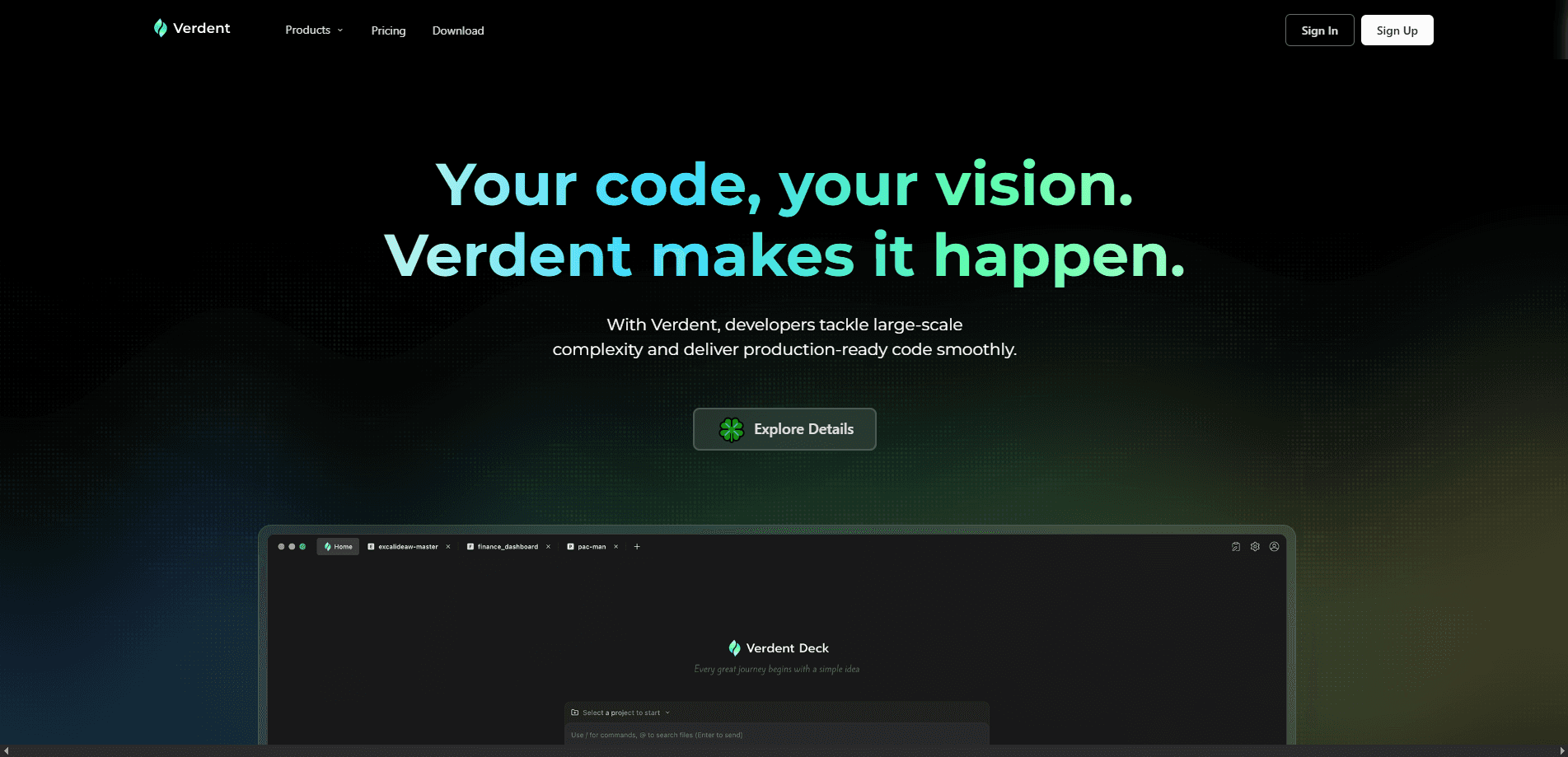
About Verdent Deck
What Is Verdent Deck
Verdent Deck is the desktop half of a larger AI coding tool. The company behind it, Verdent AI, is led by CEO Zhijie Chen, who ran algorithm development at ByteDance and worked as a chief technical architect at Baidu before that. The pitch is simple: instead of one agent answering one prompt, you get a small team of agents working on different parts of a job at the same time. That's the whole idea.
That framing matters. Most AI code assistants still feel like a faster autocomplete. You describe a task, the tool writes a block of code, and you check it. Verdent Deck aims higher. It treats a feature request as a project to be broken down, distributed, and verified. That's the kind of work that usually eats a developer's afternoon. Not anymore, in theory.
The biggest limitation is the platform lock-in on the desktop side. Verdent Deck itself runs on macOS only, so Windows and Linux developers have to use the VS Code plugin route instead. The tool also leans on paid plans for its parallel features, and the pricing page isn't reachable in every region. Checking costs before you commit takes a little digging.
Getting Started
- Download Verdent Deck for macOS from the official Verdent site and sign in with your account.
- Connect the code repositories you want the agents to work on and pick a working directory for each project.
- Open the Orchestration panel to set up your workflow, including any Model Context Protocols and sub-agents you want available.
- Describe the feature or task in plain language, then let the agents plan, split, and run the work in parallel.
- Review the changes each agent proposes, verify the results, and merge what passes your own checks.
Product Information
A quick look at Verdent Deck's pricing, supported platforms, and performance.
Best for
The users, tasks, and scenarios where this tool fits best.
Users
- Professional developers juggling several features at once
- Solo builders shipping larger apps
- Teams evaluating multi-agent coding tools
Tasks
- Breaking a big feature request into smaller, verifiable pieces
- Implementing changes across several files or repos
- Repetitive but multi-step engineering work
Scenarios
- A morning of feature work where you want three unrelated tasks moving at once instead of one at a time.
- A late-stage sprint where you need code written, reviewed, and corrected before a deadline, not just drafted.
- Keeping several small projects alive on a single machine without opening a dozen editor windows.
Key features
Parallel Agent Orchestration
The headline feature. Verdent Deck runs several AI coding agents side by side, each working on its own slice of a task. For developers with a backlog of feature work, this is a real shift in pace. You stop waiting on one agent to finish before starting the next. The desktop app is built for exactly this multi-project, high-volume workflow, and that's where its AI orchestration approach pays off.
Customizable Workflows
The Orchestration section lets you build the workflow the agents follow rather than accepting a fixed one. You can wire in Model Context Protocols and define sub-agents for specific jobs, so the setup matches how your team actually works. It's the difference between renting a tool and configuring one. Not everyone needs that freedom, but the teams that do will feel the gap in tools that lock it down.
Autonomous Planning and Self-Verification
Agents don't just write code and hand it over. They plan the approach first, execute it, then check their own output against the goal before reporting back. That extra loop catches a lot of obvious mistakes early. Why does that matter? Because when you're running several agents at once, you can't read every line as it appears. The self-check is doing your first pass for you. Trust it, but verify.
Desktop App Plus Editor Plugin
Verdent ships in two forms. Verdent Deck is the desktop application for orchestrating batches of work, while the VS Code plugin is for developers who'd rather stay close to the code. The split lets you switch between "manage the whole job" and "fine-tune one file" without changing tools. Pick based on how you work. Neither path is wrong.
Multi-Project Batch Handling
Deck is designed for developers coordinating multiple projects or large task batches at the same time. Each project keeps its own workspace, so parallel work doesn't bleed between codebases. If your days involve more than one repo, this is the feature you'll lean on most. It keeps things tidy.
Feature-Level Task Delegation
The tool is built around feature-level work rather than one-line suggestions. You describe a feature, and the system maps out the steps, assigns them, and tracks completion. That scope makes it closer to a junior teammate than an autocomplete. Big difference.
Pros and cons
Pros
- Runs multiple AI coding agents at once, so feature work moves in parallel instead of one task at a time.
- Custom workflows with MCP support and sub-agents let you shape the process to fit your projects.
- Agents plan and verify their own output, cutting down on the obvious errors that reach review.
- A VS Code plugin gives developers who prefer the editor a lighter way in.
- Billed as a full-stack engine with customizable delivery guardrails, not just a code generator.
Cons
- Verdent Deck is macOS-only, so Windows and Linux developers are stuck with the plugin and miss the full parallel workflow.
- Paid plans start at $19 per month and climb for higher tiers, and the pricing page isn't reachable from every region, which makes budgeting awkward.
- Running several agents in parallel can hit API costs and usage limits faster than a single-session tool, so heavy users need to watch the meter. Costs add up.
- Because the product is young, public documentation, tutorials, and community answers are still thin compared with older coding assistants. Fewer answers exist.
Frequently asked questions
It's a macOS desktop app for running and managing multiple AI coding agents in parallel. You give it a feature-level task, and it splits the work across agents that plan, build, and verify the result. It's the batch-oriented half of the Verdent AI coding tool family.
Related content
Explore related tools, skills, and articles for Verdent Deck.
Verdent Deck Alternatives
Forefront
Forefront · CodingForefront is a web platform for building with open-source AI. It lets you fine-tune leading open-source language models on your own data, evaluate how they perform, and run them through an API or export them to host yourself. Developers who want the convenience of a closed-source platform but insist on owning their models and data are the target audience here.

Startkit
StartKit.AI · CodingStartkit is a boilerplate for building AI SaaS and AI wrapper products. Think of it as an AI startup boilerplate with the boring parts already wired up: authentication, Stripe and Lemon Squeezy payments, usage limits, transactional email, and an AI API starter that talks to OpenAI, Anthropic, Groq, or Llama. You clone the repo, set your price, and start on the part of your product that people actually pay for. It's Next.js under React and Tailwind, so most of the boilerplate code already feels familiar.
Testim
Tricentis · CodingTestim is an AI-powered test automation platform for building and running end-to-end tests across web, mobile, and Salesforce applications. It leans on machine learning to keep tests stable when an interface changes, so teams spend less time fixing broken selectors. Not bad for an automated testing tool you can start using today. You create tests by recording actions in a browser, then optionally add JavaScript when you need more control. It's a solid pick for busy QA teams.