

Vfoli
Vfoli · Writing
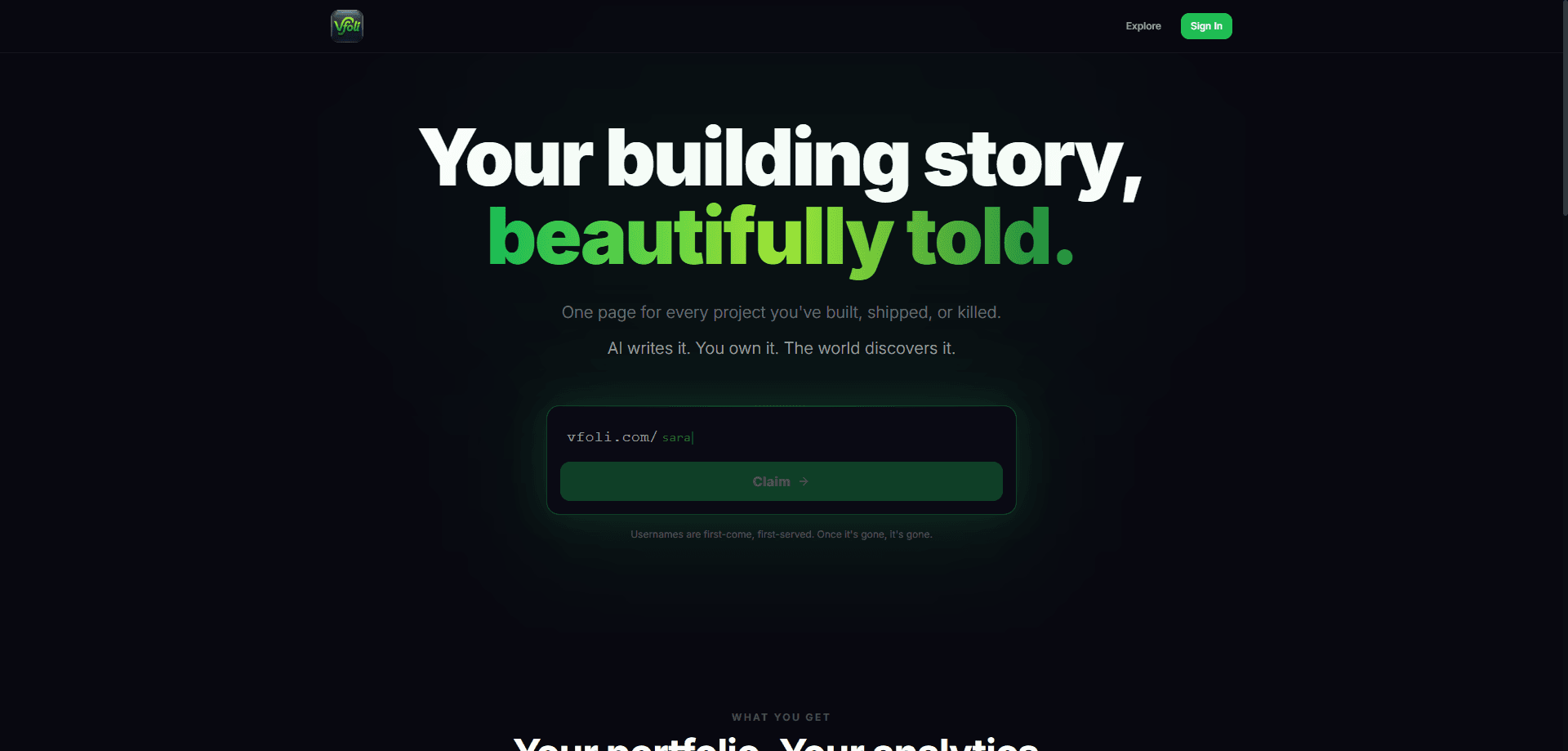
Vfoli is a free portfolio platform that gives every project its own one-page site. You add the basics of a project, and its AI writes the story around it, then publishes everything to a public profile that shows how many people viewed your work and clicked through. It's built for makers, indie developers, and small teams who want a clean online presence without wrestling with a website builder for a weekend. Think of it as an AI portfolio builder. Fewer decisions. Faster pages. No blank-page panic.
About Vfoli
What Is Vfoli
Vfoli is a web platform for publishing a venture portfolio. The core idea is simple: one page per project instead of one long list. Each project gets its own shareable page, and the platform's AI drafts the written parts so you don't stare at a blank text box.
That structure fits people who ship things in public. An indie developer with four side projects runs into the same problem a designer or a founder does. Scattered links and screenshots don't tell a story. Vfoli pulls each project into a page that explains the project, then ties those pages together under one public profile.
The biggest thing to know before you sign up is scope. Vfoli isn't a full website builder, a CMS, or a store. If you need custom domains, deep theming, or e-commerce, this isn't trying to be that. What it does, it does in a narrow lane: publish a project, get a readable page, track basic interest. That's it.
Getting Started
- Create your account at vfoli.com and set up your public profile.
- Add your first project with a name, a short description, and any links or visuals you have on hand.
- Let the AI draft the project story, then edit the wording so it sounds like you rather than a machine that has read too many landing pages.
- Publish the page and share its link, or browse the Explore feed to see how other builders present their work.
- Check the analytics panel to see views and link clicks, then refine the page based on what gets attention.
Product Information
A quick look at Vfoli's pricing, supported platforms, and performance.
Best for
The users, tasks, and scenarios where this tool fits best.
Users
- Indie developers
- Designers and small studios
- Early founders
Tasks
- Writing a project story
- Tracking interest
- Sharing work in public
Scenarios
- Publishing a new side project
- Applying to programs or jobs
- Browsing other builders
Key features
AI-written project stories
Vfoli's AI drafts the narrative for each project from the details you enter. You're not writing a landing page from scratch, and you're not shipping a robotic template either, since you can edit everything after. The output stays as good as your input, so a thin description produces a thin story. Garbage in, garbage out, in other words, and if you write a few real sentences about what the project does and who it's for, the draft comes out usable on the first pass without much rewriting.
One page per project
Every project gets a dedicated page rather than a slot in a list. That matters when projects are unrelated, because each one can stand on its own and be shared without dragging the rest along. It also makes your profile read like a portfolio instead of a feed, which is the difference between sending someone a page they can absorb in a minute and sending them a scrolling list they'll skim past. Simple as that.
Public profile
Your profile collects all published pages under one address you can hand out. Recruiters, clients, or collaborators land in one place and can move between projects. The tradeoff is that it's public by default, so don't put anything there you'd rather keep private. Sending one link beats pasting five into a DM.
Built-in analytics
Vfoli tracks views and link clicks per page. You see which projects people actually open and which links they follow. That's more than most free portfolio hosts give you. Treat the numbers as directional, not precise. The platform doesn't publish how it counts them.
Startup onboarding flow
Signing up walks you through the setup rather than dropping you on an empty dashboard. It keeps the first-project friction low, which is the point for a tool aimed at people who'd otherwise postpone making a portfolio. Small thing. Big difference for anyone who's abandoned a website builder halfway through.
Explore feed
The Explore section lists published portfolios so you can see how others structure their pages, which is worth ten minutes if you're stuck on how to frame a project you've been too close to for months. It doubles as a place to pick up phrasing ideas. It's a discovery surface, not a directory with rankings, so don't expect coverage of every builder on the platform.
Pros and cons
Pros
- Free to use, with no paid tier in the way to start publishing.
- The AI drafting removes most of the writing work for people who dislike copywriting.
- One-page-per-project structure keeps unrelated work from blurring together.
- Portfolio analytics for views and clicks come built in rather than needing a separate tool, and that alone saves you from wiring up a tracking snippet before you can tell whether anyone is actually reading the page you spent a week polishing.
- A single profile link is easy to share in a bio, a pitch, or a job application.
Cons
- Category and API details aren't documented publicly, so you can't confirm integrations before you commit.
- Analytics give direction but little depth, which means you can't run serious experiments on them.
- Public-by-default pages mean you need to think about what you upload before you publish, which is easy to forget when you're moving fast and just want the page live.
Frequently asked questions
Vfoli is a portfolio platform for publishing projects as individual one-page sites. It's aimed at builders who want a public place to show their work without assembling a full website. So who actually needs one? Anyone with more than two projects that live in different places.
Related content
Explore related tools, skills, and articles for Vfoli.
Vfoli Alternatives

Google EmbeddingGemma 2
Google DeepMind · Writing · Image · CodingGoogle EmbeddingGemma 2 is a 740M-parameter open model that turns text, code, images, audio, and video frames into vectors in one 768-dimension space, running on phones and laptops.

MePersona
MePersona, Inc. · Writing · Productivity · MarketingMePersona is an AI unified inbox for creators. It learns your voice, drafts replies to fan messages from 12 platforms, and sends only what you approve.

Fluence
Yay Software (Yannick Huchard) · Writing · Voice & Language · ProductivityFluence is an Android app that reads PDFs, EPUBs, Word files and web articles aloud, follows each sentence as it speaks, and answers questions about the text on the phone itself.