

Vicoa: Claude Code & Codex IDE
Vicoa · Coding
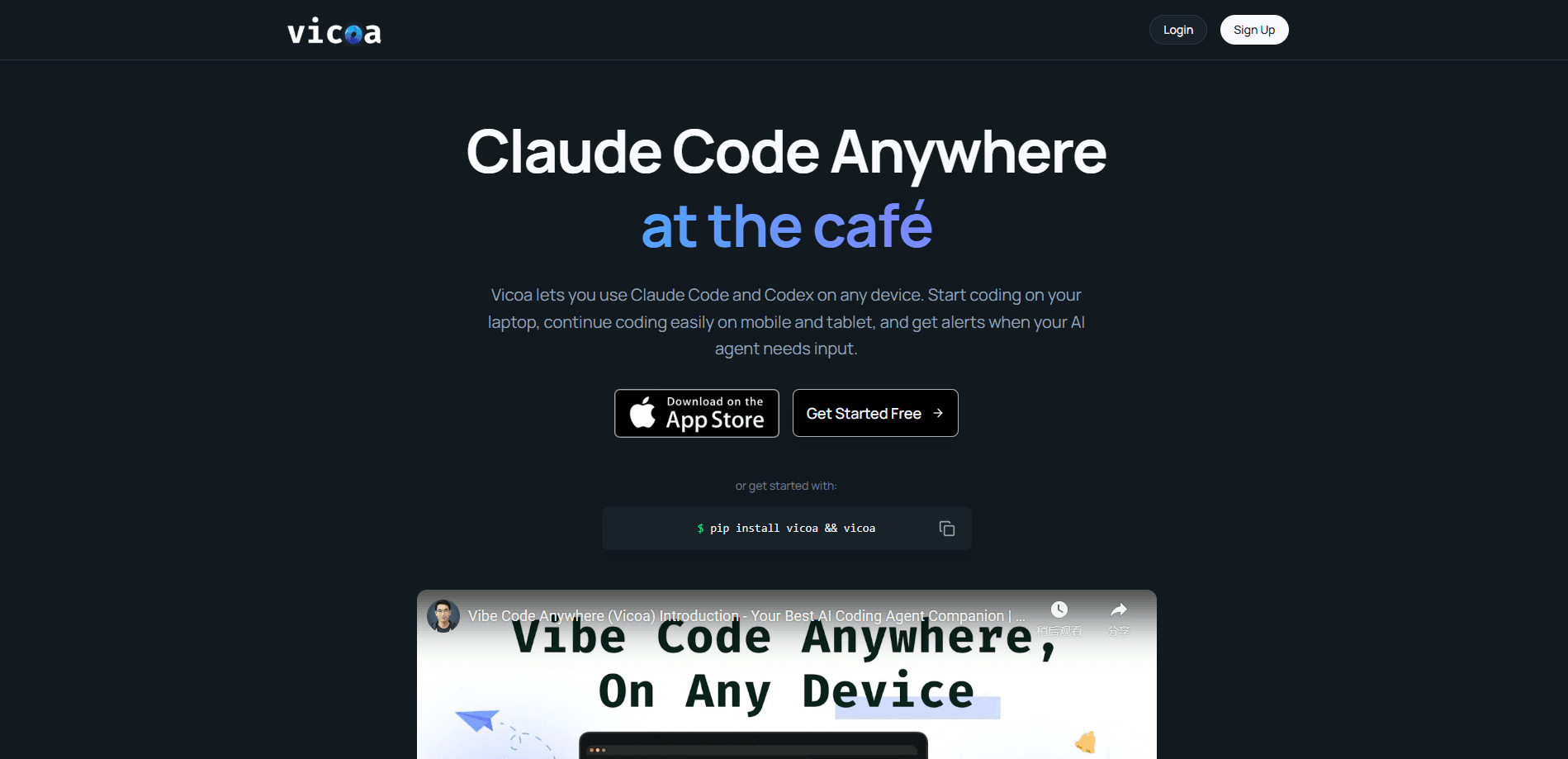
Vicoa is a remote control for AI coding agents. The product, also called Vicoa Code Anywhere, runs Claude Code, Codex, OpenCode, and a dozen other CLI agents on your own Mac, Windows, Linux machine, or server, then lets you start, watch, and steer those sessions from a phone, a tablet, or the web. Your code never migrates to Vicoa's servers. What moves is the conversation. Prompts, diffs, and approvals sync across every device you're signed in on. Think of it as a mobile AI coding assistant that keeps your desktop agents within reach. It's built for developers who kick off long agent runs and don't want to babysit a terminal all afternoon.
About Vicoa: Claude Code & Codex IDE
What Is Vicoa
Vicoa is the missing remote for terminal-based coding agents. Claude Code and Codex both live in the command line, which means that once you walk away from your desk, the agent is essentially stranded. Vicoa bridges that gap. You install a CLI on your machine, pair it through a secure relay, and the same live session shows up on your phone. Your machine still does the work. The app is the steering wheel. Setup takes a few minutes.
The core idea is separation of control from execution. Your code, keys, and agent processes stay on hardware you own. Only the session state travels. That matters if you work with a private repo or an agent that touches production files, because there's no copy of your project sitting on someone else's cloud. The trade-off is simple. You need a computer running somewhere to host the agent. Vicoa isn't a cloud IDE that runs agents for you.
It supports a wide roster of agents rather than just one, and you bring your own Claude, Codex, or API subscriptions, so there's no usage markup on top. That keeps your bill predictable. If you already pay for a coding agent and just want to reach it from the couch, this is the piece that was missing.
Getting Started
- Create a Vicoa account and install the desktop app on your Mac, Windows, or Linux machine.
- Install the Vicoa CLI in your terminal, then sign in to authorize that machine.
- Start a Claude Code, Codex, or other agent session as you normally would. Vicoa picks it up.
- Open the Vicoa app on your phone, tablet, or the web and select the running session.
- Reply, approve a change, or redirect the agent from wherever you happen to be. Everything syncs back to your desk.
Product Information
A quick look at Vicoa: Claude Code & Codex IDE's pricing, supported platforms, and performance.
Best for
The users, tasks, and scenarios where this tool fits best.
Users
- Solo developers
- Small engineering teams
- Developers with long-running jobs
Tasks
- Remote session steering
- Reviewing agent changes
- Running an agent fleet
- Task management
Scenarios
- Approving a permission request while you're away from your desk.
- Kicking off a refactor at the office and checking progress on the train home.
- Managing agents across a laptop, a desktop, and a remote server from one app.
- Wanting to run Codex on phone hardware over lunch without opening a laptop.
Key features
Steer Any Agent From Your Phone
The signature feature is picking up the exact session you left on your desktop and continuing it on your phone. You type or dictate a reply, approve a pending change, or redirect the agent, and it syncs instantly across phone, web, and desktop. There's no second copy of the session to reconcile. If you want a real Claude Code remote control rather than another cloud editor, this is where it earns its keep. For anyone who has watched a build hang while stuck in a meeting, the point is obvious.
Run a Fleet on One Workspace
Vicoa is built around running many agents at once, not one at a time. You start Claude Code, Codex, OpenCode, and others side by side, each isolated on its own git worktree, and watch every session's live status in a single list. That makes it easy to spot the agent that's blocked or finished without hunting through terminal tabs. It's closer to an operations console for agents than a chat window, which is exactly what remote AI agent management needs.
Bring Your Own Agents and Keys
Vicoa supports a broad list of agents, including Claude Code, Codex, OpenCode, Gemini, Cursor, Copilot, Kimi, and others, plus third-party ACP-compatible agents you configure yourself. You connect the subscriptions and API keys you already pay for, and Vicoa doesn't add a usage markup on top. Want to switch from Codex to Claude mid-project? You can. That keeps the cost predictable and means you're not locked into one vendor's agent.
Review Diffs and Files In Place
Agent output is only trustworthy if you can check it. Vicoa shows each change as an inline git diff with word-level highlights, and you can flip between the changes, the files they touched, and the terminal the agent ran, all without leaving the session. There's also a built-in file explorer next to the chat, so you can browse the tree and drop a snippet straight into your next prompt. No copy-paste shuffle between an editor and a chat box.
Real Terminal Alongside the Chat
A terminal runs right next to the conversation, on the same machine the agent uses. You run commands, tail logs, and watch a build live while the agent keeps working. Because it's the agent's actual environment and not a sandboxed preview, what you see in the terminal is what really happened. If something breaks, you don't have to switch windows to find out why. That's a real difference from a summary you can't verify.
Tasks Board and Automations
Vicoa includes a Linear-style board with list views, priorities, labels, and sub-tasks. You can right-click a task and start an agent session directly on it. There are also scheduled automations with a run history, so recurring jobs like dependency checks or test runs can fire on their own. Why queue work by hand when the board can hand it to an agent? The free plan caps this at 10 automations; Pro removes the limit.
Pros and cons
Pros
- Your code and agents stay on your own machines, so nothing sensitive lands in a third-party cloud.
- Works across macOS, Windows, Linux, and remote servers, all controlled from one app.
- Bring-your-own subscriptions mean no usage markup on top of your existing agent costs.
- Parallel sessions, each on its own git worktree, keep agents from stepping on each other.
- Free tier covers one machine and remote control, which is enough to test the workflow.
Cons
- It needs a computer running somewhere to host the agents, so it isn't a standalone cloud IDE.
- The free plan limits you to one remote machine and 10 automations, which fills up fast for serious use.
- Some mobile reviews mention rough edges, including command handling and message queueing on weak connections.
Frequently asked questions
Vicoa lets you run and control AI coding agents such as Claude Code and Codex from any device. Your agents keep running on your own computer or server, while the Vicoa app gives you a way to start sessions, send prompts, approve changes, and review diffs from your phone, tablet, or the web.
Related content
Explore related tools, skills, and articles for Vicoa: Claude Code & Codex IDE.
Vicoa: Claude Code & Codex IDE Alternatives
Forefront
Forefront · CodingForefront is a web platform for building with open-source AI. It lets you fine-tune leading open-source language models on your own data, evaluate how they perform, and run them through an API or export them to host yourself. Developers who want the convenience of a closed-source platform but insist on owning their models and data are the target audience here.

Startkit
StartKit.AI · CodingStartkit is a boilerplate for building AI SaaS and AI wrapper products. Think of it as an AI startup boilerplate with the boring parts already wired up: authentication, Stripe and Lemon Squeezy payments, usage limits, transactional email, and an AI API starter that talks to OpenAI, Anthropic, Groq, or Llama. You clone the repo, set your price, and start on the part of your product that people actually pay for. It's Next.js under React and Tailwind, so most of the boilerplate code already feels familiar.
Testim
Tricentis · CodingTestim is an AI-powered test automation platform for building and running end-to-end tests across web, mobile, and Salesforce applications. It leans on machine learning to keep tests stable when an interface changes, so teams spend less time fixing broken selectors. Not bad for an automated testing tool you can start using today. You create tests by recording actions in a browser, then optionally add JavaScript when you need more control. It's a solid pick for busy QA teams.