

VibeFlow
VibeFlow · Coding
VibeFlow is an AI workflow builder that turns plain-language prompts into full-stack web apps, generating real TypeScript backends with a built-in database and 15+ integrations.
About VibeFlow
What Is VibeFlow
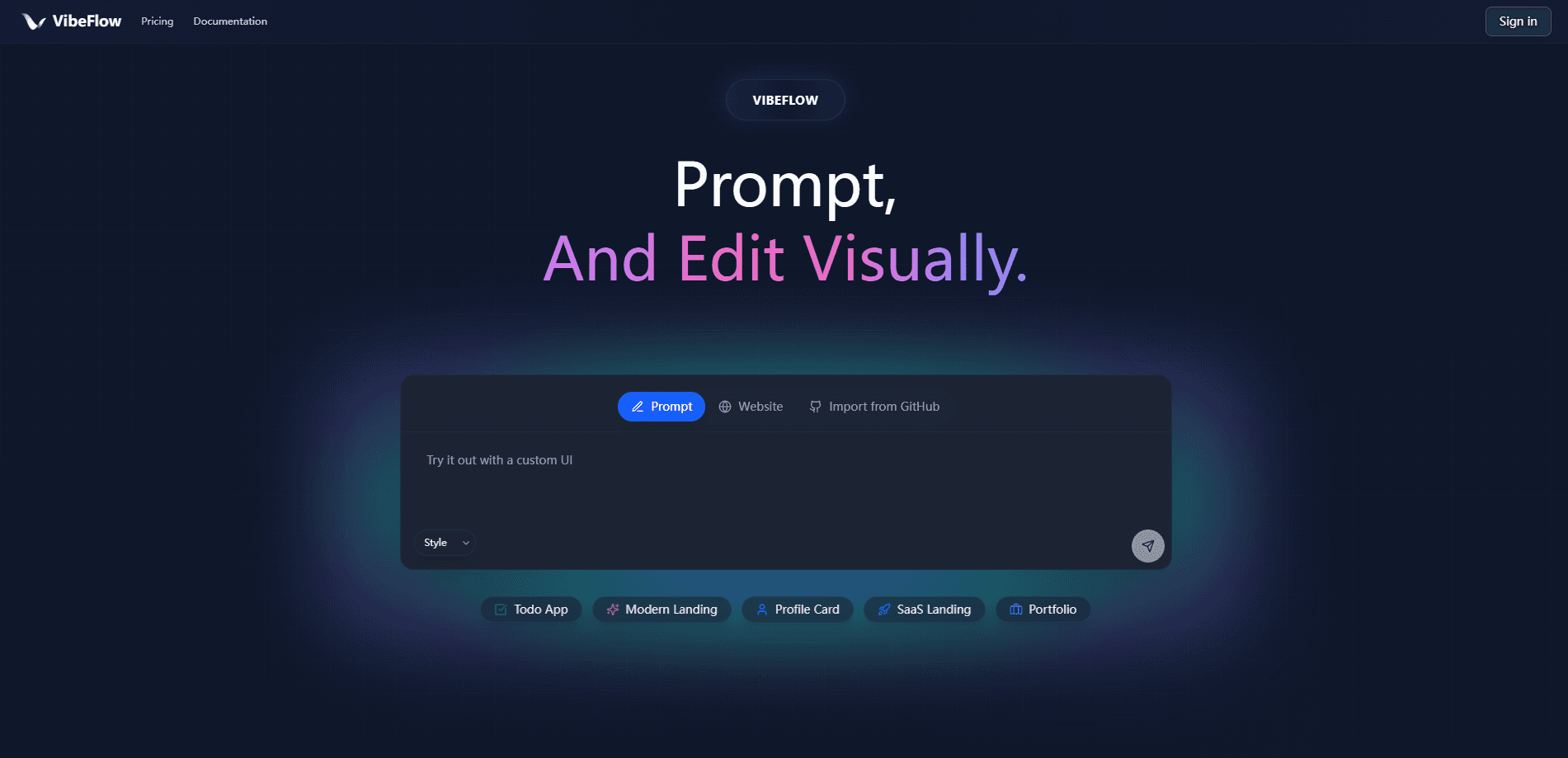
VibeFlow is an AI workflow builder that turns a description into working software. You write what you want in plain language, and its AI agent creates real TypeScript workflows complete with database tables, API endpoints, and business logic. It sits in the same lane as prompt-to-app tools like Lovable, but the team's pitch is narrower: the backend is visible and editable, not a black box. As an AI app builder, it treats the backend as a first-class surface, not an afterthought.
The problem it targets is familiar to anyone who has shipped a prototype. Frontend generators look great in a demo, then stall the moment you need real business logic, integrations, or a way to debug what the model actually built. VibeFlow answers that by putting every backend component on a canvas you can read, rewire, and test, so fixing a broken flow means editing a node instead of re-prompting and hoping.
Two limits matter before you commit. It builds web apps only, so mobile is out for now. And the free tier runs on a small daily credit allowance, which is fine for experiments but runs dry fast on a real project.
Getting Started
- Sign in to VibeFlow with your GitHub account at app.vibeflow.ai
- Describe the workflow you want in the chat box, or start from an example
- Watch the AI agent place nodes on the canvas, then adjust them by prompting or dragging
- Test the flow on the canvas with Flow Activation to confirm it runs
- Publish, and VibeFlow pushes the generated TypeScript to your GitHub repository and deploys it
Product Information
A quick look at VibeFlow's pricing, supported platforms, and performance.
Best for
The users, tasks, and scenarios where this tool fits best.
Users
- Founders and indie builders
- Non-technical product teams
- Small dev teams replacing stitched-together stacks
Tasks
- Building automations and internal tools
- Wiring payments and messaging
- Prototyping a SaaS idea
Scenarios
- Late-stage hackathon or demo week
- Migrating off a fragile no-code chain
- Iterating on a design-heavy product
Key features
Prompt-to-App Generation
This is the core of VibeFlow as a full-stack app builder: describe an app and the AI agent builds the whole backend: database schema, API endpoints, and logic. You pick Full Stack mode for a complete project with a frontend, or Workflow Only when you just need automations and APIs.
Visual Backend Editor
Every node in a flow is visible and editable, close to how you'd arrange a design in Figma. You can drag, drop, and reconfigure nodes, or keep refining through chat, and real TypeScript runs underneath either way.
Built-In Database and Integrations
VibeFlow ships with a real-time database built on Convex, so you skip the external database step. More than 15 services, including Stripe, Slack, Notion, Zoom, and ElevenLabs, appear as drag-and-drop nodes.
GitHub Sync and Auto-Deploy
Generated code syncs to your repository and deploys to production automatically. That means version history and rollbacks come standard, which is a big step up from tools that keep your logic locked inside their platform.
Bring Your Own Frontend
You can import an existing frontend project from GitHub or point VibeFlow at a URL to clone, and it connects the UI to your workflows. Design systems and custom domains keep the output consistent and on your own address.
MCP and Agent Tooling
Agent nodes handle AI processing and can call external MCP tool servers. A native MCP integration also lets you connect MCP-compatible clients, which helps when you use VibeFlow as a no-code automation hub, and you can build projects straight from your editor.
Pros and cons
Pros
- Backend logic stays visible and editable, so debugging doesn't turn into blind re-prompting
- Real TypeScript plus GitHub sync gives you version control and a clean exit if you leave
- Built-in database and 15-plus integrations remove the usual glue-together step
- Free tier with 5 daily credits is enough to test whether the workflow fits how you build
- Webhook, Cron, and HTTP Request nodes cover most automation and API-triggering needs
Cons
- Web apps only, so anyone needing a mobile app has to look elsewhere
- Free plan caps at 5 credits a day, which stalls real builds quickly and pushes you to paid credits
- Nobody reviews your generated code, so a flow that runs can still hide logic you'd want to check before shipping
Frequently asked questions
It turns a written description into a working full-stack web app. The AI agent generates TypeScript workflows, a database, and APIs, which you can then edit visually or by continuing to prompt.
Related content
Explore related tools, skills, and articles for VibeFlow.
VibeFlow Alternatives

Base Code
Base44 (Wix) · Coding · ProductivityBase Code is a shared cloud development environment from Base44. Teammates describe changes to an existing GitHub codebase in chat, preview them live and send them back as pull requests.

Google EmbeddingGemma 2
Google DeepMind · Writing · Image · CodingGoogle EmbeddingGemma 2 is a 740M-parameter open model that turns text, code, images, audio, and video frames into vectors in one 768-dimension space, running on phones and laptops.

GitGlow
GitGlow · Coding · ProductivityGitGlow is a local-first desktop Git client that lets independent developers review their own code and their AI agents' changes in one place before shipping.