

Vibegrowing AI
Vibegrowing · Coding
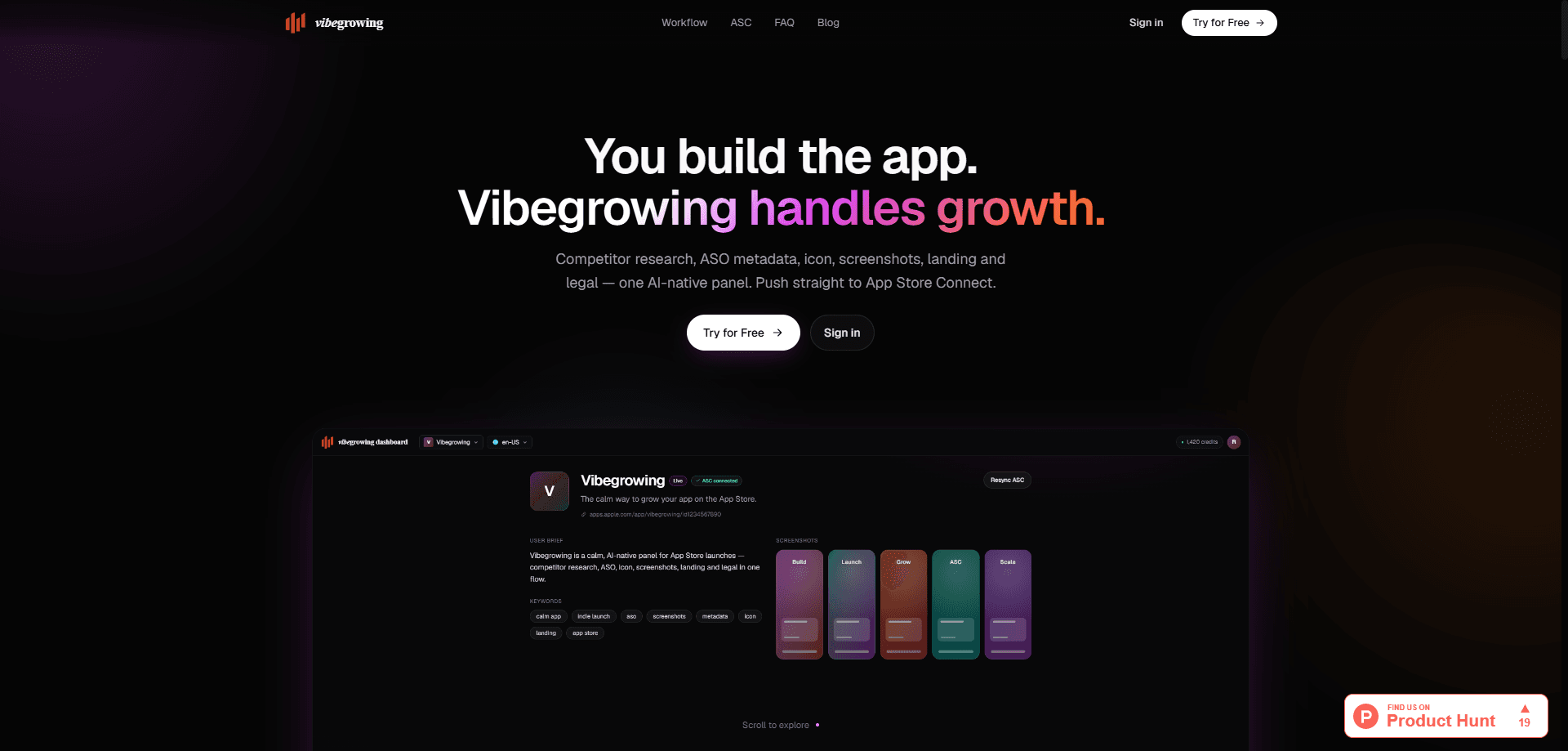
Vibegrowing AI is a launch panel for app developers who'd rather build than fight store listings. It runs your App Store launch as one pipeline: competitor research, ASO metadata, icons, screenshots, per-locale landing pages, and Privacy/Terms documents. Everything it produces is built within Apple's own length limits, and the final step pushes the assets straight into App Store Connect.
About Vibegrowing AI
What Is Vibegrowing AI
Vibegrowing AI is a web-based panel that covers the growth chores around an App Store launch. Instead of juggling five tools for keyword research, metadata, artwork and legal pages, you work through one sequence and keep one brief for the whole app. The product was built with the vibe-coding crowd in mind, so it accepts either a live App Store link or a plain description of an app you haven't shipped yet, which means you can start the launch pipeline before a single line of your listing exists.
The panel leans on a few well-known AI services under the hood. It uses Claude to read competitor App Store pages and pull out positioning and weak spots, and fal.ai to generate 1024x1024 icons. The team's stated approach is "no hallucinated facts," meaning the legal generator only works from answers you gave it rather than inventing clauses to fill space. Why does that matter? Because the moment a reviewer or a lawyer reads your Privacy Policy, invented clauses become a real problem.
The clearest limit is platform reach. Vibegrowing is built around Apple's App Store, and the landing pages live on a vibegrowing.ai subdomain with Cloudflare in front. There's no Android pipeline here. If Google Play is half your release, you'll still handle that side elsewhere.
Getting Started
- Sign in and connect your accounts, starting with App Store Connect and a Google login for the assets the panel generates.
- Add your app by pasting an App Store URL or describing the idea if it isn't live yet, so the panel can pull localizations, screenshots and icon.
- Let it map competitors, then review the positioning and keyword notes it returns before you accept them.
- Generate and refine metadata in chat, then approve icons and five-panel screenshots for the sizes you need.
- Fill out the legal questionnaire and publish, pushing metadata, icon and screenshots to App Store Connect.
Product Information
A quick look at Vibegrowing AI's pricing, supported platforms, and performance.
Best for
The users, tasks, and scenarios where this tool fits best.
Users
- Indie developers shipping their first App Store app
- Solo founders who vibe-coded an app and stalled at the store listing
- Small studios going multi-locale
Tasks
- Competitor research
- ASO metadata writing
- Icon and screenshot generation
- Legal page drafting
Scenarios
- Pre-launch crunch
- Localization sprints
- Rebranding an existing app
Key features
One Pipeline From Brief to Submit
The panel organizes launch work into seven visible steps: add your app, find competitors, write metadata, make an icon, build screenshots, publish a landing page, and draft legal pages. Nothing important gets skipped. Each step feeds the next from the same brief, so metadata informs screenshot headlines and the landing page copy. That cuts the copy-paste loop that usually eats a launch weekend. You see the whole sequence at a glance. No hunting for what's missing.
AI Competitor Research
You paste a few competitor links, or let the tool infer them from your brief, and it maps four apps in seconds. Claude reads each App Store page. It pulls out how those apps position themselves, which keywords they lean on, and where their listings are thin. That's the part most indie developers skip because it's tedious, and it's the part that shapes everything downstream. Treat the output as a starting point. Sanity-check the claims yourself.
Schema-Validated ASO Metadata
It doubles as an App Store optimization tool and an ASO metadata generator. Title, subtitle, keywords and description come back written within Apple's exact length limits. That saves you from the usual reject-and-resubmit cycle. You refine drafts in chat rather than in a form, so asking for a shorter subtitle or a different angle is a single message away. The trade-off is that chat editing means your best phrasing lives in a conversation, not in a structured editor you can diff later.
Icon Generation In Six Takes
Think of it as an AI icon generator with a taste filter. One prompt returns six icon variations at 1024x1024, sized for App Store Connect. You pick a direction, refine it through chat, then push the winner to App Store Connect in one click. For anyone without a design background, that turns a stalled task into a ten-minute decision. The icons are generated rather than hand-drawn, so a distinctive brand mark still benefits from a human pass.
Localized Screenshots And Landing Pages
The built-in screenshot generator does the heavy lifting here. Screenshots come as five-panel layouts with headlines pulled from your metadata, exported for every App Store Connect size. Add a locale and the panel translates the headlines and generates matching artwork. Landing pages follow the same rule: one page per locale at {slug}.vibegrowing.ai, wildcard SSL included, with hreflang tags emitted automatically through path-based routing. That's the kind of technical detail that usually needs a web developer, handled by default.
Legally Grounded Privacy And Terms
A 12-question form drives the legal generator, and it only uses your answers plus the sub-processors you actually selected. The stated design goal is no invented clauses. That makes the output a reasonable first draft for a small app. It's still a draft. Anything involving user data at scale deserves a human read.
Pros and cons
Pros
- Covers the whole App Store launch in one panel instead of five separate tools.
- Metadata is generated within Apple's real character limits, so fewer submission errors.
- Screenshots and landing pages localize automatically, a genuine time saver when you're launching in dozens of markets and would otherwise rebuild every asset by hand for each new language you add.
- Icons and screenshots come out in App Store Connect-ready sizes.
- Legal pages are grounded in your own answers rather than generic filler.
Cons
- Apple-only. If you also ship on Google Play, that store still needs its own workflow.
- Landing pages are locked to a vibegrowing.ai subdomain, so you don't control the domain.
- Pricing isn't published on the site, so you have to contact the team before you can budget.
- Screenshot headlines are pulled straight from metadata, so weak metadata shows up in the artwork.
Frequently asked questions
It runs an App Store launch as one pipeline: competitor research, ASO metadata, icon and screenshot generation, localized landing pages, and Privacy/Terms drafting. The last step pushes metadata, icons and screenshots directly to App Store Connect.
Related content
Explore related tools, skills, and articles for Vibegrowing AI.
Vibegrowing AI Alternatives
Forefront
Forefront · CodingForefront is a web platform for building with open-source AI. It lets you fine-tune leading open-source language models on your own data, evaluate how they perform, and run them through an API or export them to host yourself. Developers who want the convenience of a closed-source platform but insist on owning their models and data are the target audience here.

Startkit
StartKit.AI · CodingStartkit is a boilerplate for building AI SaaS and AI wrapper products. Think of it as an AI startup boilerplate with the boring parts already wired up: authentication, Stripe and Lemon Squeezy payments, usage limits, transactional email, and an AI API starter that talks to OpenAI, Anthropic, Groq, or Llama. You clone the repo, set your price, and start on the part of your product that people actually pay for. It's Next.js under React and Tailwind, so most of the boilerplate code already feels familiar.
Testim
Tricentis · CodingTestim is an AI-powered test automation platform for building and running end-to-end tests across web, mobile, and Salesforce applications. It leans on machine learning to keep tests stable when an interface changes, so teams spend less time fixing broken selectors. Not bad for an automated testing tool you can start using today. You create tests by recording actions in a browser, then optionally add JavaScript when you need more control. It's a solid pick for busy QA teams.