

Vibrantsnap
Vibrantsnap · Other
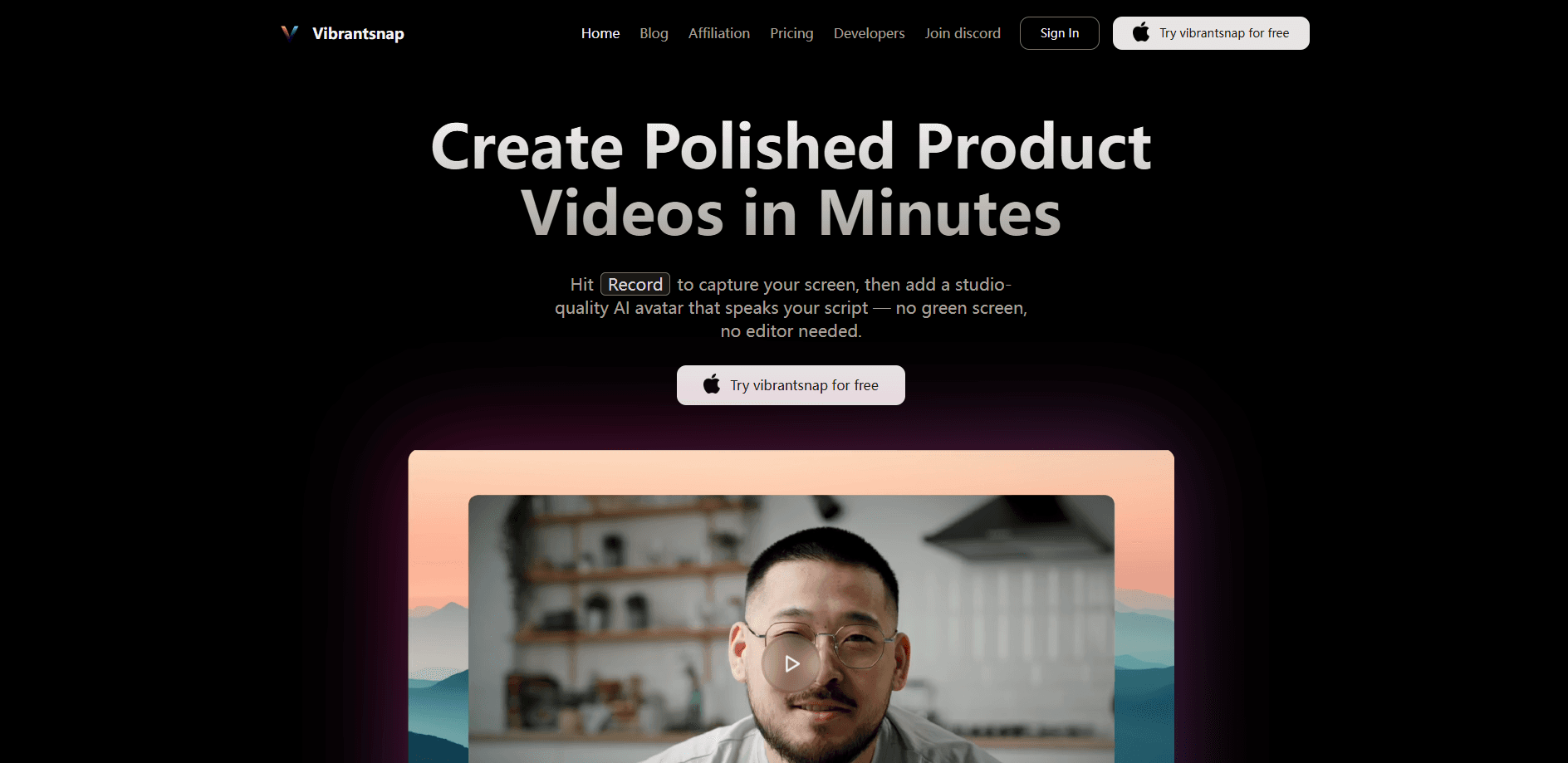
Vibrantsnap turns a rough screen recording into a finished product walkthrough. Its AI rewrites your narration, reads it in a studio voice, and edits the footage to match, all in a few minutes.
About Vibrantsnap
What Is Vibrantsnap
Vibrantsnap is an AI video walkthrough tool for software teams that need walkthroughs, onboarding clips, and product demos without a production crew. You record your screen, and the AI cleans up the awkward parts of your speech, replaces your voice with a studio narrator, and cuts the video to fit the new script. For anyone hunting for tutorial video software that skips the manual timeline, the pitch is simple: talk through your screen, and let the tool do the assembling.
The problem it targets is retakes. People stumble over words, pause too long, and end up re-recording the same five-minute demo four times. Vibrantsnap treats that mess as the normal starting point. It keeps the clicks and cursor movement that matter, then rebuilds the narration around a script you can still edit line by line. Think of it as a product demo maker that starts from your raw footage instead of a blank timeline.
There are real limits. The automatic zooms lean on cursor data, so they land accurately on web pages but need manual placement for desktop apps. Imported videos carry no cursor data at all. And the free tier caps what you can ship: you get unlimited recording and editing, but publishing a watermark-free link or exporting the file requires a paid plan.
Getting Started
- Install the Chrome extension, which captures your cursor movement and takes about ten seconds.
- Record a browser tab, a window, or your whole screen with your microphone.
- Let the AI transcribe and rewrite your narration, then read it back in one of 30 studio voices.
- Adjust zooms, captions, script lines, and background in the editor.
- Share a link, embed the video, or export the file.
Product Information
A quick look at Vibrantsnap's pricing, supported platforms, and performance.
Best for
The users, tasks, and scenarios where this tool fits best.
Users
- Startup founders
- Product marketers
- Support teams
- Solo makers
Tasks
- Recording a feature walkthrough
- Localizing a demo
- Refreshing old tutorials
- Adding captions
Scenarios
- A weekly release cycle
- Onboarding new users
- Building a help center
- A product launch
Key features
Edit by chapter, not by take
Your recording splits into chapters, and each chapter gets its own editable script. This is the auto-edit video part doing its job: you fix the wording in a line of text instead of re-recording the whole demo. It's the difference between editing a document and reshooting a scene.
Natural voices in any language
Vibrantsnap swaps your take for 30 studio voices across 10 languages, including English, French, Spanish, Portuguese, German, Italian, Japanese, Chinese, Korean, and Hindi. The result is an AI voiceover video that sounds recorded in a booth, not read off a transcript. You narrate in whatever language feels natural, and the script is written in the one your customers read. Regenerating an unchanged script gives the exact same read, so nothing drifts between passes.
Captions and zooms that follow the action
Captions land word by word and stay timed to the voice, which matters when most demos get watched on mute. Zooms follow your clicks and frame the exact spot you touched, so small labels stay readable on a phone screen.
Links with view analytics
Publish a share link or embed the video anywhere, then track views on every link you send. You learn which walkthroughs actually get opened instead of guessing.
Reusable recordings for the whole team
One recording can become an onboarding tutorial, a help-center clip, or a standalone product demo, depending on how you frame it. That flexibility turns a screen recording to tutorial into a single workflow, not three separate projects. You aren't locked into a single format after you hit stop.
4K exports
Exports come out at crisp 4K, ready for a landing page or a sales deck where the clip sits next to polished studio footage. Coping with a tool that leaves your recording looking like an afterthought is the usual trade-off for fast screen capture, and these 4K exports are what avoid it.
Pros and cons
Pros
- Recording, editing, and previewing cost nothing, so you can finish a video before deciding to pay.
- The AI rewrites narration into something built to be spoken, not a raw transcript of your stumbling.
- One recording covers tutorials, demos, and help clips, cutting the number of separate shoots.
- Imported tutorials get a new script, voice, and captions without a fresh recording session.
- Share links and embeds are live in minutes, so demos go out the same day a feature ships.
Cons
- Automatic zooms depend on cursor data, so they only place themselves accurately on web pages. Recording a desktop app means positioning every zoom by hand.
- The free plan caps publishing: your share link carries a Vibrantsnap watermark and badge until you subscribe.
- It can't rescue a recording where you never actually showed the thing you're describing, because there's nothing for the AI to point at.
- Paid exports are metered in minutes per month, so heavy users may hit the ceiling.
Frequently asked questions
It transcribes your narration, rewrites it into a cleaner script, reads that script in a studio voice, and retimes the video so the visuals match the new audio. You keep the clicks and cursor movement; the hesitation and rambling don't survive the pass.
Related content
Explore related tools, skills, and articles for Vibrantsnap.
Vibrantsnap Alternatives
BinkBink
BinkBink · OtherBinkBink is a free online game platform and AI game maker that lets anyone turn a short text description into a playable browser game. You can jump into hundreds of community-made games. Or describe your own idea and play it in seconds, then share it with friends. Want to create your own game? You don't need to code. No engine setup, no download, no hassle.

Audiogen
Audiogen Inc. · OtherAudiogen is an AI music generator built by Audiogen Inc., a small research team that spent about 2.5 years training its own generative music model and designing a web interface around it. Instead of a plain text box, this AI music tool turns the timeline into a beginner-friendly Generative Audio Workstation, or GAW, where inpainting, extending, remixing and stem editing work more like painting on a canvas. The product is still in beta, so access runs through a waitlist or an invite. Paid plans aren't published yet.

Aiml API
AIMLAPI OÜ · OtherAiml API is a unified AI model API that puts more than 1000 models from OpenAI, Google, Anthropic, and others behind one endpoint and one bill. You write code against a single OpenAI-compatible schema, then switch between chat, image, video, and audio models by changing a model string. It suits developers and small teams who want multi-model access without juggling a dozen separate provider accounts, and it removes the usual billing headache that comes with testing several vendors. One key covers it all.