
Vid.AI
Vid.AI · Writing · Video
Vid.AI turns a topic or script into a finished faceless video with script, AI voiceover, footage, captions and music, ready for YouTube, TikTok and Instagram.
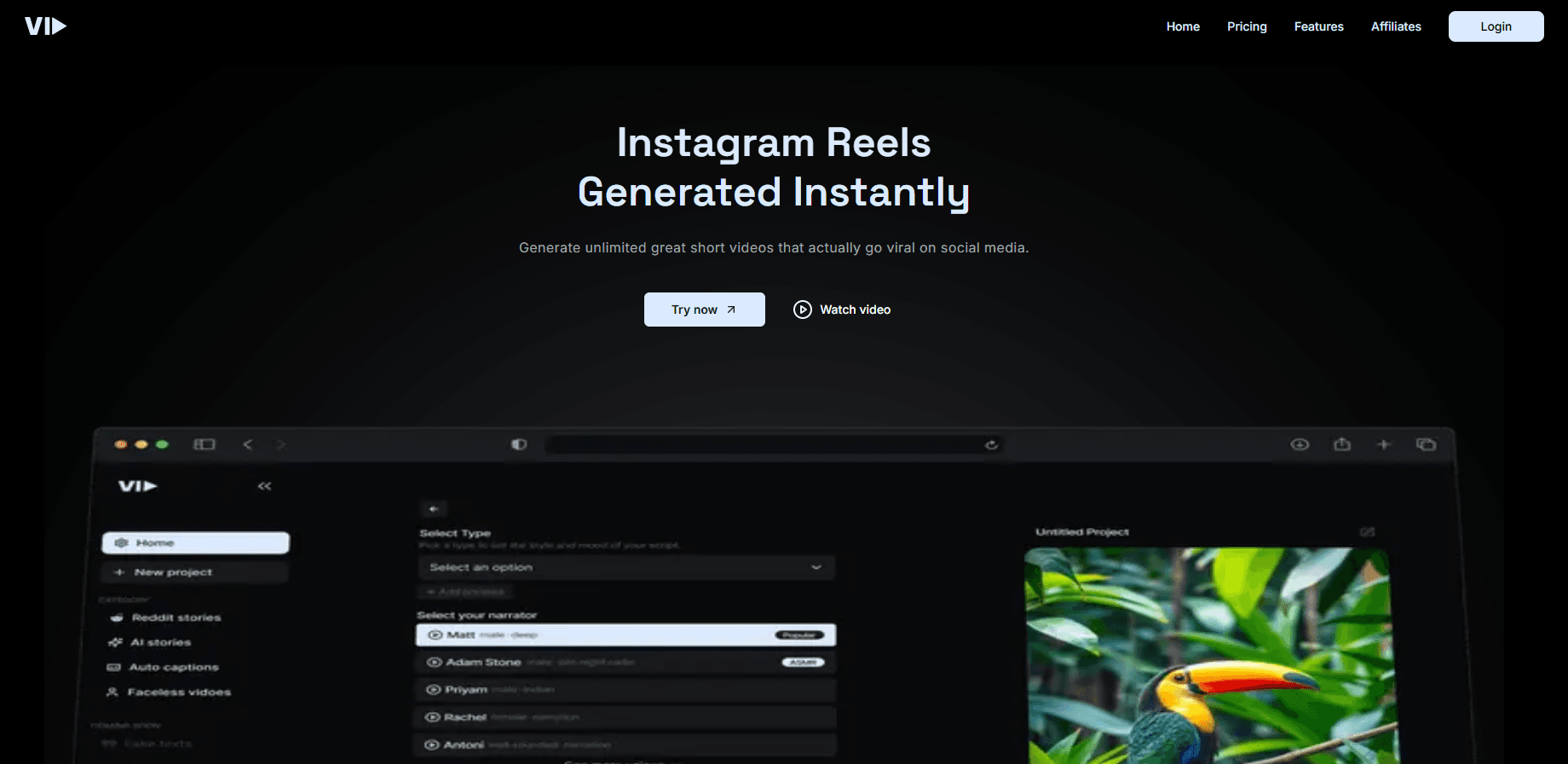
About Vid.AI
What Is Vid.AI
Vid.AI is an AI video generator built for faceless channels and for automated video creation. You describe an idea or paste a script, and it writes the narration, adds an AI voice, matches licensed footage or AI images to each line, then adds captions and music. The output is a vertical Short or a horizontal long-form video you can post without filming anything.
The workflow covers the whole chain rather than a single step. A recent update adds cinematic intros built with the Seedance 2.5 model, moving images and motion graphics, and animated avatars that speak your script with automatic lip sync. Voices come from ElevenLabs, and video clips are pulled from Storyblocks.
The main limit is control. Because the platform automates scripting, visuals and voice in one pass, you trade some fine-grained editing for speed. Every render draws on credits, so heavier projects with more scenes and avatars use them faster.
Getting Started
- Create an account at vid.ai and pick a plan.
- Type a topic or paste a script, then review the scenes before rendering.
- Add an avatar or pick a voice and image style for the video.
- Render the video and export it for YouTube, TikTok or Instagram.
Product Information
A quick look at Vid.AI's pricing, supported platforms, and performance.
Best for
The users, tasks, and scenarios where this tool fits best.
Users
- Faceless channel operators
- Solo creators on a posting schedule
- Marketers testing short-form ideas
Tasks
- Making faceless Shorts
- Producing long-form videos
- Scripting and voiceover
Scenarios
- Running a channel without showing your face
- Batching content from chat tools
- Turning a topic list into videos
Key features
Idea to finished video workflow
Vid.AI runs the script, voice, visuals and export in one place. You describe a topic or paste a script, and the platform assembles narration, footage or AI images, captions and music, then renders a Short or a long-form video ready for YouTube, TikTok and Instagram.
Cinematic intros with Seedance
A 5-second opening shot is filmed from your topic by an AI video model, then fades into your first scene. Premium intros use Seedance 2.5 on the Plus and Pro plans, which raises the quality of the opening frame.
ElevenLabs voices
Vid.AI offers 33 hand-picked narrators running on ElevenLabs v4, plus v2, and you can add voices from the ElevenLabs Voice Library. Voices cover different tones, so you can match the narration to the channel's subject.
Storyblocks stock footage
Over 3 million licensed clips in 4K and HD come from Storyblocks and are matched to what the script says, with extra clips added for long scenes. The music used in videos is royalty-free.
Animated avatars
Expressive avatars speak your script with automatic lip sync and natural gestures. You can create one in your own visual style and choose exactly where it appears: as the intro, the outro or on-screen moments, which customers can cover 10 to 30% of a video. Avatars are included in every paid plan.
Chat and MCP integration
You can connect Vid.AI to Claude, ChatGPT or your own agent over Streamable HTTP, then ask for a video inside the chat. You can refine the script and scenes before rendering, and video creation draws on your Vid.AI subscription and credits.
Image styles and moving frames
Twelve image styles, from Natural and Cinematic to Anime and Pixel Art, shape the look of AI scenes. Turning on Moving frames in Shorts or Moving images in long-form brings those scenes to life.
Pros and cons
Pros
- Handles the full pipeline from idea to exported video, so you don't record, edit or source footage yourself.
- Uses ElevenLabs v4 voices and Storyblocks footage, which are established names in their areas.
- Animated avatars are included in every paid plan, including the entry tier.
- Connects to Claude and ChatGPT for creating videos from a chat.
Cons
- No free trial. You have to pay before generating anything.
- Every render draws on plan credits, so heavier projects with more scenes and avatars run them down faster.
- It targets faceless automation, so creators who want scene-by-scene manual editing may find it restrictive.
- Commercial use is allowed, but it depends on following the terms of service and the Storyblocks license.
Frequently asked questions
Vid.AI is used to make faceless videos for YouTube, TikTok and Instagram. You give it an idea or a script, and it writes the narration, adds an AI voiceover, matches footage or AI images, then adds captions and music.
Related content
Explore related tools, skills, and articles for Vid.AI.
Vid.AI Alternatives

Google EmbeddingGemma 2
Google DeepMind · Writing · Image · CodingGoogle EmbeddingGemma 2 is a 740M-parameter open model that turns text, code, images, audio, and video frames into vectors in one 768-dimension space, running on phones and laptops.

MePersona
MePersona, Inc. · Writing · Productivity · MarketingMePersona is an AI unified inbox for creators. It learns your voice, drafts replies to fan messages from 12 platforms, and sends only what you approve.

Fluence
Yay Software (Yannick Huchard) · Writing · Voice & Language · ProductivityFluence is an Android app that reads PDFs, EPUBs, Word files and web articles aloud, follows each sentence as it speaks, and answers questions about the text on the phone itself.