

Vida
Vida · Writing · Productivity
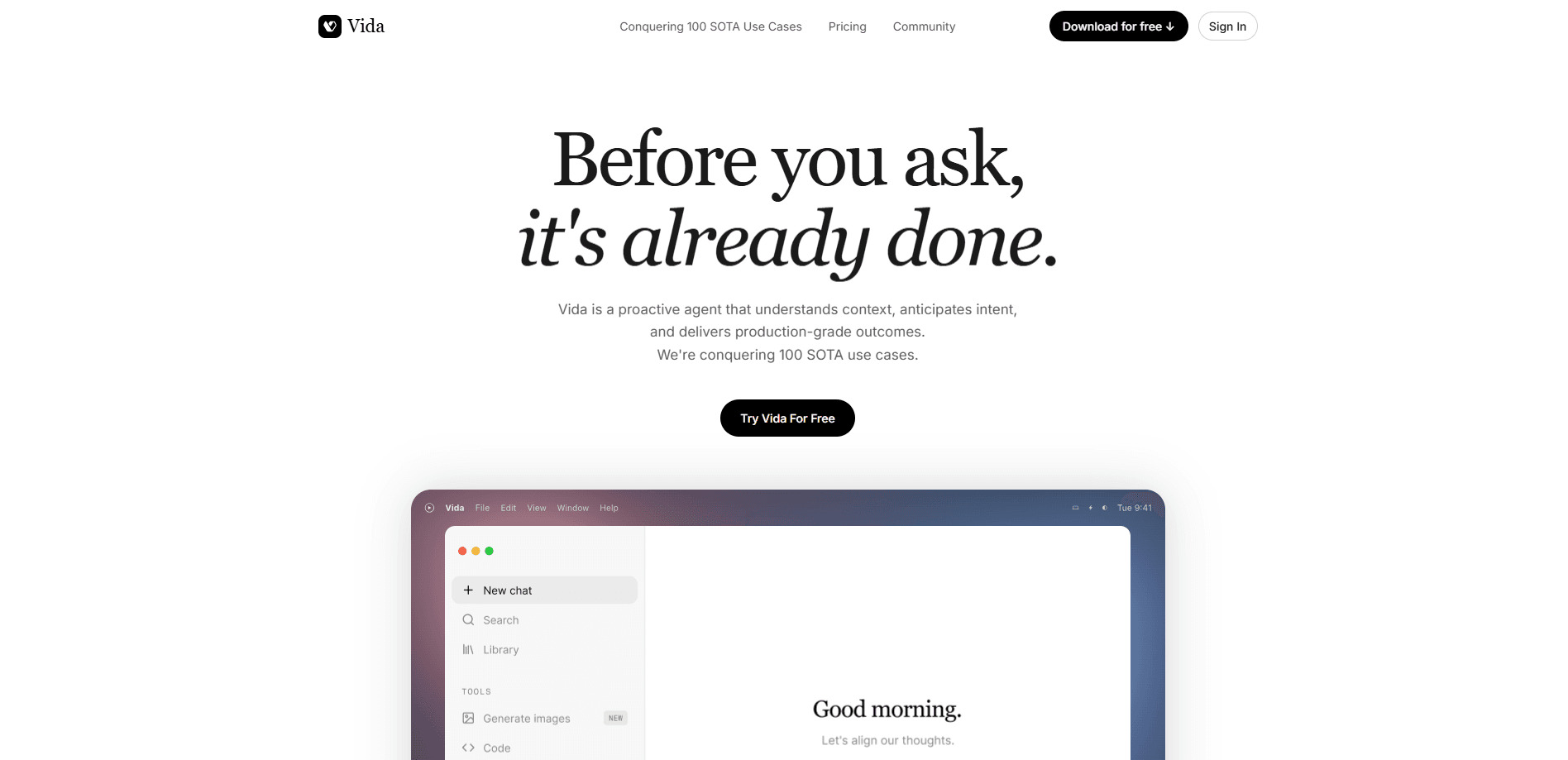
Vida is a proactive AI assistant built around a single promise: it does the work before you ask. Instead of waiting for a prompt, Vida reads context across your notes, design files, and chat tools, then drafts replies, sharpens resumes, builds slides and tables, and sorts out a messy desktop on its own. It runs on Mac and in the browser, aims at people buried in small recurring chores, and keeps memory local-first so you decide what it can see.
About Vida
What Is Vida
Vida is an AI agent, not a chatbot. Most AI tools sit still until you type something. Vida moves first. According to its developers, it studies your context across the apps you already use, works out what you're probably going to need, and hands you a finished draft or a cleaned-up file rather than a blank prompt box.
The pitch targets the friction of daily work. Answering a dozen messages, updating a two-year-old resume, or facing a desktop full of stray screenshots doesn't take skill. It takes time. Vida tries to absorb that overhead so you get to the parts of the job that actually need your judgment.
There are real limits. Vida is strongest on a Mac desktop app, where it can see files and workspace context; the browser version knows less. It's a subscription product with no permanent free tier, only a trial. And because it reads your documents and messages, anyone cautious about handing over work context should check the privacy terms closely before connecting accounts.
Getting Started
- Go to vida.app and create an account, then confirm your email.
- Start the seven-day Pro trial so you can reach the full feature set.
- Connect the tools you want Vida to read, such as your notes, chat, and document sources.
- Install the Mac desktop app if you plan to use workspace cleanup or file organization.
- Pick a task from the suggested skills, like replying to messages or polishing a resume, and review the draft before you send or save it.
Product Information
A quick look at Vida's pricing, supported platforms, and performance.
Best for
The users, tasks, and scenarios where this tool fits best.
Users
- People drowning in messages
- Job seekers with stale resumes
- Founders and analysts
Tasks
- Reply drafting
- Resume building
- Workspace cleanup
- Slide and table creation
Scenarios
- A packed inbox before a client call
- Applying to a new role on short notice
- Starting a research project from zero
Key features
Proactive Task Handling
Vida's defining trait is that it acts without a prompt. It watches the context you've connected and steps in when there's something worth doing, from drafting a reply that's been hanging over you to spotting a folder worth organizing. That flips the usual AI pattern on its head; you're reviewing finished work instead of writing instructions. The catch is that its suggestions are only as good as the context you let it read.
Cross-App Context Awareness
The assistant pulls from the tools you already use, so it knows what a message refers to without you explaining the backstory. A chat about a delayed project gets a draft that reflects the actual schedule in your notes and the latest design status. That context is the whole trick. It's what makes Vida feel less like a generic chatbot and more like a colleague who was in the room.
Reply Drafting
Answering messages is where Vida earns its keep. It composes replies you can send with a glance, cutting the long stretch of rewriting that eats into a workday. For people juggling English-language clients across platforms, the drafts land in the right tone and language. You still approve every send.
Resume Optimization
Vida reads your goal role and your history, then produces a resume tuned to that job. It draws achievements from LinkedIn, old documents, and project records, so details you'd forgotten end up back on the page. Users report the surprising effect of seeing their own track record laid out clearly. You'll still want to proofread before submitting.
Workspace Cleanup
The app scans a cluttered desktop, separates the screenshots, invoices, PDFs, and installers, and shows you a reorganization plan before it touches anything. Confirm it, and the mess sorts itself. Nothing moves without your sign-off. That matters when a cleanup tool can see everything on your drive.
Research, Slides, and Tables
Vida goes beyond short answers. It builds investor-style industry research briefs, turns an idea into an editable PowerPoint deck, and shapes raw information into financial tables and trackers. These are heavier tasks that lean on its deeper research mode, and they produce documents you can hand off rather than chat replies.
Local-First Memory
According to the developers, memory lives on your device first, voice and screen data are processed in real time, and your input isn't used to train models. That's the selling point for anyone wary of feeding a personal assistant a full picture of their working life. Independent verification is limited, so treat the privacy claims as the company's stated position.
Pros and cons
Pros
- Works without a prompt, so routine tasks get handled while you focus elsewhere.
- Reads context across connected apps, which produces drafts that fit the actual situation.
- Covers a wide span of chores, from message replies to slides, tables, and file organization.
- Desktop cleanup shows a plan before acting, so you keep control of changes.
- Local-first memory and no-training-on-user-data stance address the usual privacy worry.
- A seven-day Pro trial lets you test the full feature set before paying.
Cons
- No permanent free plan, so you pay after the trial if you want to keep using it.
- The Mac desktop app is where it performs best, which leaves Windows users out.
- Proactive suggestions depend on how much context you share, so a locked-down setup weakens the value.
- Heavy features like deep research and image generation sit behind the higher-tier Ultra mode.
Frequently asked questions
Vida is a proactive AI assistant that handles work before you ask. It drafts replies, builds resumes, creates slides and tables, runs industry research, and organizes a cluttered desktop. So what's the catch? You review what it produces rather than writing long prompts yourself.
Related content
Explore related tools, skills, and articles for Vida.
Vida Alternatives

Google EmbeddingGemma 2
Google DeepMind · Writing · Image · CodingGoogle EmbeddingGemma 2 is a 740M-parameter open model that turns text, code, images, audio, and video frames into vectors in one 768-dimension space, running on phones and laptops.

MePersona
MePersona, Inc. · Writing · Productivity · MarketingMePersona is an AI unified inbox for creators. It learns your voice, drafts replies to fan messages from 12 platforms, and sends only what you approve.

Fluence
Yay Software (Yannick Huchard) · Writing · Voice & Language · ProductivityFluence is an Android app that reads PDFs, EPUBs, Word files and web articles aloud, follows each sentence as it speaks, and answers questions about the text on the phone itself.