

Videmak Research AI
Videmak, Inc. · Writing · Productivity
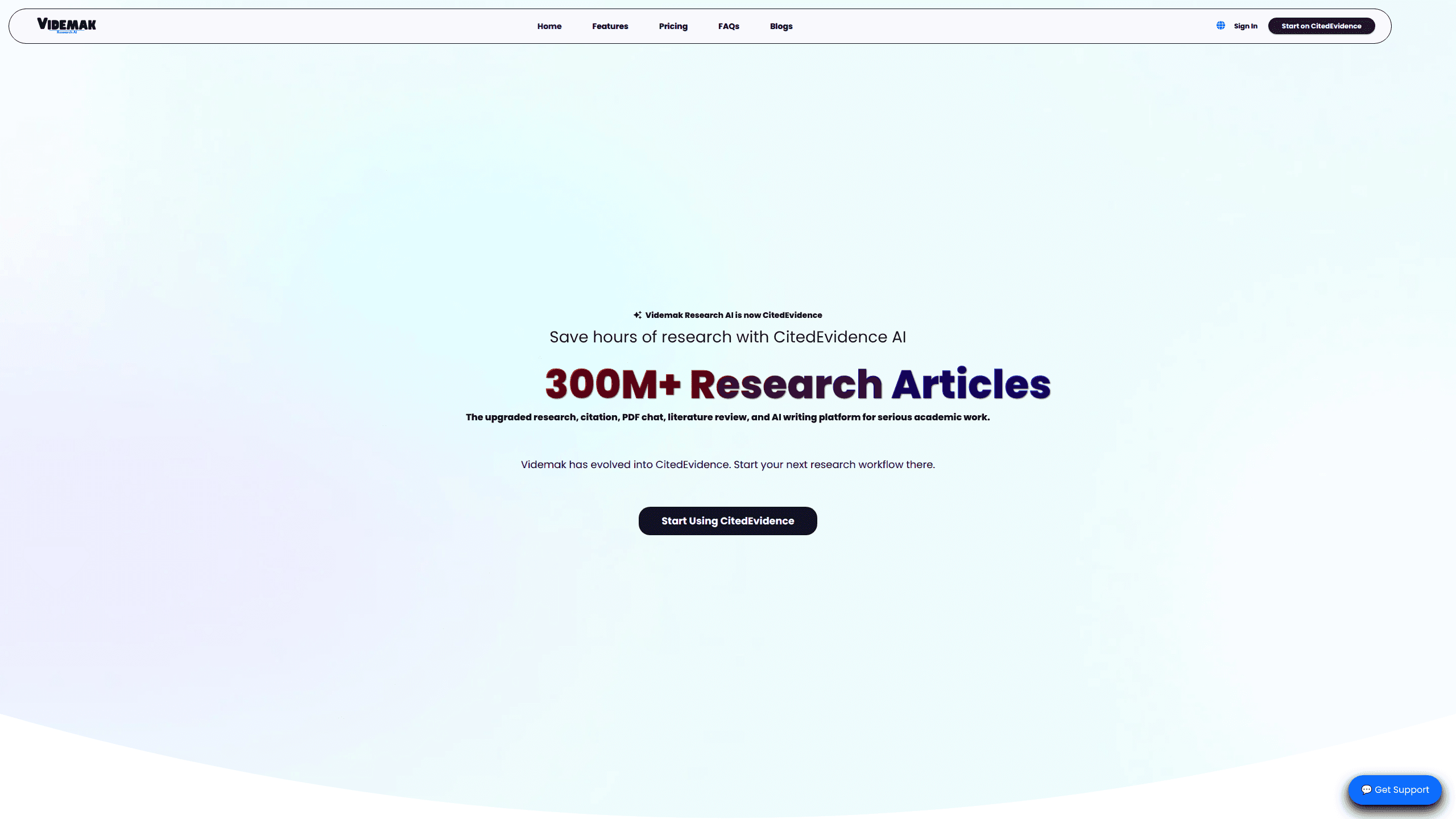
Videmak Research AI is an AI research assistant built for academic work, and today it runs under the name CitedEvidence. It searches more than 300 million scholarly records across sources like Google Scholar, PubMed, arXiv, and Crossref, then helps you turn those papers into literature reviews, citations, and draft manuscripts. Students, grad researchers, and professors use it to cut the hours they'd normally spend hunting PDFs and formatting references.
About Videmak Research AI
What Is Videmak Research AI
Videmak Research AI handles the boring parts of scholarly work: finding sources, reading them, and managing what you cite. It's an academic research assistant first. Videmak, Inc. built it, and the product has since rebranded to CitedEvidence, so the same tool now lives at citedevidence.com.
The pitch is simple. Instead of bouncing between a search engine, a reference manager, and a word processor, you do the discovery and the writing in one place. Its search layer pulls from major scholarly databases and returns papers, authors, journals, and institutions in a single view. A separate agent layer runs multi-step research tasks and keeps every claim tied to a real source. So what does that actually buy you? Fewer open tabs, and a reference list that already matches your claims.
The main limit is scope. This is a tool for evidence-based academic writing, not a general chatbot. If you want something to brainstorm blog posts or code a small app, look elsewhere. And like every AI writing tool, the drafts still need a human read-through before anything gets submitted. What it won't catch: a poorly designed study. It finds and organizes evidence, but it can't tell you whether that evidence is scientifically sound.
Getting Started
- Create an account at citedevidence.com, or sign in if you already have one.
- Run a search with a research question, a Boolean string, or an author and title you already know you want.
- Save the papers that matter into your Library and open the ones you need in PDF Chat to pull quotes and notes.
- Draft sections in the AI Editor or start a review in the Literature Studio, then generate citations in the style your journal wants.
- Export or refine the manuscript, checking each claim against the source it's tied to.
Product Information
A quick look at Videmak Research AI's pricing, supported platforms, and performance.
Best for
The users, tasks, and scenarios where this tool fits best.
Users
- Graduate students
- Professors and supervisors
- Independent researchers
Tasks
- Finding literature fast
- AI paper search across databases
- Turning PDFs into notes
- Formatting references
- Drafting proposals and thesis chapters
Scenarios
- The week before a proposal deadline, when you need a first draft and a reference list that already lines up with your claims.
- A term paper where you've read the sources but dread the citation cleanup.
- A systematic review, where screening and extraction have to stay organized and repeatable.
- A quick "has anyone studied this?" check before committing months to a topic.
Key features
Multi-Source Academic Search
The search layer covers 300M+ metadata records and 50M+ file-access records, drawn from Google Scholar, PubMed, Semantic Scholar, Crossref, arXiv, and more. You can query by research question, Boolean string, or entity. Results come back with papers, authors, journals, institutions, funders, and topics grouped together, which cuts out the usual routine of opening one database at a time just to find out that none of them index the journal you actually need. A public playground lets you test a search before you sign in. Handy if you want to check coverage first.
PDF Chat
Upload a paper and ask it questions instead of reading it cover to cover first. The tool answers from the document itself and points you to the specific passage it used, which is the part that actually matters if you plan to cite anything you find, because a confident answer without a traceable source is worth almost nothing in academic writing. It's the quickest way to decide whether a paper deserves a full read.
Citation Generator
Generate citations and manage references across thousands of styles without leaving your draft. This is the feature that saves the most time for people who already know their sources and just want the formatting done, since manual reference cleanup is exactly the kind of repetitive work that eats an afternoon and produces nothing you'd ever put your name on. Combined with the Library, your references stay in one place from first search to final submission.
AI Editor and Humanizer
Rewrite, refine, and humanize academic text in a single editor. The editor tightens prose and smooths AI-drafted sections. Treat "humanizing" as a style pass, not a way to dodge an integrity check. Your institution's rules on AI assistance still apply.
Literature and Proposal Studio
As a literature review tool, this mode runs multiagent sessions for reviews and proposals, with citation styles handled as you write. Deep Reasoning mode coordinates 200+ AI agents on source-aware tasks, which sounds like overkill until you're staring at a 40-paper review. For a short essay, the plain editor is plenty.
Thesis to Manuscript
Convert thesis chapters into a journal-ready manuscript while keeping tables, figures, and references intact. This one targets a very specific headache that anyone who's tried it knows well: taking a thesis, which follows its own formatting rules, and reshaping it into something a specific journal will actually accept without breaking every table and citation along the way. It preserves the existing structure rather than rebuilding it from scratch.
Manuscript Reviewer and Systematic Review
Check a manuscript for structure, clarity, journal fit, and readiness, or run a structured evidence review with screening, extraction, and synthesis. The reviewer gives you a second opinion before you submit, and it's genuinely useful for catching the kind of obvious structural gap that you stop seeing after four drafts. The systematic-review tool keeps the process organized enough to defend.
Developer API and Research MCP
CitedEvidence Scholar exposes the research layer through 25 MCP tools and metadata APIs, so you can wire scholarly search into your own apps, RAG pipelines, or AI agents. If you're building something that needs real citations, this is the part worth a look. Pricing for API access isn't published on the main page, so you'd need to check the developer docs.
Pros and cons
Pros
- Covers 300M+ records across the major scholarly databases, so you're not paying for six separate subscriptions.
- Keeps search, reading, citing, and drafting in one workspace, which cuts down on tab-hopping.
- PDF Chat ties answers back to the source passage, which matters when you have to defend a claim.
- Citations in thousands of styles, generated rather than typed.
- An open developer API and MCP tools for anyone building research features into their own product.
Cons
- It's academic-only. There's no general chat, no image generation, no coding help.
- Drafts still need real rewriting. A humanized section isn't the same as a well-argued one, and reviewers notice.
- Pricing isn't fully spelled out on the main page, so you have to dig into the pricing section to see what each tier actually includes.
- The multiagent "Deep Reasoning" mode is aimed at big reviews; for a short paper it's more machinery than you need.
Frequently asked questions
It rebranded to CitedEvidence. The tool now runs at citedevidence.com. The developer is still Videmak, Inc., and the core research and writing tools are the same ones you'd expect under the old name.
Related content
Explore related tools, skills, and articles for Videmak Research AI.
Videmak Research AI Alternatives

Emailwritr
Emailwritr · Writing · MarketingEmailwritr is an AI email copywriting tool built for affiliates, course creators, and online businesses that want more revenue from the list they already own. Instead of blank pages or generic chatbot prompts, this AI email writer generates welcome sequences, launch campaigns, cart recovery emails, and promo series from frameworks modeled on well-known direct-response copywriters. You connect your autoresponder, answer a few questions about your offer, and it writes the copy for you.

Swms
Swms AI · Writing · Productivity · BusinessSwms is an AI safety compliance tool that turns a plain description of a job into ready-to-use safety documents. Describe your project, trade, and known hazards, and it writes a safe work method statement, job hazard analysis, safe work procedure, RAMS, or safety data sheet in seconds. It also ships with Oscar, a chat assistant that answers workplace safety questions in any language. Teams in construction, mining, transport, and warehousing use it to cut the paperwork that usually eats into a workday.

Prosp
Prosp · Writing · Voice & Language · MarketingProsp is an AI LinkedIn outreach tool built for agencies and sales teams, and it writes the message and the voice note in your own voice for each prospect so they actually reply. You connect your accounts, find leads, and let the AI draft and send personalized messages at scale, all from one inbox. It's built for people running outbound at volume. That's the whole pitch. Every touchpoint still has to feel human.