

VisionParser
VisionParser · Other
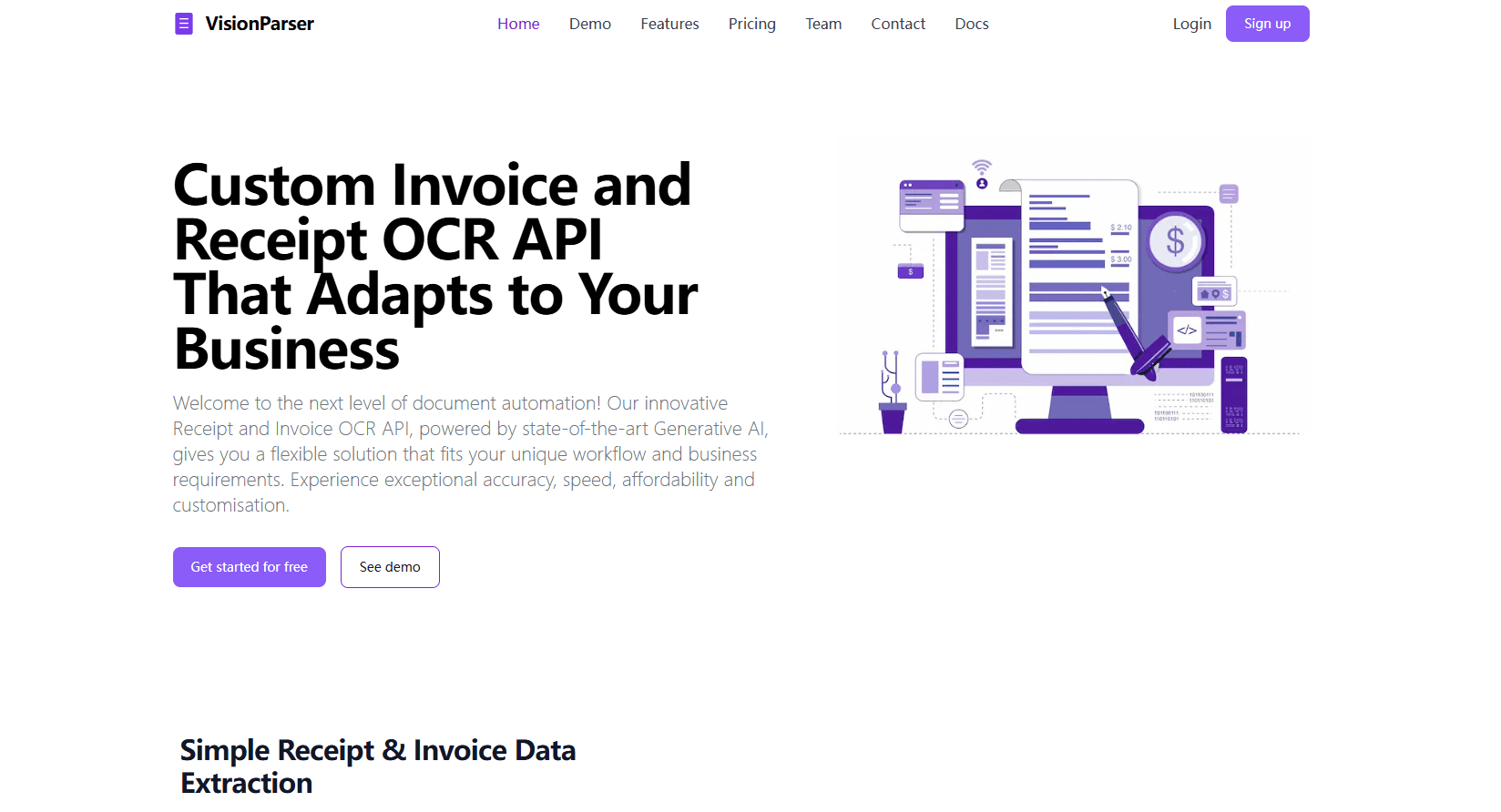
VisionParser is an AI document automation platform and OCR API that turns invoices, receipts, and 40+ document types into structured data. It pairs receipt parsing with 95%+ accuracy.
About VisionParser
What Is VisionParser
VisionParser is a document parsing platform that reads invoices, receipts, bank statements, and more than 40 other document types, then hands back structured data you can push into an ERP or spreadsheet. You can start with a self-serve OCR API or run the full platform with review workflows and custom rules.
The product splits into three layers. At the bottom, a set of OCR APIs turn a single image or PDF into JSON, field by field, each with a confidence score. In the middle, the platform classifies incoming documents, extracts the fields, and validates them against rules you set. On top, a human-in-the-loop queue lets your team correct low-confidence fields before the data moves downstream.
Three things shape how you use it. Documents stream in through email, file upload, API, or your cloud storage, so the tool fits an existing inbox rather than replacing it. The whole platform can run inside your own cloud on AWS, GCP, or Azure, which matters for regulated teams that can't send files to a third-party server. And pricing scales from a $15 a month developer plan to a $200 a month automation platform, with a one-time customization fee on the top tier.
Getting Started
- Sign up and pick a path: start a free trial for one month of invoice and receipt scans, or book a free assessment for the full platform
- Connect your documents by email address, file upload, API call, or a link to your cloud storage account
- Define what to extract, either by using a ready-made template for invoices and receipts or by setting custom document types, output formats, and validation rules
- Run the extraction, then check the review queue where low-confidence fields are flagged for a team member to correct and approve
- Push the approved data to an ERP, accounting tool, or downstream system as CSV, Excel, or JSON, or through an integration or webhook
Product Information
A quick look at VisionParser's pricing, supported platforms, and performance.
Best for
The users, tasks, and scenarios where this tool fits best.
Users
- Accounting and finance teams
- Developers building document features
- Healthcare and legal staff
- Logistics and supply chain teams
Tasks
- Turn invoices into structured JSON
- Automate invoice and receipt intake
- Extract data from bank statements and checks
- Process tax forms
- Scan identity documents
Scenarios
- Month-end accounts payable
- A regulated document flow
- A dashboard built on receipts
- Freight and shipping paperwork
- Claims and onboarding
Key features
Prebuilt OCR APIs for invoices and receipts
The self-serve API takes a PNG, JPEG, or PDF and returns JSON with the fields you'd expect from a purchase: totals, tax, date, merchant name and address, currency, and a request ID. A simple mode returns the basics, and an advanced mode adds the invoice number, amount paid, discounts, service charge, and a full line-item breakdown. Each field carries a confidence score from 0 to 1, so your code can flag anything shaky.
40+ document types on one API
Beyond invoices and receipts, the same API covers bank statements, checks, bills of lading, packing slips, tax forms, ID documents, and healthcare paperwork. You filter by industry to find the right endpoint, and the Universal plan unlocks all of them under one key. That means one integration can serve several teams instead of one contract per format.
AI classification and extraction
VisionParser identifies the document type on its own, then pulls structured fields with the vendor's claimed accuracy of over 95%. It reads PDFs, images, scans, tables, and charts, and it's built for messy real-world input like low-quality scans, photos, and handwriting. For teams that get a wide mix of documents, automatic classification removes the step of sorting files before extraction.
Human-in-the-loop review
Low-confidence fields are flagged automatically and land in a review queue, where a teammate checks, corrects, and approves them before the data moves downstream. High-confidence results can be auto-approved by rules you define. The review step is what lets a business push extracted figures into an ERP without a person rechecking every row.
Validation rules and confidence scores
Every extracted value ships with a confidence score, and the platform can validate fields against business rules you set, like matching a line item total against the invoice total. Rules catch the mistakes a raw OCR pass would let through, and the README-level detail in each response makes it clear which values passed and which need a second look.
ERP and accounting integrations
Approved data flows straight into ERPs like SAP, Oracle, and NetSuite, accounting tools like QuickBooks and Xero, and freight management systems. There are REST APIs and webhooks for anything custom. The point is to kill the re-entry step, so a validated invoice lands in the ledger instead of being typed in twice.
Deploy in your own cloud
The platform runs entirely inside your own environment on AWS, GCP, or Azure, or on-premise. Documents never leave your infrastructure, which suits teams under GDPR, HIPAA, or SOC 2 rules with strict data residency needs. You also pick the region you deploy in, so the setup can match where your data is allowed to live.
Customizable workflows
VisionParser tailors extraction rules, output formats, and document types to match a business's own paperwork rather than forcing it into a fixed template. The top Automation Platform tier adds custom validation rules, detailed reports, and human-in-the-loop review, with a one-time customization fee set by requirements. Teams with unusual documents get a setup built around their workflow.
Pros and cons
Pros
- One API covers 40+ document types, so a single integration handles invoices, receipts, statements, and ID documents
- Every field returns a confidence score, which lets you automate the clean extractions and route only the shaky ones to a person
- The platform can run inside your own cloud, so regulated teams keep full ownership of every document
- A free month-long trial with 100 invoice and receipt scans lets you test accuracy before paying
- Integrations with ERPs and accounting software cut the manual re-entry step once data is approved
Cons
- The full Automation Platform costs $200 a month plus a one-time customization fee, which is steep for a small team with light volume
- Per-scan pricing after the included allowance ($0.03 on the Core plan, $0.02 on Universal) means heavy volume adds up
- Self-hosted deployment is only an option on the top tier, so the cheaper plans run on VisionParser's own cloud
- The advertised 95%+ accuracy is the vendor's own figure, not an independent benchmark, so it's worth testing against your own documents
Frequently asked questions
VisionParser reads documents like invoices, receipts, bank statements, and tax forms and turns them into structured data. You send a file through its OCR API or platform, and it returns fields such as totals, dates, and line items as JSON.
Related content
Explore related tools, skills, and articles for VisionParser.
VisionParser Alternatives

Odyssey 3
Odyssey · OtherOdyssey-3 is Odyssey's foundation world model. It simulates physics in real time, turns a prompt into an interactive environment, and adapts to robots, cars and games.

JarvisCore
Prescott Data · Coding · Productivity · OtherJarvisCore is an open source Python runtime where AI agents work as equal peers on an agent mesh, claim tasks from a shared ledger, and reach external services through a zero-trust broker.
Clef
Cloudflare · Business · OtherClef is Cloudflare's open-source decision model for Workers AI. It returns calibrated probabilities for typed questions, not generated text, so agents can classify, route, and act fast.