

Voca AI
Voca AI · Voice & Language · Marketing
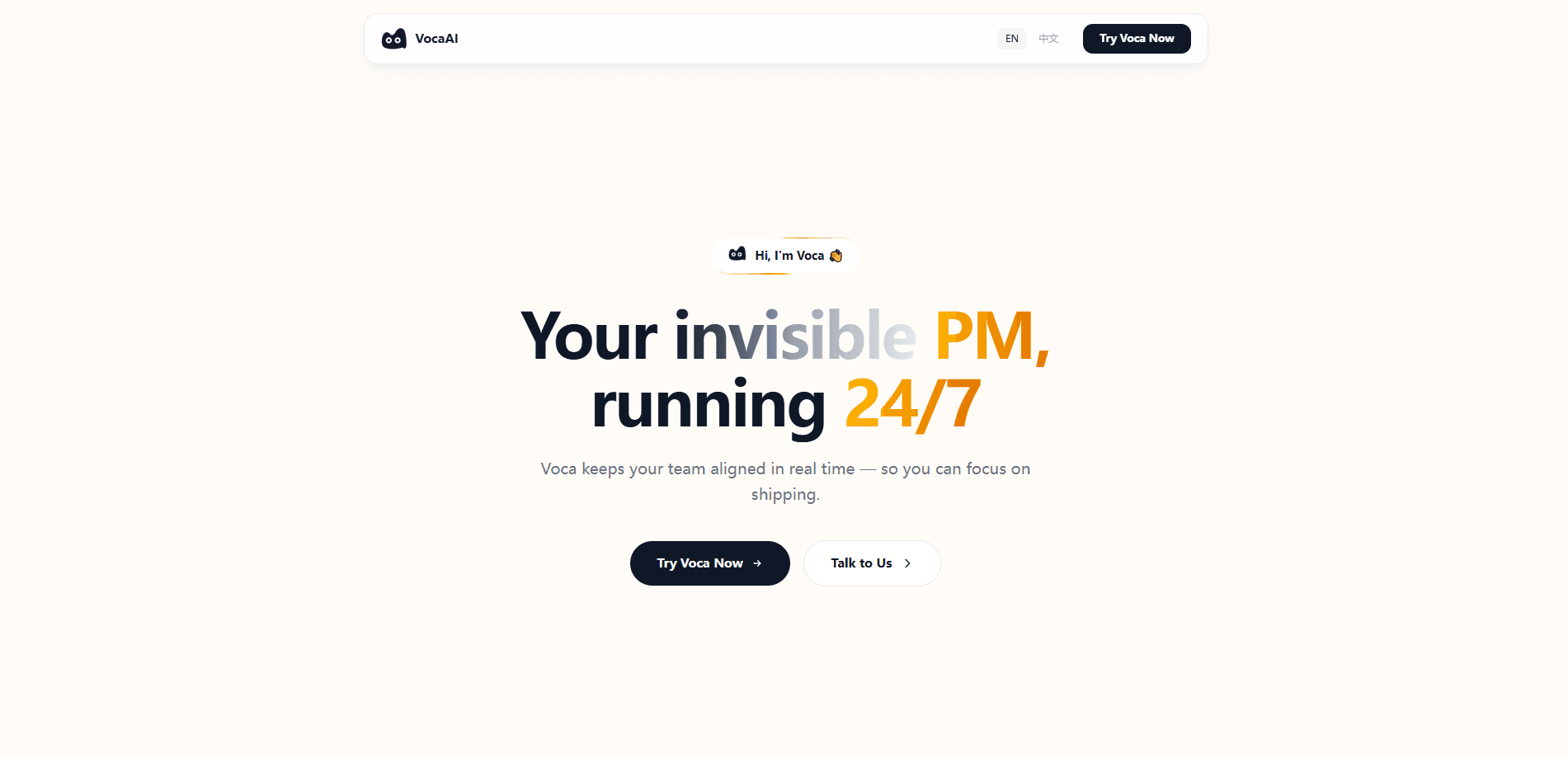
Voca AI is an AI work assistant that sits quietly in the background of a team's tools, captures goals, decisions, and blockers as they happen, then tells the right people what they need to know. It's built for small teams and founders who are tired of status meetings and update docs. It connects to GitHub, Linear, and Slack through MCP, so it follows real work instead of asking about it.
About Voca AI
What Is Voca AI
Voca AI is a web-based assistant from the team behind tryvoca.ai. Rather than acting as another chatbot you have to remember to open, it positions itself as an "invisible project manager" that watches the work flowing through your connected tools and turns scattered conversations into shared context.
The problem it goes after is familiar. Knowledge lives in chat threads, tickets, and someone's head. Nobody has a clean picture of what's happening. Voca tries to remove that overhead. Stand-up meetings. Update documents. The "did you see my message?" pings. All handled automatically.
The big limitation is scope. Voca only works as well as the tools it's connected to. Fewer connections, thinner context. If your team doesn't use GitHub, Linear, or Slack, or you're not comfortable giving an assistant broad access to your workspace, the value drops sharply. It's also a young product, so some workflows may still change.
Getting Started
- Sign up for an account on the official Voca AI site and open the workspace.
- Connect your tools (GitHub, Linear, and Slack) through the MCP integrations so Voca can read activity.
- Start a conversation with Voca about a project; it begins extracting goals, decisions, and blockers from the first message.
- Set up Skills and Heartbeat automation for the recurring checks you want it to run on a schedule.
- Review the daily suggestions it surfaces and let the notifications route updates to the right teammates.
Product Information
A quick look at Voca AI's pricing, supported platforms, and performance.
Best for
The users, tasks, and scenarios where this tool fits best.
Users
- Small startup teams
- Founders and team leads
- Remote teams spread across time zones
Tasks
- Capturing decisions from conversations
- Automatic status routing
- Daily prioritization
Scenarios
- Skipping the morning status meeting
- Onboarding onto an existing project
- Keeping long-running projects aligned
Key features
Automatic Context Capture
Every conversation with Voca is mined for goals, decisions, blockers, and progress. Those get sorted into personal, project, and workspace layers of memory. The point is that you don't have to tag anything or write a summary yourself, since it's extracted as you talk. Over time the knowledge base grows on its own rather than needing manual maintenance.
Layered Memory
Voca separates knowledge into three tiers: what's true for you, what's true for a project, and what's true across the whole workspace. That structure matters for teams. A decision that affects one project shouldn't clutter everyone's view. It's the mechanism that lets context persist across sessions instead of resetting each time.
MCP Integrations
The assistant connects to GitHub, Linear, and Slack through MCP, so it reads your work where it already lives rather than asking you to re-enter it. Once connected, Voca can observe commits, tickets, and threads and fold them into its understanding of a project. The trade-off is clear. Fewer connected tools means less useful context.
Skills and Heartbeat Automation
You can define custom Skills, meaning the specific checks or routines you want, and Heartbeat runs them on a schedule. This turns Voca from a passive observer into an automated teammate. The recurring work just happens. It's the feature that most resembles a traditional automation tool, but tied to the context Voca has already gathered.
Automatic Notifications
When something important happens, Voca decides who needs to know and notifies them, instead of waiting for a human to forward the news. That's the "invisible PM" idea in practice. The routing happens in the background, so no one has to play messenger. It works best when team roles and tools are already well defined.
Daily Suggestions
Voca combines activity across all connected projects and surfaces a short recommendation of what to focus on today. It's meant to cut the mental work of scanning every tool just to figure out priorities. That scan gets old fast. The suggestions are only as good as the data flowing in, so teams that connect fewer tools will see thinner results.
Pros and cons
Pros
- Removes the manual overhead of status updates and stand-up meetings for small teams.
- Layered memory keeps project context alive across sessions and team members.
- MCP connections to GitHub, Linear, and Slack let it work from existing activity rather than asking for re-entry.
- Skills plus Heartbeat allow custom automation to run on a schedule without hand-holding.
Cons
- Value depends heavily on connecting tools; without GitHub, Linear, or Slack, there's little for it to work from.
- Requires giving an assistant broad access to workspace chats and repositories, which some teams won't want.
- As a young product, pricing, features, and workflows may still shift, so it's hard to plan around long term.
Frequently asked questions
Voca AI is an AI work assistant that captures context from your chats and connected tools, keeps team knowledge in layered memory, and automatically notifies the right people about decisions and blockers. In short, it handles the alignment work a project manager would otherwise do by hand.
Related content
Explore related tools, skills, and articles for Voca AI.
Voca AI Alternatives

Foley
Hanamori Labs, LLC · Voice & Language · Productivity · AI AssistantFoley is a voice to-do list that turns a spoken sentence into a filed task, complete with project, date and time, then helps you plan the day around what is already there.

HireKey
HireKey · Voice & Language · Productivity · LeaningHireKey is an AI job search copilot built by a former tech recruiter. It checks role fit, tailors resumes, runs interview practice and tracks every application.

Fluence
Yay Software (Yannick Huchard) · Writing · Voice & Language · ProductivityFluence is an Android app that reads PDFs, EPUBs, Word files and web articles aloud, follows each sentence as it speaks, and answers questions about the text on the phone itself.