

Vocal Division
Vocal Division · Voice & Language
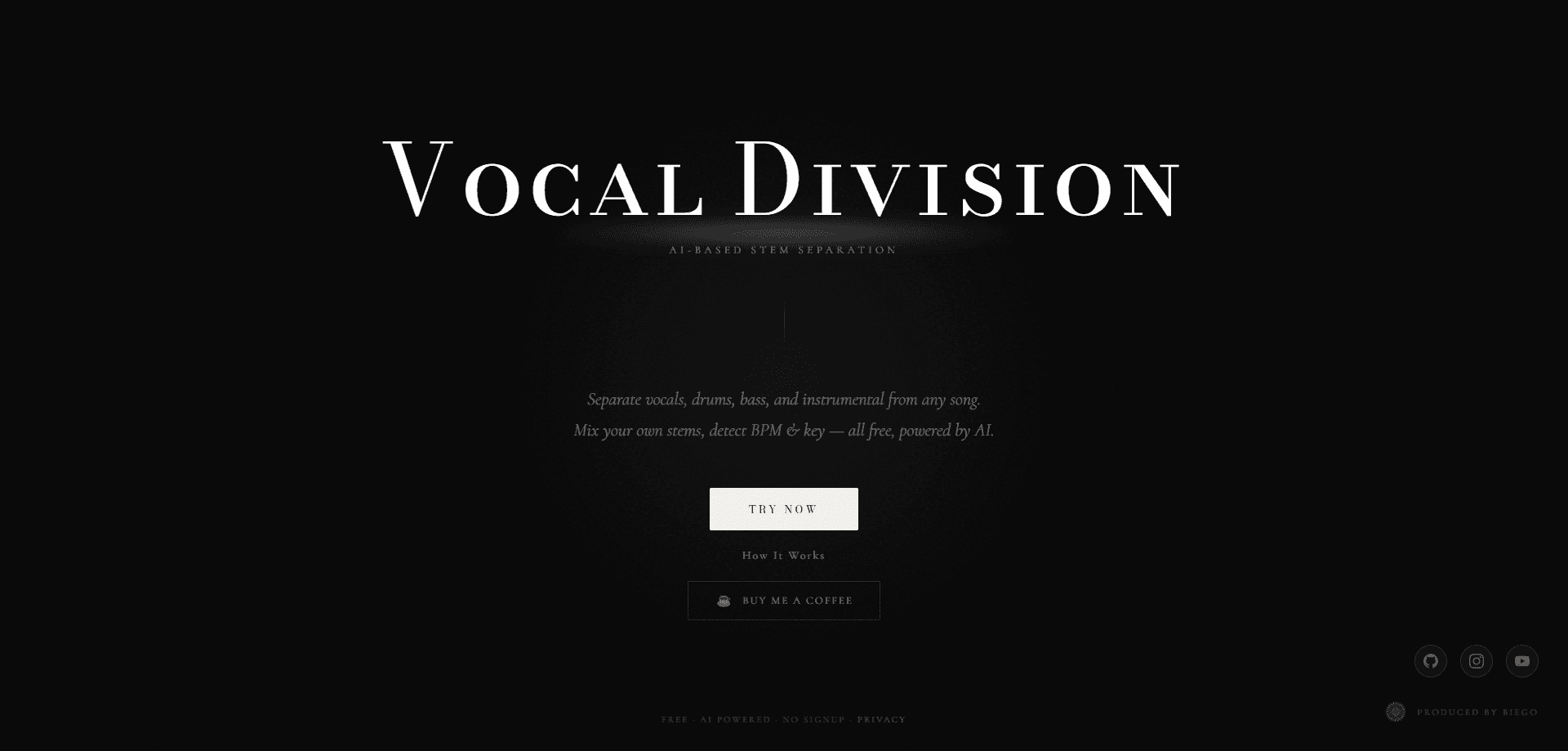
Vocal Division is a free AI music tool that takes a finished song and pulls it apart into vocals, drums, bass, and instrumental tracks. You upload a file or paste a YouTube link, pick a 2-stem or 4-stem split, and the AI does the rest in under two minutes. It also detects BPM and musical key, and a built-in mixer lets you mute tracks and export a custom mix as WAV or MP3. Think of it as a vocal remover and instrumental extractor in one, with a karaoke track maker bolted on.
About Vocal Division
What Is Vocal Division
Vocal Division is a web-based stem splitter built for people who work with music but don't own the original multitrack sessions. Want to separate vocals from a song for a remix, or strip out the voice entirely? Give it any mixed song and it returns the individual parts. You can mute the drums, loop a bassline, or build a karaoke backing track without hunting down studio files that rarely exist for the music you want.
The tool runs on Demucs v4, an open-source deep learning model trained on a large library of songs. According to the developer, it analyzes frequency patterns, stereo width, and timing structure to estimate which sounds belong to which instrument, which is how it manages to isolate a voice from a thick mix that was never meant to be taken apart. The catch is the ceiling on input: files top out at 10 minutes and 100MB, and YouTube imports hit the same length limit.
Getting Started
- Open the app at vocaldivision.com and drop in an audio file (MP3, WAV, or FLAC) or paste a YouTube link.
- Choose your split. Pick 2-stem for vocals plus instrumental, or 4-stem to get vocals, drums, bass, and instrumental on their own tracks.
- Wait for processing. A typical track finishes in 30 to 90 seconds depending on length.
- Preview and shape the result in the 4-track mixer, adjusting volume or muting stems you don't need.
- Export individual stems or your full custom mix as WAV or MP3.
Product Information
A quick look at Vocal Division's pricing, supported platforms, and performance.
Best for
The users, tasks, and scenarios where this tool fits best.
Users
- DJs who need clean acapellas and instrumentals for live mashups, with the caveat that stems work best on well-mixed sources.
- Producers sampling vocals or drum loops for remixes. The 10-minute input cap does rule out full live sets.
- Singers and cover artists building karaoke backing tracks from a song's own instrumental stem.
- Content creators who want to pull a music bed out of a track for video or podcast edits.
Tasks
- Removing vocals to make an instrumental or karaoke version of any song.
- Isolating a drum or bass part to study how an arrangement was put together.
- Detecting BPM and key before a remix or harmonic DJ mix, accurate to within about 2 BPM per the developer.
- Exporting stems into a DAW for further editing or a fresh mix.
Scenarios
- Practicing a part against the original backing without the lead vocal in the way.
- Building a quick karaoke track for a party or performance.
- Sampling a short section of a track for a beat or a social clip.
- Checking the tempo and key of a song before mixing it into a set.
Key features
Four-Stem AI Separation
The core of Vocal Division is its ability to split a song into vocals, drums, bass, and instrumental as separate files. It runs Demucs v4, and the company says the model was trained on thousands of tracks to handle any genre, from hip-hop to classical. For most users the practical payoff is simple. Parts that were glued together in the mix become editable on their own. Not perfect. But close enough for real work.
Two-Stem Mode for Vocals and Instrumental
Not every task needs a full breakdown. The 2-stem option returns just the vocals and the instrumental, which is the fastest route to a karaoke track or an acapella. It also processes quicker than the 4-stem split because the model has fewer targets to resolve, so it's the better pick when you only need the voice pulled out and nothing else.
Built-In 4-Track Mixer
Once separation finishes, Vocal Division gives you a mixer with volume control, mute buttons, and real-time preview for each stem, all in the same browser window where the separation ran. You can drop the drums, lower the bass, and hear the result before committing to an export. That removes the need to bounce stems into a separate app just to test a rough balance.
BPM and Key Detection
The tool analyzes tempo and musical key alongside the separation. Tempo comes from Essentia, and the developer rates it accurate to roughly within 2 BPM. For DJs and remixers, that's the difference between a mix that locks in and one that drifts. It saves the step of running a separate analyzer, too.
Multi-Format Import and Export
You can bring in MP3, WAV, or FLAC files, or paste a YouTube link directly. Stems and your custom mix export as WAV or MP3. The YouTube import is the standout convenience here. It means you can work from a streamed track without first ripping the audio to your own drive.
No Account Needed to Try
Vocal Division runs in the browser and doesn't put a paywall or signup in front of the core feature. You upload, separate, and download without a subscription. The developer funds it through an optional "Buy Me a Coffee" link, which is a real signal that the free tier isn't a teaser for something locked behind a card.
Pros and cons
Pros
- Free to use with no subscription, no credit system, and no paywall on stem downloads.
- Four-stem separation runs on Demucs v4, a proven open-source model, so quality is competitive with paid tools.
- Accepts YouTube links directly, saving you the step of extracting audio first.
- Built-in mixer with per-stem volume and mute lets you test a rough balance before exporting.
- BPM and key detection come as part of the same run, useful for DJs and remixers.
Cons
- Input is capped at 10 minutes and 100MB, so full DJ sets, live recordings, and long mixes are out of reach.
- No mobile app; it only works through a browser, which makes quick phone edits awkward.
- There's no documented API, so it can't be wired into an automated or batch workflow.
- No account and no saved history, meaning your previous separations aren't stored between sessions.
Frequently asked questions
Yes. Separation, mixing, and stem downloads are all free, and there's no subscription. The developer accepts optional donations through Buy Me a Coffee, but nothing in the core workflow is gated behind payment, so you can run as many tracks as you like without hitting a credit wall or a trial limit that quietly expires.
Related content
Explore related tools, skills, and articles for Vocal Division.
Vocal Division Alternatives

Foley
Hanamori Labs, LLC · Voice & Language · Productivity · AI AssistantFoley is a voice to-do list that turns a spoken sentence into a filed task, complete with project, date and time, then helps you plan the day around what is already there.

HireKey
HireKey · Voice & Language · Productivity · LeaningHireKey is an AI job search copilot built by a former tech recruiter. It checks role fit, tailors resumes, runs interview practice and tracks every application.

Fluence
Yay Software (Yannick Huchard) · Writing · Voice & Language · ProductivityFluence is an Android app that reads PDFs, EPUBs, Word files and web articles aloud, follows each sentence as it speaks, and answers questions about the text on the phone itself.