

Vocal Image: Speaking Coach
Vocal Image · Voice & Language
Vocal Image is an AI speaking coach for voice and communication skills. You record short exercises, get instant feedback on clarity, pace, and tone, then follow a daily plan.
About Vocal Image: Speaking Coach
What Is Vocal Image
Vocal Image is a communication training app built by an Estonian team of the same name. You record short voice exercises on your phone, and the AI grades how you sound: pitch, clarity, pace, confidence. From there it builds a daily training plan of articulation drills, intonation practice, public speaking scenarios, and accent work.
The pitch is simple. Most people who want to speak better never get honest feedback, because friends are polite and coaches cost money. Vocal Image replaces that with a microphone and an instant score. You read a phrase, and the app tells you which words you swallowed and how strong your accent sounds. Roughly 4 million people have taken its free voice tests, and the app has crossed 1 million downloads on Android alone.
The limits matter too. The coaching is only as good as what you feed it, so a noisy room or a mumbled take gives noisy results. Serious voice work, the kind a stage actor or singer does, still needs a human ear. And since the plan is subscription-based, anything past the trial sits behind a paywall.
Getting Started
- Download the app for iOS or Android, or open the web version at vocalimage.app.
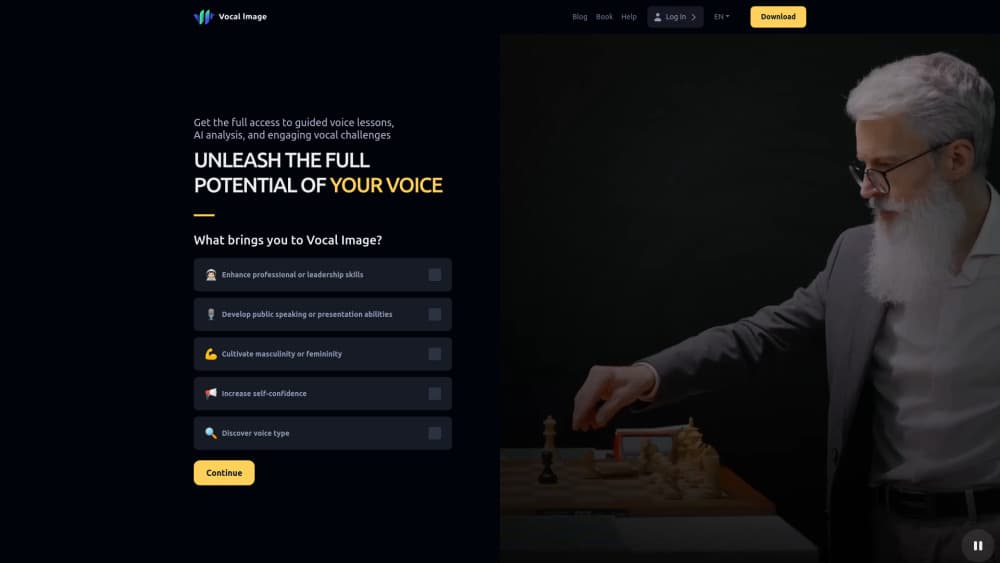
- Take the short quiz about what you want from your voice, whether that's confidence, clarity, or presence.
- Get your daily plan of short lessons tailored to those goals.
- Record each exercise. The AI responds instantly with what landed and what to fix.
- Re-test after a couple of weeks and compare recordings side by side.
Product Information
A quick look at Vocal Image: Speaking Coach's pricing, supported platforms, and performance.
Best for
The users, tasks, and scenarios where this tool fits best.
Users
- Job seekers and interviewees
- Non-native English speakers
- Managers and team leads
Tasks
- Practicing difficult conversations
- Cleaning up filler words
- Warm-up before a talk
Scenarios
- Preparing for a salary negotiation
- Sharpening pronunciation for calls
- Tracking progress over time
Key features
AI roleplay for high-stakes talks
This is the feature the app leans on hardest. An AI character plays the other person, your manager, a client, even a teenager, and responds the way they might. Afterward you see what worked, where filler words crept in, and cleaner ways to phrase the same point. It's a rehearsal space for conversations that are awkward to practice in real life.
Instant voice analysis
Record an exercise and the app scores it on clarity, pace, and tone within seconds. The breakdown points to specific problems: rushed sections, words that got swallowed, a flat delivery. Because the feedback arrives right away, you can try the same line again and watch the score move.
Intonation, visualized
The app draws your pitch as a curve and asks you to match a target line in real time, closer to a rhythm game than a lecture. Melody is what makes speech sound confident, and most training tools skip it because it's hard to teach without visual feedback.
Articulation trainer and diction drills
This articulation trainer runs on tongue twisters and diction drills, each scored for clarity and speed with leaderboards attached. Turning a routine drill into a game you want to return to is the point, since a habit only sticks if it's mildly fun.
Accent test with shareable results
As a public speaking app and a voice training app rolled into one, it starts simple. Read a phrase and the AI estimates how strong your English accent sounds across more than 120 detected accents. Over 8 million tests have been taken, and the results are shareable. It's a fast, low-pressure way to get a baseline.
Breathing and calm exercises
Guided breathing patterns aim to settle nerves before a presentation or a hard call. The app says 99% of users rated the feature helpful. It handles the part most speaking tools ignore: your voice falls apart when you're tense.
Pros and cons
Pros
- Instant feedback turns vague advice into a score you can act on and track.
- Roleplay covers interviews, negotiations, and difficult talks that are hard to rehearse alone.
- The free voice test and trials give new users a real sample before paying.
- Drills are short and gamified, so a daily habit is easier to keep.
- It runs on iOS, Android, and the web, so practice can happen anywhere.
Cons
- The AI judges only what it hears. A bad microphone or a noisy room skews the scores.
- Serious technique work for singing or stage performance still needs a human coach.
- Most useful features sit behind a subscription once the trial ends.
- Pricing varies by storefront and plan, so the same user can be offered different rates.
- No public API, which rules it out for teams that want to build on top of it.
Frequently asked questions
It coaches your speaking voice. You record short exercises, and the AI scores clarity, pace, and tone, then assigns a daily plan of drills and roleplay scenes built around your goals.
Related content
Explore related tools, skills, and articles for Vocal Image: Speaking Coach.
Vocal Image: Speaking Coach Alternatives

Foley
Hanamori Labs, LLC · Voice & Language · Productivity · AI AssistantFoley is a voice to-do list that turns a spoken sentence into a filed task, complete with project, date and time, then helps you plan the day around what is already there.

HireKey
HireKey · Voice & Language · Productivity · LeaningHireKey is an AI job search copilot built by a former tech recruiter. It checks role fit, tailors resumes, runs interview practice and tracks every application.

Fluence
Yay Software (Yannick Huchard) · Writing · Voice & Language · ProductivityFluence is an Android app that reads PDFs, EPUBs, Word files and web articles aloud, follows each sentence as it speaks, and answers questions about the text on the phone itself.