

VocalRemover
MB Kimarta · Voice & Language
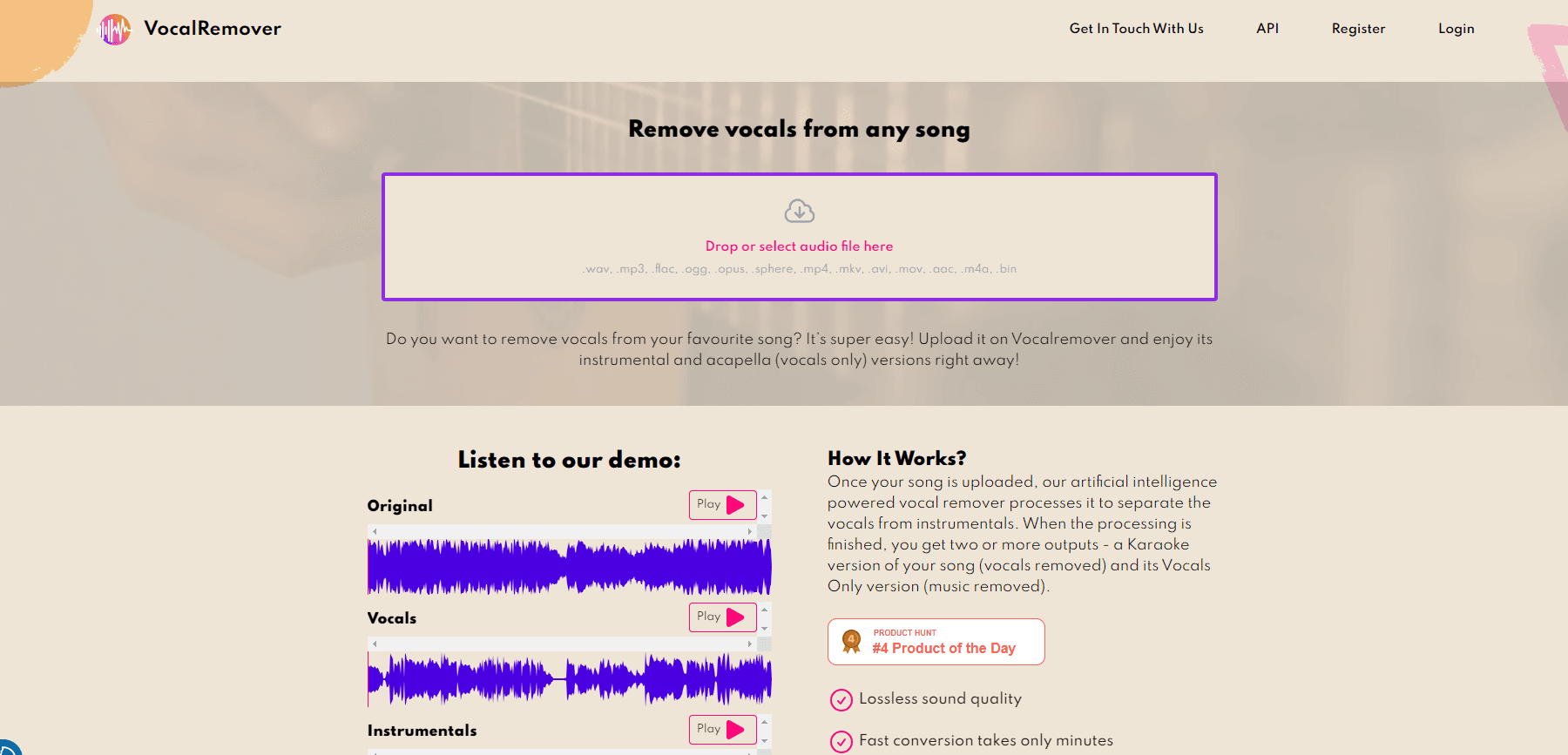
VocalRemover is a browser based AI vocal remover that splits songs and videos into vocals, instrumentals and stems, so you can make karaoke tracks, acapellas or remixes without installing software.
About VocalRemover
What Is VocalRemover
VocalRemover is a web app from MB Kimarta, a small software company based in Kaunas, Lithuania. You upload a track, the service runs it through source separation models, and you get back two or more files: one with the singing removed and one with only the singing left.
The pitch is simplicity. It's a vocal remover online in the literal sense: no plugin, no install, no GPU, no DAW session. A three minute song usually comes back in minutes, and the export keeps the format and sample rate of your upload, so a WAV stays a WAV. The same upload box accepts video files, which matters to anyone pulling a backing track out of a live clip or a music video.
The limits are worth knowing before you pay. Separation quality depends on the mix. Dense productions with heavy reverb or doubled vocals sometimes keep traces of the voice, and the team says outright that it has no repair tools for those cases. That's why the free tier exists: 30 seconds of any song, no card needed, so you can test the exact track you care about.
Getting Started
- Open vocalremover.com and drop a song or video into the upload box. No account is needed for the free 30 second sample.
- Pick the output you want: karaoke (vocals removed), acapella (music removed) or a full stem split.
- Wait for processing. Short clips finish in under a minute, longer files queue behind other jobs.
- Download the tracks, or open them in the browser Studio to remix, change pitch and tempo, or build a karaoke video.
- Buy a minute package when you need full length exports. Minutes are pooled, so ten minutes covers three three minute songs or any mix of shorter files.
Product Information
A quick look at VocalRemover's pricing, supported platforms, and performance.
Best for
The users, tasks, and scenarios where this tool fits best.
Users
- Singers and cover bands
- Producers and DJs
- Podcasters and video editors
Tasks
- Making a karaoke backing track from a song you already own
- Pulling an acapella for a remix or a cover
- Studying a mix
- Rescuing audio from a video
Scenarios
- A wedding or corporate band that needs a new backing track the night before a gig, when there's no time to book a studio.
- A TikTok or YouTube edit that needs the instrumental under a voiceover without a copyright strike on the original vocal.
- A language learner or music student slowing a passage down in the Studio to hear the phrasing clearly.
Key features
Vocal and instrumental separation
This is the core job: one upload, two outputs. You get a karaoke version with the singing removed and a vocals only version with the band removed. If you need to remove vocals from a song and don't want to open a DAW, that's the entire workflow. The service keeps the original file format and sample rate, so a lossless upload comes back lossless rather than re-encoded MP3.
Stem Splitter
Instead of two tracks, the stem splitter breaks a song into drums, bass, vocals and other instruments. That's the difference between "I can sing over this" and "I can rebuild this." Producers use it for sampling and edits, and it's the feature that makes the tool more than a karaoke machine.
Browser Studio for remixing
The Studio runs in the browser and lets you load separated tracks, mute or solo parts, change pitch and tempo, and assemble a mix. It's a lightweight workspace rather than a DAW replacement, but it covers the gap between "I have stems" and "I have something to upload."
Karaoke video and cover tools
The karaoke maker and AI cover voice tools turn a separated instrumental into a shareable video or a new vocal take. Voice cloner and anime voice changer sit in the same menu. These are the features that pull in casual users who never open a DAW.
Cleanup tools for noisy audio
Noise remover, reverb remover and vocal enhancer handle the messy cases: phone recordings, room echo, dialogue recorded in a kitchen. They work as separate free tools, and they're a sensible first stop before you pay for separation minutes.
API and MCP server for developers
VocalRemover sells API access with plans from 1,200 minutes a month upward, billed per minute, plus an MCP server for agent workflows. That puts it in a different bracket from most consumer vocal remover sites, which are web only and have no programmatic path.
Pros and cons
Pros
- Runs entirely in the browser, so there's nothing to install and it behaves the same on a laptop, a phone or a studio desktop.
- The free 30 second sample lets you hear the result on your own song before spending anything, which most competitors don't offer.
- Minute based plans match how people actually work: ten minutes covers three short songs, and unused minutes are pooled rather than tied to one file.
- Video support up to 10GB per file covers full live sets and long interviews, not just three minute singles.
- An official API and MCP server mean the same engine can be automated, which matters for labels and app builders.
Cons
- Quality varies by track. Songs with dense reverb or stacked harmonies can keep audible vocal traces, and there's no manual repair control to fix them.
- Storage isn't permanent. Sample files last 3 days, and one time purchases keep files for 30 days, so you have to download results promptly.
- The Studio is not a full editor. You can't do surgical edits, fades or multi-track automation there, so serious work still moves to a DAW.
- Subscription pricing is per month rather than per project, which is awkward if you only need one track twice a year.
Frequently asked questions
It separates a finished mix into parts. Upload a song and you get the instrumental and the vocal as separate files, or a full stem split with drums, bass and other instruments. The usual reasons people use it are karaoke tracks, acapellas and remix material.
Related content
Explore related tools, skills, and articles for VocalRemover.
VocalRemover Alternatives

Off the Record
Weird Machines · Voice & Language · ProductivityOff the Record is a macOS app from Weird Machines that reshapes your voice in real time to block AI transcription, so people hear you normally and notetakers get nothing usable.
Cekura Bench
Cekura · Voice & Language · BusinessCekura Bench is a public benchmark that runs speech-to-speech models and deployed voice agents through 82 simulated phone calls, three times each, then publishes pass rates, latency and cost.
Griffin by Tavus
Tavus · Voice & Language · Video · ChatbotGriffin by Tavus is the first Human Interaction Model: a full-duplex, video-to-video system that watches, listens, and answers during a live video call in real time.