
Voice Anywhere
ProCoders · Voice & Language
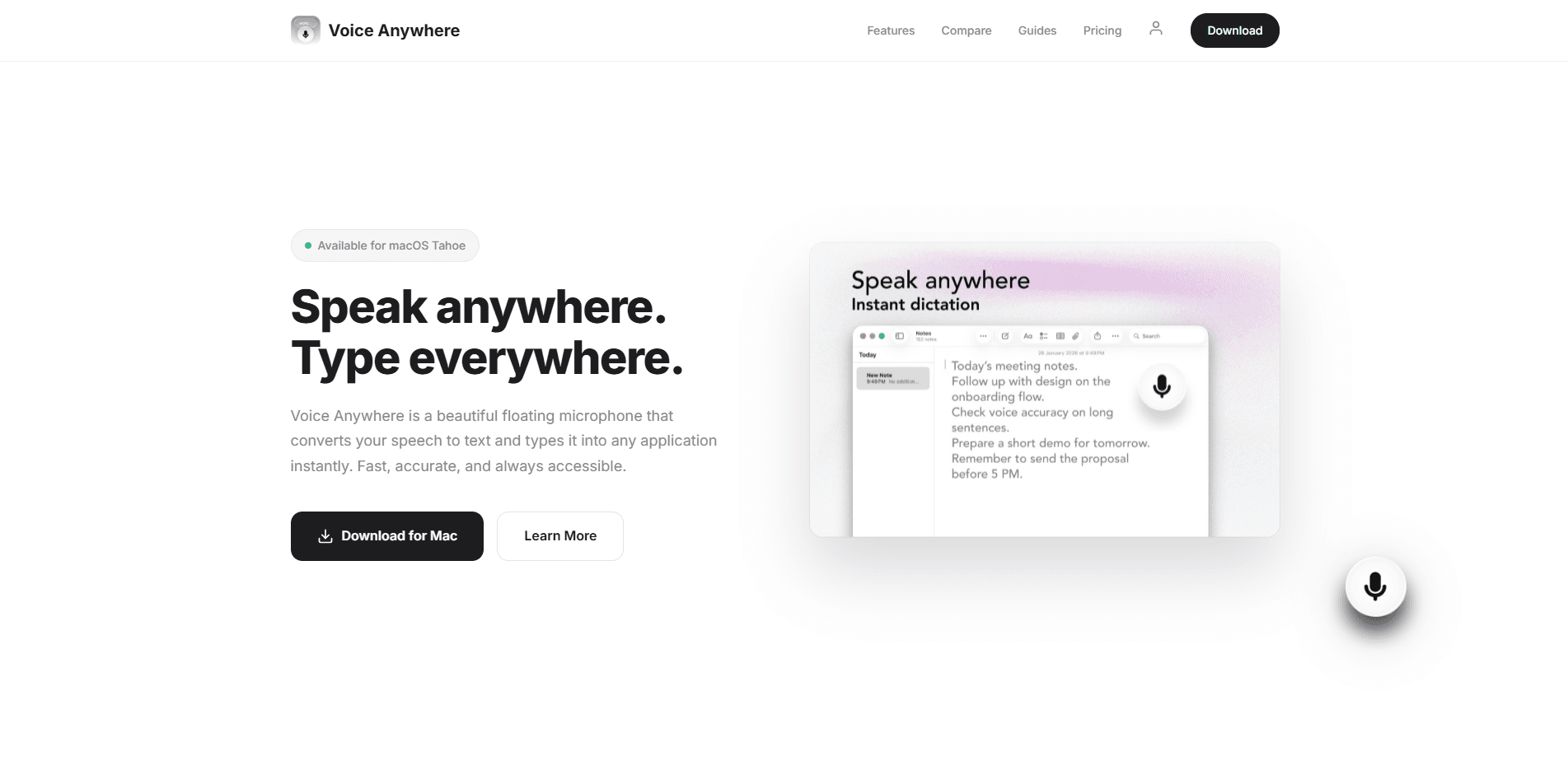
Voice Anywhere is a macOS dictation tool that turns your speech into text and types it into whatever app you're already using. A small floating microphone sits on top of your windows. Talk instead of type. No context switching. It supports 70+ languages, runs recognition on your Mac for speed and privacy, and starts at $4.99/month after a 7-day free trial.
About Voice Anywhere
What Is Voice Anywhere
Voice Anywhere is a speech-to-text app for macOS built by ProCoders. The pitch is simple. Instead of typing, you press a hotkey, speak, and your words land in the text field your cursor is already sitting in. Email, Slack, Notion, a code editor, a browser form. It doesn't matter which one. The app lives in your menu bar and floats above everything else, so dictation stays one click away.
The core problem it solves is friction. Context switching kills momentum, and reaching for a dedicated transcription window means copying text back and forth between apps. Voice Anywhere skips that whole routine by writing straight into the active field. Fast. Clean. It's built with SwiftUI for the newer macOS look, and the fast path uses Apple's on-device speech recognition for supported languages, which means low latency and no audio ever leaving your Mac during normal use.
The main limitation is the platform. This is macOS only, and the newest design work targets macOS Tahoe. There's no Windows, no Android, no iOS app. If you split your day across devices, Voice Anywhere helps only while you're at your Mac. Cloud fallback covers the languages Apple handles less well. That processing is optional and off by default.
Getting Started
- Download the installer from the official site and open it on a Mac running macOS 13.0 or later.
- Pick a plan, since downloads only become available after checkout. The monthly option gives you a 7-day free trial at $0.
- Launch the app and grant microphone and accessibility permissions so it can type into other applications.
- Set your language and your dictation hotkey, then click the floating microphone and start speaking.
- Confirm the text landed in the right field and adjust the language if you switch mid-task.
Product Information
A quick look at Voice Anywhere's pricing, supported platforms, and performance.
Best for
The users, tasks, and scenarios where this tool fits best.
Users
- Writers and bloggers
- People with repetitive strain or typing pain
- Multilingual users
Tasks
- Fast email and chat replies
- Long-form drafting
- Note-taking from meetings
Scenarios
- Writing at your desk for hours
- Working in a text-heavy tool that has no built-in voice input
- Taking a break from the keyboard
Key features
Dictate Into Any App
Voice Anywhere types into whatever field is active, so you don't paste text between programs. Open your email. Click the field. Speak. The words appear. This is the feature that defines the product, and it works across native apps and web apps alike, which means you rarely need a workaround.
Always-On-Top Microphone
The floating glass microphone button stays pinned above every single window on your screen, which means you can fire off a quick dictation without hunting for the app or losing your place in whatever you were reading. It's a small thing, but it's what separates a dictation tool you actually use from one you forget about.
70+ Languages
The app covers over 70 languages through Apple's speech recognition, including English, Spanish, French, German, Japanese, and Chinese, and you can switch between them on the fly with a single click whenever you need to. That matters when you write in more than one language in a single session.
On-Device Recognition
For supported languages, recognition happens locally on your Mac through Apple's engine, and with no round trip to a server in the middle, that keeps your audio on your device while it runs. Cloud processing is a fallback for other languages, and the company says that data is encrypted and never stored.
Native macOS Design
Voice Anywhere is built with SwiftUI and the Liquid Glass design language, so it looks like it actually belongs on a modern Mac rather than being bolted on as an afterthought by a developer who didn't care. If you care about how your tools feel, this one doesn't clash with the rest of your desktop.
Simple Pricing With a Trial
You get a 7-day free trial on the monthly plan. After that it's $4.99/month, or $30/year if you pay upfront. The yearly option saves you $29.88 compared to paying monthly. The catch: it skips the trial and bills right away.
Pros and cons
Pros
- Types straight into the active field, so there's no copy-paste between apps.
- On-device recognition for common languages keeps audio local and cuts latency.
- 70+ languages with one-click switching suits people who write in several languages.
- The floating button stays on top of every window, so dictation is always one click away.
- Yearly billing drops the effective cost to $2.50/month, less than half the monthly rate.
Cons
- macOS only, so it's useless if you also work on Windows or across mobile devices.
- Downloads are locked behind a plan, so you can't test the app before choosing one.
- Cloud fallback means some languages send audio off your Mac, which privacy-minded users should weigh carefully before they enable it.
- No public API, so you can't wire dictation into your own tools or scripts.
Frequently asked questions
It's a macOS dictation app that converts your speech to text and types it into any application. Use it to write emails, documents, and messages by talking instead of typing, while staying in whatever app you're already working in.
Related content
Explore related tools, skills, and articles for Voice Anywhere.
Voice Anywhere Alternatives

Foley
Hanamori Labs, LLC · Voice & Language · Productivity · AI AssistantFoley is a voice to-do list that turns a spoken sentence into a filed task, complete with project, date and time, then helps you plan the day around what is already there.

HireKey
HireKey · Voice & Language · Productivity · LeaningHireKey is an AI job search copilot built by a former tech recruiter. It checks role fit, tailors resumes, runs interview practice and tracks every application.

Fluence
Yay Software (Yannick Huchard) · Writing · Voice & Language · ProductivityFluence is an Android app that reads PDFs, EPUBs, Word files and web articles aloud, follows each sentence as it speaks, and answers questions about the text on the phone itself.